Monitor
28 articles on this topic.
This hub covers the decision that comes right before or right after buying a monitor: does this specific model actually fit what happens at your desk. Sometimes that’s a straight call between two named panels at different price points; sometimes it’s whether a monitor already picked out will handle a particular console, laptop, or GPU without a limitation showing up later — a refresh rate that doesn’t survive a cable, a panel that isn’t quite what the spec sheet implies, a port that charges a laptop but not at full speed. The common thread is a purchase already narrowed to one or two options, decided by a specific number or compatibility fact rather than a general impression.
These questions start as posts from people describing their own setup — a budget, a GPU, a console, a desk — and asking whether a particular monitor works for it. Answering them means checking published reviews, what owners report after living with a panel, and manufacturer documentation, then reconciling the three where they disagree.
- Buyrecommendationr/MonitorAdvice
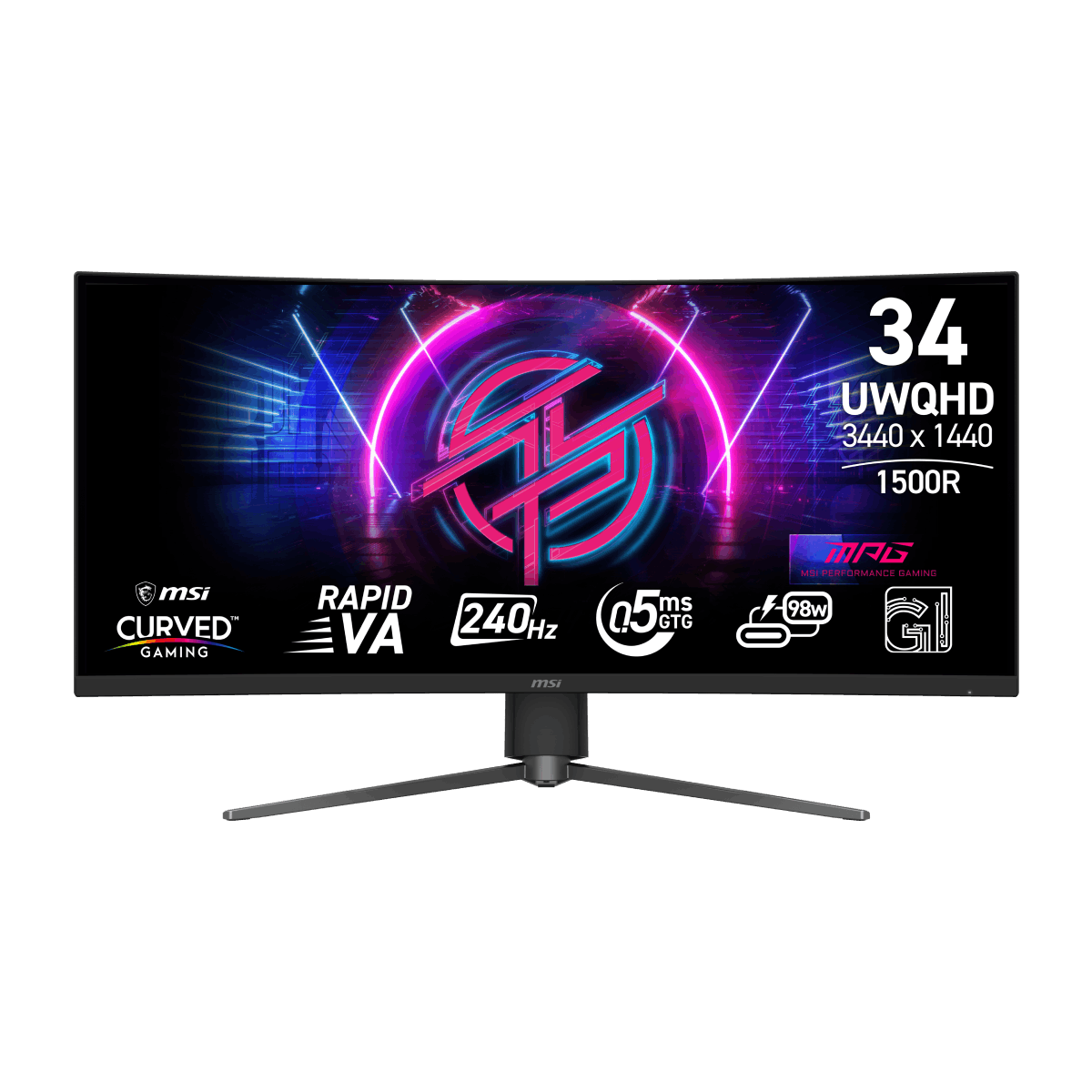
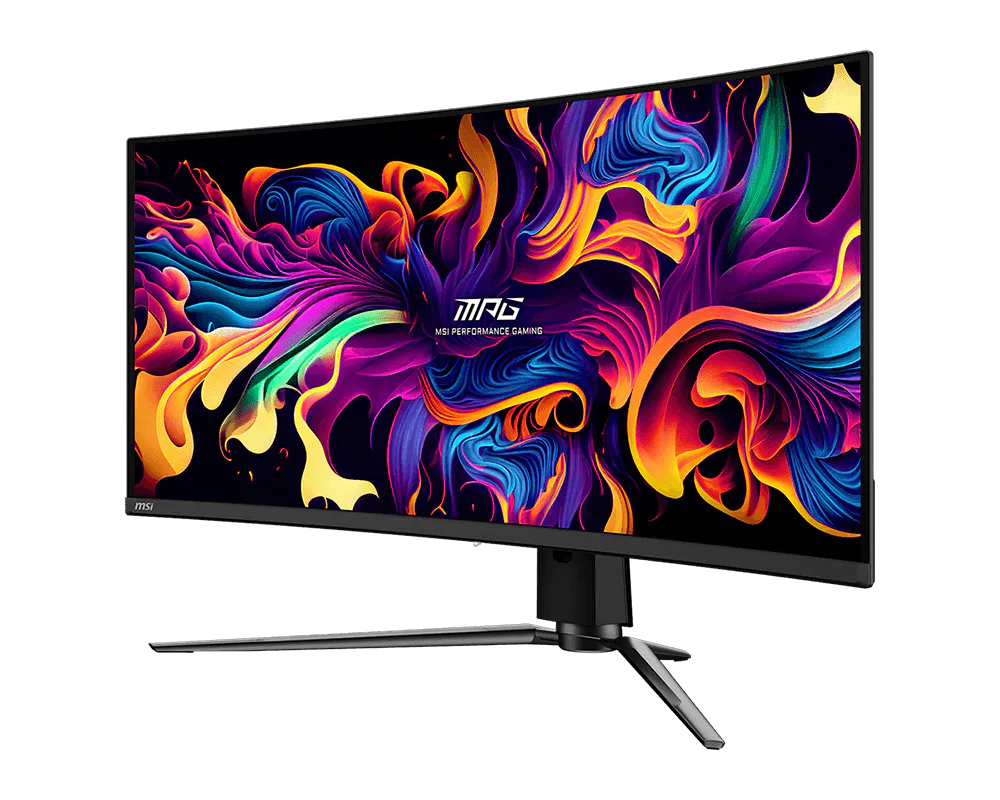
MSI MPG 346CQRF X24 Is the Safer Laptop Pick
Choose the MSI MPG 346CQRF X24: it drives 40% fewer pixels than 4K while retaining a 34-inch ultrawide, 240Hz, USB-C and KVM.
- Skiprecommendationr/buildapcmonitors
GW2790QT Tops Out at 75Hz: 100Hz 2K Picks for India
BenQ's own spec sheet caps the GW2790QT at 75Hz; the Dell S2725DC and Samsung ViewFinity S6 hit 100Hz with the same 65W USB-C hub in India.
- Buycomparisonr/OLED_Gaming
ASUS XG27AQDMES vs MSI VA Ultrawide: The RTX 3080 Call
The XG27AQDMES OLED beats a cheaper MSI VA ultrawide for RTX 3080 gaming on real contrast, response time, and a resolution the 3080 can drive.
- Buyrecommendationr/buildapcmonitors
Dell U3223QE for Mixed Work and Gaming: The Catch
The U3223QE's 90W USB-C and rich contrast suit work well, but its 60Hz panel with no VRR is a real limit once gaming gets competitive.
- Buycomparisonr/buildapcmonitors
ProArt PA27UCGE vs Dell U2725QE: A Designer's Pick
The PA27UCGE's self-calibrating colorimeter and 160Hz beat the U2725QE for Adobe and Figma work; pick Dell only for true Thunderbolt 4 dock connectivity.
- It dependsworth itr/AcerNitro
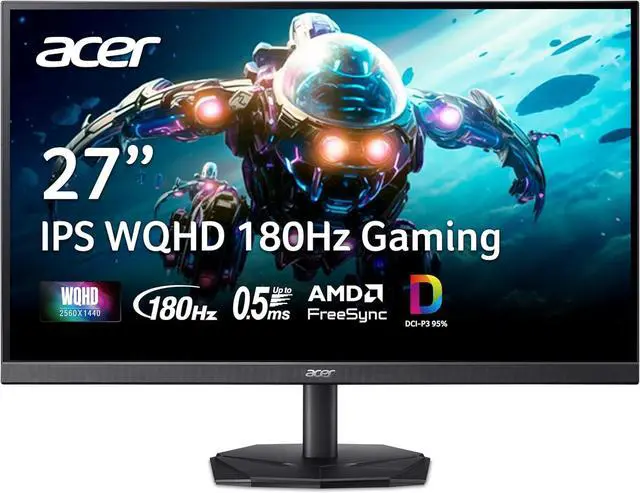
Acer KG271U N3bmiipx: Is the Panel Really 8-Bit?
The KG271U N3bmiipx's IPS panel is native 8-bit at 16.7 million colors with no FRC disclosed, but Acer publishes no factory Delta E or sRGB spec.
- Buyvalidationr/OLED_Gaming
ROG Strix XG27AQDPG: Is It Really Competitive-Grade?
Yes — measured input lag and response times on the XG27AQDPG's 500Hz QD-OLED panel back up its competitive-gaming claims, glossy coating and all.
- Buyrecommendationr/MonitorAdvice
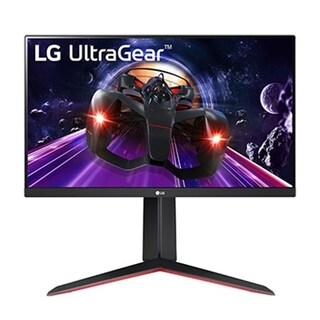
LG 24GN65R for PS5 and Office: Buy It?
Buy the LG 24GN65R if 1080p and no PS5 VRR are acceptable; it delivers 120Hz, useful sRGB coverage and a proper ergonomic stand.
- Buycompatibilityr/macbook
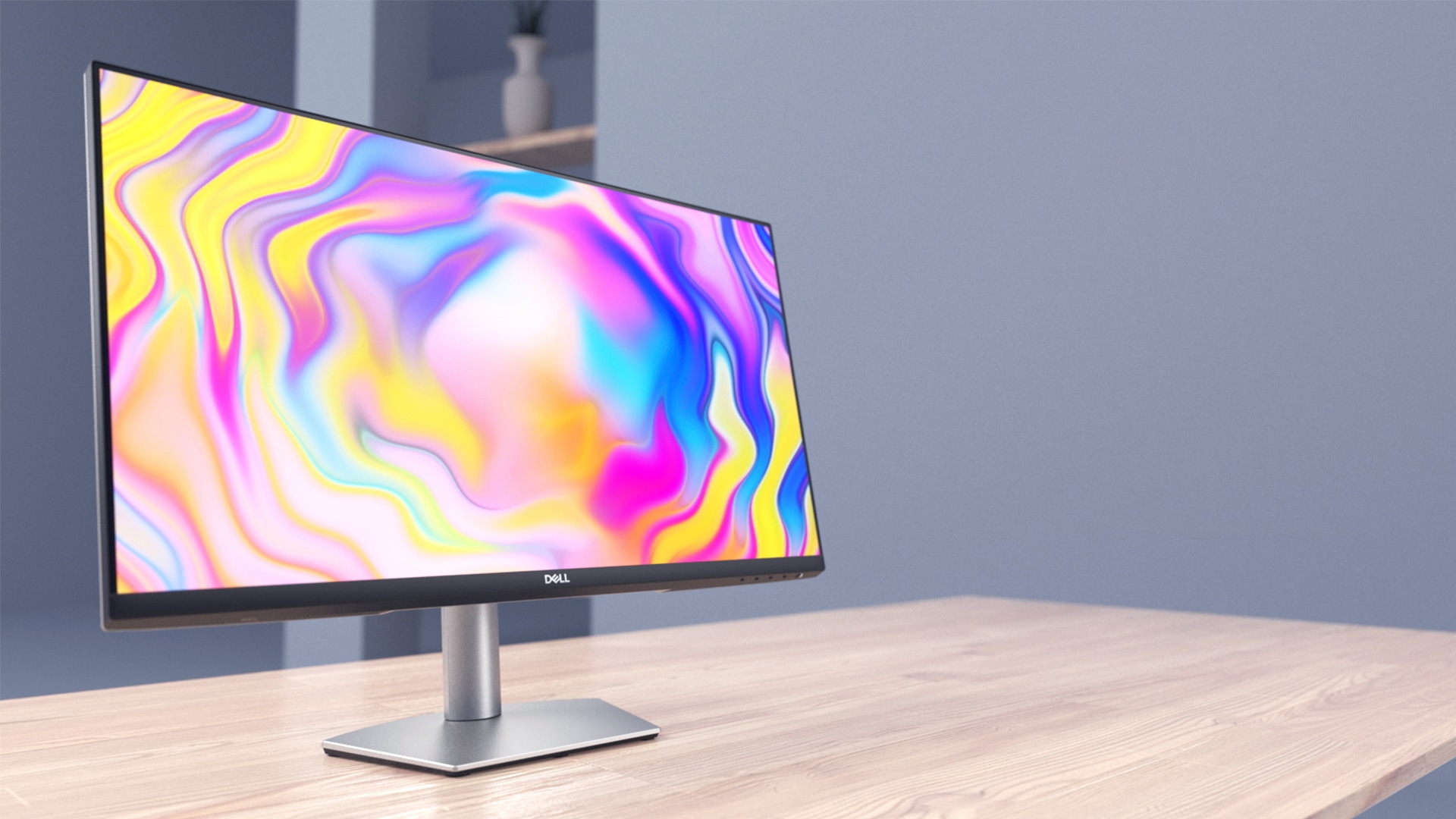
Dell S2722DC and the M2 MacBook Air: What Actually Works
The Dell S2722DC runs an M2 MacBook Air over one USB-C cable; Apple's spec does not establish whether it reaches the panel's full 75Hz.
- Buycomparisonr/MonitorAdvice
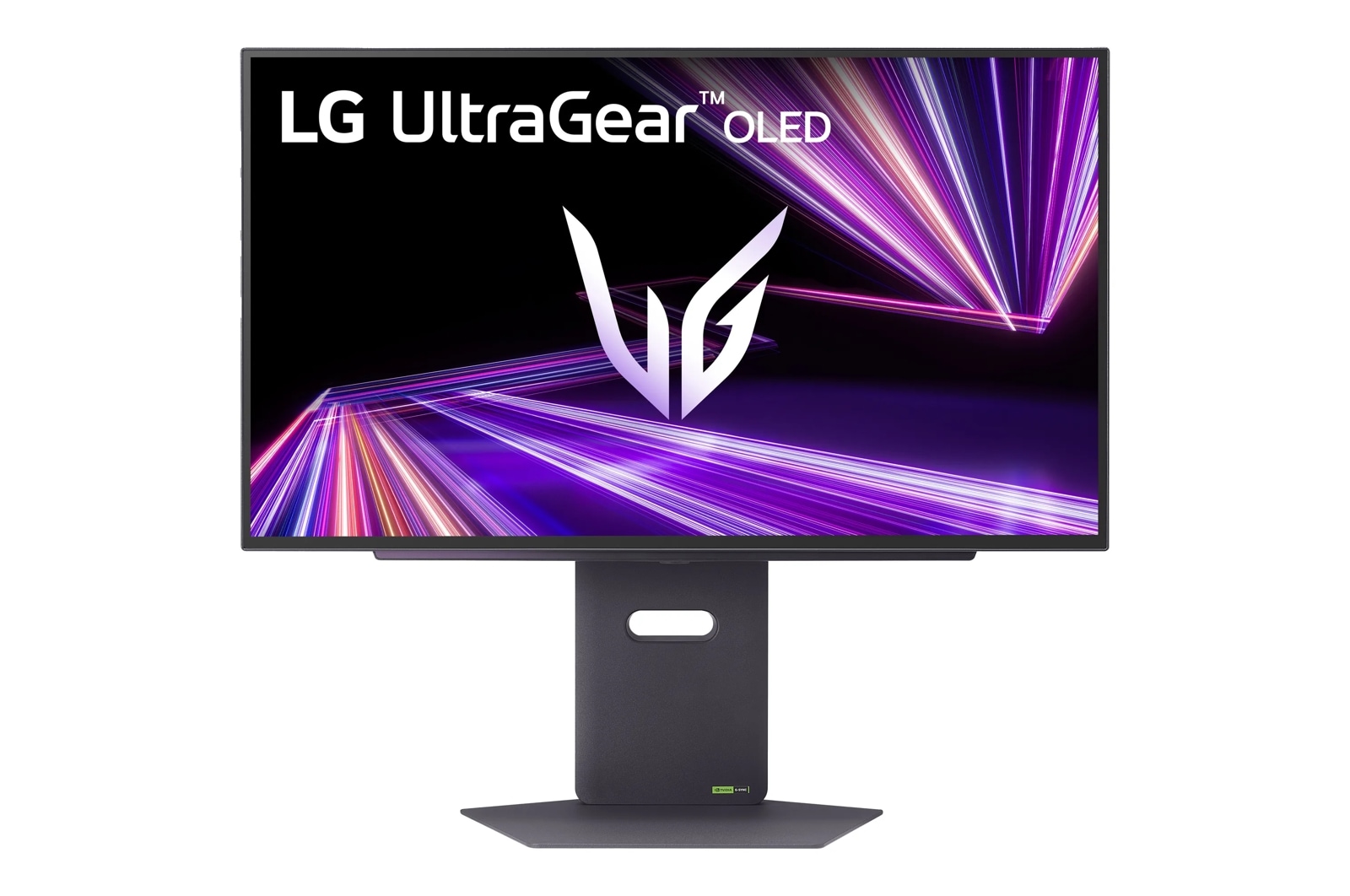
LG 32GR93U-B vs 32GX850A-B: Which Wins?
Buy the OLED 32GX850A-B for gaming and video when another LCD handles static work; choose the 32GR93U-B for all-day mixed use.
- Buyrecommendationr/buildapcmonitors
Alienware AW2725DM: The Gaming-and-Coding Choice
Choose the AW2725DM for a desktop gaming-and-coding setup; the BenQ EX271Q makes more sense when you also connect a work laptop.
- Buyrecommendationr/buildapcmonitors
MSI MPG 341CQPX: KVM and MacBook Charging Explained
The MSI MPG 341CQPX combines 240Hz gaming, G-SYNC compatibility and auto-KVM, but its 98W USB-C output has MacBook Pro limits.
- Buyworth it
LG 27GX790A-B for CS2: When 480Hz Makes Sense
The LG 27GX790A-B is excellent for CS2, especially at high frame rates, but check refresh settings, VRR flicker, and firmware first.
- It dependsworth it
AOC Q27G3XMN for Coding: Good Text, Real Trade-offs
The AOC Q27G3XMN works well for coding and HDR gaming, but dark scrolling, viewing angles and missing USB-C limit its appeal.
- Buycomparison
27 vs 32-Inch 4K Gaming: Let Distance Decide
Choose 32-inch 4K for immersion with room to sit back; choose 27-inch for closer seating and a more compact view.
- It dependscompatibility
Dell S2725DC on PS5: 120Hz Works, With a Catch
The Dell S2725DC supports PS5 gaming at 1440p and 120Hz with VRR, but lacks HDR and has motion blur that limits its gaming appeal.
- Buycomparison
27 vs 32-Inch Monitors: When Bigger Is Better
Choose 27 inches for compact desks and 1440p gaming; choose 32 inches for a larger 4K workspace, after checking scaling and viewing distance.
- Buyrecommendation
The Best Large MacBook Pro Monitor: Sharp or Wide?
Choose the ASUS PA32QCV for sharp text, Dell U4025QW for a wide workspace, or Dell U3225QE for a conventional 120Hz screen.
- It dependsvalidation
Lenovo Legion R24e Brightness: 300 Nits, No HDR Boost
Lenovo's own spec sheet lists a single 300 cd/m² brightness figure for the Legion R24e, with no separate HDR peak number at all.
- It dependshow to
Best HDR Settings for the MSI MAG 271QPX E2
Use EOTF Boost for most HDR games, calibrate after selecting it, and switch to True Black 400 if changing scene brightness becomes distracting.
- Buycomparisonr/Lenovo
Why Lenovo’s R27qe Gen 2 Wins This Matchup
Choose the Lenovo for its 200Hz refresh, brighter panel and adjustable stand; buy the MSI only for headphone-out or lower weight.
- It dependsvalidationr/OLED_Gaming
LG 32GX850A-B HDR: Bright, With Limits
The LG 32GX850A-B has real OLED HDR, but its 1,300-nit claim covers tiny highlights; calibrate it carefully or choose tandem OLED.
- Buyhow tor/SimRacing
Best Odyssey G9 Settings for iRacing
Run the Odyssey G9 at 5120x1440, use 120 Hz for steadier racing on midrange PCs, and set iRacing from measured FOV, not max width.
- It dependsworth itr/SimRacing
Odyssey G9 for iRacing: Is the Ultrawide Worth It?
The Samsung Odyssey G9 works well for iRacing if you want a single 32:9 cockpit view, but 120Hz is often the safer target than 240Hz.
- Buycomparisonr/OLED_Gaming
MSI’s 27-Inch QD-OLED Choice Is Simpler Than It Looks
Choose the MSI MPG 271QRX over the MAG 271QPX only for KVM, 90W USB-C charging, Gaming Intelligence, and FreeSync Premium Pro.
- It dependsworth itr/SimRacing
Is the OLED G9 Right for Sim Racing?
The Samsung Odyssey OLED G9 is excellent for sim racing if image quality matters more than a cockpit-wrapping 1000R curve.
- It dependshow tor/macbookpro
Make the Dell U4025QW Feel Right on a Mac
The Dell U4025QW can scale well on macOS, but it will not look as sharp as a true Retina-density Apple display.
- Buyworth itr/buildapcmonitors
1440p Monitor for Coding and Gaming
For coding and light gaming, choose a 27-inch 1440p IPS monitor; buy the AOC Q27G40XMN only if returns are easy.