ASUS XG27AQDMES vs MSI VA Ultrawide: The RTX 3080 Call
The questionWhere do these come from?
Asus rog XG27AQDMES or 34 wqhd msi 240hz ?
The XG27AQDMES OLED beats a cheaper MSI VA ultrawide for RTX 3080 gaming on real contrast, response time, and a resolution the 3080 can drive.
Between these two, the ASUS ROG XG27AQDMES is the right call for an RTX 3080 build: its QD-OLED panel delivers per-pixel contrast and 0.03ms response that the MSI VA ultrawide’s LCD panel cannot match, and its 2560x1440 resolution is one an RTX 3080 can actually push toward its 240Hz ceiling — something the VA panel’s 3440x1440 canvas makes harder. The VA ultrawide isn’t a bad monitor, but the two specific fears people bring to this decision, burn-in and blooming, don’t apply the way the framing suggests, and sorting out why changes which one you should actually buy.
| Panel / contrast | Response time | Verdict | |
|---|---|---|---|
| ASUS ROG XG27AQDMES | QD-OLED, 1.5M:1 (per-pixel) | 0.03ms GtG | Buy |
| MSI Optix MPG341CQR | VA, 3,000:1 static, no local dimming | ~1ms MPRT, but visible black smearing | Consider |
| MSI MAG341CQP QD-OLED | QD-OLED, near-infinite contrast | 0.03ms GtG | Consider |
Why the pixel count matters more than the refresh-rate number
The XG27AQDMES runs 2560x1440 at 240Hz — 3,686,400 pixels. The MPG341CQR runs 3440x1440 at 144Hz — 4,953,600 pixels, about 34% more pixels than the OLED despite the lower refresh target. An RTX 3080 has to render more per frame on the ultrawide while also being asked to sustain fewer frames per second than the OLED’s spec sheet implies you’d want to chase.
That math favors the ASUS pairing twice over. PCWorld’s RTX 3080 ultrawide benchmarks found the card comfortably ahead of the RTX 2080 Ti at 3440x1440, but noted titles like the GTA V benchmark pushing the engine’s own limits rather than the card’s — a sign the 3080 is working hard at that pixel count even in a five-year-old game. Techgage’s own RTX 3080 testing found the card strong at 1440p and 4K but flagged ultrawide as the resolution where frame-time consistency mattered more than headline averages. At 2560x1440, the same card has roughly a quarter fewer pixels to render, which is why 240Hz is a realistic target on the OLED in competitive titles where an RTX 3080 isn’t the bottleneck, while 144Hz on the ultrawide is a target you’ll hit in some games and chase in others.
There’s a connectivity detail worth checking too: the XG27AQDMES’s DisplayPort 1.4 input relies on Display Stream Compression to carry 240Hz at 10-bit color, and the RTX 3080’s DisplayPort 1.4a output supports that — so the panel’s full spec is reachable without dropping to 8-bit or a lower refresh rate.
What “blooming” actually means on the MSI VA panel — and what doesn’t
The premise that the MSI ultrawide risks “blooming” the way a mini-LED display does isn’t quite right for this specific panel. DisplayNinja’s review of the MPG341CQR found no local dimming zones present at all, despite its DisplayHDR 400 badge — the review calls that certification “misleading and basically useless” here, because DisplayHDR 400 doesn’t require local dimming the way the True Black tier does. VESA’s own DisplayHDR True Black 400 spec, which the XG27AQDMES carries, requires a peak of 400 cd/m² on an 8% window alongside a black level of 0.0005 cd/m² — a contrast requirement only an emissive panel like OLED can hit without zoned backlighting. Without zones, the MSI panel can’t bloom in the halo-around-bright-object sense, because there’s no dimming to bloom in the first place.
What DisplayNinja’s testing did find on the VA panel is different and arguably more relevant day to day: visible black smearing in dark scenes with fast motion, a known VA-panel trait tied to slow pixel transitions in the darker part of the grayscale. That’s the artifact to weigh against burn-in risk, not blooming — trailing in shadowed areas during motion, not haloing around HDR highlights. The same review measured input lag on the MSI at roughly 4ms, which is competitive, so the panel’s weakness is specifically the pixel response in dark tones, not general latency.
Just want the recommendation?
Skip to the picksThe burn-in risk, and what ASUS actually does about it
Burn-in is real on any OLED used for hours of static content — HUD elements, taskbars, chat overlays — but it’s also the thing ASUS has built the most mitigation around. The XG27AQDMES ships with a Neo Proximity Sensor that blanks the screen when no one’s in front of it, automatic Pixel Cleaning, Screen Move pixel-shifting, and logo/taskbar brightness limiting that specifically targets the static UI elements gamers leave on screen for hours. DisplayNinja’s review of the sibling XG27AQDMG — announced in the same ASUS product wave and carrying an identical 240Hz/0.03ms/DisplayHDR True Black 400 spec sheet — notes a 3-year warranty that covers burn-in on that model.
One caveat worth stating plainly: ASUS’s own OLED protection FAQ lists specific models covered by its documented burn-in policy, and the current list doesn’t name the XG27AQDMES directly. Coverage terms have historically varied by model and region for ASUS OLED monitors, so confirm burn-in coverage for your specific market with ASUS support before you buy rather than assuming the 3-year figure quoted for sibling models applies automatically.
Measured brightness on the sibling XG27AQDMG panel — 275 nits full-screen SDR with Uniform Brightness on, up to 450 nits with it disabled, and HDR highlights up to 1,300 cd/m² on small areas — sits well below the kind of sustained full-screen brightness that accelerates OLED wear. Static reference content run at that intensity for years is the real burn-in risk profile; normal game and video content, where the image is constantly changing, is a much smaller risk than the fear implies.
Where the VA ultrawide is still the right call
If your use case leans on the panoramic 21:9 field of view more than on pixel response — sim racing, flight sims, or multi-window spreadsheet and code work where you want screen real estate rather than motion clarity — the MPG341CQR’s 3440x1440 canvas is a genuine reason to prefer it, and its VA panel carries zero burn-in risk at all, static content included. If you already know you’ll leave the monitor on a fixed HUD or dashboard for extended stretches and don’t want to think about pixel-shift settings or proximity sensors, that’s a real, stated reason to pick the VA panel over the OLED, even knowing its contrast and response time are the weaker spec on paper.
The middle option: ultrawide field of view with OLED contrast
If your budget can stretch past the “cheaper” VA panel this comparison started from, MSI also sells the MAG341CQP QD-OLED — same 3440x1440 ultrawide canvas as the MPG341CQR, but with a QD-OLED panel rated at 175Hz and 0.03ms GtG, matching the XG27AQDMES’s response time class and carrying the same DisplayHDR True Black 400 certification. It resolves the tension in the original question directly: you get the panoramic aspect ratio without inheriting VA’s black smearing, at the cost of asking an RTX 3080 to drive 4.95 million pixels rather than the 27-inch OLED’s 3.69 million — and at a price above either monitor in this comparison, which is why it’s worth naming but not the immediate answer to a budget-constrained choice between the other two.
For a look at ASUS’s own higher-refresh OLED options in the same size class, see ROG Strix XG27AQDPG: Is It Really Competitive-Grade? — useful if you’re deciding within ASUS’s OLED lineup rather than between OLED and VA.
The bottom line
Neither is wrong; the use case separates them:
Top pick
Buy this
ASUS ROG Strix OLED XG27AQDMES 27 inch 1440p 240Hz gaming monitor
ASUS
Its 3.69 million pixels ask far less of an RTX 3080 than the ultrawide's 4.95 million, so the high refresh rate on the spec sheet is one you can actually reach in competitive titles.
The QD-OLED panel this comparison is actually about: 1.5M:1 per-pixel contrast, 0.03ms response, and a 2560x1440 pixel count an RTX 3080 can genuinely push toward its 240Hz ceiling. Requires running ASUS’s pixel-shift and proximity-sensor burn-in mitigations if you leave static HUDs or taskbars on screen for hours.Available at Amazon(paid link) — opens Amazon in a new tab. Price and availability shown there.The alternative
It depends
MSI Optix MPG341CQR 34 inch VA ultrawide monitor
MSI Optix
Right for readers who want the panoramic 21:9 field of view for sim racing or multi-window productivity more than pixel response, and who want zero OLED burn-in risk even with static content left on screen for hours.
The cheaper 34-inch VA ultrawide from the original question, and the rival the XG27AQDMES is being weighed against. Its DisplayHDR 400 badge has no local dimming behind it, so there’s no blooming to speak of, but DisplayNinja’s review found visible black smearing in dark, fast-moving scenes instead.Available at Amazon(paid link) — opens Amazon in a new tab. Price and availability shown there.
Recommended products
Ordered by how well each one fits the situations above. Each link below is a paid link.
ASUS ROG Strix OLED XG27AQDMES 27 inch 1440p 240Hz gaming monitor
ASUS
Buy — Its 3.69 million pixels ask far less of an RTX 3080 than the ultrawide's 4.95 million, so the high refresh rate on the spec sheet is one you can actually reach in competitive titles.
The QD-OLED panel this comparison is actually about: 1.5M:1 per-pixel contrast, 0.03ms response, and a 2560x1440 pixel count an RTX 3080 can genuinely push toward its 240Hz ceiling. Requires running ASUS’s pixel-shift and proximity-sensor burn-in mitigations if you leave static HUDs or taskbars on screen for hours.Available at Amazon(paid link) — opens Amazon in a new tab. Price and availability shown there.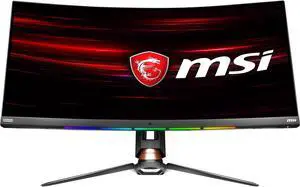
MSI Optix MPG341CQR 34 inch VA ultrawide monitor
MSI Optix
It depends — Right for readers who want the panoramic 21:9 field of view for sim racing or multi-window productivity more than pixel response, and who want zero OLED burn-in risk even with static content left on screen for hours.
The cheaper 34-inch VA ultrawide from the original question, and the rival the XG27AQDMES is being weighed against. Its DisplayHDR 400 badge has no local dimming behind it, so there’s no blooming to speak of, but DisplayNinja’s review found visible black smearing in dark, fast-moving scenes instead.Available at Amazon(paid link) — opens Amazon in a new tab. Price and availability shown there.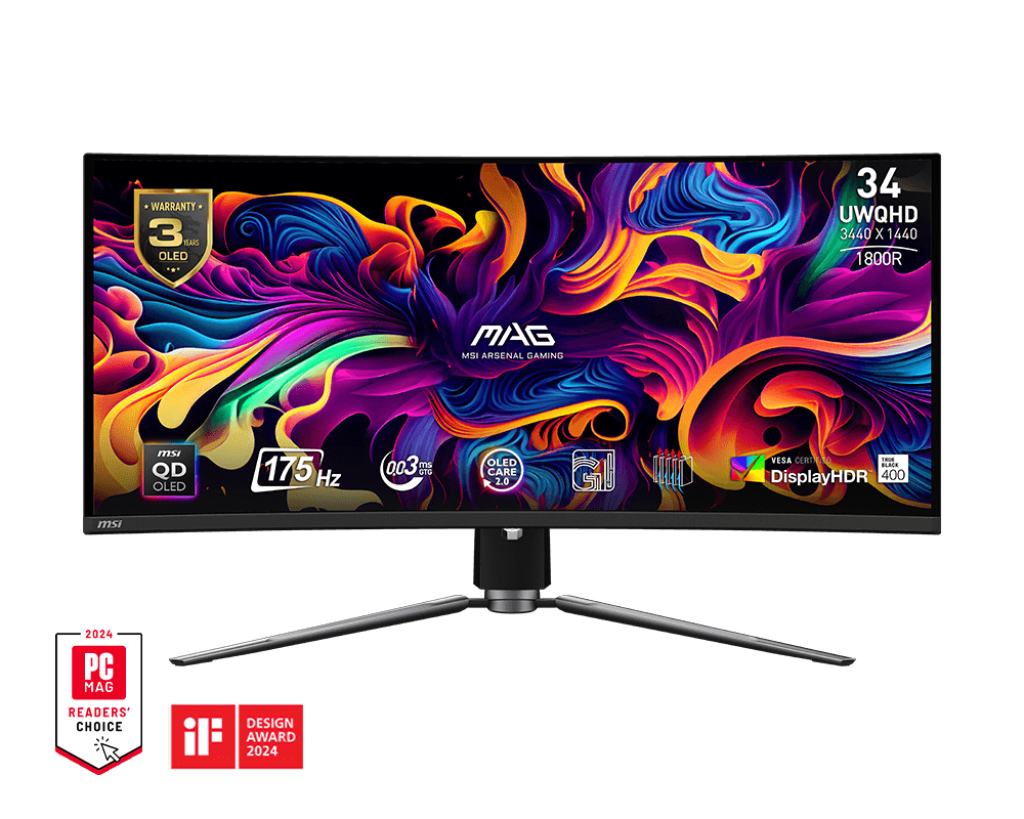
MSI MAG341CQP QD-OLED 34 inch ultrawide monitor
msi
It depends — Its 4.95 million pixels demand more from an RTX 3080 than the 27-inch OLED's 3.69 million, and it costs more than either monitor in the original comparison, so it's the answer only once budget stops being the constraint.
A complement to this decision rather than a budget option: same 3440x1440 ultrawide canvas as the MSI VA panel, but QD-OLED contrast and 0.03ms response matching the XG27AQDMES. It resolves the OLED-vs-ultrawide tension directly if your budget can stretch past the VA panel this comparison started from.Available at Amazon(paid link) — opens Amazon in a new tab. Price and availability shown there.
Sources
Pages consulted while researching this article. None of these are affiliate links.
- ROG Strix OLED XG27AQDMES Product Page — ASUS — rog.asus.com
- ROG Strix OLED XG27AQDMG Product Page — ASUS — rog.asus.com
- ASUS XG27AQDMG Review 2026: Glossy OLED Gaming Monitor — DisplayNinja — displayninja.com
- MSI MPG341CQR Review 2026: All You Need To Know! — DisplayNinja — displayninja.com
- ASUS OLED Monitor Protection Mechanism & Warranty Service — ASUS Support FAQ — asus.com
- MSI Optix MAG342CQR Product Page — MSI — msi.com
- MSI MAG 341CQP QD-OLED Product Page — MSI — msi.com
- Nvidia GeForce RTX 3080: 3440×1440 Ultrawide Benchmarks — PCWorld — pcworld.com