Is the OLED G9 Right for Sim Racing?
The questionWhere do these come from?
49" OLED (1800R) or VA (1000R) for Sim Racing? Image Quality vs Immersion
Hello everyone, I'm currently in the process of building my sim rig and have reached the point where I need to decide on a monitor.
The Samsung Odyssey OLED G9 is excellent for sim racing if image quality matters more than a cockpit-wrapping 1000R curve.
The Samsung Odyssey OLED G9 is a strong sim racing monitor, but it is not the automatic choice over Samsung’s 1000R VA G9 models. Choose the OLED G9 if you want better black levels, faster pixel response, and a cleaner single-screen setup; choose a 1000R VA Odyssey G9 if wraparound cockpit geometry matters more than OLED contrast.
Samsung’s Odyssey OLED G9 G95SC/G93SC is a 49-inch, 32:9, 5120 x 1440 OLED monitor with an 1800R curve, 240Hz maximum refresh rate, 0.03ms gray-to-gray response rating, DisplayHDR True Black 400, AMD FreeSync Premium Pro, DisplayPort 1.4, HDMI 2.1, and Micro HDMI 2.1, according to Samsung’s own specs. For sim racing, that makes it closer to two 27-inch 1440p monitors presented on one panel without a center bezel than a substitute for triples.
OLED contrast or 1000R cockpit wrap
This is the real fork for most sim rig buyers: OLED image quality against the tighter cockpit feel of Samsung’s VA G9 models.
| Monitor | Panel / curve | Resolution / refresh | Sim racing advantage |
|---|---|---|---|
| Odyssey OLED G9 G95SC/G93SC | OLED / 1800R | 5120 x 1440 / 240Hz | Best contrast, very fast pixel response, no center bezel |
| Odyssey G9 G95C 49-inch | VA / 1000R | 5120 x 1440 / 240Hz | Tighter wraparound curve for a fixed cockpit |
| Odyssey Neo G9 G95NA 49-inch | Quantum Mini LED / 1000R | 5120 x 1440 / 240Hz | Tighter curve with stronger HDR brightness behavior than OLED G9 |
The OLED G9’s 1800R curve is gentler. On a desk, that can feel more natural. On a dedicated sim racing cockpit where the monitor sits close behind the wheelbase, 1800R does not wrap around the driver as aggressively as 1000R. That matters because side-window awareness in iRacing, Assetto Corsa Competizione, rFactor 2, Automobilista 2, and similar sims depends on physical screen placement as much as raw field-of-view settings.
The OLED G9 wins when the priority is night racing, cockpit shadow detail, instant-looking pixel transitions, and getting rid of VA smearing. Samsung rates the OLED G9 at 0.03ms GtG and 1,000,000:1 static contrast, while the 49-inch VA Odyssey G9 G95C is rated at 1ms GtG and 2,500:1 static contrast. Those are manufacturer ratings, not independent measured results, but the direction is clear: OLED is the image-quality play; 1000R VA is the geometry play.
If you are already comfortable with a 49-inch 32:9 display and want the cleanest picture, choose the OLED G9. If you are building a cockpit around the screen and want the panel to hug the wheelbase, the 1000R G9 shape is the safer sim-first choice.
Why the OLED G9 cannot replace triple screens
The OLED G9 is not a true replacement for a properly configured triple-screen rig. It has no center bezel, which is excellent, and the 5120 x 1440 resolution gives a wide forward view. But it is still one continuous 49-inch panel with one curve. Triples can physically angle the left and right screens toward the driver, which creates a different side-view geometry.
That means the OLED G9 is best treated as a high-end single-monitor sim racing solution, not as a direct substitute for three 27-inch or 32-inch displays. It reduces setup complexity: one display output, one monitor to align, one set of in-game display settings, and no bezels. It also avoids the desk and cockpit space problems that come with triples.
The tradeoff is peripheral realism. A 32:9 OLED panel can show a wide image, but it cannot bend the side portions around the driver the way angled triples can. For casual league racing, hotlapping, GT racing, rally, and F1-style cockpit views, it is more than usable. For drivers who tune field-of-view obsessively and rely heavily on side-by-side spatial judgment, triples still have the stronger geometry.
Mounting distance decides the sense of immersion
Mounting distance is the part that can make the OLED G9 feel either excellent or slightly flat. A 49-inch 32:9 panel is very wide, and Samsung lists the active display size as 1196.7 x 339.2 mm for the OLED G9. On a rig, that width is useful only if the screen is positioned correctly.
Just want the recommendation?
Skip to the picksPut the monitor as close as practical behind the wheelbase without blocking hands, shifters, button boxes, or wheel rotation. Then set the simulator’s field of view from the actual eye-to-screen distance, not from a guessed “ultrawide” preset. If the game supports physical monitor dimensions, enter the real width and aspect ratio. If it only offers horizontal FOV, use a sim-specific FOV calculator and then adjust only enough to preserve mirrors and dashboard visibility.
The OLED G9 is also lighter than many older 49-inch G9 models. Samsung lists the OLED G9 at 8.8 kg without stand and 12.6 kg with stand on its G93SC spec page. That still requires a rigid cockpit monitor mount or a heavy-duty arm. Do not assume a generic office arm will hold it safely just because it supports VESA mounting. Check the arm’s weight rating, whether it supports 49-inch ultrawides, and whether it needs a heavy-duty tilt pivot.
Burn-in is the long-term tradeoff
OLED burn-in is the main long-term concern for sim racing because dashboards, rev lights, timing towers, static HUDs, and black-box overlays can sit in the same place for hours. The OLED G9 is not the best choice for unattended endurance sessions with fixed overlays and maximum brightness.
For normal sim racing use, reduce the risk by hiding static HUD elements when possible, rotating UI layouts between games, using the game’s minimal HUD mode, enabling Samsung’s OLED protection features, and letting the monitor run its panel care routines instead of cutting power at the wall immediately after every session. Avoid leaving pause menus, telemetry apps, or desktop windows parked on the screen.
If the rig is also used as a work monitor with static spreadsheets, browser tabs, and app chrome all day, the OLED G9 becomes a less clean recommendation. A Mini LED or VA G9 is less exposed to OLED-specific retention risk. For a broader display-tech tradeoff, the same OLED-versus-Mini-LED logic applies in this Mini LED vs OLED gaming display comparison, even though that article is about TVs rather than sim rigs.
How to restore 5120 x 1440 at 240Hz
Use the included DisplayPort cable first, connected to the GPU rather than a dock, adapter, capture card, or motherboard output. Samsung lists DisplayPort 1.4, HDMI 2.1, and Micro HDMI 2.1 on the OLED G9. If Windows or the GPU driver only offers a lower refresh rate, update the GPU driver, confirm the monitor is in its high-refresh game mode, and test another certified high-bandwidth cable before blaming the panel.
For PC sim racing, DisplayPort is usually the simplest path. HDMI 2.1 can also work on compatible GPUs, but the whole chain has to support the required bandwidth and display stream behavior. Laptops are the most common problem case: many USB-C docks and HDMI adapters cannot carry 5120 x 1440 at 240Hz even if the monitor can.
If the monitor works at 5120 x 1440 and 240Hz on one machine but not another, it is a source-device limitation, cable limitation, or adapter limitation. If it fails across multiple known-good sources and cables, Samsung support or retailer service is the right next step.
Who should buy the OLED G9
Choose the Samsung Odyssey OLED G9 for sim racing when the rig is used for high-quality single-screen racing, mixed gaming, and media, and when OLED black levels matter more than the strongest wraparound effect. It is especially compelling for night racing, cockpit-heavy views, and anyone who hates bezels but does not want the setup burden of triples.
Choose a 1000R Odyssey G9 instead when the monitor will live permanently on a cockpit close to the wheelbase and the main goal is maximum wraparound feel. Choose triples instead when side-view geometry is more important than simplicity.
The OLED G9 is not the wrong sim racing choice. It is the image-quality choice. The only reason to avoid it is if the rig’s priority is physical curve, static-HUD durability, or triple-screen realism rather than OLED contrast and a clean 49-inch 32:9 setup.
The bottom line
Both justify the spend at different budgets:
Top pick
It depends
Samsung 49" Odyssey (G93SC) Series QD-OLED Curved Gaming Monitor
Samsung
Choose it when OLED contrast matters more than cockpit wraparound, because its 1800R curve is gentler than the 1000R VA G9 models.
The non-smart OLED G9 variant makes sense for a dedicated PC sim rig when Gaming Hub and TV apps are not needed. The drawback is the same 1800R curve, so it will not wrap as tightly as Samsung’s 1000R VA G9 models.Available at Amazon(paid link) — opens Amazon in a new tab. Price and availability shown there.The alternative
Buy this
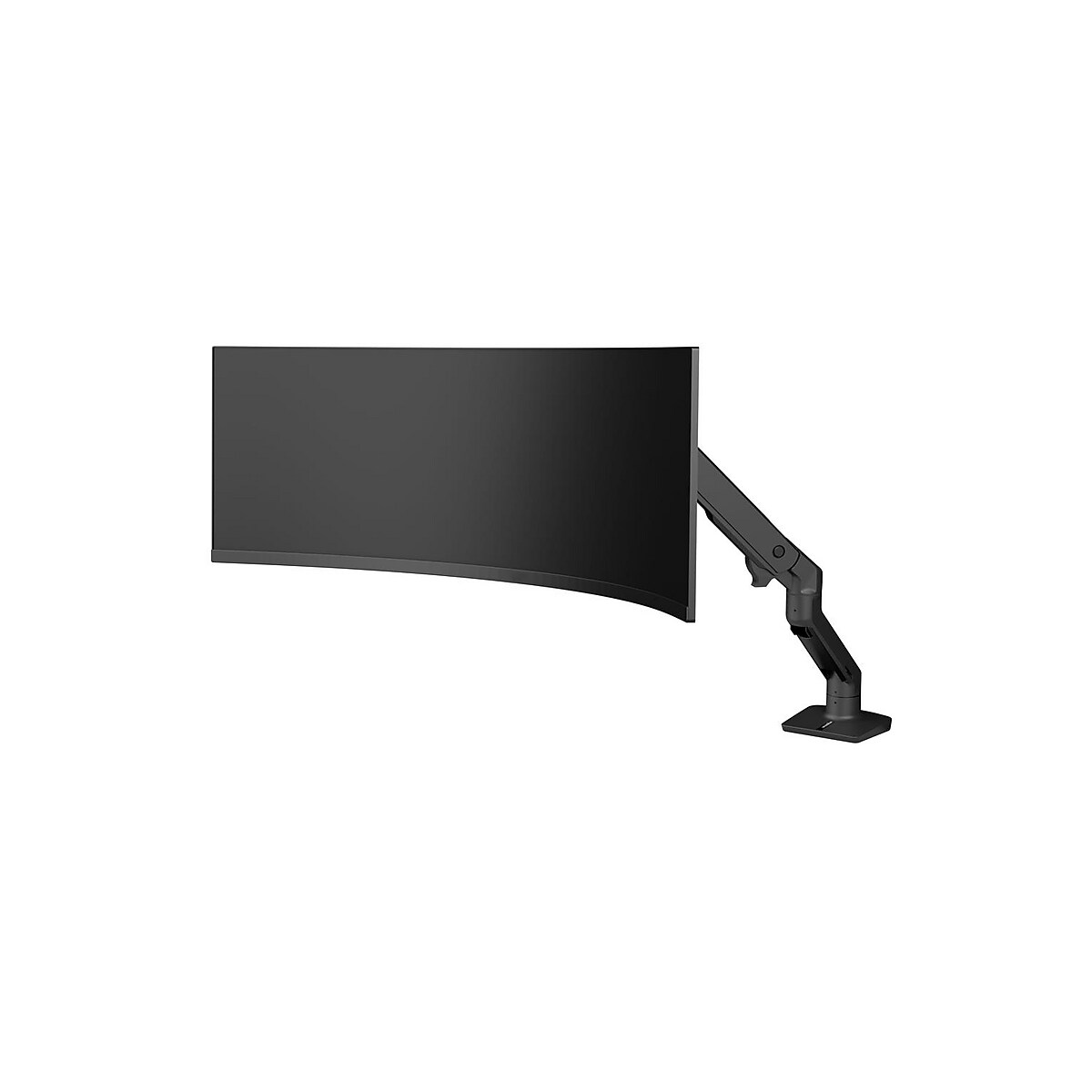
Ergotron - HX VHD Premium Heavy Duty Gaming Monitor Arm, Single Monitor Desk Mount – for 1000R Curved Ultrawide Monitors Up to 57 Inches, 9-14 Inches Depth, VESA 75x75mm or 100x100mm – Matte Black
Ergotron
The OLED G9 weighs 8.8 kg without its stand, and the article recommends a heavy-duty arm or rigid cockpit mount.
A 49-inch ultrawide needs a serious arm or cockpit mount, and the HD Pivot version is the commonly matched Ergotron setup for large curved monitors. The drawback is that cockpit users may still prefer a fixed aluminum-profile monitor stand for less movement.Available at Amazon(paid link) — opens Amazon in a new tab. Price and availability shown there.
Recommended products
Ordered by how well each one fits the situations above. Each link below is a paid link.
Samsung 49" Odyssey (G93SC) Series QD-OLED Curved Gaming Monitor
Samsung
It depends — Choose it when OLED contrast matters more than cockpit wraparound, because its 1800R curve is gentler than the 1000R VA G9 models.
The non-smart OLED G9 variant makes sense for a dedicated PC sim rig when Gaming Hub and TV apps are not needed. The drawback is the same 1800R curve, so it will not wrap as tightly as Samsung’s 1000R VA G9 models.Available at Amazon(paid link) — opens Amazon in a new tab. Price and availability shown there.Ergotron - HX VHD Premium Heavy Duty Gaming Monitor Arm, Single Monitor Desk Mount – for 1000R Curved Ultrawide Monitors Up to 57 Inches, 9-14 Inches Depth, VESA 75x75mm or 100x100mm – Matte Black
Ergotron
Buy — The OLED G9 weighs 8.8 kg without its stand, and the article recommends a heavy-duty arm or rigid cockpit mount.
A 49-inch ultrawide needs a serious arm or cockpit mount, and the HD Pivot version is the commonly matched Ergotron setup for large curved monitors. The drawback is that cockpit users may still prefer a fixed aluminum-profile monitor stand for less movement.Available at Amazon(paid link) — opens Amazon in a new tab. Price and availability shown there.![Cable Matters [VESA Certified] 32.4Gbps Braided DisplayPort Cable, 6ft product image](https://www.cablematters.com/images/Product/large/1279.jpg)
Cable Matters [VESA Certified] 32.4Gbps Braided DisplayPort Cable, 6ft
Cable Matters
It depends — Try the included DisplayPort cable first and consider another certified high-bandwidth cable if refresh-rate problems persist, since a cable cannot resolve source-device or adapter limitations.
Use a known high-bandwidth DisplayPort cable if 5120 x 1440 at high refresh is missing or unstable. The drawback is that a cable cannot fix a GPU, laptop dock, or adapter that lacks the required output capability.Available at Amazon(paid link) — opens Amazon in a new tab. Price and availability shown there.

Sources
Pages consulted while researching this article. None of these are affiliate links.
- Samsung Odyssey OLED G9/G95SC S49CG95 Monitor Review — rtings.com
- Samsung Odyssey OLED G9 49-inch Curved Mega-Wide Gaming Monitor Review — tomshardware.com
- Samsung Odyssey OLED G95SC Review — tftcentral.co.uk
- 49 Inch Odyssey OLED G9 G95SC DQHD 240Hz | Samsung US — samsung.com
- Samsung Opens New Era of OLED Gaming with Global Launch of Odyssey OLED G9 — news.samsung.com
- 49 Inch Odyssey OLED G9 Gaming Monitor G93SC | Samsung Canada — samsung.com
- Odyssey G9 49 inch G95C DQHD Gaming Monitor | Samsung US — samsung.com
- Samsung Unveils the Future of Gaming with the Odyssey Neo G9 — news.samsung.com