Why Lenovo’s R27qe Gen 2 Wins This Matchup
The questionWhere do these come from?
Benq EW270q vs Lenovo legion R27qe gen 2
Which monitor is better among two of above?
Choose the Lenovo for its 200Hz refresh, brighter panel and adjustable stand; buy the MSI only for headphone-out or lower weight.
Choose the Lenovo Legion R27qe Gen 2 unless you specifically need the MSI MAG 275QF’s headphone output or plan to replace its stand. The Lenovo has the stronger specification where it matters: a 200Hz ceiling, higher listed brightness, wider manufacturer-quoted DCI-P3 coverage and a stand with height, swivel and pivot adjustment.
Both are 27-inch, 2560×1440 flat IPS gaming monitors, so neither changes the basic resolution or screen size. The differences are in motion ceiling, brightness, ergonomics and connections.
The differences that change the decision
These figures come from Lenovo’s current PSREF specification and MSI’s official MAG 275QF datasheet.
| Specification | Lenovo Legion R27qe Gen 2 | MSI MAG 275QF |
|---|---|---|
| Panel | 27-inch flat IPS, 2560×1440, 8-bit + FRC | 27-inch flat Rapid IPS, 2560×1440, 8-bit + FRC |
| Maximum QHD refresh | 200Hz over DisplayPort; 144Hz over HDMI | 180Hz over DisplayPort; 144Hz over HDMI |
| Brightness and contrast | 400 cd/m²; 1000:1 | 300 cd/m² typical; 1000:1 typical |
| Listed color and HDR | 90% DCI-P3 coverage; HDR10 compliant | 78% DCI-P3 under CIE 1976; HDR Ready |
| Included stand adjustment | 135mm lift, ±30° swivel, ±90° pivot, -5° to +22° tilt | -5° to +20° tilt |
Choose Lenovo for a PC gaming desk
The Lenovo is the more complete desktop monitor. Its 200Hz maximum is only a modest step above 180Hz—the theoretical time between refreshes falls from 5.56ms to 5.00ms—but there is no corresponding sacrifice elsewhere in the published specification.
The larger practical advantage is the stand. You can raise the panel by up to 135mm, swivel it without moving the base and rotate it into portrait orientation. The MSI stand only tilts. If the monitor will sit on its supplied stand rather than a VESA arm, that difference affects every hour of use.
Lenovo also specifies 400 cd/m² brightness against MSI’s typical 300 cd/m². That gives the R27qe Gen 2 more brightness headroom in a well-lit room, although the specification alone cannot predict uniformity, backlight bleed or how either panel will look in your particular lighting.
For variable refresh, Lenovo lists AMD FreeSync Premium and VESA Adaptive-Sync. MSI lists Adaptive-Sync with a 48–180Hz operating range. Both should therefore be treated as variable-refresh gaming monitors, but Lenovo’s documentation provides the more specific FreeSync certification claim.
Choose MSI only when its connections solve a problem
The MAG 275QF has one connection Lenovo omits: a 3.5mm headphone output. That can route audio arriving through HDMI or DisplayPort to headphones or powered speakers. Neither manufacturer lists built-in speakers, so the MSI’s socket is useful when your console or desk setup lacks a convenient analog output.
The MSI is also lighter. MSI lists 3.57kg without its stand, while Lenovo lists approximately 4.0kg for the monitor head. That difference may matter when using an older monitor arm with a low load limit, although both support a 100×100mm VESA mount.
Otherwise, the MSI’s port selection does not create a gaming advantage. It has two HDMI 2.0b inputs, one DisplayPort 1.4 HBR2 input and the headphone socket. Lenovo has two HDMI 2.1 TMDS inputs and one DisplayPort 1.4 input, but no audio output. Neither specification lists USB-C, a USB hub or a KVM switch.
Do not choose the MSI merely because its box says “0.5ms.” MSI describes that as a minimum gray-to-gray result, whereas Lenovo quotes 0.5ms MPRT and separately lists 1ms at its fastest response-time level. Those are different measurement methods. Without an independent test using identical settings, the published numbers do not establish which monitor has less overshoot or faster real pixel transitions.
Just want the recommendation?
Skip to the picksIf you are connecting a PS5
The 180Hz-versus-200Hz difference disappears on PS5 because the console’s 1440p test covers 60Hz and 120Hz output. Both monitors’ HDMI inputs are officially rated for 2560×1440 at up to 144Hz, so either has enough bandwidth for the console’s 1440p/120Hz mode.
On the console, open Settings > Screen and Video > Video Output, set the resolution to 1440p or Automatic, run Test 1440p Output, and enable 120 Hz Output. Those are the paths in Sony’s current PS5 video-output guide.
For PS5 use, choose between them on stand adjustment, brightness and audio routing. Lenovo’s 200Hz maximum is unused, while MSI’s headphone socket may be more convenient. MSI advertises a Console Mode, but the manufacturer provides no comparative measurement showing that it produces a better console image than Lenovo’s listed gaming-console support.
If HDR or color is the priority
Lenovo has the better paper specification: 400 cd/m², HDR10 compliance and 90% DCI-P3 coverage. MSI lists 300 cd/m², “HDR Ready” and 78% DCI-P3 under CIE 1976.
That does not prove professional color accuracy or convincing HDR. Gamut coverage tells you how many colors a panel can represent, not how accurately it represents them. Neither cited specification supplies a calibrated color-error result, and neither lists a local-dimming system. Both quote a 1000:1 static contrast ratio typical of this IPS category.
The safe conclusion is that Lenovo offers more HDR and color headroom, but neither should be purchased on the assumption that it performs like a high-contrast HDR display. If deep blacks are the actual priority, MSI’s separate 27-inch QD-OLED choices belong in a different comparison.
Before ordering, check the complete MSI model name
Do not confuse the MAG 275QF with the MAG 275QF E20. The plain MAG 275QF compared here is the 180Hz model. The E20 is a separate 200Hz revision with different color and adaptive-sync claims; MSI’s E20 specification lists 200Hz, FreeSync Premium and G-SYNC Compatible support.
Likewise, make sure the Lenovo listing explicitly says Legion R27qe Gen 2. A listing that omits “Gen 2” should not be assumed to have the 200Hz, 400 cd/m² specification used in this comparison.
After it arrives, enable the refresh rate you bought
Use DisplayPort for a PC if you want the full 200Hz from Lenovo or 180Hz from MSI. HDMI is officially limited to 144Hz at 2560×1440 on the currently cited documentation.
In Windows 11, open Settings > System > Display > Advanced display, select the correct monitor, and choose 200Hz for Lenovo or 180Hz for MSI. Microsoft documents that exact path in its refresh-rate setup guide.
If the rated option is absent, connect DisplayPort directly to the graphics card rather than through a dock or adapter, confirm that Windows is set to 2560×1440, update the graphics driver and recheck the full model name. If a direct DisplayPort connection on compatible hardware still cannot expose the advertised mode, contact Lenovo or MSI support; the published documents do not identify a consumer firmware update that should be installed as a universal fix.
The bottom line
If you buy one, buy this:
Top pick
Buy this
Lenovo R27qe Gen 2
Lenovo
The article recommends the Lenovo for its 200Hz DisplayPort refresh rate, 400 cd/m² brightness, and stand with height, swivel and pivot adjustment.
Available at Amazon(paid link) — opens Amazon in a new tab. Price and availability shown there.
Recommended products
Ordered by how well each one fits the situations above. Each link below is a paid link.
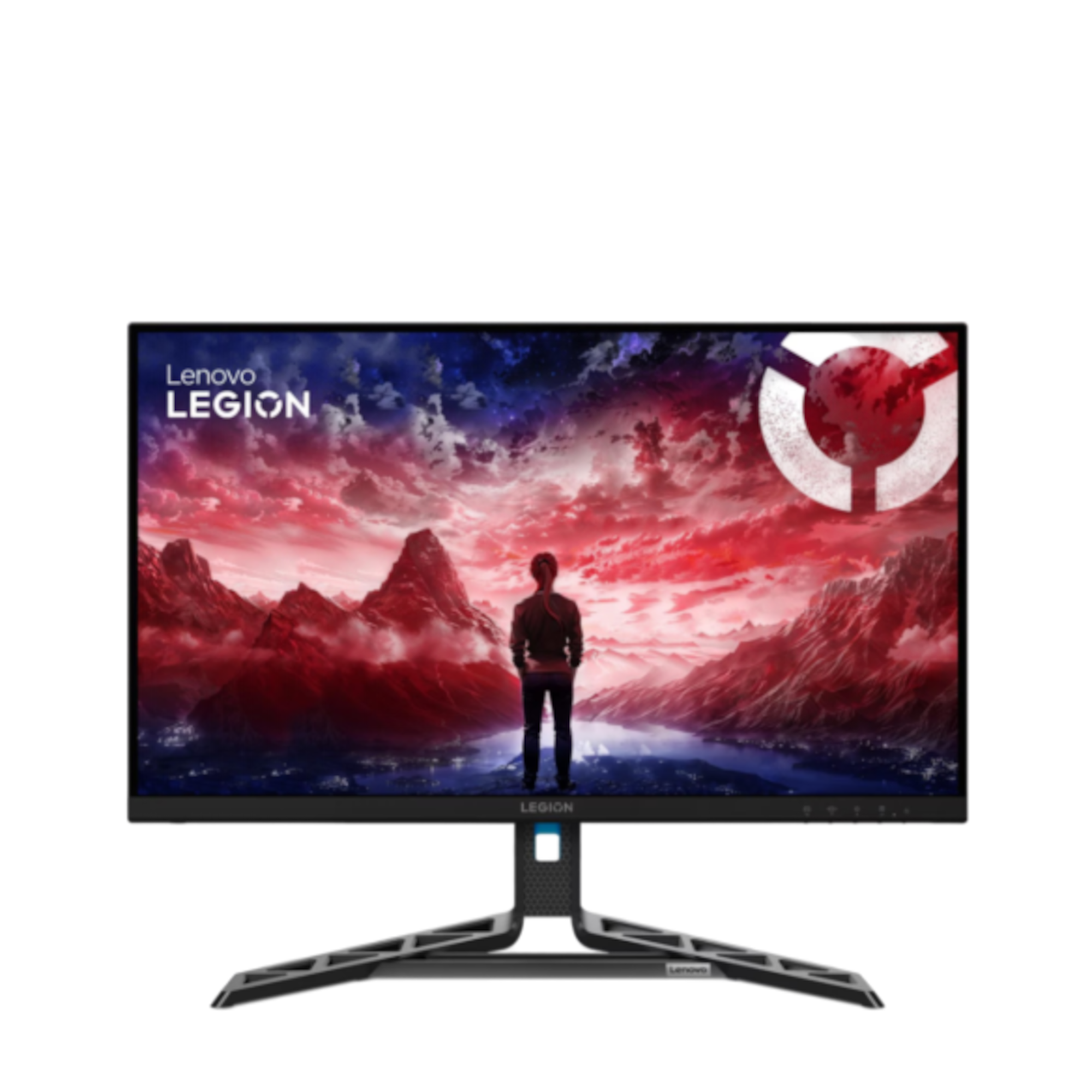
Lenovo R27qe Gen 2
Lenovo
Buy — The article recommends the Lenovo for its 200Hz DisplayPort refresh rate, 400 cd/m² brightness, and stand with height, swivel and pivot adjustment.
Available at Amazon(paid link) — opens Amazon in a new tab. Price and availability shown there.
Sources
Pages consulted while researching this article. None of these are affiliate links.
- Legion R27qe Gen 2 Monitor — Lenovo PSREF — psref.lenovo.com
- MSI MAG 275QF Official Datasheet — storage-asset.msi.com
- MSI MAG 275QF E20 Specifications — in.msi.com
- How to Change PS5 Console Resolution — playstation.com
- Change the Refresh Rate on Your Monitor in Windows — support.microsoft.com