TV & Home Theater
22 articles in this category.
Most of what lands here starts as a choice between two or three TVs or projectors that look similar on paper, and a reader trying to work out which one actually fits their room, their viewing distance, and how they use the screen — gaming, movies, or a mix of both on the same set. A close second is troubleshooting: a picture that won’t reach the brightness it’s supposed to, a panel with visible marks out of the box, a failed part that needs the right replacement, or a remote and cable setup that has to keep working after an upgrade. Underneath both is the same question — is this a hardware limit, or something fixable.
These start as forum posts from people describing their own room, budget, and setup, not as generic buying advice. The answers come from reading published reviews, checking what owners of the same models consistently report, and cross-referencing manufacturer documentation, then reconciling those into a single answer for that situation.
- It dependsworth itr/LGOLED
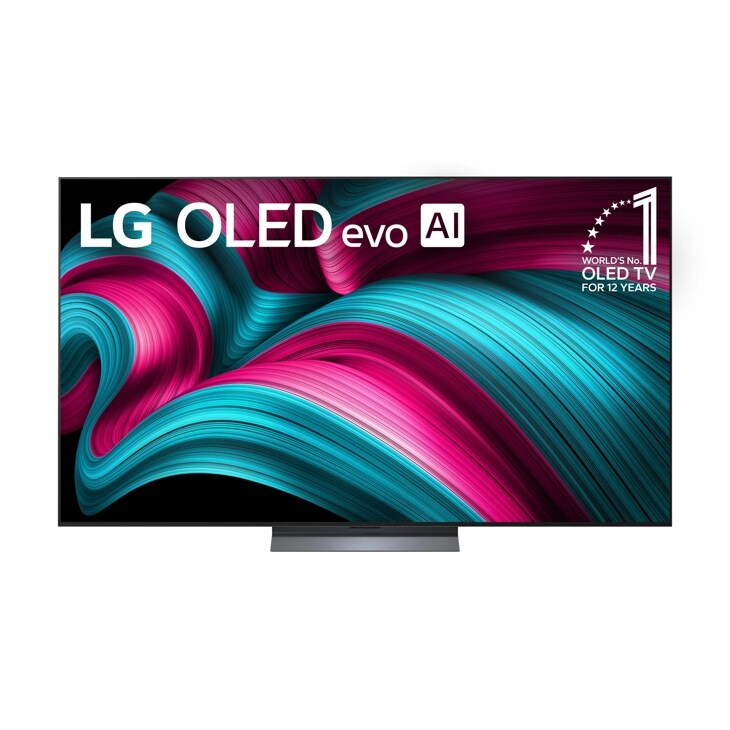
LG OLED77C5PUA Open Box: The Checklist Before You Buy
Check the panel with a five-color test, confirm the MR25GA remote is included, and weigh the C5's one-year-only warranty against the savings.
- Buycompatibilityr/bravia
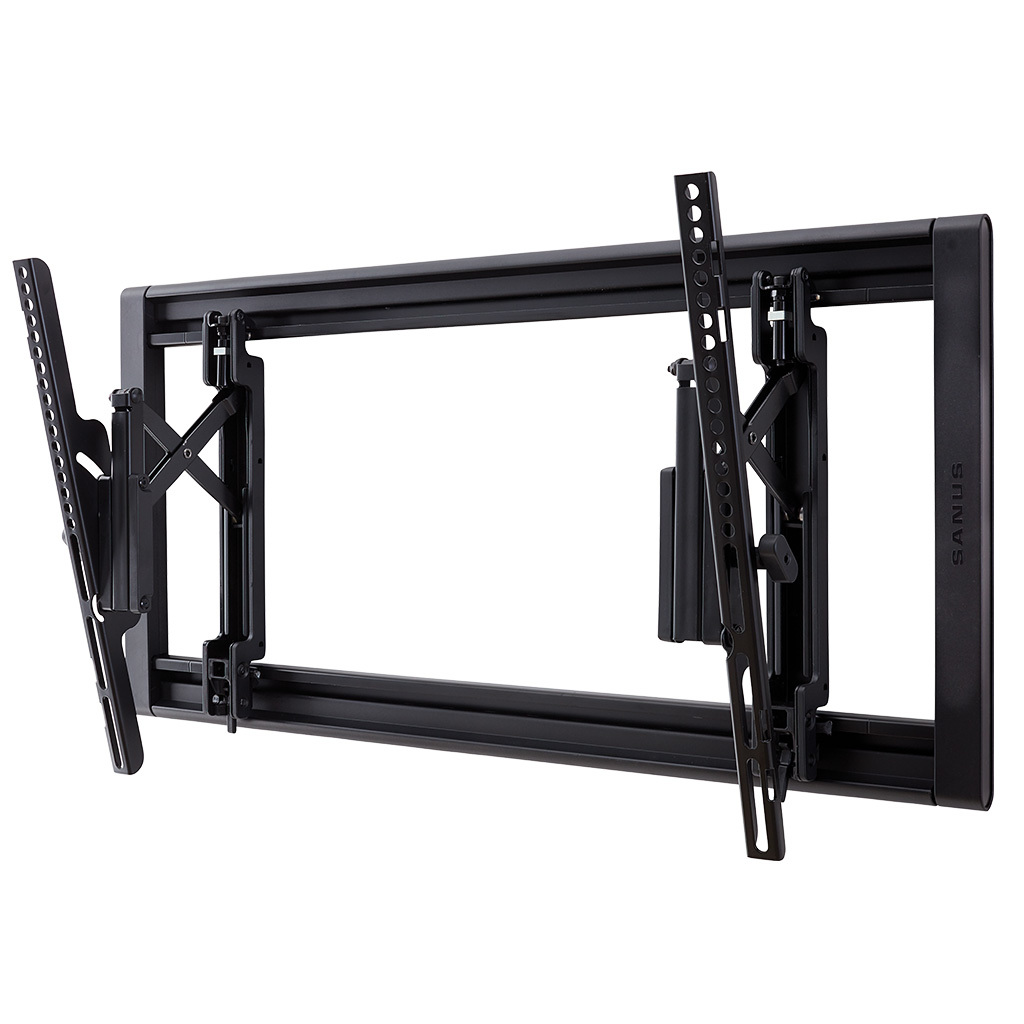
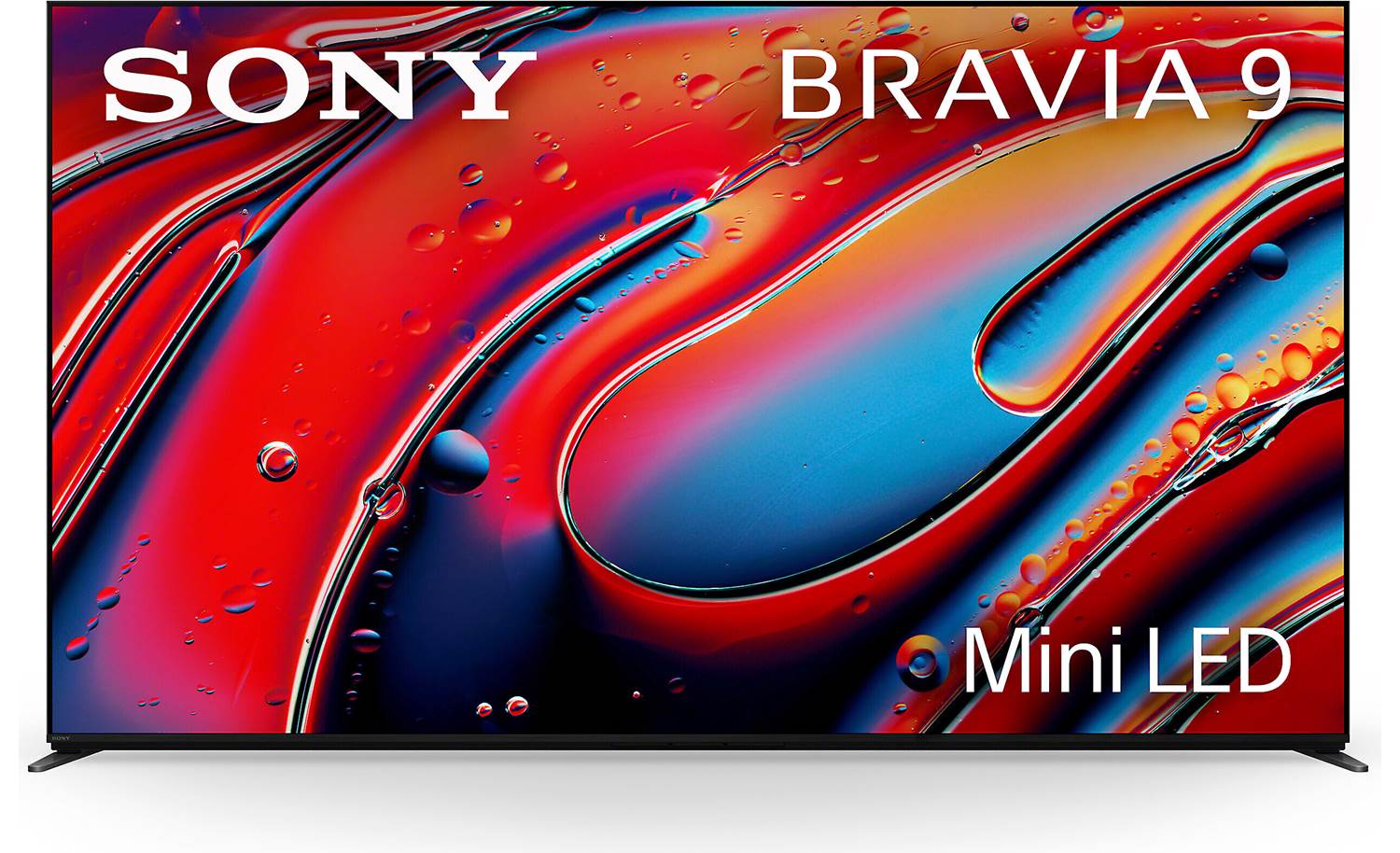
Sanus VLT7 on an 85-Inch Bravia 9 II: Setting the Height
The VLT7 fits the 85" Bravia 9 II's 400x400mm VESA and 106.2 lb weight easily; its post-install height slot is what actually solves the positioning problem.
- Buyrecommendationr/Hisense
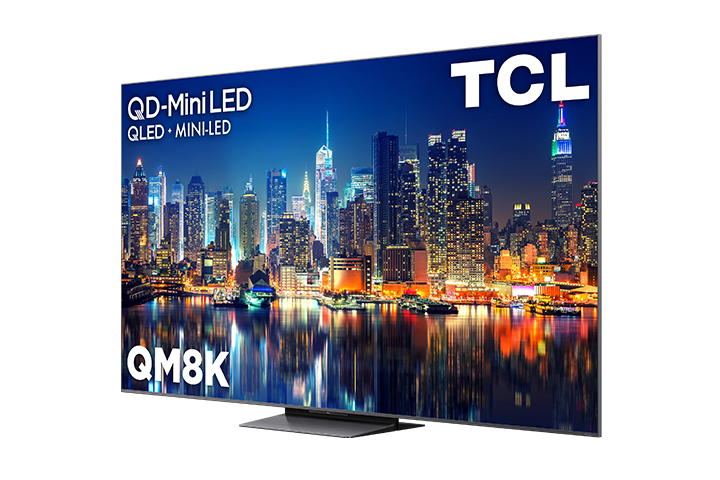
TCL QM8K 85-Inch: Bright-Room Verdict
The 85-inch TCL QM8K is the best fit for a bright mixed-use room, provided no window or lamp sits directly opposite its glossy screen.
- Buyvalidationr/tcltvs
TCL 75QM5K: What the Specs Say Before You Buy
The TCL 75QM5K is a solid mini-LED buy if you accept its 60Hz native-4K cap, HDR banding, and weak built-in sound.
- Buytroubleshootingr/Hisense
Why HDR Peak Brightness Drops in Game Mode, and How to Check
Low HDR peak brightness in Game Mode is usually the TV's own limiter, not the OS — a benchmark disc played through a standalone player proves which one it is.
- Buycomparisonr/tcltvs
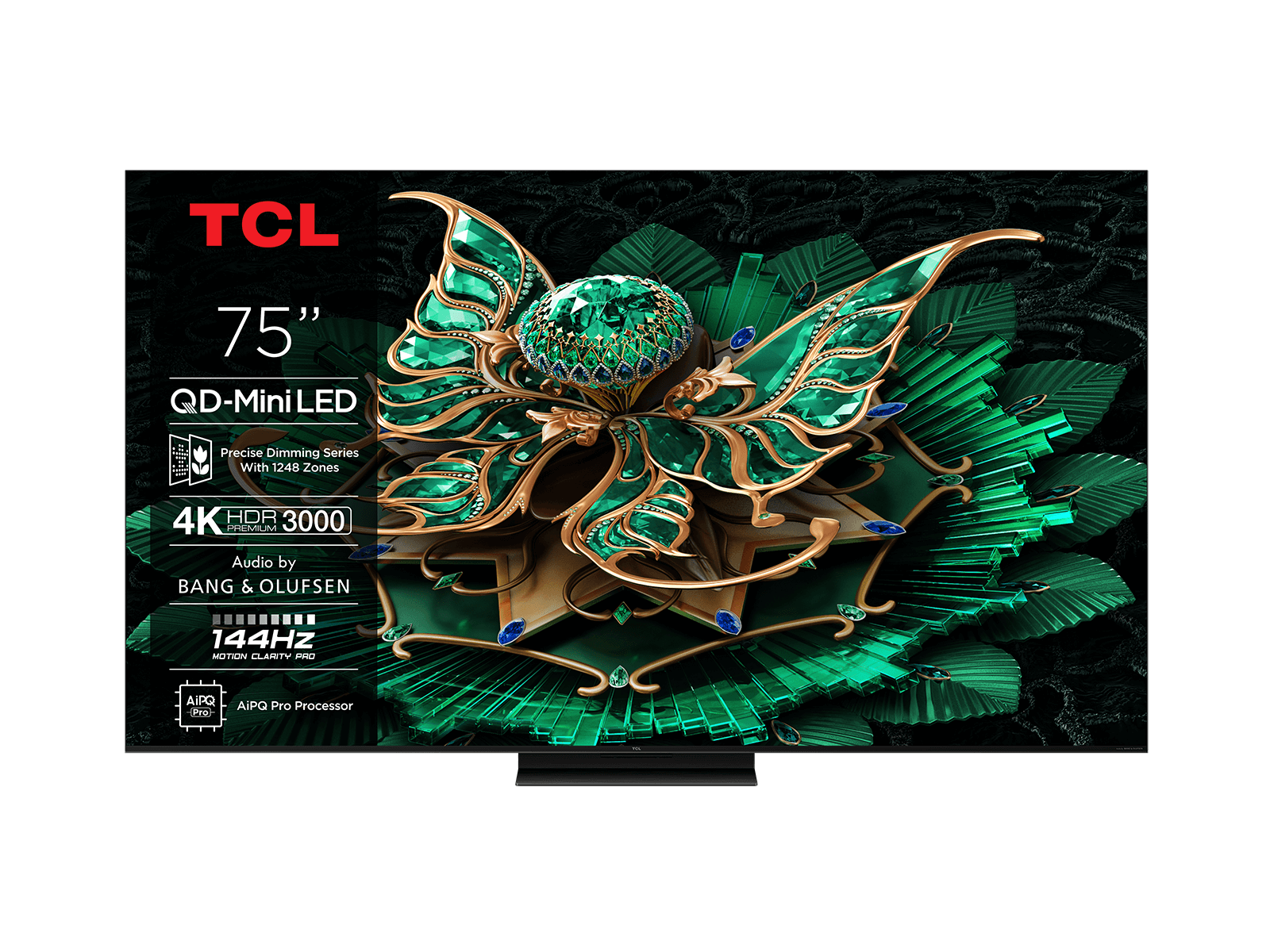
TCL C8K vs C7K vs C9K: Gaming, Office, or Movies
The 75-inch TCL C8K balances mini-LED zone count and brightness best for mixed PC gaming, office, and movie use at a 3-meter distance.
- Buycomparisonr/tcltvs
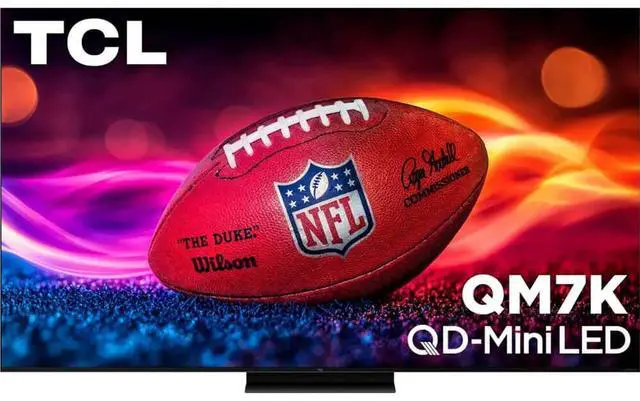
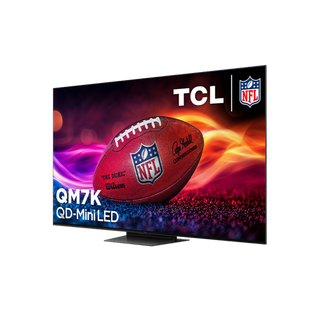
Hisense U7Q vs TCL QM6K vs QM7K: What Actually Differs
The TCL QM7K measures brighter with more dimming zones than the Hisense U7Q or TCL QM6K, making it the pick unless 4K/120Hz input lag is your priority.
- Buycomparisonr/bravia
Sony Bravia 5 85: When 100 Inches Wins
At 13 feet, choose the 100-inch Bravia 3 II for immersion; choose the 85-inch Bravia 5 when dark-room picture quality matters more.
- Buyrecommendationr/bravia
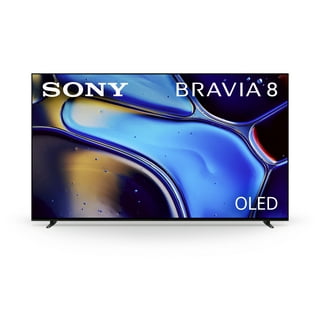
Sony Bravia 8 at 8 Feet: 55 or 65 Inches?
At eight feet, choose the 55-inch Sony Bravia 8 for nighttime viewing; keep a 43-inch Bravia 3 only for a closer secondary room.
- It dependscompatibilityr/Hisense
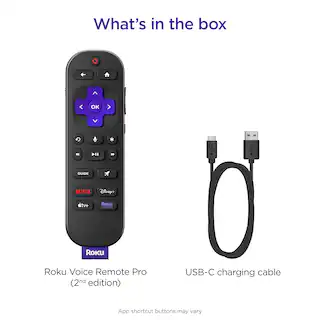
Roku Voice Remote Pro: Keep One Remote in 4K
Yes—you can keep one-remote TV power, soundbar volume, and Roku control after moving to 4K, but only when HDMI-CEC and the audio path cooperate.
- It dependscompatibilityr/tcltvs
Which PSU Board Fits the TCL 65C835?
The correct board is the assembly already fitted—or the one TCL maps to its BoM—not whichever listing merely includes “65C835.”
- Buytroubleshootingr/Hisense
Hisense U75QG Panel Defects: Exchange or Upgrade?
Exchange a new Hisense 85U75QG if fixed panel marks distract during viewing; choose the U8QG for better picture performance, not assured reliability.
- Buyworth it
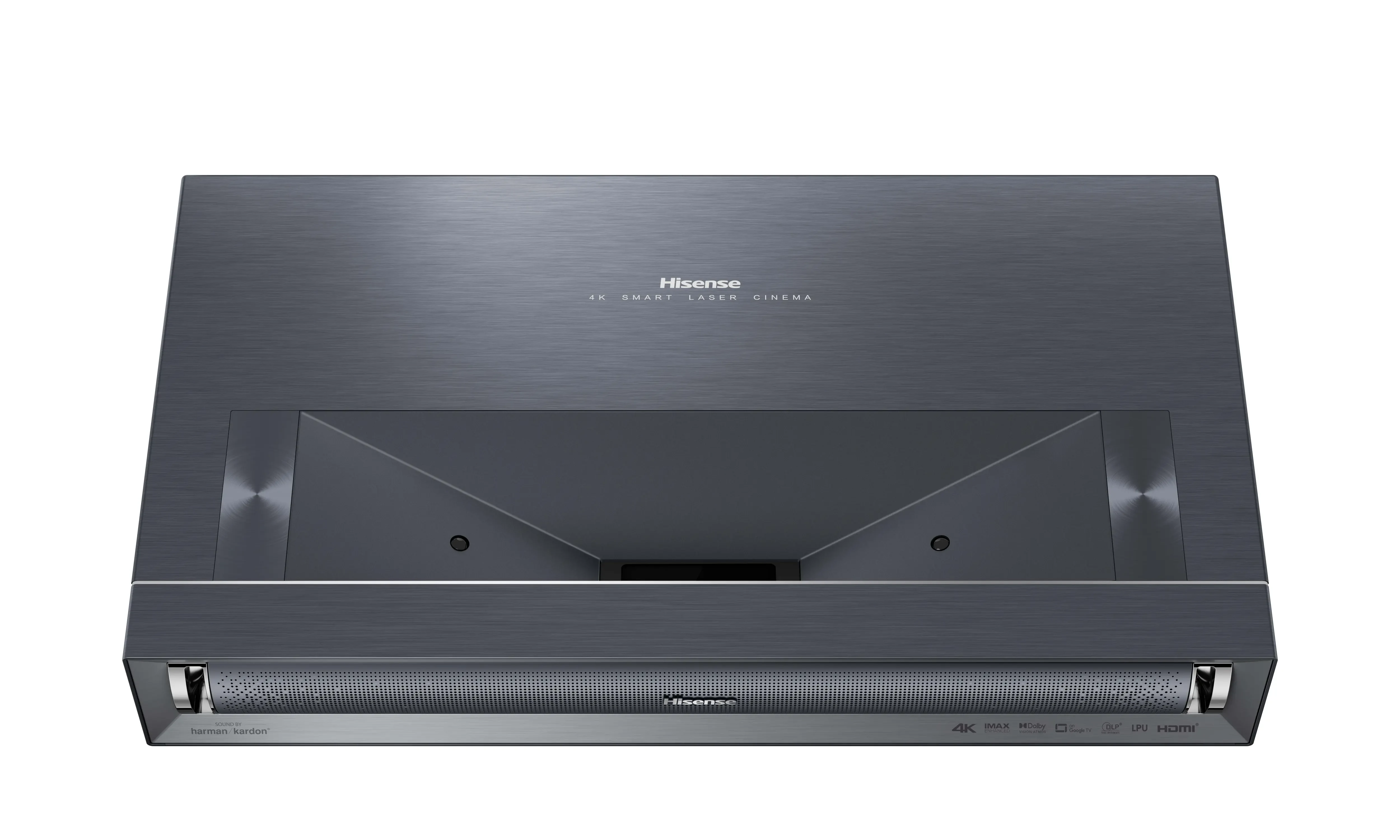
Hisense PX3: What the 4K Laser Cinema Really Offers
The Hisense PX3 is a 4K ultra short throw projector for 80–150-inch images; check regional features before confusing it with the PX3-PRO.
- Buycompatibility
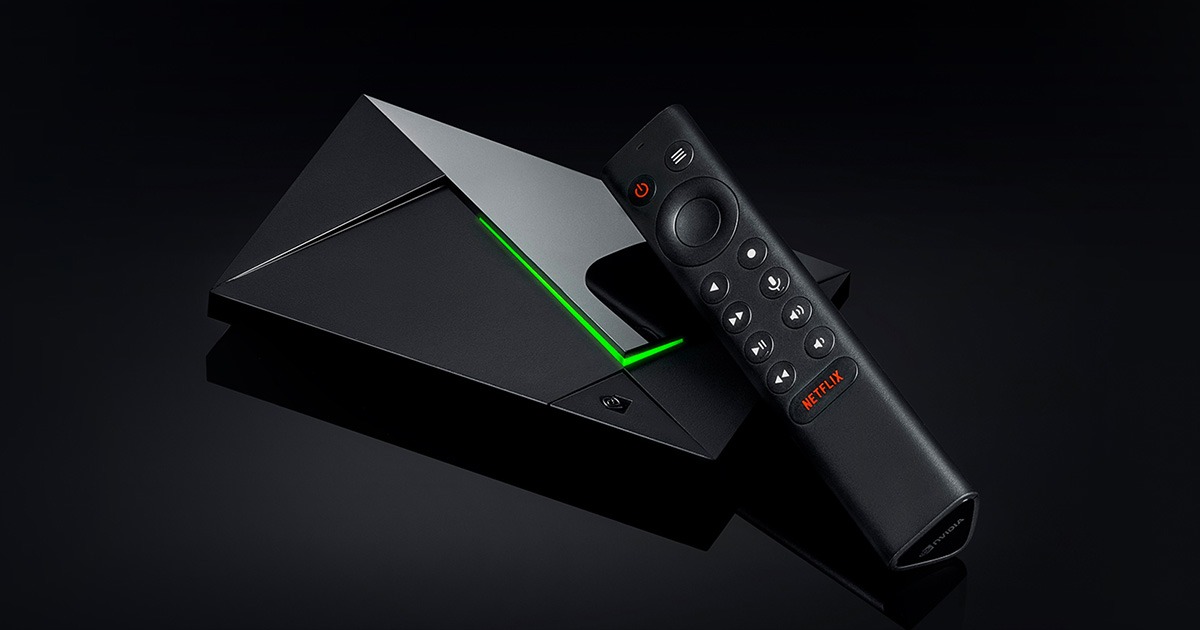
Nvidia Shield TV Pro Remux: What Plays, What Doesn’t
The Shield TV Pro plays 4K remuxes with lossless audio passthrough, but cannot fully reproduce Dolby Vision Profile 7 FEL.
- It dependscomparison
Sony BRAVIA 8 vs 8 II vs XR8B: Which One Wins?
Choose BRAVIA 8 II for stronger HDR; BRAVIA 8 and XR8B suit 77-inch buyers, with XR8B sharing the original’s panel.
- Buyrecommendation
PS5 Pro in a Bright Room: Three TVs Worth Buying
Choose the Samsung QN90F for persistent daylight and glare; consider the S95F for evening gaming or BRAVIA 9 for indirect light.
- Buycomparison
Sony A95L vs A80J: Better Picture, Worth Upgrading?
The A95L wins for HDR brightness and color, but a healthy A80J remains worth keeping for evening viewing and 4K/120Hz gaming.
- Buycompatibility
TCL QM7K for PS5: Great Features, One Real Caveat
The TCL QM7K supports PS5 gaming at 4K/120Hz with HDR and VRR; use HDMI 1 or 2, and expect some motion blur.
- Buycomparison
LG C5 vs Samsung S90F: The PS5 Pro Winner
Choose a QD-OLED Samsung S90F for HDR gaming; choose the LG C5 for better blacks with room lights on or Dolby Vision streaming.
- It dependscomparison
LG G5 77 vs Sony Bravia 9 75: The Better Buy
The LG G5 77 is the better all-rounder for movies and gaming; choose the Bravia 9 75 for broad bright scenes or heavy static-image use.
- Buycomparisonr/tcltvs
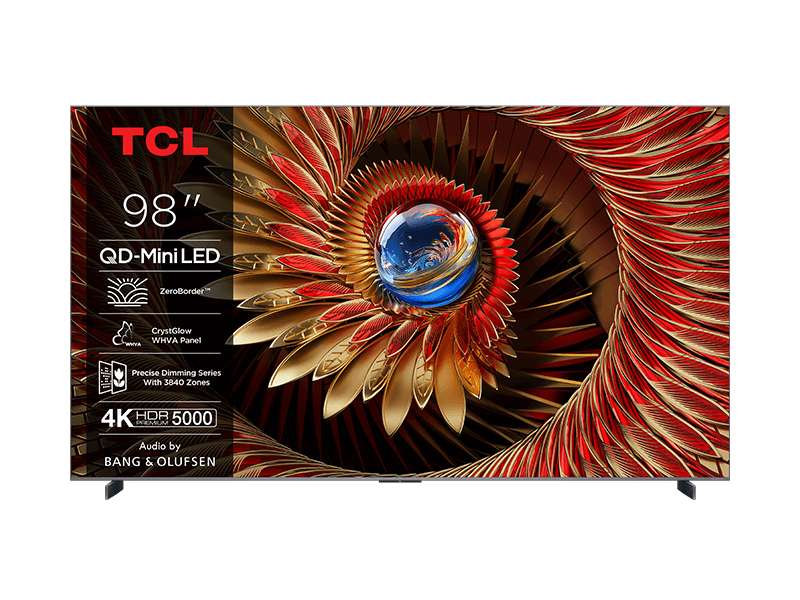
TCL’s 98-Inch Theater Choice Is Clear
Choose the 98-inch TCL QM6K Pro over the Q77K for a theater room unless reflection control is your top concern.
- Buycomparisonr/tcltvs
TCL C6K or C7K at 75 Inches?
The 75-inch C7K is the stronger TV, but a 75-inch C6K can beat a better 65-inch set from 315 cm away.