Nvidia Shield TV Pro Remux: What Plays, What Doesn’t
The question this answersWhere do these come from?
Can the Nvidia Shield TV Pro play 4K Blu-ray remuxes with lossless audio?
The Shield TV Pro plays 4K remuxes with lossless audio passthrough, but cannot fully reproduce Dolby Vision Profile 7 FEL.
The Nvidia Shield TV Pro (2019) is a good buy for playing Blu-ray and 4K UHD remuxes, particularly when you want lossless audio passed to an AV receiver. The important exception is Dolby Vision Profile 7 with a Full Enhancement Layer: the Shield can produce Dolby Vision output without reproducing that additional picture layer. NVIDIA specifications and the dovi_convert developer documentation establish those capabilities and limitations.
A remux preserves the selected compressed video and audio tracks while putting them into another container, commonly MKV. It does not mean uncompressed video, and the word alone does not identify the codecs, HDR format, subtitles or bandwidth required. Those details determine whether a particular file plays correctly.
The recommendation here concerns the 2019 Pro with 16GB storage, rather than an older Shield carrying the Pro name. Its useful specifications are Gigabit Ethernet, two USB 3.0 ports, HEVC playback up to 4K at 60fps, and HDMI passthrough for Dolby TrueHD, DTS-HD and DTS:X. The internal storage is for software and associated data; plan to keep a remux library on a server or external drive. NVIDIA’s product specifications
Playing remuxes from a NAS or USB drive
For a network library, connect both the Shield and the server or NAS through Gigabit Ethernet where practical. Plex provides a library interface and server connection; Kodi can play files from accessible network shares or attached storage. For Dolby Vision MKV playback in Kodi, use version 21 or later: the Kodi project introduced Android Dolby Vision support in MKV during the version 21 development cycle. Kodi’s Android playback changes
A 100Mbps link can be insufficient even when a film’s average bitrate looks acceptable. As an illustrative calculation, a 90GB file lasting two hours averages 100Mbps before network overhead: 90 billion bytes × 8 ÷ 7,200 seconds. That is an example, not a measured Shield result. Variable bitrate peaks can require more bandwidth than the average, so check every connection between storage and player for a slower port or negotiated link.
Independent testing needs careful interpretation here. Dennis Burger’s Shield TV Pro review, now hosted by Home Technology Review, measured an average of 9.52 seconds to reach 16Mbps in a Netflix test pattern. That is a real measurement, but it does not establish a maximum remux bitrate or prove that a demanding disc rip will work over Wi-Fi. The cited review does not provide a controlled remux throughput ceiling. Dennis Burger’s Shield TV Pro measurements
For Plex, start with this sequence:
- Select Original or the highest unrestricted local playback quality offered by your app version.
- Leave Direct Play and Direct Stream enabled where those controls are available.
- Play the troublesome file and inspect its playback information or the server dashboard, checking video and audio separately.
- Temporarily disable subtitles and replay the same scene if video is being transcoded.
Direct Play sends a compatible file unchanged. Direct Stream can simply repackage its tracks without reducing video quality, so that label alone is not a fault. An incompatible subtitle track can instead force subtitles to be burned into the picture, requiring a full video transcode. An audio transcode can also occur while the video remains untouched. Plex’s explanation of playback modes
For USB playback, there is a less obvious limitation worth checking before replacing hardware: FAT32 cannot hold a normal large remux as one file because of its roughly 4GB file-size limit. NVIDIA documents support for exFAT and NTFS as well as FAT32. Use a suitable existing drive formatted with exFAT or NTFS; back up its contents before changing the filesystem. NVIDIA’s USB storage guidance
A useful diagnostic is to play the same file from USB in the same player. If that works while network playback buffers, investigate the network and server delivery path. If only one application fails, investigate that application’s playback handling before buying another Shield.
Just want the recommendation?
Skip to the picksGetting TrueHD Atmos and DTS:X to the receiver
For disc audio, the most straightforward connection is Shield → receiver or soundbar HDMI input → television, provided the audio device supports the required video passthrough. NVIDIA documents this receiver-first arrangement and warns that the receiving device must decode the audio format being passed through. NVIDIA surround audio setup
In Plex for Android TV, look under Settings → Advanced → Passthrough and select HDMI where offered. Menu wording can change between app releases. Enable only formats supported by the connected equipment, then inspect the receiver’s incoming signal information while playing the selected TrueHD or DTS track. Plex’s Android TV settings
Connecting Shield → television → soundbar can also work, but lossless disc audio requires an appropriate eARC return path and a television that passes the particular format from its HDMI input. Ordinary ARC cannot carry TrueHD or DTS-HD Master Audio. The presence of an eARC socket establishes transport capability; it does not establish every television’s codec passthrough behavior. HDMI’s eARC capabilities
Do not use an Atmos badge from a streaming service as proof that TrueHD Atmos from a remux will work. Check the actual selected soundtrack, the app’s audio playback status and the receiver’s reported input. A different soundtrack or an audio conversion can explain why the picture plays perfectly while the expected disc audio is missing.
Also separate buffering from motion judder. A loading spinner or interrupted playback calls for delivery and transcoding checks. Uneven motion during otherwise continuous playback calls for a frame-rate check. Plex’s Advanced → Refresh Rate Switch setting lets the app match the display refresh rate to the video more closely. It can address cadence mismatch; it cannot repair insufficient network throughput. Plex refresh-rate settings
Dolby Vision works, but full disc reproduction has a limit
The distinction that matters is Dolby Vision output versus Full Enhancement Layer decoding. A television showing its Dolby Vision notification confirms the incoming HDR mode. It does not prove that every component of a Profile 7 remux contributed to the displayed image.
Kodi documents Profile 7 playback and HDR10 fallback on the 2019 Shield. Separately, the dovi_convert developer documents that the Shield does not support Profile 7’s enhancement layer. Those statements are compatible: accepting a file and producing Dolby Vision output is different from reconstructing its full enhancement-layer picture information. Kodi’s supported-profile explanation and dovi_convert’s enhancement-layer explanation
Skip the Nvidia Shield TV Pro if your purchase requires complete Dolby Vision Profile 7 FEL reproduction: its playback path discards that enhancement layer. It remains a sensible remux player when HDR10 playback and lossless audio passthrough are the priorities.
Converting a file to Profile 8.1 does not restore the missing layer. The dovi_convert documentation explains that conversion discards enhancement-layer data while retaining Dolby Vision dynamic metadata, and warns that some titles use the layer for brightness expansion. Avoid treating batch conversion as an automatically faithful repair; preserve the original files. dovi_convert conversion limitations
For a problematic Profile 7 title with an HDR10 base layer, trying HDR10 playback is a useful diagnostic. If HDR10 works and Dolby Vision fails, that points toward the HDR profile or application path rather than proving the network is too slow. If the failure remains isolated to one app, report its version, Shield software version, file metadata and playback logs to that app’s support team. A replacement device is not yet justified by that evidence.
The bottom line
What actually works with it:
Top pick
Buy this
NVIDIA SHIELD Android TV Pro 16GB 2019
NVIDIA
NVIDIA specifies 4K60 HEVC playback, Gigabit Ethernet and TrueHD/DTS-HD passthrough, supporting the principal requirements of a remux player.
A strong choice for 4K remux libraries needing Gigabit Ethernet, USB storage and lossless HDMI audio passthrough. It does not fully reproduce Dolby Vision Profile 7 FEL.Available at Amazon(paid link) — opens Amazon in a new tab. Price and availability shown there.
Recommended products
Ordered by how well each one fits the situations above. Each link below is a paid link.
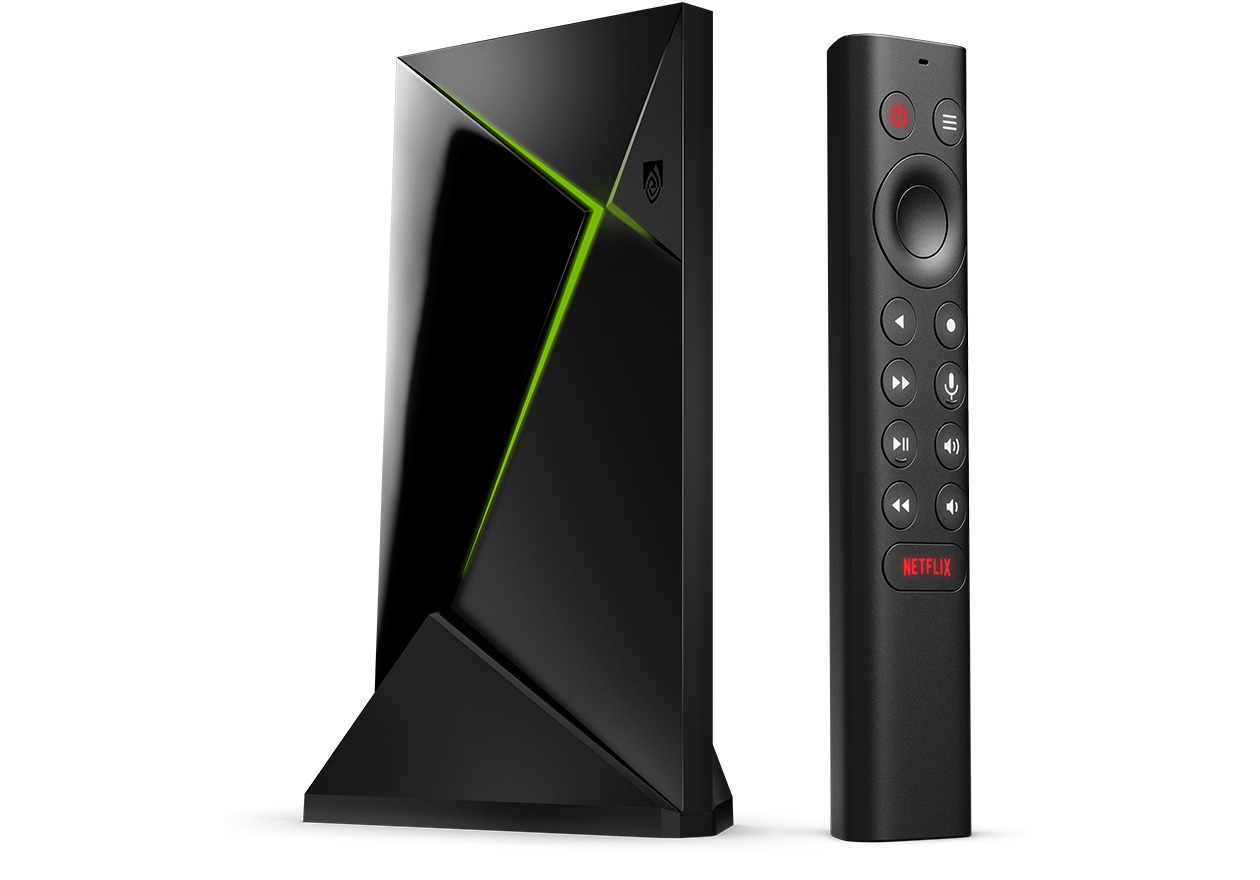
NVIDIA SHIELD Android TV Pro 16GB 2019
NVIDIA
Buy — NVIDIA specifies 4K60 HEVC playback, Gigabit Ethernet and TrueHD/DTS-HD passthrough, supporting the principal requirements of a remux player.
A strong choice for 4K remux libraries needing Gigabit Ethernet, USB storage and lossless HDMI audio passthrough. It does not fully reproduce Dolby Vision Profile 7 FEL.Available at Amazon(paid link) — opens Amazon in a new tab. Price and availability shown there.
Sources
Pages consulted while researching this article. None of these are affiliate links.
- NVIDIA SHIELD TV Pro specifications — nvidia.com
- dovi_convert: Profile 7 conversion and enhancement-layer limitations — github.com
- Kodi 21 Omega Alpha 1: Android Dolby Vision support — kodi.tv
- Dennis Burger: Nvidia Shield TV Pro Streaming Media Player Reviewed — hometechnologyreview.com
- Plex: Direct Play and Direct Stream — support.plex.tv
- NVIDIA: How to Use USB Storage Devices — support-shield.nvidia.com
- NVIDIA: AVR and Surround Audio Setup — support-shield.nvidia.co.uk
- Plex: Android TV Settings — support.plex.tv