LG C5 vs Samsung S90F: The PS5 Pro Winner
The question this answersWhere do these come from?
Should I get the LG C5 or the Samsung S90F for PS5 Pro gaming?
Choose a QD-OLED Samsung S90F for HDR gaming; choose the LG C5 for better blacks with room lights on or Dolby Vision streaming.
Choose the Samsung S90F with a confirmed QD-OLED panel for PS5 Pro gaming in a room where you can control the lighting. Choose the LG C5 if you usually play with room lights on and prioritize deep blacks, or also want Dolby Vision streaming through the TV’s apps.
Neither TV deserves a blanket skip: both support the console’s essential gaming features. The LG C5 loses this comparison for players prioritizing HDR impact because its Game Optimizer mode reduces brightness, while the QD-OLED S90F offers richer bright colors. That makes the C5 a conditional alternative, rather than a bad purchase. RTINGS’ C5 and S90F comparison
Both cover PS5 Pro’s 4K gaming requirements
This table compares the US 65-inch LG OLED65C5PUA and Samsung QN65S90FAFXZA. The Samsung panel designation matters when applying the verdict to another size or country.
| Deciding feature | LG C5, 65-inch | Samsung S90F, 65-inch US model |
|---|---|---|
| Panel technology | WOLED | QD-OLED |
| PS5 Pro gaming output | 4K at 120Hz, HDR10, VRR | 4K at 120Hz, HDR10, VRR |
| Maximum supported refresh rate | 144Hz with compatible input | 144Hz with compatible input |
| HDMI inputs supporting 4K at 120Hz | 4 | 4 |
| Dolby Vision support | Yes | No |
LG documents four inputs supporting 4K at 120Hz and VRR; Samsung specifies up to 4K at 144Hz on all four HDMI inputs. Neither requires you to choose between connecting the console and retaining another fast HDMI input. LG C5 specifications, Samsung S90F specification sheet
144Hz gives neither TV an advantage with PS5 Pro. The console reaches up to 120fps, and HDMI Forum VRR is the relevant variable refresh feature. A compatible PC can use the additional refresh headroom; your PlayStation cannot turn it into extra frames. Likewise, a television supporting 120Hz does not make every game run at 120fps: the game must provide an appropriate mode. RTINGS’ PS5 and PS5 Pro display requirements
For HDR games, Samsung’s advantage is color and Game Mode
The useful comparison is how the TVs display games while their low latency modes are active. A brightness result from a movie preset cannot settle that question.
Tom’s Guide measured 89.03% Rec. 2020 color gamut coverage on the S90F versus 76.18% on the C5. Its published input latency results were 9.1ms for both, with Game Boost identified for the LG. Those latency figures are the publication’s test results, not a claim about every resolution or refresh rate. They support choosing between these TVs on picture characteristics rather than expecting a decisive responsiveness advantage. Tom’s Guide’s measured comparison
Gamut coverage describes the range of colors a display can reproduce; it does not mean every game becomes proportionally more colorful. The practical benefit depends on the game’s artwork and HDR implementation. Samsung’s advantage is most relevant when you want vivid HDR highlights and saturated colors, rather than simply a higher number on a specification sheet.
RTINGS also reports that the C5 dims in Game Optimizer, whereas the S90F retains its HDR brightness in Game Mode. That gives Samsung a relevant advantage for console play even when ordinary HDR movie brightness appears similar. RTINGS’ LG C5 testing
Dolby Vision should not reverse this gaming verdict. PS5 Pro games use HDR10; LG’s Dolby Vision capability does not add a PlayStation gaming mode. Sony identifies HDR10 as the PS5 family’s HDR format, and RTINGS likewise specifies HDR10 for PS5 Pro displays. Dolby Vision becomes a separate reason to choose LG when you watch compatible content through its built-in apps or a compatible external source. Sony’s PS5 HDR documentation, RTINGS’ PlayStation display guide
Just want the recommendation?
Skip to the picksCheck the S90F model code before choosing a size
The S90F name does not guarantee QD-OLED. RTINGS tested the US 65-inch QN65S90FAFXZA. Its North American panel breakdown identifies the 55-, 65-, and 77-inch versions as QD-OLED, but the 42-, 48-, and 83-inch versions as WOLED. The publication explicitly excludes WOLED variants from its QD-OLED test conclusions. RTINGS’ S90F size and regional breakdown
Outside North America, verify the complete local model code before applying this recommendation. Do not assume that a 55-inch or 77-inch Samsung in another country has the same panel as the US version. If the regional documentation is unclear, ask Samsung to confirm the panel technology for that exact code.
For a 42-, 48-, or 83-inch purchase, the Samsung recommendation above does not carry across automatically. That does not establish that the WOLED S90F is worse than the C5; it means the evidence supporting this article’s Samsung win concerns a different panel. Choose the C5 if Dolby Vision is useful, but seek measurements of the exact Samsung variant before declaring a picture-quality winner between two WOLED models.
Room lighting can make the C5 the better choice
The QD-OLED S90F’s blacks become visibly lighter under ambient illumination. RTINGS found that the C5 preserves black depth better in those conditions, although Samsung handles direct reflections better. Those are different properties: suppressing a reflected lamp and keeping black areas dark are not the same task. RTINGS’ lighting comparison
Choose LG when maintaining dark-looking shadows with the lights on matters most. Choose Samsung when curtains or evening play let you control light reaching the screen. A showroom running bright demo footage is a poor way to judge this distinction; look at dark content under lighting resembling your room.
If daylight dominates the room and cannot be controlled, the broader Mini LED versus OLED comparison for PS5 Pro is relevant before committing to either OLED.
Update the C5, then verify the console’s output
Older C5 advice needs a firmware qualification. RTINGS reports that firmware 33.21.67 fixed excessive HDR10 banding in picture modes including Game Optimizer, with Standard and Vivid remaining exceptions. It also reports a brightness improvement in its landscape-pool test with 33.22.65. Those are tested versions, not a claim that either is the latest release available for every region. RTINGS’ updated C5 findings
That removes the justification for rejecting every C5 based on its launch-era gaming banding. Install the current firmware offered for your exact model before judging it.
For either TV, verify the connection before comparing image quality:
- Connect PS5 Pro directly to the TV using its supplied HDMI cable.
- Enable the TV’s gaming mode: Game Optimizer on LG or Game Mode on Samsung.
- Open Settings > Screen and Video > Video Output on PS5 Pro. Use Automatic resolution, enable 120Hz output and VRR, and select HDR On When Supported.
- Run Adjust HDR, then check Information for the Connected HDMI Device for HDR, VRR and supported output capabilities.
Sony recommends a direct connection when troubleshooting 4K at 120Hz, because a receiver or other intermediary can restrict the signal. Leave Video Transfer Rate on Automatic initially; the reduced settings limit output and are troubleshooting measures. Sony’s video-output setup guide
With that configured, buy the confirmed QD-OLED S90F for its HDR gaming picture. Choose the C5 when illuminated-room black depth or Dolby Vision viewing is the more useful advantage.
The bottom line
Neither is wrong; the use case separates them:
Top pick
Buy this
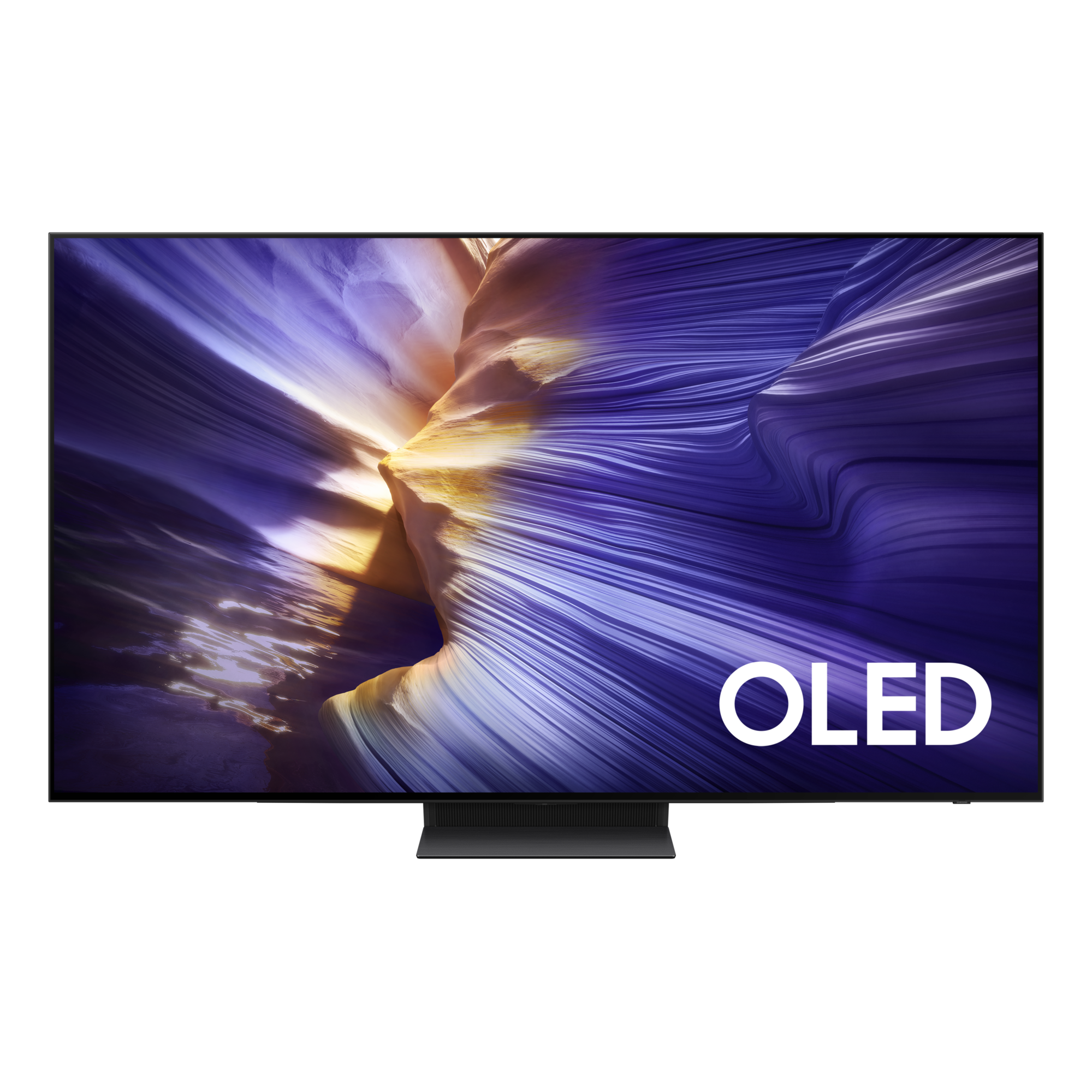
Samsung 65-Inch Class OLED S90F 4K Smart TV QN65S90FAFXZA
Samsung
RTINGS identifies QN65S90FAFXZA as QD-OLED and reports that it retains HDR brightness in Game Mode, unlike the C5.
The preferred choice for PS5 Pro HDR gaming with controlled room lighting. This US model has the tested QD-OLED panel, but ambient light raises its blacks and it lacks Dolby Vision.Available at Amazon(paid link) — opens Amazon in a new tab. Price and availability shown there.The alternative
It depends
LG 65-Inch OLED evo AI C5 4K Smart TV OLED65C5PUA
LG
The C5 preserves blacks better under ambient light and supports Dolby Vision, but RTINGS reports lower HDR brightness in Game Optimizer.
Choose it for better black depth under ambient lighting or Dolby Vision viewing alongside gaming. Its Game Optimizer mode reduces HDR brightness, and its bright colors are less vivid than the QD-OLED Samsung’s.Available at Amazon(paid link) — opens Amazon in a new tab. Price and availability shown there.
Recommended products
Ordered by how well each one fits the situations above. Each link below is a paid link.
Samsung 65-Inch Class OLED S90F 4K Smart TV QN65S90FAFXZA
Samsung
Buy — RTINGS identifies QN65S90FAFXZA as QD-OLED and reports that it retains HDR brightness in Game Mode, unlike the C5.
The preferred choice for PS5 Pro HDR gaming with controlled room lighting. This US model has the tested QD-OLED panel, but ambient light raises its blacks and it lacks Dolby Vision.Available at Amazon(paid link) — opens Amazon in a new tab. Price and availability shown there.LG 65-Inch OLED evo AI C5 4K Smart TV OLED65C5PUA
LG
It depends — The C5 preserves blacks better under ambient light and supports Dolby Vision, but RTINGS reports lower HDR brightness in Game Optimizer.
Choose it for better black depth under ambient lighting or Dolby Vision viewing alongside gaming. Its Game Optimizer mode reduces HDR brightness, and its bright colors are less vivid than the QD-OLED Samsung’s.Available at Amazon(paid link) — opens Amazon in a new tab. Price and availability shown there.

Sources
Pages consulted while researching this article. None of these are affiliate links.
- RTINGS: LG C5 OLED vs Samsung S90F OLED — rtings.com
- LG OLED65C5PUA specifications — lg.com
- Samsung S90F official specification sheet — images.samsung.com
- RTINGS: TV requirements for PS5 and PS5 Pro — rtings.com
- Tom’s Guide: Samsung S90F review and measured comparison — tomsguide.com
- RTINGS: LG C5 OLED review and firmware updates — rtings.com
- PlayStation: PS5 technical FAQ — blog.playstation.com
- RTINGS: Samsung S90F review and panel variants — rtings.com