MacBook
18 articles on this topic.
Most of what lands here is a version of the same fork in the road: which chip tier and memory size actually matches a specific workload, not a generic one. Someone producing music, editing photos or video, running language models locally, or just coding day to day wants to know whether the step up in memory or processor tier pays for itself, or whether a cheaper, older, or smaller configuration already covers what they do. Alongside that sits the question of trust in a specific unit — whether a refurbished or secondhand machine is safe to buy — and what to do when a MacBook stops behaving normally, from a machine that won’t join Wi-Fi to a screen that needs repairing.
These questions start as one person describing their own machine, budget, or workload in public and asking what to do. The answers here come from reading widely around each of those situations — published reviews, what owners consistently report once they’ve lived with a configuration, and manufacturer documentation — and reconciling those against each other rather than taking any single account at face value.
- Buyrecommendationr/musicproduction
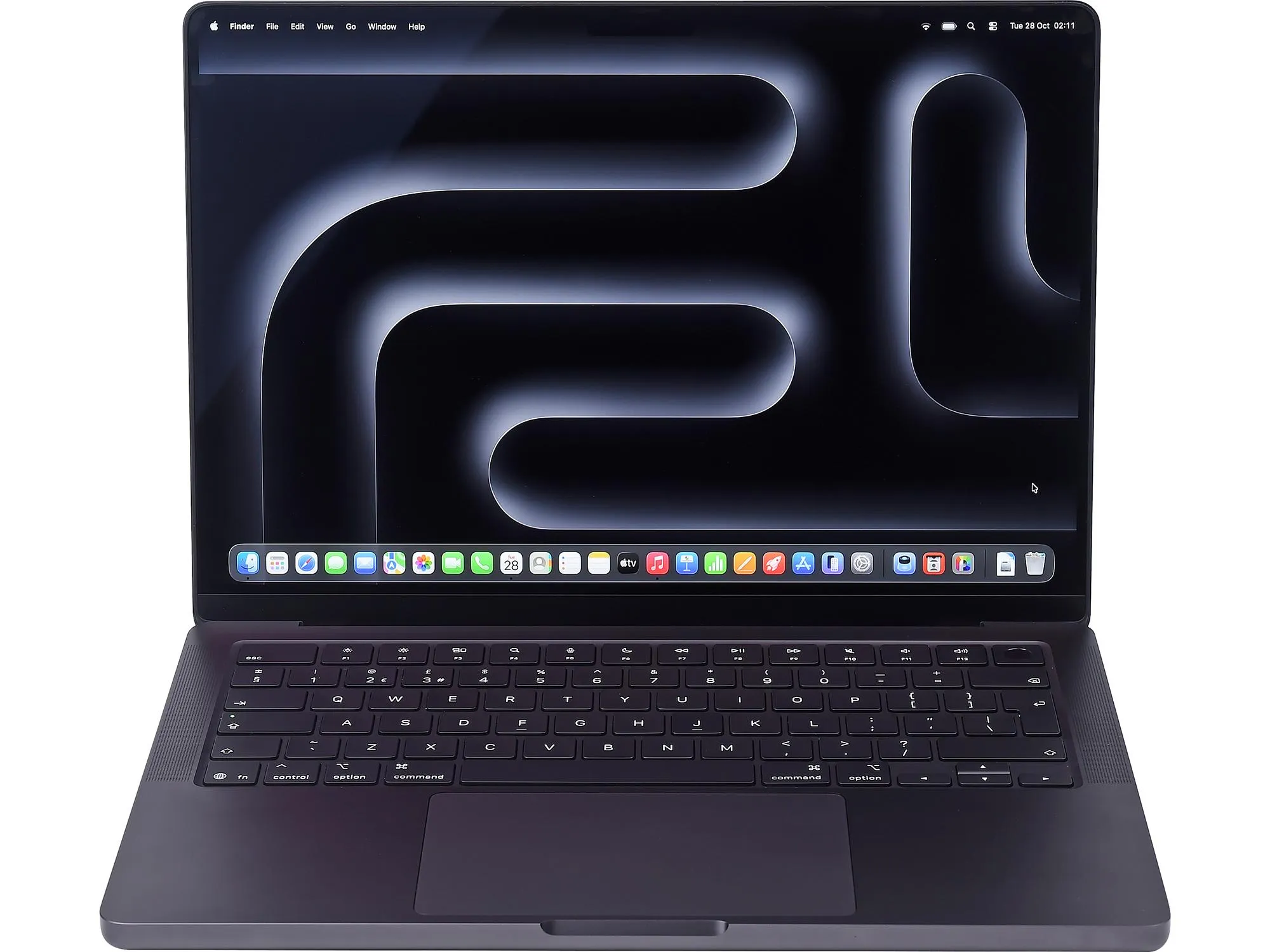
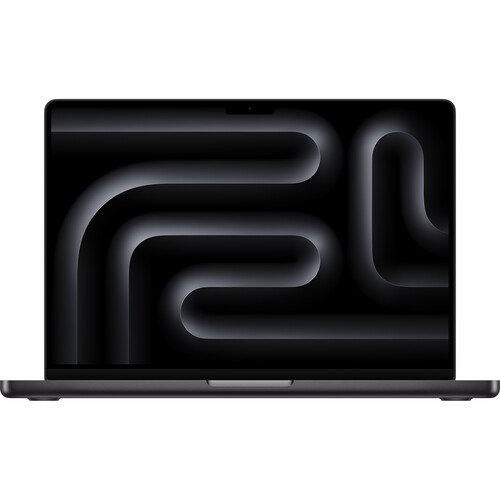
14-Inch MacBook Pro for Logic Pro: M5 Pro, Not Max
Only the M3 Pro and later clear 18GB; for a 14-inch chassis running Logic Pro and UAD plugins, the M5 Pro at 24GB sustains cleanly where the M5 Max throttles.
- Buyworth itr/macbook
Apple Refurbished M4 MacBook Air: Safe to Buy?
Yes—Apple Certified Refurbished is a sensible M4 MacBook Air buy; the protections are strong, but a new Mac battery is not guaranteed.
- It dependsworth it
MacBook Air M5: When 32GB Is Actually Worth It
The M5 MacBook Air’s 32GB option earns its place with memory-heavy multitasking; everyday work rarely needs it.
- Buyworth it
MacBook Pro M4 for Photography: Which Specs Matter?
Yes—the MacBook Pro M4 is good for photography; 24GB suits regular editing, while heavier AI and layered work justify M4 Pro.
- Buycomparisonr/macbookair
M1 Max or M4 Air? The Workload Decides
Choose the M4 Air for everyday speed, silence, and portability; take the M1 Max for sustained GPU work, extra memory, or its superior display.
- Buyrecommendationr/LocalLLM
M5 Pro 48GB for Local LLMs: The Real Limit
The M5 Pro with 48GB is excellent for 4-bit models up to 35B, but dense 70B models, long contexts and heavy concurrency need more memory.
- Buytroubleshootingr/musicproduction
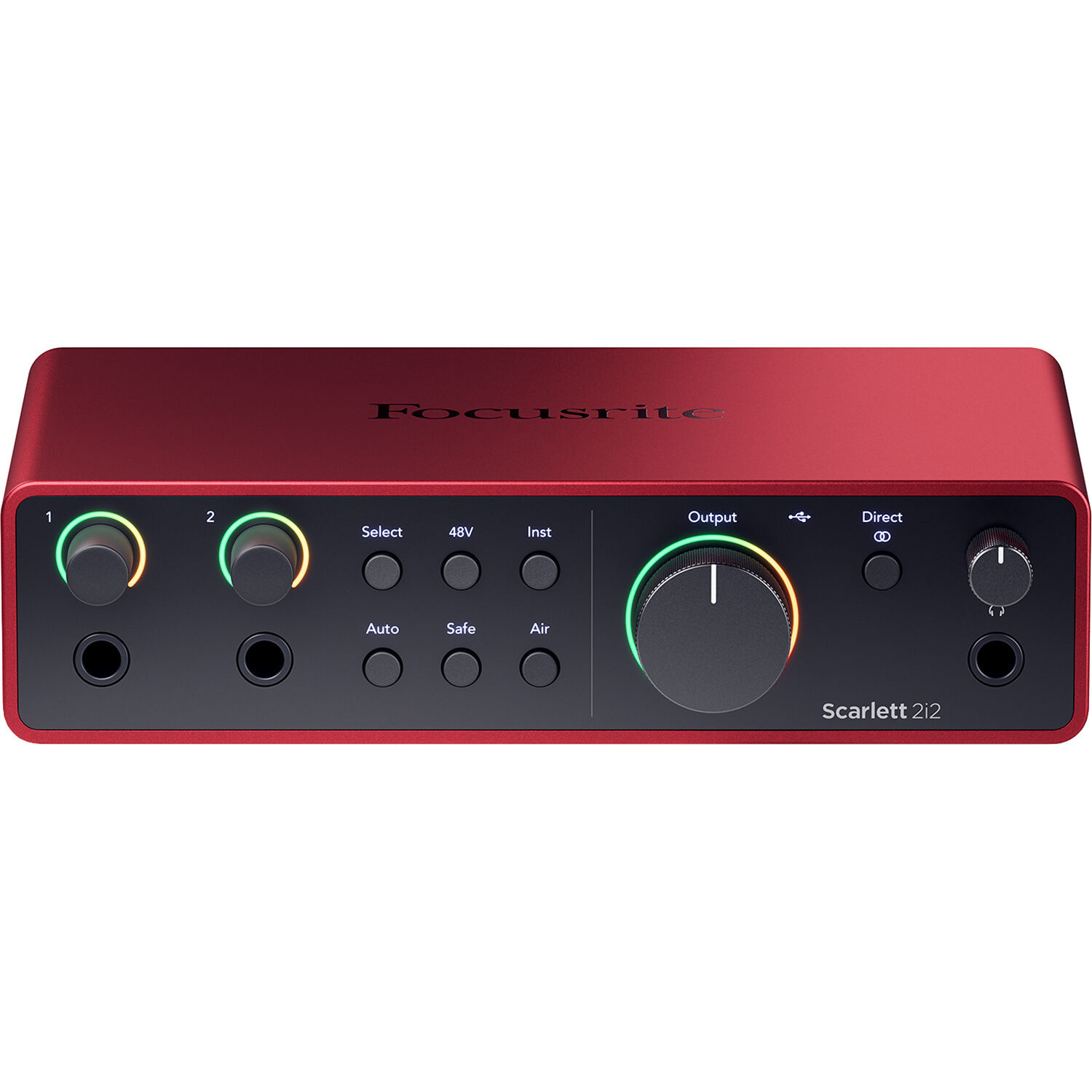
Best FL Studio Home Studio Setup
A stable FL Studio rebuild should put the money into CPU, RAM, interface drivers, monitoring, and one clean vocal chain.
- It dependstroubleshootingr/macbookpro
What an M5 MacBook Air Display Repair Costs
With AppleCare, screen-only damage uses a fixed local service fee; without coverage, the final M5 Air quote requires inspection.
- Buyrecommendationr/macbookpro
Is 48GB Overkill for M5 Pro 4K Editing?
The 48GB/1TB M5 Pro is a strong 4K editing choice for multicam and effects, while 24GB is enough for simpler single-camera work.
- Buycomparisonr/macbookpro
M4 Pro or M5: The Better Music Mac
For music production, choose the 14-inch M4 Pro 24GB/512GB; pick M5 1TB only when storage and battery life matter more.
- Buytroubleshootingr/macbookpro
MacBook Pro M5 Won’t Join Wi-Fi? Start Here
Forget and rejoin the network, test a phone hotspot, then use the result to decide whether to fix the router or send the Mac for service.
- Buycomparisonr/macbookpro
M4 Max Beats M5 Pro for Most Mac Gaming
For gaming, the 14-inch M4 Max 36GB beats either 24GB M5 Pro tier overall; choose M5 Pro only for newer CPU and AI priorities.
- Buycomparisonr/macbookpro
M2 Max 32GB vs M3 Pro 18GB: Which Wins, and When
Choose 32GB for local LLMs and image generation; the M3 Pro 18GB wins only when its newer GPU features outweigh memory capacity.
- Buycomparisonr/macbookpro
M3 Pro or M5 Pro? Let the Workload Decide
Choose the M5 Pro for faster, lighter everyday work; take the 36GB M3 Pro when local ML memory capacity matters more than portability.
- Buycomparisonr/AppleWhatShouldIBuy
MacBook Air 16GB vs 24GB for Coding, Sorted by Workload
For most coding, 16GB is enough on a MacBook Air; choose 24GB only for heavier Docker, VM, Android, or local AI workflows.
- Buyrecommendationr/macbookpro
The M5 MacBook Pro RAM Choice That Ages Better
For heavy web development, Rust, and monorepos, choose 24GB over 16GB; 16GB is only the safer buy for lighter local workloads.
- Skipcomparisonr/macmini
Mac Mini vs MacBook Pro for Developers
Keep the M2 Pro MacBook as your mobile machine and move heavy builds, Docker, simulators, and dev services onto a Mac mini.
- Buyrecommendationr/macbookpro
Large External Monitor for MacBook Pro
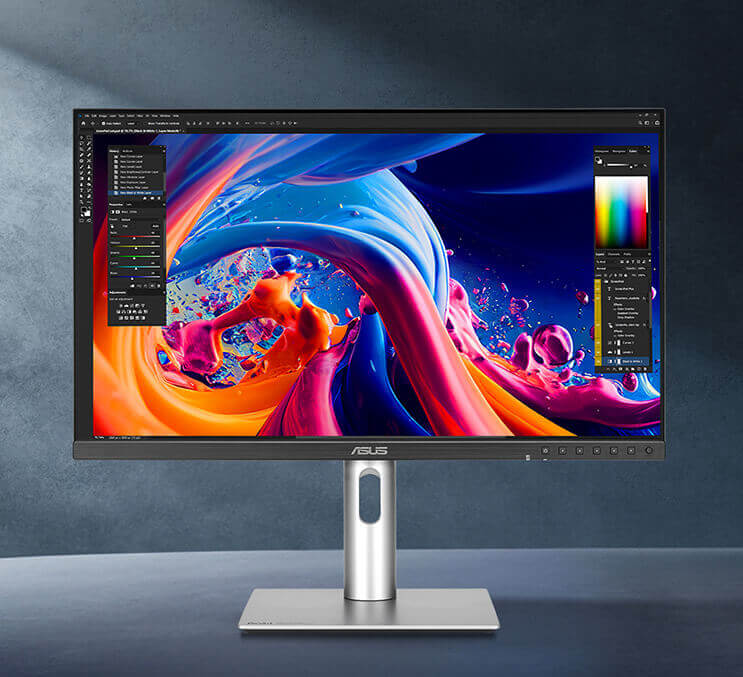
Choose a 32-inch 6K monitor for Mac-sharp text, or a 40-inch 5K2K ultrawide for spreadsheet space instead of using a TV.