Apple Refurbished M4 MacBook Air: Safe to Buy?
The questionWhere do these come from?
A refurbished related question
I'm considering buying an Apple Certified Refurbished MacBook Air (M4 chip) directly from Apple’s official website. Since I’m not familiar with the refurbished market, I wanted to ask: 1.
Yes—Apple Certified Refurbished is a sensible M4 MacBook Air buy; the protections are strong, but a new Mac battery is not guaranteed.
Yes—buy an Apple Certified Refurbished M4 MacBook Air if Apple has the memory, storage, and screen size you need. It carries much less risk than an ordinary used or seller-refurbished Mac because Apple performs functional testing, replaces defective components, completes a final quality inspection, supplies the expected accessories, and includes its standard warranty.
There is one important limitation: Apple does not promise that a refurbished MacBook receives a new battery or outer enclosure. That promise applies specifically to refurbished iOS devices, so inspect a refurbished MacBook’s battery and physical condition while it remains returnable.
| Buying path | What decides it | Protection | Verdict |
|---|---|---|---|
| Apple Certified Refurbished 13-inch M4 | 13.6-inch display, 2.7-pound body | One-year Apple limited warranty; 14-day U.S. return window | Buy |
| Apple Certified Refurbished 15-inch M4 | 15.3-inch display, 3.3-pound body | One-year Apple limited warranty; 14-day U.S. return window | Consider |
| Amazon Renewed M4 MacBook Air | Refurbished outside Apple’s certification program | Not Apple Certified Refurbished protection | Skip |
The protections are close to buying new
Apple says every Certified Refurbished device undergoes full functional testing, cleaning, inspection, and replacement of defective components with genuine Apple parts when needed. It arrives in a new white box with its operating system, cables, and accessories. Apple also allows AppleCare coverage and supplies its standard one-year limited warranty. Apple documents the refurbishment promise here.
For U.S. purchases, Apple applies its standard return policy to Certified Refurbished products and permits a return request within 14 calendar days of receipt. Inventory is limited, however, so exchanging a faulty unit for an identical memory, storage, size, and color combination may not be possible; a return may be the only immediate resolution. Apple explains the refurbished-store policies and return period.
The warranty is meaningful but not unlimited. Apple’s terms cover defects in materials and workmanship for one year. They exclude accidental damage, ordinary cosmetic damage, normal wear, and normal battery aging; a battery is covered when its failure results from a defect. Apple’s Mac warranty spells out those exclusions. AppleCare is therefore worth considering if protection from drops or liquid damage matters, but it is not required merely because the computer is refurbished.
The Mac battery is the exception
The most commonly repeated claim about Apple refurbishment is that every device receives a new battery and outer shell. Apple’s own wording is narrower: it promises those replacements for refurbished iOS devices. A MacBook Air runs macOS, and Apple does not publish a guaranteed maximum cycle count or minimum delivery capacity for Certified Refurbished Macs.
That omission does not mean the battery will be poor. It means a zero-cycle battery must not be assumed. Check the actual unit instead of relying on an unofficial claim that every refurbished MacBook is internally new.
Open System Settings > Battery, click the information button beside Battery Health, and confirm that the condition is Normal rather than Service Recommended. Apple says the latter can mean that the battery holds less charge than when new or is not functioning normally. A normal Mac battery is designed to retain up to 80% of its original capacity at its maximum cycle count, but that is a lifespan specification—not Apple’s acceptance threshold for a newly delivered refurbished Mac. Apple explains battery health and warranty service.
For the cycle count, hold Option while opening the Apple menu, select System Information, and go to Hardware > Power > Battery Information. Apple documents that exact path. A few cycles can result from inspection and setup and are not automatically a defect. Apple publishes no magic cycle-count cutoff for refurbished Macs, so condition, maximum capacity, runtime, and the return window matter more than an arbitrary number from a forum.
What to inspect during the return window
Do these checks before migrating your entire digital life or discarding the packaging:
- Confirm the ordered configuration under Apple menu > About This Mac. Memory and internal storage cannot be upgraded later.
- Check Battery Health, maximum capacity, condition, and cycle count using the paths above.
- Inspect the lid, enclosure, display, hinges, keyboard, trackpad, and ports under bright light. Do not assume visible damage is covered later; Apple’s limited warranty excludes ordinary cosmetic damage.
- Test MagSafe charging, both Thunderbolt 4 ports, the headphone jack, Wi-Fi, Bluetooth, Touch ID, speakers, microphones, and the 12MP Center Stage camera.
- Shut down the Mac, hold the power button until startup options appear, and press Command-D to open Apple Diagnostics. Apple documents the Apple-silicon startup sequence.
- Open System Settings > General > AppleCare & Warranty and verify that the expected coverage appears.
If Apple Diagnostics reports a reference code, the battery says Service Recommended, the coverage date is wrong, or an intermittent hardware fault cannot be reproduced reliably, contact Apple during the return period. Do not spend that window repeatedly reinstalling macOS or guessing at a hardware fix. If Apple cannot resolve the discrepancy, return the unit or request an RMA.
Just want the recommendation?
Skip to the picksRefurbishment does not make the M4 slower
A correctly refurbished M4 MacBook Air has the same processor, memory configuration, display, and ports as the corresponding 2025 model. The 13-inch version has a 13.6-inch 2560-by-1664 display, 16GB base unified memory, 256GB base storage, two 40Gb/s Thunderbolt 4 ports, and support for two external displays at up to 6K and 60Hz. Apple’s 13-inch M4 specification lists those details.
Independent testing supports the underlying hardware rather than Apple’s brochure alone. Notebookcheck measured 16.2 hours in its Wi-Fi test for the base 13-inch M4 and recorded a maximum upper-surface temperature of 44.9°C under load. It also found that the fanless design remains silent, although the 60Hz screen, two USB-C ports, and non-upgradeable 256GB base SSD are real limitations. Notebookcheck’s measured 13-inch M4 results are here.
Those measurements came from a review sample, not every refurbished unit. They establish what healthy M4 hardware can do; they cannot certify the battery or condition of the Mac that arrives at your door.
Choose the configuration before the condition label
The 16GB/256GB configuration is suitable for web work, documents, programming, video calls, and media streaming when large files can live on external or cloud storage. Choose 512GB or more before ordering if you keep substantial photo libraries, video projects, virtual machines, sample libraries, or games locally. Storage and unified memory are built into the machine, so an unsuitable configuration remains unsuitable even when its refurbishment is flawless.
Similarly, do not select a 24GB or 32GB model merely because it appears in stock. More memory is useful for large development environments, heavy creative applications, multiple virtual machines, or workloads already exceeding 16GB. It does not make email, browsing, or ordinary office work meaningfully more reliable.
Where the 15-inch model earns its extra bulk
Consider the Certified Refurbished 15-inch M4 when the laptop’s built-in display will be the primary workspace. Apple specifies a 15.3-inch 2880-by-1864 panel, a six-speaker system, a 66.5Wh battery, and a weight of 3.3 pounds. The 13-inch model weighs 2.7 pounds and is easier to carry, while both have 500-nit IPS displays, two Thunderbolt 4 ports, and support for two external 6K displays. Apple’s 15-inch specifications provide the exact dimensions.
Notebookcheck measured 16.5 hours in its 150-nit Wi-Fi test for the 15-inch M4, but only 6 hours 45 minutes at full display brightness. That gap is a useful warning against treating any advertised maximum as guaranteed everyday runtime. Notebookcheck published both measured results.
The 15-inch model gets nothing wrong about refurbishment or reliability. It is the wrong choice for people who do not need the larger built-in display, because it adds 0.6 pound while offering the same M4 generation, memory choices, port count, and external-display support. For most buyers, the 13-inch is the better default; the 15-inch is a genuine use-case choice, not an upgrade everyone needs.
The exact listing to skip
Skip an Amazon Renewed M4 MacBook Air if the reason for buying is Apple’s Certified Refurbished protection. Apple presents Certified Refurbished inventory as an apple.com online exclusive, so Renewed, seller-refurbished, marketplace-certified, and open-box listings are different purchase programs even when the laptop model and cosmetic description look identical.
That does not prove every third-party refurbished Mac is defective. It means the third party’s inspection, return terms, battery standard, and warranty replace the specific Apple protections evaluated here. Buying one while assuming it is Apple Certified is the avoidable risk.
Buy the Apple Certified Refurbished 13-inch M4 when its configuration fits. Consider the 15-inch when its larger display will replace an external monitor. Skip third-party Renewed listings when Apple certification is the deciding requirement, and return an Apple-certified unit promptly if its battery, physical condition, diagnostics, or warranty record fails the checks above.
The bottom line
Both justify the spend at different budgets:
Top pick
Buy this
Apple 2025 MacBook Air 13-inch Laptop with M4 chip 16GB Unified Memory 256GB SSD Storage
Apple
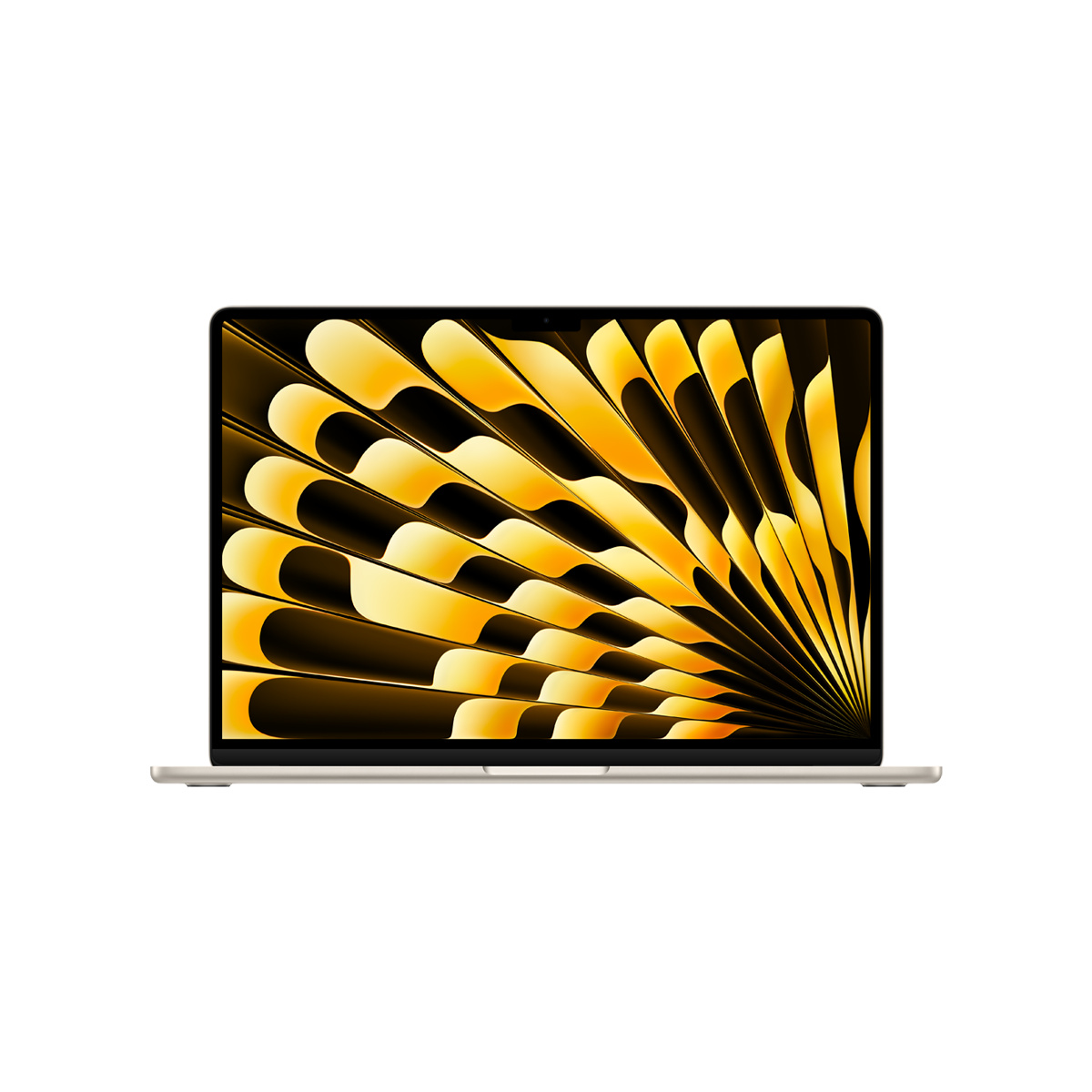
The 13-inch M4 combines 16GB of unified memory, a 13.6-inch display, and a 2.7-pound chassis while retaining the same one-year Apple warranty when Apple Certified Refurbished.
This is the default M4 configuration to match in Apple’s Certified Refurbished inventory, with enough memory for mainstream work in a 2.7-pound body. Its non-upgradeable 256GB SSD is restrictive for large local libraries.Available at Amazon(paid link) — opens Amazon in a new tab. Price and availability shown there.The alternative
It depends
Apple 2025 MacBook Air 15-inch Laptop with M4 chip 16GB Unified Memory 256GB SSD Storage
Apple
Its 15.3-inch display and six-speaker system suit desk-centered use, but it weighs 3.3 pounds and still provides only two Thunderbolt 4 ports.
Choose this only when the 15.3-inch built-in display will materially improve your workspace. The drawback is its 3.3-pound weight, 0.6 pound above the 13-inch model, without additional ports.Available at Amazon(paid link) — opens Amazon in a new tab. Price and availability shown there.
Recommended products
Ordered by how well each one fits the situations above. Each link below is a paid link.

Apple 2025 MacBook Air 13-inch Laptop with M4 chip 16GB Unified Memory 256GB SSD Storage
Apple
Buy — The 13-inch M4 combines 16GB of unified memory, a 13.6-inch display, and a 2.7-pound chassis while retaining the same one-year Apple warranty when Apple Certified Refurbished.
This is the default M4 configuration to match in Apple’s Certified Refurbished inventory, with enough memory for mainstream work in a 2.7-pound body. Its non-upgradeable 256GB SSD is restrictive for large local libraries.Available at Amazon(paid link) — opens Amazon in a new tab. Price and availability shown there.Apple 2025 MacBook Air 15-inch Laptop with M4 chip 16GB Unified Memory 256GB SSD Storage
Apple
It depends — Its 15.3-inch display and six-speaker system suit desk-centered use, but it weighs 3.3 pounds and still provides only two Thunderbolt 4 ports.
Choose this only when the 15.3-inch built-in display will materially improve your workspace. The drawback is its 3.3-pound weight, 0.6 pound above the 13-inch model, without additional ports.Available at Amazon(paid link) — opens Amazon in a new tab. Price and availability shown there.
Sources
Pages consulted while researching this article. None of these are affiliate links.
- Apple Certified Refurbished Promise — apple.com
- Apple Online Store Exclusives and Refurbished Policies — apple.com
- Apple One-Year Limited Warranty for Mac — apple.com
- About Battery Health Management in Mac Laptops — support.apple.com
- Determine Battery Cycle Count for Mac Laptops — support.apple.com
- Apple-Silicon Startup Options and Apple Diagnostics — support.apple.com
- MacBook Air 13-inch M4 2025 Tech Specs — support.apple.com
- MacBook Air 15-inch M4 2025 Tech Specs — support.apple.com