M3 Pro or M5 Pro? Let the Workload Decide
The questionWhere do these come from?
Macbook pro m3 pro or Macbook pro m5 pro
I am a student currently looking for a new laptop. I have used windows all my life but have been looking at mac for years.
Choose the M5 Pro for faster, lighter everyday work; take the 36GB M3 Pro when local ML memory capacity matters more than portability.
For ordinary DistilBERT fine-tuning, choose the 14-inch M5 Pro with 24GB; choose the 16-inch M3 Pro with 36GB if your real workload exceeds 24GB or the larger display matters more than portability. For general student use, the M5 Pro is the stronger long-term choice because it is newer, lighter, faster on paper, and starts with more storage.
This comparison treats the lower-memory M5 Pro as Apple’s standard 24GB configuration. If the M5 Pro has 48GB, it removes the M3 model’s main advantage and becomes the clear choice.
Apple’s specifications establish the important hardware differences between the 16-inch M3 Pro model and the 14-inch M5 Pro model:
| Specification | 16-inch M3 Pro, 36GB | 14-inch M5 Pro, 24GB |
|---|---|---|
| CPU and GPU | 12-core CPU, 18-core GPU | 15-core CPU, 16-core GPU; configurable to 18-core CPU, 20-core GPU |
| Unified memory | 36GB | 24GB |
| Memory bandwidth | 150GB/s | 307GB/s |
The M5 Pro has more than twice the memory bandwidth, but bandwidth and capacity solve different problems. Bandwidth moves data faster. Capacity determines whether the model, optimizer state, activations, training batch, macOS, and other applications can remain in memory together. A faster 24GB system can still run out of memory on a workload that fits into 36GB.
GPU core counts also cannot be compared directly across these generations. An 18-core M3 Pro GPU is not automatically faster than a 16-core M5 Pro GPU because the underlying GPU architecture changed. Apple has not published a direct M3 Pro versus M5 Pro DistilBERT training result, so an exact training-time percentage would be invented.
Fine-tuning DistilBERT does not require the M5 Pro
The standard distilbert-base-uncased checkpoint has 67 million parameters and is primarily intended to be fine-tuned for tasks such as classification and question answering, according to its official Hugging Face model card. That model size alone does not make 36GB necessary.
For a typical single-model fine-tuning project, the 24GB M5 Pro is the better starting point. It provides the newer CPU and GPU architecture plus 307GB/s memory bandwidth, while remaining considerably easier to carry to lectures or a library. Training memory consumption still changes with batch_size, max_length, numerical precision, gradient accumulation, optimizer, and what else is open. A notebook using sequence length 128 and a modest batch can behave very differently from one using sequence length 512 with cached datasets and several development containers.
PyTorch acceleration on Apple silicon uses the Metal Performance Shaders backend and selects the GPU through the mps device. Apple’s current PyTorch-on-Mac instructions also provide a small torch.backends.mps.is_available() check. Run that check before assuming a project is GPU-accelerated; silently running training on the CPU makes any laptop comparison meaningless.
Choose the 36GB M3 Pro when one of these is true:
-
A representative run already produces an MPS out-of-memory error on a 24GB Apple-silicon Mac.
-
Larger batches or longer sequences are necessary and reducing them changes the experiment rather than merely slowing it down.
Just want the recommendation?
Skip to the picks -
Training runs alongside memory-heavy tools such as Docker containers, multiple IDEs, data-processing jobs, or local databases.
-
Future projects are likely to move beyond DistilBERT to substantially larger models.
The extra 12GB is permanent capacity; neither MacBook’s unified memory can be upgraded after purchase. If local ML work is expected to grow but the 14-inch chassis is still preferred, the clean alternative is an M5 Pro configured with 48GB. Apple’s configuration matrix offers M5 Pro with 24GB, 48GB, or—on the higher GPU configuration—64GB; 36GB is associated with M5 Max rather than M5 Pro. The tradeoffs between those tiers are covered in how the M5 MacBook Pro RAM choices age.
Pretraining DistilBERT rules out both laptops
Neither laptop is an appropriate substitute for a multi-GPU training system. Hugging Face says the original base checkpoint was pretrained for 90 hours using eight 16GB Nvidia V100 GPUs. That is not a benchmark against Apple silicon, but it establishes the scale of the original job.
For pretraining from scratch, use a university compute cluster, a dedicated GPU workstation, or a cloud GPU instance. Use the MacBook for developing the pipeline, validating smaller samples, debugging, and fine-tuning. The M3 Pro’s extra memory may allow a larger local experiment, but it does not turn one laptop into an eight-GPU training system.
Portability, storage, and screen size break the tie
The chassis differences are large enough to change the daily experience. These are Apple’s published values, not measurements from hands-on testing.
| Specification | 16-inch M3 Pro | 14-inch M5 Pro |
|---|---|---|
| Built-in display | 16.2 inches, 3456 × 2234 | 14.2 inches, 3024 × 1964 |
| Weight | 4.7 lb / 2.14 kg | 3.5 lb / 1.60 kg |
| Apple-listed starting SSD | 512GB | 1TB |
| USB-C connectivity | 3 × Thunderbolt 4, up to 40Gb/s | 3 × Thunderbolt 5, up to 120Gb/s |
| External displays | Up to 2 | Up to 3 |
The M5 Pro is 0.54kg lighter before adding a charger. That difference matters when the computer travels every day. The M3 Pro provides a substantially larger workspace for notebooks, documentation, terminals, and side-by-side code without requiring a desk monitor. If most serious work happens at a fixed desk, adding a large external MacBook Pro monitor reduces the 14-inch model’s screen disadvantage.
Do not assume every 36GB M3 Pro has a 512GB SSD. Apple sold the M3 Pro model with several storage configurations. Confirm the actual unit under Apple menu → About This Mac, then open System Settings → General → Storage. The M5 Pro’s 1TB starting capacity is useful for datasets, checkpoints, virtual environments, and Xcode installations, but external storage can address limited SSD capacity. External storage cannot compensate for insufficient unified memory.
The M5 Pro has the longer support runway
The M5 Pro has the longer likely support runway because it was introduced in 2026, while this M3 Pro MacBook Pro was introduced in 2023. Apple does not promise a fixed number of future macOS releases for either model, so no exact three-year software-support advantage can be guaranteed.
Both models currently support macOS Tahoe 26: Apple’s Tahoe compatibility guidance includes Apple-silicon MacBook Pro models introduced in 2020 or later. Hardware service follows a different clock. Apple says service and parts are generally available for at least five years after it last distributed a product, potentially up to seven years subject to parts availability—not five years from your second-hand purchase date. Its post-warranty service policy also says Mac laptops may remain eligible for battery-only repairs for up to ten years, subject to parts availability.
What to verify before choosing the older M3 Pro
Confirm 36GB appears in Apple menu → About This Mac; do not rely on a listing title or box. Verify the SSD capacity under System Settings → General → Storage. Open System Settings → Battery → Battery Health and inspect the cycle count under System Information → Hardware → Power. Make sure the previous owner has removed the Mac from Find My and that Activation Lock does not appear during setup.
For the ML decision, the only definitive test is the actual training code. Keep the dataset sample, batch_size, max_length, precision, package versions, and power mode identical. Compare an epoch or a fixed number of steps while watching Activity Monitor → Memory. If the 24GB machine stays out of swap and completes without an MPS memory error, take the M5 Pro. If it cannot run the required configuration and the 36GB M3 Pro can, take the M3 Pro—the newer chip cannot recover memory capacity it does not have.
The bottom line
Both are defensible — the split is what you do with it:
Top pick
Buy this
Apple 2026 MacBook Pro Laptop with Apple M5 Pro chip with 15-core CPU and 16-core GPU: Built for AI, 14.2-inch Liquid Retina XDR Display, 24GB Unified Memory, 1TB SSD, Wi-Fi 7; Space Black
Apple
The article recommends the 24GB M5 Pro for ordinary DistilBERT fine-tuning and student use, citing 307GB/s memory bandwidth, 1TB starting storage, and its lighter 1.60kg chassis.
This configuration suits standard DistilBERT fine-tuning, general study, and frequent travel while providing newer connectivity and 1TB starting storage. Its drawback is the non-upgradeable 24GB memory ceiling.Available at Amazon(paid link) — opens Amazon in a new tab. Price and availability shown there.The alternative
It depends
Apple 2023 MacBook Pro Laptop M3 Pro chip with 12‑core CPU, 18‑core GPU: 16.2-inch Liquid Retina XDR Display, 18GB Unified Memory, 512GB SSD Storage. Works with iPhone/iPad; Space Black
Apple
The article recommends the M3 Pro only when its 16.2-inch display outweighs portability or a verified 36GB configuration is needed for workloads exceeding 24GB.
This is the configuration to choose when 36GB of local unified memory and the 16.2-inch workspace outweigh portability. Its drawback is the 2.14kg chassis and older 2023 platform.Available at Amazon(paid link) — opens Amazon in a new tab. Price and availability shown there.
Recommended products
Ordered by how well each one fits the situations above. Each link below is a paid link.
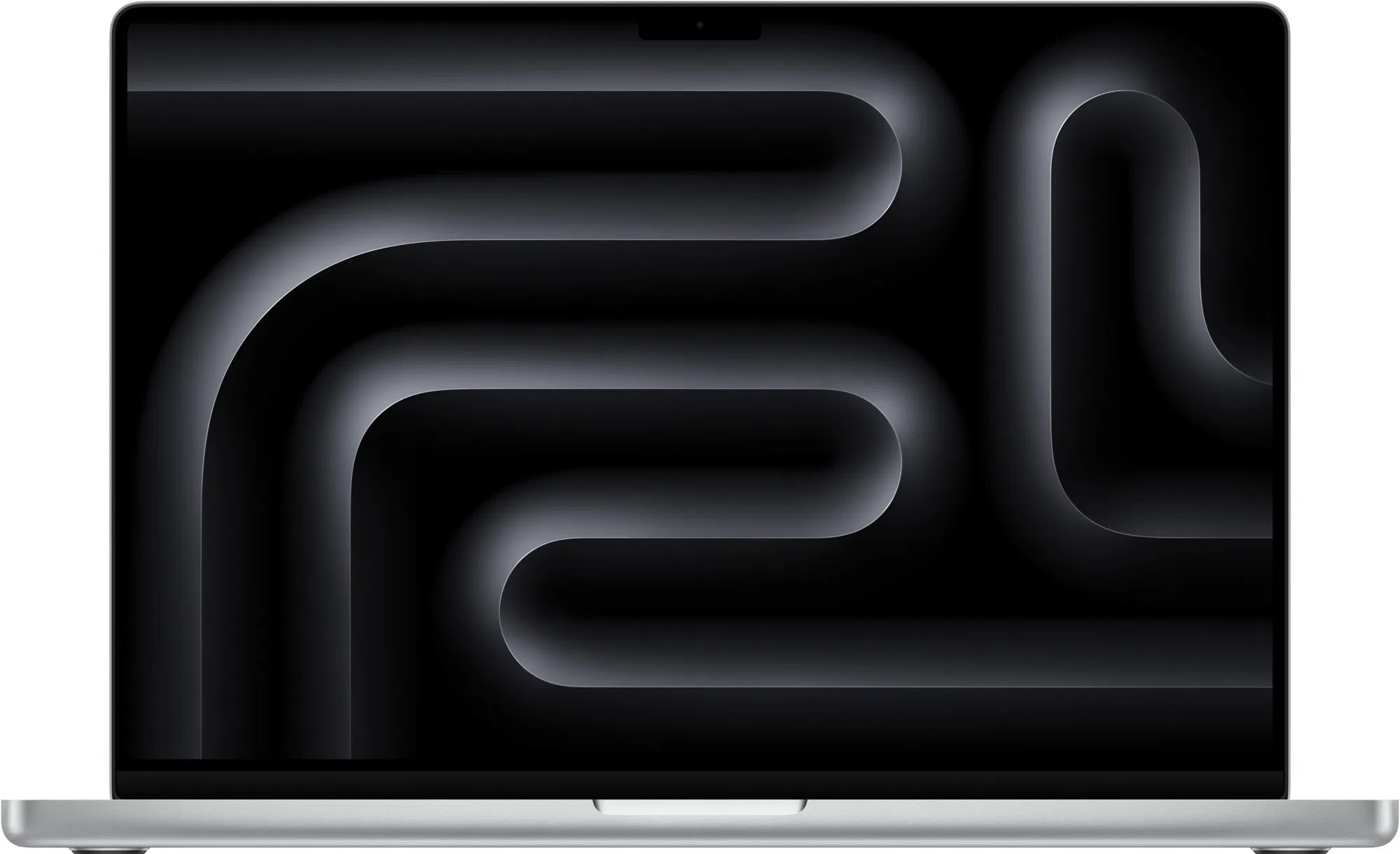
Apple 2026 MacBook Pro Laptop with Apple M5 Pro chip with 15-core CPU and 16-core GPU: Built for AI, 14.2-inch Liquid Retina XDR Display, 24GB Unified Memory, 1TB SSD, Wi-Fi 7; Space Black
Apple
Buy — The article recommends the 24GB M5 Pro for ordinary DistilBERT fine-tuning and student use, citing 307GB/s memory bandwidth, 1TB starting storage, and its lighter 1.60kg chassis.
This configuration suits standard DistilBERT fine-tuning, general study, and frequent travel while providing newer connectivity and 1TB starting storage. Its drawback is the non-upgradeable 24GB memory ceiling.Available at Amazon(paid link) — opens Amazon in a new tab. Price and availability shown there.
Apple 2023 MacBook Pro Laptop M3 Pro chip with 12‑core CPU, 18‑core GPU: 16.2-inch Liquid Retina XDR Display, 18GB Unified Memory, 512GB SSD Storage. Works with iPhone/iPad; Space Black
Apple
It depends — The article recommends the M3 Pro only when its 16.2-inch display outweighs portability or a verified 36GB configuration is needed for workloads exceeding 24GB.
This is the configuration to choose when 36GB of local unified memory and the 16.2-inch workspace outweigh portability. Its drawback is the 2.14kg chassis and older 2023 platform.Available at Amazon(paid link) — opens Amazon in a new tab. Price and availability shown there.
Sources
Pages consulted while researching this article. None of these are affiliate links.
- MacBook Pro (16-inch, Nov 2023) - Tech Specs — support.apple.com
- MacBook Pro (14-inch, M5 Pro or M5 Max) - Tech Specs — support.apple.com
- Accelerated PyTorch training on Mac — developer.apple.com
- DistilBERT base uncased model card — huggingface.co
- How to upgrade to macOS Tahoe 26 — support.apple.com
- Obtaining service for your Apple product after an expired warranty — support.apple.com