How Much Storage Can Redmi Pad 2 Add?
The questionWhere do these come from?
Please tell me which tablet I should buy now.
Should I buy the Xiaomi Redmi Pad 2 11" Android Tablet 256GB 8GB RAM for $217.70, or Lenovo Idea Tab 11" 2.5K MediaTek Dimensity 6300 8GB 128GB Android 15, Luna Grey for $195 or Samsung Galaxy Tab A11+ 11" WiFi Tablet 128GB Gray for $182?
Redmi Pad 2 supports microSD expansion up to 2TB, but it does not turn the tablet into a true 2TB internal-storage model.
The Xiaomi Redmi Pad 2 does have expandable storage: Xiaomi lists microSD expansion support up to 2TB for the Redmi Pad 2 and Redmi Pad 2 4G. That means the card slot is useful for movies, music, downloads, photos, PDFs, school files, and many app-created files, but it should not be treated as a full replacement for buying enough built-in storage.
Xiaomi’s own Redmi Pad 2 specs list 4GB + 128GB and 8GB + 256GB storage/RAM versions, with LPDDR4X RAM, UFS 2.2 storage, and expandable storage up to 2TB. The Redmi Pad 2 4G spec page adds a 6GB + 128GB version and also lists expandable storage up to 2TB. Xiaomi also notes that the card is sold separately and that usable internal storage is lower than the advertised number because the operating system and preinstalled software take space.
The 2TB microSD ceiling
The clean answer is: up to 2TB.
That number comes from Xiaomi’s official spec pages, not from forum guessing. The regular Redmi Pad 2 page lists “Supports expandable storage: Up to 2TB” under Storage & RAM. The Redmi Pad 2 4G page says the same for the cellular model.
The important limit is what “expandable” means. A 1TB or 2TB microSD card gives you a large place to store files, but it is still removable storage. It is not the same as the tablet’s built-in UFS 2.2 storage. Internal storage is where Android, system updates, app installs, app data, caches, and many games prefer to live. A microSD card is best for large, slower-growing libraries: downloaded videos, offline maps where the app supports it, documents, comics, ROM files for emulators, music, and photo/video exports.
For most buyers comparing budget tablets, the practical mistake is buying the smallest internal model because “it takes a card.” The card helps, but it does not erase the difference between 128GB and 256GB built in.
How microSD changes the 128GB vs 256GB choice
Use the microSD slot as extra storage, not as the reason to ignore internal storage. If the choice is between Redmi Pad 2 variants, the 8GB + 256GB model is the safer long-term version for gaming, heavier multitasking, and keeping the tablet for several years. The 4GB + 128GB model makes more sense when the tablet is mainly for streaming, reading, school documents, web browsing, and media stored on a card.
| Model Xiaomi lists | Built-in storage | RAM | Expandable storage |
|---|---|---|---|
| Redmi Pad 2 Wi-Fi 4GB + 128GB | 128GB | 4GB | Up to 2TB |
| Redmi Pad 2 Wi-Fi 8GB + 256GB | 256GB | 8GB | Up to 2TB |
| Redmi Pad 2 4G 4GB + 128GB | 128GB | 4GB | Up to 2TB |
| Redmi Pad 2 4G 6GB + 128GB | 128GB | 6GB | Up to 2TB |
| Redmi Pad 2 4G 8GB + 256GB | 256GB | 8GB | Up to 2TB |
The table shows the real tradeoff: every listed version can add a large card, so the card slot should not decide between the RAM/storage variants by itself. The internal configuration still matters.
Choose 128GB only if most large files can live outside apps: video files, downloaded lectures, PDFs, manga, music, and photos. Choose 256GB if the tablet will hold multiple large games, lots of offline streaming downloads inside app sandboxes, editing apps, or several user profiles. App downloads from services such as Netflix, Disney+, YouTube, Spotify, and Kindle may use their own storage rules, and some apps do not let you freely pick the SD card as the target.
If the real decision is Redmi Pad 2 versus a higher model, the storage question overlaps with performance and screen expectations. A buyer already weighing the 8GB Redmi Pad 2 against a Pro model should compare the broader tablet choice, not only the card slot; this site’s Redmi Pad 2 8GB or Pad Pro comparison is the more relevant next step for that decision.
Do not count on microSD for apps and games
Do not buy the Redmi Pad 2 assuming every app can be moved to microSD. The official Xiaomi spec confirms expandable storage, but it does not promise that the card can be formatted as internal storage or used for every app install.
Just want the recommendation?
Skip to the picksOn Android tablets, app movement is controlled by three things: the tablet firmware, the Android storage mode exposed by the manufacturer, and the individual app developer. If HyperOS on your Redmi Pad 2 shows only a portable-storage format option, the card is for files and media. If a specific app has no “Change” or storage-location option under its app settings, that app is staying on internal storage.
The path to check is usually:
- Open
Settings. - Go to
Apps. - Choose the app.
- Open
StorageorStorage used. - Look for a
Changeoption.
If there is no Change button, that is not a card problem. It means that app, firmware build, or storage mode does not expose app moving. For games with large asset downloads, also check the game’s own settings menu, because some games manage extra data separately from Android’s app screen.
For school use, expandable storage is more useful than it first looks because PDFs, recorded lectures, downloaded videos, and scanned notes can live on a card. If that is the use case, the question is less about app moving and more about whether the base tablet is enough; see whether Redmi Pad 2 is enough for school for the school-focused version of that answer.
The first checks for an undetected card
Start with the simple checks before assuming the tablet is faulty.
Power the tablet off, remove the tray, and reseat the card flat in the correct slot. The 4G model’s tray also handles mobile connectivity, so make sure the microSD is not sitting in a SIM position. Boot the tablet again and check Settings > About tablet > Storage, or search settings for Storage.
If the card is visible but asks to be formatted, copy anything important from it on another device first. Formatting can erase the card. If the card is brand new and empty, format it from the tablet rather than from a PC so HyperOS creates the file system it expects.
If the card is not visible at all, test with a smaller known-good microSD card before returning the tablet. A counterfeit, damaged, or poorly formatted card can look like a tablet issue. If two known-good cards are not detected, the practical answer is support or return replacement, because the card reader, tray, or firmware may be defective. There is no setting that can repair a physically bad slot.
What card to buy for Redmi Pad 2
For this tablet, a reliable UHS-I microSDXC card is the right category. Capacity is the first decision: 256GB is enough for documents and light media, 512GB is a comfortable media library, and 1TB or 2TB is for large offline video collections or many local files.
For app-like workloads such as emulator libraries, maps, or frequent file access, prefer a card marked A2 from a known brand. For simple video playback and documents, A1 or a normal reputable UHS-I card is usually fine. Avoid no-name high-capacity cards. Fake 1TB and 2TB cards are common, and they often fail only after data has already been copied.
The shortest buying rule is this: buy enough internal storage for apps, then add microSD for files. Redmi Pad 2’s expandable storage is real, and Xiaomi’s stated ceiling is generous, but it is still a supplement to internal storage rather than a perfect substitute for it.
The bottom line
Two answers, depending on what you meant:
Top pick
Buy this
Samsung PRO Plus Sonic The Hedgehog 256GB microSDXC+Adapter, Up to 180MB/s
Samsung
The article recommends 256GB microSD capacity for documents and light media, within the Redmi Pad 2's supported 2TB ceiling.
A strong fit for Redmi Pad 2 buyers who want reliable extra room for offline video, PDFs, photos, and emulator files. The drawback is that 512GB may be too small for a very large movie library.Available at Amazon(paid link) — opens Amazon in a new tab. Price and availability shown there.The alternative
Buy this
SANDISK 1TB Extreme microSD UHS-I Card - Up to 245MB/s Read Speed and 170MB/s Write Speed, 5.3K Video, 4K UHD Video, high-Performance for Action cams, Drones, Android Devices - SDSQXH9-1T00-GZ6MA
Sandisk
The article recommends a reputable UHS-I microSDXC card and identifies 1TB capacity as suitable for large offline video collections or many local files.
Useful when the card will hold a large media library or many frequently accessed files. The drawback is that it still will not behave like true internal UFS storage for every app.Available at Amazon(paid link) — opens Amazon in a new tab. Price and availability shown there.
Recommended products
Ordered by how well each one fits the situations above. Each link below is a paid link.
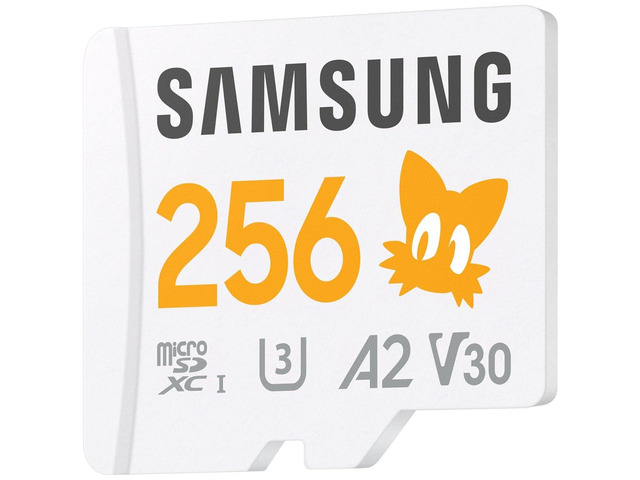
Samsung PRO Plus Sonic The Hedgehog 256GB microSDXC+Adapter, Up to 180MB/s
Samsung
Buy — The article recommends 256GB microSD capacity for documents and light media, within the Redmi Pad 2's supported 2TB ceiling.
A strong fit for Redmi Pad 2 buyers who want reliable extra room for offline video, PDFs, photos, and emulator files. The drawback is that 512GB may be too small for a very large movie library.Available at Amazon(paid link) — opens Amazon in a new tab. Price and availability shown there.
SANDISK 1TB Extreme microSD UHS-I Card - Up to 245MB/s Read Speed and 170MB/s Write Speed, 5.3K Video, 4K UHD Video, high-Performance for Action cams, Drones, Android Devices - SDSQXH9-1T00-GZ6MA
Sandisk
Buy — The article recommends a reputable UHS-I microSDXC card and identifies 1TB capacity as suitable for large offline video collections or many local files.
Useful when the card will hold a large media library or many frequently accessed files. The drawback is that it still will not behave like true internal UFS storage for every app.Available at Amazon(paid link) — opens Amazon in a new tab. Price and availability shown there.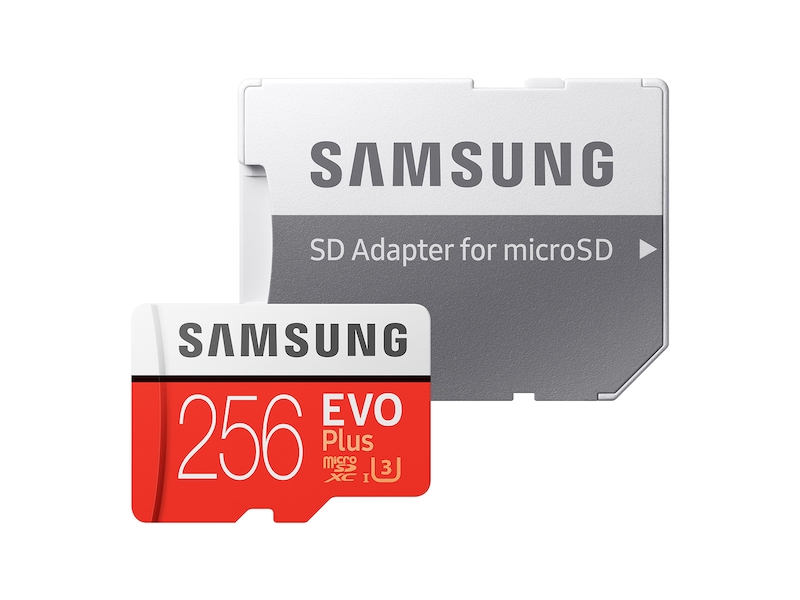
Samsung EVO Plus 256GB microSDXC Memory Card + SD Adaptor, Up to 160MB/s
Samsung
Buy — The article says 256GB is enough for documents and light media, and a reputable UHS-I card is usually sufficient for video playback and documents.
A sensible lower-capacity card for school documents, music, comics, and light offline downloads. The drawback is limited headroom if the tablet becomes a main video-download device.Available at Amazon(paid link) — opens Amazon in a new tab. Price and availability shown there.
Sources
Pages consulted while researching this article. None of these are affiliate links.
- Redmi Pad 2 Specifications — Xiaomi Germany — mi.com
- Redmi Pad 2 4G FAQ — Xiaomi UK — mi.com
- App Install Location — Android Developers — developer.android.com
- Get Started with an SD Card — Android Help — support.google.com
- Redmi Pad 2 Specs - Xiaomi UK — mi.com
- REDMI Pad 2 4G Specs - Xiaomi Global — mi.com