Galaxy Tab S6 Lite Upgrade Options
The questionWhere do these come from?
Best Tablet Brand Right Now In 2026? (Price, Performance)
Upgrade to a Galaxy Tab S9 with warranty; choose the Tab S11 only if it fits the same budget and you want OLED, 120Hz, and stylus use.
Buy a Galaxy Tab S9 if you can still get a new or properly warrantied unit inside your cap; if not, buy the Galaxy Tab S11 only when it fits that same cap. For your exact list — OLED, 120Hz, stylus, reliability, battery life and upgrade value, and no repeat of the Tab S6 Lite lag — Samsung is still the brand worth trusting first.
Why the S6 Lite started to lag
Your old Tab S6 Lite did not get annoying because Samsung tablets are doomed. It got annoying because the S6 Lite was never a premium-performance tablet. It had a midrange chip, limited headroom, and over time Android, Samsung Notes, browsers, PDFs, streaming apps, background sync, and modern web pages all got heavier. Once a tablet starts stuttering while switching apps, reloading tabs, or writing in notes, a nicer screen alone will not save it. You need a stronger processor, more RAM, better storage behavior, and software support that will not leave you guessing two years from now.
That is why the Tab S10 FE should not be your answer, even though it looks tempting on paper because it is newer and has S Pen support. Samsung’s own specs list the Tab S10 FE and FE+ with LCD panels and 90Hz refresh. That misses two of the things you specifically asked for: OLED and 120Hz. It may be a good tablet for someone who wants Samsung Notes, water resistance, and a modern midrange device, but it is not the premium OLED replacement you are describing.
Why the Tab S9 is the sweet spot
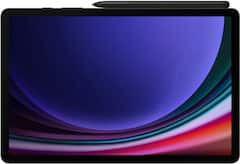
The regular Galaxy Tab S9 is the sweet spot because it is the smallest recent Samsung flagship tablet that actually hits the important stuff. It has an 11-inch Dynamic AMOLED 2X display at up to 120Hz, an included S Pen, IP68 dust and water resistance, microSD expansion, and an 8,400 mAh battery. Reviewers also consistently treated it as the balanced pick in the Tab S9 line: not tiny, not enormous, and not stuck with the older LCD compromise that the base Tab S8 had.
Coming from an S6 Lite, the S9 should feel like a real generational jump. The screen is the obvious part: black levels, contrast, motion, and pen feel are all in the class you wanted. The less obvious upgrade is the performance floor. A flagship chip and more memory mean Samsung Notes, split-screen, browser tabs, YouTube, Reddit, PDFs, and drawing apps have more room before the tablet starts acting tired. You are not buying benchmark bragging rights here. You are buying fewer moments where the pen stroke trails, the keyboard pauses, or the app reloads when you come back to it.
The bad part: the Tab S9 is not the newest Samsung tablet anymore. If you care about owning the latest generation, that will bother you. You also still have Android tablet app weirdness. Some apps are excellent on Samsung tablets; some are just stretched phone apps with awkward layouts. Samsung DeX helps if you use keyboard and mouse, but it does not turn every Android app into desktop software. The official keyboard accessories are also not the reason to buy this tablet. Buy it for the screen, pen, speakers, durability, and Samsung’s tablet software, not because you think it will replace a laptop perfectly.
Just want the recommendation?
Skip to the picksIf the Tab S11 fits your cap
The Galaxy Tab S11 is the cleaner 2026 answer if it fits your ceiling. It keeps the 11-inch OLED, goes up to 120Hz, includes the S Pen, has IP68, keeps microSD, and moves to newer hardware with more current software. Samsung’s launch materials list it with One UI 8, Android 16, a MediaTek Dimensity 9400+ class chip, 12GB RAM configurations, and the same typical 8,400 mAh battery size as the Tab S9. If the S11 and S9 are close enough for you, take the S11. The longer runway matters.
The bad part with the S11 is simple: do not blow past your cap just because it is newer. Your actual need is not “latest Samsung tablet.” Your need is a premium OLED Android tablet that will not feel like the S6 Lite did after a few years. The S9 already solves that. The S11 is better when the money gap is small, not when it forces you into an uncomfortable buy.
If you want a bigger screen
The Tab S10+ is the bigger-screen Samsung option worth considering if you mostly watch media, draw, keep two apps open, or read PDFs side by side. It has a 12.4-inch Dynamic AMOLED 2X display at 120Hz, S Pen support, IP68, microSD, and a larger battery than the 11-inch models. The size is the whole point and the whole problem. It is better on a desk, better for sheet music, better for drawing space, and better for split-screen. It is worse in bed, worse one-handed, and less casual to throw in a bag. If your S6 Lite was mostly a couch tablet, the 11-inch S9/S11 size is safer.
When non-Samsung options make sense
The OnePlus Pad 3 deserves mention because many Android tablet people are recommending it in 2026 for raw performance and battery. It has a Snapdragon 8 Elite, a 13.2-inch 144Hz LCD, stylus support through OnePlus’s own pen, and a huge battery. It is probably the better “performance per annoyance” tablet if you stop caring about OLED and Samsung Notes. But you did say OLED, and the official OnePlus specs say LCD. So for you it is a fallback, not the main recommendation.
Skip iPads for this particular purchase unless you are willing to give up one of your stated requirements. The regular iPad and iPad Air lines do not give you OLED plus 120Hz. The iPad Pro does, and it is excellent, but once you add Apple Pencil logic and your budget ceiling, it stops matching the situation you described. iPadOS also has better tablet apps in some creative categories, but that does not matter if the hardware tier that has the screen you want is outside the lane you are shopping in.
How to make the final call
So the decision tree is short. If you want the safest premium Android tablet under your cap, get the Galaxy Tab S9. If the Galaxy Tab S11 fits your cap, get that instead because it is newer and has the longer software runway. If you want a bigger canvas and are willing to deal with the size, look at the Tab S10+. If you decide performance and battery matter more than OLED, then the OnePlus Pad 3 is the non-Samsung option, but do not buy it expecting AMOLED blacks.
| Option | Display | Refresh rate | Stylus |
|---|---|---|---|
| Galaxy Tab S9 | 11-inch Dynamic AMOLED 2X | Up to 120Hz | Included S Pen |
| Galaxy Tab S11 | 11-inch OLED | Up to 120Hz | Included S Pen |
| Tab S10+ | 12.4-inch Dynamic AMOLED 2X | 120Hz | S Pen support |
| OnePlus Pad 3 | 13.2-inch LCD | 144Hz | OnePlus pen support |
For your use case, put the money into the tablet first and accessories second. The S Pen being included on the Samsung flagships is a real advantage. Add a decent case, avoid filling internal storage to the edge, keep heavy games and giant offline video libraries on microSD where possible, and choose the higher storage/RAM configuration when it fits. That is how you avoid recreating the S6 Lite problem: do not buy the minimum headroom version of a tablet you want to keep for years.
The bottom line
Neither is wrong; the use case separates them:
Top pick
Buy this
Samsung Galaxy Tab S9 11” 256GB WiFi 7 Android AI Tablet, Snapdragon 8 Gen 2 Processor, AMOLED Screen, Durable Design, S Pen Included, Long Battery Life, Auto Focus Camera, US Version, 2023, Graphite
Samsung
The article recommends the Tab S9 as the safest premium upgrade, with an 11-inch AMOLED display, up to 120Hz refresh, and an included S Pen.
Best fit for your exact requirements if you can buy it new or with reliable warranty coverage: OLED, 120Hz, included S Pen, IP68, microSD, and strong enough performance to feel like a real upgrade from the Tab S6 Lite.Available at Amazon(paid link) — opens Amazon in a new tab. Price and availability shown there.The alternative
Buy this
Samsung Galaxy Tab S11 128GB WiFi Android Tablet, Galaxy AI, IP68, Silver
Samsung
The article recommends the Tab S11 when it fits the budget cap, retaining OLED and 120Hz while offering newer hardware and a longer software runway.
The newer Samsung pick if it fits your cap. It keeps the 11-inch OLED/120Hz/S Pen formula while giving you the fresher chipset and longer software runway.Available at Amazon(paid link) — opens Amazon in a new tab. Price and availability shown there.
Recommended products
Ordered by how well each one fits the situations above. Each link below is a paid link.
Samsung Galaxy Tab S9 11” 256GB WiFi 7 Android AI Tablet, Snapdragon 8 Gen 2 Processor, AMOLED Screen, Durable Design, S Pen Included, Long Battery Life, Auto Focus Camera, US Version, 2023, Graphite
Samsung
Buy — The article recommends the Tab S9 as the safest premium upgrade, with an 11-inch AMOLED display, up to 120Hz refresh, and an included S Pen.
Best fit for your exact requirements if you can buy it new or with reliable warranty coverage: OLED, 120Hz, included S Pen, IP68, microSD, and strong enough performance to feel like a real upgrade from the Tab S6 Lite.Available at Amazon(paid link) — opens Amazon in a new tab. Price and availability shown there.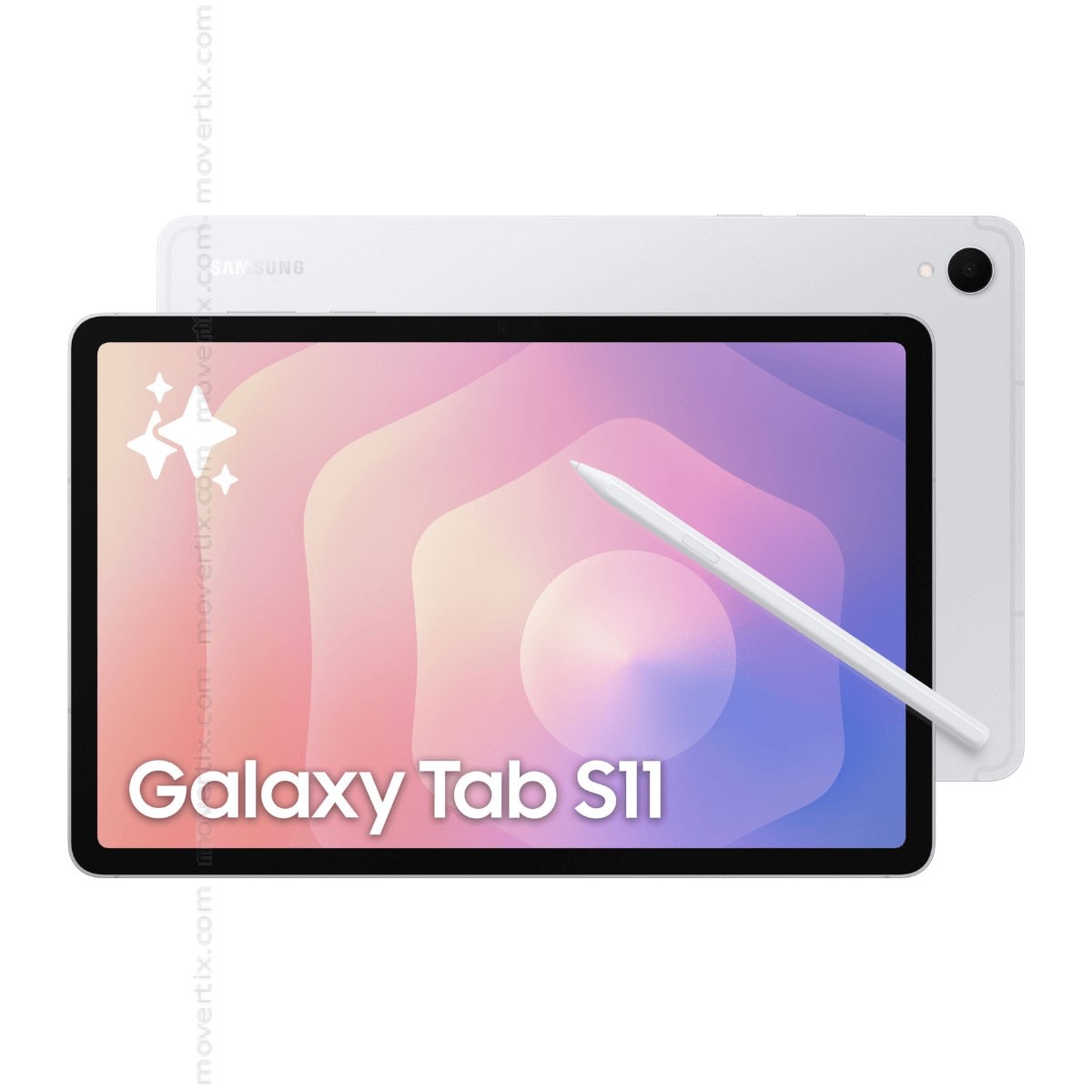
Samsung Galaxy Tab S11 128GB WiFi Android Tablet, Galaxy AI, IP68, Silver
Samsung
Buy — The article recommends the Tab S11 when it fits the budget cap, retaining OLED and 120Hz while offering newer hardware and a longer software runway.
The newer Samsung pick if it fits your cap. It keeps the 11-inch OLED/120Hz/S Pen formula while giving you the fresher chipset and longer software runway.Available at Amazon(paid link) — opens Amazon in a new tab. Price and availability shown there.Samsung Galaxy Tab S10+ Plus 12.4” 256GB Android Tablet, Moonstone Gray
Samsung
It depends — The 12.4-inch AMOLED display suits drawing, PDFs, and split-screen, but the article says its size makes it worse for one-handed and casual couch use.
Choose this only if you want the larger 12.4-inch OLED canvas for PDFs, split-screen, drawing, or media. It is less comfortable as a casual handheld tablet.Available at Amazon(paid link) — opens Amazon in a new tab. Price and availability shown there.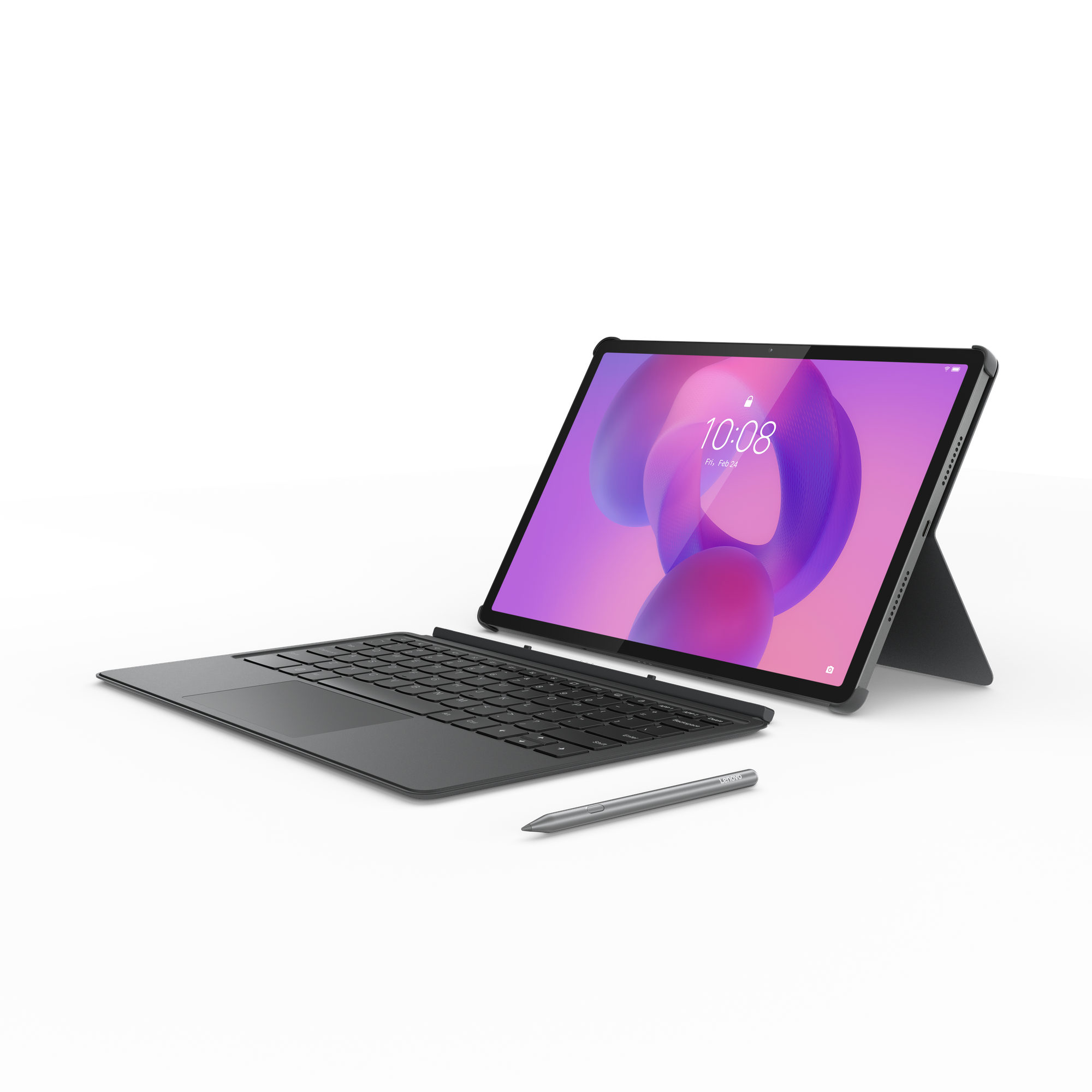
Lenovo Idea Tab Pro 12.7" 3K Student Tablet, MediaTek Dimensity 8300
Lenovo
Buy — The article gives no argument against the Lenovo Idea Tab Pro because it never discusses that model; its LCD fallback discussion concerns the OnePlus Pad 3.
The performance-and-battery fallback if you can live without OLED. It has a fast chip, high-refresh display, and stylus support, but its panel is LCD.Available at Amazon(paid link) — opens Amazon in a new tab. Price and availability shown there.

Sources
Pages consulted while researching this article. None of these are affiliate links.
- Samsung Unveils Galaxy Tab S11 Series — news.samsung.com (accessed 2026-08-09)
- Samsung Galaxy Tab S9 Sets the New Standard to Bring Galaxy’s Premium Experience to a Tablet — samsungmobilepress.com (accessed 2026-08-09)
- Samsung Galaxy Tab S9 review: Should you buy it? — androidauthority.com (accessed 2026-08-09)
- Galaxy Tab S10 Series is Samsung’s AI-Ready Tablet — samsungmobilepress.com (accessed 2026-08-09)
- Samsung Galaxy Tab S10 FE and S10 FE+ key features — samsung.com (accessed 2026-08-09)
- OnePlus Pad 3 Specs — oneplus.com (accessed 2026-08-09)
- Best Android tablet — androidcentral.com (accessed 2026-08-09)