Is the iPad Mini 7 Good for College?
The questionWhere do these come from?
What should I buy? iPad A16 vs iPad Mini 7
I already have a Macbook Air M2 and an iPhone 15 base. I wanted to get an iPad mini because of it’s size. I’ll mostly be using it for college work(reading and writing), media consumption, listening to music and a bit of gaming.
The iPad mini 7 is good for college reading, notes, media, and portability, but it is not ideal as your only writing device.
The iPad mini 7 is good for college reading, handwritten notes, media, and portability. It is not a good only device for long essays, spreadsheets, coding, split-screen research, or other work that needs a laptop-size keyboard and screen.
The short answer by workload
| College workload | Best choice | Why |
|---|---|---|
| Textbook PDFs, lecture slides, handwritten notes, flashcards | iPad mini 7 | Light, easy to hold, laminated display, Apple Pencil Pro support |
| Documents, split view, lectures, regular desk typing | iPad A16 | Larger 11-inch display and Magic Keyboard Folio support |
| Long essays, spreadsheets, coding, complex lab reports | Laptop | Neither iPad provides a full laptop-size writing and multitasking setup |
| Reading and notes alongside an existing computer | iPad mini 7 | This is the role in which its size becomes an advantage rather than a constraint |
Choose the iPad mini 7 when it will be carried everywhere and used mostly in the hand. Choose the iPad A16 when it will spend more time on a desk. If the device must handle writing-heavy coursework without another computer, choose a laptop first.
Reading and notes are the mini’s strongest case
Apple lists the iPad mini 7 with an 8.3-inch Liquid Retina display, 2266-by-1488 resolution at 326 ppi, True Tone, P3 wide color, full lamination, an antireflective coating, 500 nits of brightness, and Apple Pencil hover support.
Those specifications suit textbook chapters, journal PDFs, lecture slides, handwritten math, diagrams, flashcards, language study, and notes made between classes. The laminated display is particularly relevant when writing or marking directly on the screen.
The mini also fits situations in which a larger tablet becomes awkward: standing in a lab hallway, riding public transit, moving between classrooms, or sitting in a crowded lecture room. Apple lists the Wi-Fi model at 0.65 pound, compared with 1.05 pounds for the Wi-Fi iPad A16.
Apple Pencil Pro is the better note-taking accessory when pressure sensitivity, squeeze, barrel roll, haptic feedback, wireless pairing and charging, double-tap, and Find My support matter. Apple Pencil USB-C is sufficient for basic handwriting and annotation, but Apple’s comparison shows that it lacks all of those features.
The limitation is page size. An 8.3-inch display works well for one page of notes or one reading pane. It becomes cramped when a full PDF and an essay outline need to remain visible side by side. That is where the iPad A16’s 11-inch display becomes more useful than the mini’s portability.
Long-form writing is where the mini breaks down
The iPad mini 7 can edit documents and connect to a Bluetooth keyboard. iPadOS also supports shortcuts such as Command-Tab for switching apps and Command-Space for Search. Apple documents Full Keyboard Access at Settings > Accessibility > Keyboards > Full Keyboard Access for controlling the iPad from a physical keyboard.
Software capability is therefore not the main problem. Ergonomics is.
Apple does not list a Magic Keyboard Folio equivalent for the mini, while it lists Magic Keyboard Folio compatibility for the iPad A16 and the 10th-generation iPad. A separate Bluetooth keyboard and stand can create a usable mini workstation, but the result remains a small screen propped behind another item that must be carried.
That arrangement is reasonable for email, discussion-board posts, short assignments, and quick edits to a Google Doc. It is a poor foundation for hours of essay writing, spreadsheet work, coding, lab reports with tables, or repeated switching between research and a draft.
For writing-heavy majors, the safer order is laptop first and iPad mini 7 second. If an iPad must be the main school device, the iPad A16 is the better choice because its larger display and keyboard accessory ecosystem are better suited to desk work.
iPad mini 7 versus iPad A16
| iPad mini 7 | iPad A16 | |
|---|---|---|
| Display | 8.3 inches, 2266×1488, 326 ppi | 11 inches, 2360×1640, 264 ppi |
| Chip | A17 Pro, 6-core CPU, 5-core GPU | A16, 5-core CPU, 4-core GPU |
| Neural Engine | 16-core | 16-core |
| Apple Intelligence | Supported | Not listed |
| Pencil support | Apple Pencil Pro, Apple Pencil USB-C | Apple Pencil USB-C, Apple Pencil 1st generation |
| Apple keyboard case | None | Magic Keyboard Folio |
| USB-C | USB 3, up to 10Gb/s | USB 2.0, up to 480Mb/s |
| Weight, Wi-Fi model | 0.65 lb | 1.05 lb |
| Battery, Wi-Fi web or video | Up to 10 hours | Up to 10 hours |
The mini wins on portability, chip capability, USB-C speed, and Pencil features. Apple’s compatibility page specifically includes the iPad mini with A17 Pro among devices supporting Apple Intelligence, and the mini is the only one of these two iPads that supports Apple Pencil Pro.
The iPad A16 wins on working space. Its larger display, landscape stereo speakers, Smart Connector, and Magic Keyboard Folio support make it the more practical classroom-and-desk device.
Just want the recommendation?
Skip to the picksThe USB-C difference matters when transferring large files from a camera, drive, or audio interface. It does not decide ordinary note-taking, PDF reading, web-app use, or streaming. Apple gives both Wi-Fi models the same headline battery estimate, so published battery specifications do not separate them.
Storage depends on what stays on the device
Apple offers the iPad mini 7 with 128GB, 256GB, or 512GB of storage. The 128GB model can work for notes, documents, and streamed media when cloud storage is used consistently.
More storage is the safer recommendation for large games, downloaded textbooks and course packs, lecture recordings, offline video, local media, or substantial Procreate files. There is no universal capacity that counts as enough: the answer depends on what will be stored locally and how regularly files will be offloaded.
Media and gaming favor portability—with limits
The iPad mini 7 is well suited to portable media and handheld gaming because it combines its smaller body with the A17 Pro chip. Apple lists support for HEVC, H.264, AV1, and ProRes video, as well as HDR with Dolby Vision, HDR10+/HDR10, and HLG. It also has landscape stereo speakers and Bluetooth 5.3.
The compact screen is easier to hold for touch-controlled games and fits more easily into a bag. An iPad A16 may still be preferable for controller-based gaming, cloud gaming, rhythm games, or long viewing sessions when screen size matters more than handheld comfort.
For music, the mini works for reading charts, controlling music apps, and carrying between practice rooms. It is less suitable for serious production involving many tracks, plug-ins, and external devices. Its faster USB-C connection can help with compatible accessories, but it does not remove the limits imposed by iPadOS app support and the 8.3-inch workspace.
What the published specifications do not settle
Three parts of this decision remain unresolved by Apple’s specifications:
- Mixed-day battery life. Apple claims up to 10 hours of web use or video playback on Wi-Fi and up to nine hours of web use over cellular. Those single-use-case figures do not establish endurance across a day combining handwritten notes, PDF annotation, web use, and video calls.
- How much daily typing a mini setup can support. A Bluetooth keyboard and stand make typing possible, but no specification can determine when that separate, small-screen arrangement becomes too cumbersome for a particular workload.
- Whether 128GB will remain sufficient. The available capacities are known, but storage longevity depends on local downloads, games, creative files, recordings, and cloud-storage habits.
The evidence here establishes the hardware differences. It does not resolve those individual usage thresholds.
Checks to make before buying
Start with the actual coursework. A schedule dominated by PDFs, handwritten notes, online reading, flashcards, and short assignments suits the iPad mini 7. Long research papers, coding, spreadsheets, table-heavy lab reports, or frequent Zoom-plus-notes multitasking make it a companion device rather than the only computer.
Choose the Pencil before buying accessories. Apple Pencil Pro is the full-feature option for the iPad mini 7; Apple Pencil USB-C is the simpler handwriting and annotation option. Do not buy Apple Pencil 1st generation or Apple Pencil 2nd generation for the mini unless Apple’s compatibility page lists the exact iPad model. Pencil compatibility is model-specific.
Set keyboard expectations just as clearly. A tidy Apple laptop-style keyboard case points to the iPad A16. A Bluetooth keyboard and stand can work with the mini, but the screen remains small and the setup requires separate pieces.
Cellular is worthwhile when campus Wi-Fi is unreliable or commuting is frequent. Apple lists Wi-Fi + Cellular versions of the iPad mini 7 with sub-6GHz 5G and eSIM, which can help during commutes, clinical placements, field work, and off-campus study. It is unnecessary when the device will almost always have campus Wi-Fi.
Verdict
The iPad mini 7 is a good college device when its job is reading, handwritten notes, media, portability, and acting as a secondary computer. It is not the safest primary school machine for long-form writing or complex multitasking.
Choose the iPad A16 for a larger desk-based iPad with Apple keyboard support. Choose a laptop when essays, spreadsheets, coding, or demanding document work dominate. Choose the iPad mini 7 when the coursework is genuinely handwriting-first or when a computer already handles the work the mini does poorly.
The bottom line
Both justify the spend at different budgets:
Top pick
Buy this
Apple Pencil Pro: Latest Model - Device Compatibility Check Required
Apple
The article calls Apple Pencil Pro the full-feature option for mini 7 note-taking, offering pressure sensitivity, squeeze, haptic feedback, and wireless charging.
Best match for handwritten college notes on iPad mini 7 because it adds pressure sensitivity, squeeze, barrel roll, haptics, wireless charging, and Find My. The drawback is that it is unnecessary if you only need basic PDF markup.Available at Amazon(paid link) — opens Amazon in a new tab. Price and availability shown there.The alternative
It depends
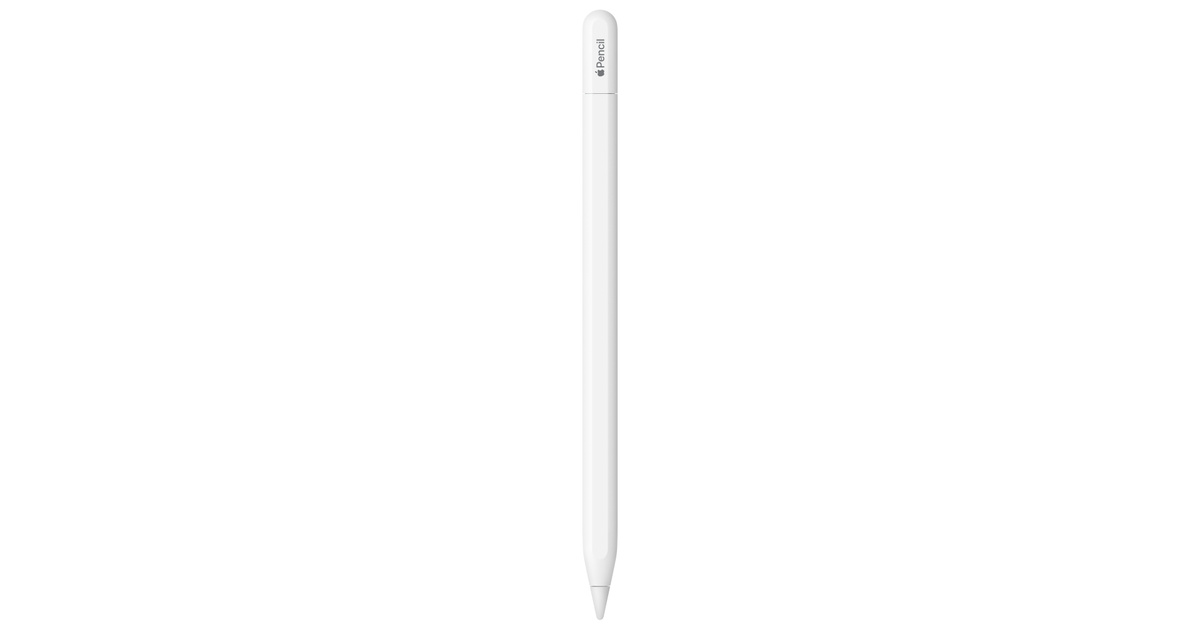
Apple Pencil (USB-C): Device Compatibility Check Required
Apple
Apple Pencil USB-C is sufficient for basic handwriting and annotation, but lacks pressure sensitivity, wireless charging, and the other listed Pro features.
Useful for students who want simple handwriting and annotation on iPad mini 7 without the Pro-only features. The drawback is no pressure sensitivity and no wireless charging.Available at Amazon(paid link) — opens Amazon in a new tab. Price and availability shown there.
Recommended products
Ordered by how well each one fits the situations above. Each link below is a paid link.
Apple Pencil Pro: Latest Model - Device Compatibility Check Required
Apple
Buy — The article calls Apple Pencil Pro the full-feature option for mini 7 note-taking, offering pressure sensitivity, squeeze, haptic feedback, and wireless charging.
Best match for handwritten college notes on iPad mini 7 because it adds pressure sensitivity, squeeze, barrel roll, haptics, wireless charging, and Find My. The drawback is that it is unnecessary if you only need basic PDF markup.Available at Amazon(paid link) — opens Amazon in a new tab. Price and availability shown there.Apple Pencil (USB-C): Device Compatibility Check Required
Apple
It depends — Apple Pencil USB-C is sufficient for basic handwriting and annotation, but lacks pressure sensitivity, wireless charging, and the other listed Pro features.
Useful for students who want simple handwriting and annotation on iPad mini 7 without the Pro-only features. The drawback is no pressure sensitivity and no wireless charging.Available at Amazon(paid link) — opens Amazon in a new tab. Price and availability shown there.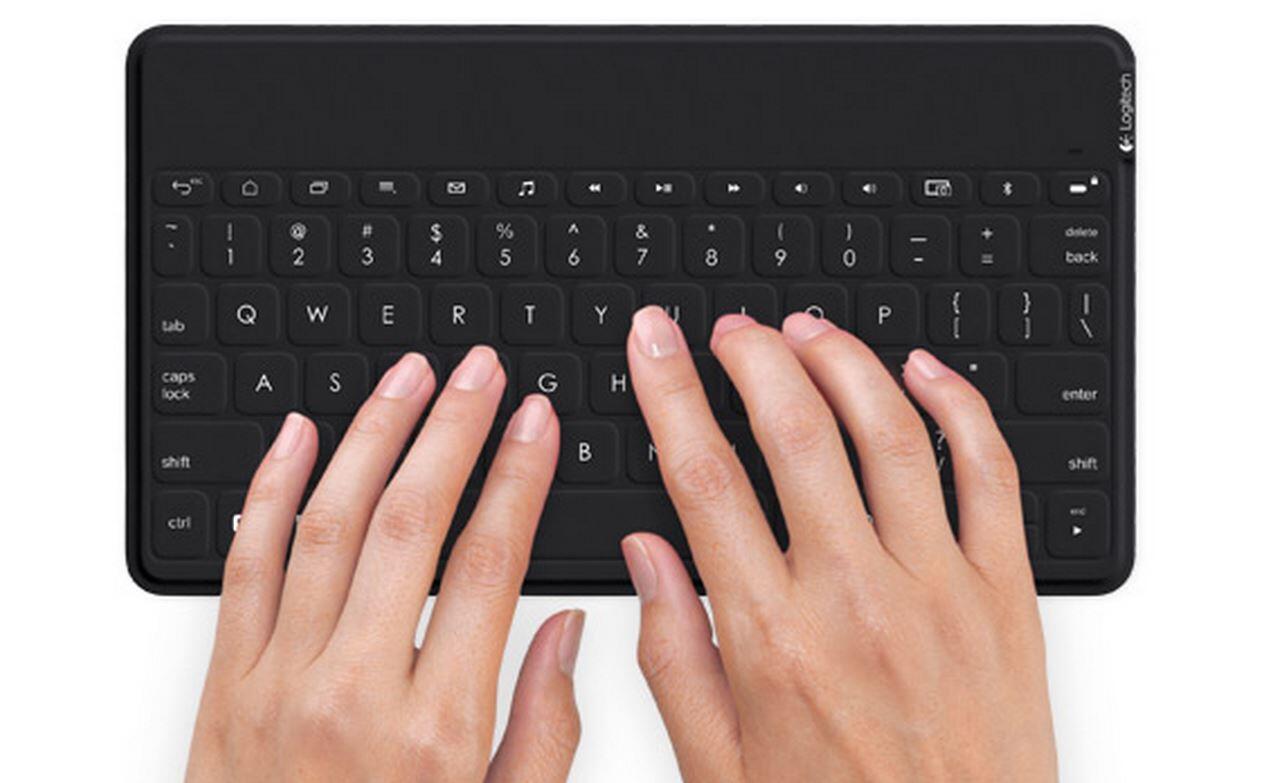
Logitech Keys-to-Go Bluetooth Keyboard for Windows and Android - Graphite
Logitech
It depends — The article supports a separate Bluetooth keyboard for email, short assignments, and quick edits, but calls the mini’s keyboard-and-stand arrangement a poor foundation for hours of writing.
A separate Bluetooth keyboard makes the iPad mini 7 more usable for emails, discussion posts, and short documents. The drawback is that it is still a separate keyboard-and-stand setup, not a laptop-style case.Available at Amazon(paid link) — opens Amazon in a new tab. Price and availability shown there.Apple Smart Folio for iPad mini (A17 Pro) - Charcoal Gray
Apple
Buy — The article says a stand can help create a usable mini workstation and recommends the tablet for reading and handwritten notes.
A lightweight cover and stand helps the mini work as a reader and lecture note screen. The drawback is that it does not include a keyboard or trackpad.Available at Amazon(paid link) — opens Amazon in a new tab. Price and availability shown there.


Sources
Pages consulted while researching this article. None of these are affiliate links.
- iPad mini - Technical Specifications - Apple — apple.com
- iPad 11-inch (A16) - Technical Specifications - Apple — apple.com
- Apple Pencil - Apple — apple.com
- Use shortcuts on an Apple external keyboard with iPad - Apple Support — support.apple.com
- Control iPad with an external keyboard - Apple Support — support.apple.com
- Apple Intelligence and Siri - Apple — images.apple.com