iPad Mini for College Notes: When Small Works
The question this answersWhere do these come from?
Is the iPad mini good enough for college note taking?
The iPad mini works well beside a laptop, but its narrow screen makes an 11-inch iPad better for long notes and dense PDFs.
The iPad mini is good for college note taking if you want a compact handwritten notebook alongside a laptop. For your main lecture notebook, especially with dense PDFs or long equations, the standard iPad (A16) is the stronger choice: its portrait screen provides approximately 158 mm of width against the mini’s 116 mm.
The writing width decides more than the diagonal
Compare the iPad mini (A17 Pro), often called the mini 7, with the standard iPad (A16) before choosing your notebook size.
| Specification | iPad mini (A17 Pro) | iPad (A16) |
|---|---|---|
| Rectangular display diagonal | 8.3 inches | 10.86 inches |
| Approximate portrait screen width | 116 mm | 158 mm |
| Approximate portrait screen height | 177 mm | 227 mm |
| Wi-Fi tablet weight, without accessories | 293 g | 477 g |
Dimensions above are calculated from Apple’s pixel counts and pixel densities: pixels divided by pixels per inch, multiplied by 25.4. They describe the display rectangle before rounded corners and app controls, rather than a measured writing canvas. Sources: Apple’s mini specifications and iPad A16 specifications.
That gives the standard iPad about 36% more horizontal writing space in portrait, while the mini saves 184 g before adding a case or Pencil. The practical trade is shorter handwritten lines versus less weight to carry.
The iPad mini gets the screen size wrong for students who regularly need a reference document and a substantial writing area visible together. Its smaller footprint earns its place when you already have lecture slides open on a laptop or mostly write short notes on a single page.
A laptop beside the mini makes it a better notebook
Choose the mini when your laptop handles readings, essays and course software, leaving the tablet for handwriting. Definitions, quick diagrams, tutorial questions and revision prompts can each occupy the full screen without competing with a textbook window.
Your writing style matters more than your major. A student who records short prompts and explains them later has different needs from someone copying every intermediate step of a derivation. The mini can serve either person technically; the second workflow asks much more of its limited visible space.
Before buying, draw a rectangle approximately 116 × 177 mm on paper and write at your normal size inside it. Leave room around the edges to represent controls. This is a size check, not a simulation of Pencil feel, but it exposes whether your usual notes fit without shrinking your handwriting.
On a demonstration unit, try a paragraph, a labelled diagram and a worked equation. Use the zoom level you would actually keep during a lecture. If completing those examples means repeatedly moving the page, choose the larger screen.
For questions about the tablet’s wider role in your degree, the separate guide to taking an iPad mini 7 to college covers the broader purchase decision.
Dense PDFs and long equations favour the larger iPad
PDF pages have fixed layouts. Zooming enlarges the text and handwriting space, but it also hides more of the surrounding page. That matters when an annotation refers to a diagram above it, or an equation depends on a previous line.
Just want the recommendation?
Skip to the picksThe standard iPad (A16) is the default recommendation for this work. You get more room to preserve context while writing, with the drawback of a larger, heavier device. The mini remains reasonable for highlighting and brief margin comments, particularly if detailed reading happens elsewhere.
Use your actual course material to decide. Open a representative slide deck or scanned chapter, fit the page on screen, and check its smallest labels. Then add a sentence beside a figure. A simple presentation with large text can suit the mini even when a densely scanned journal article does not.
For simultaneous reading and writing, check the layout in your chosen app. Window controls and toolbars consume space too. Software can change how you arrange documents; it cannot increase the physical dimensions of the display.
Buy the right Pencil—and skip the incompatible one
Skip Apple Pencil (2nd generation) for the iPad mini (A17 Pro): Apple lists it as compatible with the mini 6, but not the A17 Pro model. Advice recommending “Pencil 2 for the mini” applies to a different generation. The A17 Pro mini supports Apple Pencil Pro and Apple Pencil (USB-C). Apple Pencil compatibility.
Apple Pencil (USB-C) is sufficient for ordinary handwritten notes, highlighting and diagrams. It supports palm rejection and tilt, but lacks pressure sensitivity. Its magnetic attachment is for storage: pairing and charging require a USB-C cable. Pressure sensitivity is unnecessary for a consistent-width lecture pen, although you may want it for expressive drawing. Apple’s Pencil feature comparison.
Apple Pencil Pro makes sense if magnetic charging, tool-switching gestures or pressure-sensitive drawing matter to you. Magnetic charging is the most directly useful distinction for everyday notes: attaching the Pencil also charges it. The USB-C model requires a separate charging habit.
If you already own a working mini 6 and second-generation Pencil, do not replace that pair solely because a newer mini exists. First identify what prevents you from taking satisfactory notes. A different processor will not resolve a preference for a larger writing surface.
Battery results support a college day, with limits
Notebookcheck measured 11 hours 58 minutes of Wi-Fi browsing on the iPad mini 7 using Safari Mobile 18.1.1. Its maximum-brightness load test lasted 3 hours. These are independent measurements, but neither test represents continuous handwritten lecture notes. Notebookcheck’s iPad mini 7 review.
The browsing result supports considering the mini for daily campus use; it does not guarantee a particular number of classes between charges. Brightness, app workload and battery condition affect the result. Start charged and carry your charging cable during the first week until you know your own timetable’s demands.
For storage, the mini starts at 128GB, with 256GB and 512GB options. Apple’s storage specifications. Choose 128GB when notes and documents dominate and large media files live elsewhere. Consider 256GB when you expect substantial offline video, scanned textbooks or other large downloads. No reliable specification converts storage into a fixed number of semesters.
Before relying on any note app, complete one practical check: import a lecture PDF, annotate it, export it, and open the export on your laptop. Confirm that downloaded material opens without a connection and that your backup process preserves the notes you need. Buy the mini when that workflow benefits from portability; choose the standard iPad when keeping more of the page visible matters every lecture.
The bottom line
Two answers, priced differently:
Top pick
It depends
Apple iPad mini (A17 Pro) Wi-Fi 128GB Space Gray
Apple
Its 293 g Wi-Fi body suits carrying between classes, but its approximately 116 mm portrait screen width limits visible writing space.
Choose it for compact handwritten notes alongside a laptop. The 8.3-inch display leaves less room for dense PDFs and lengthy equations.Available at Amazon(paid link) — opens Amazon in a new tab. Price and availability shown there.The alternative
Buy this
Apple iPad (A16) Wi-Fi 128GB Silver
Apple
Its 1640-pixel portrait width at 264 ppi provides approximately 158 mm of screen width, about 36% more than the mini.
The default choice for a main college notebook, with more space for annotations and worked problems. Its 477 g body is heavier than the mini.Available at Amazon(paid link) — opens Amazon in a new tab. Price and availability shown there.
Recommended products
Ordered by how well each one fits the situations above. Each link below is a paid link.
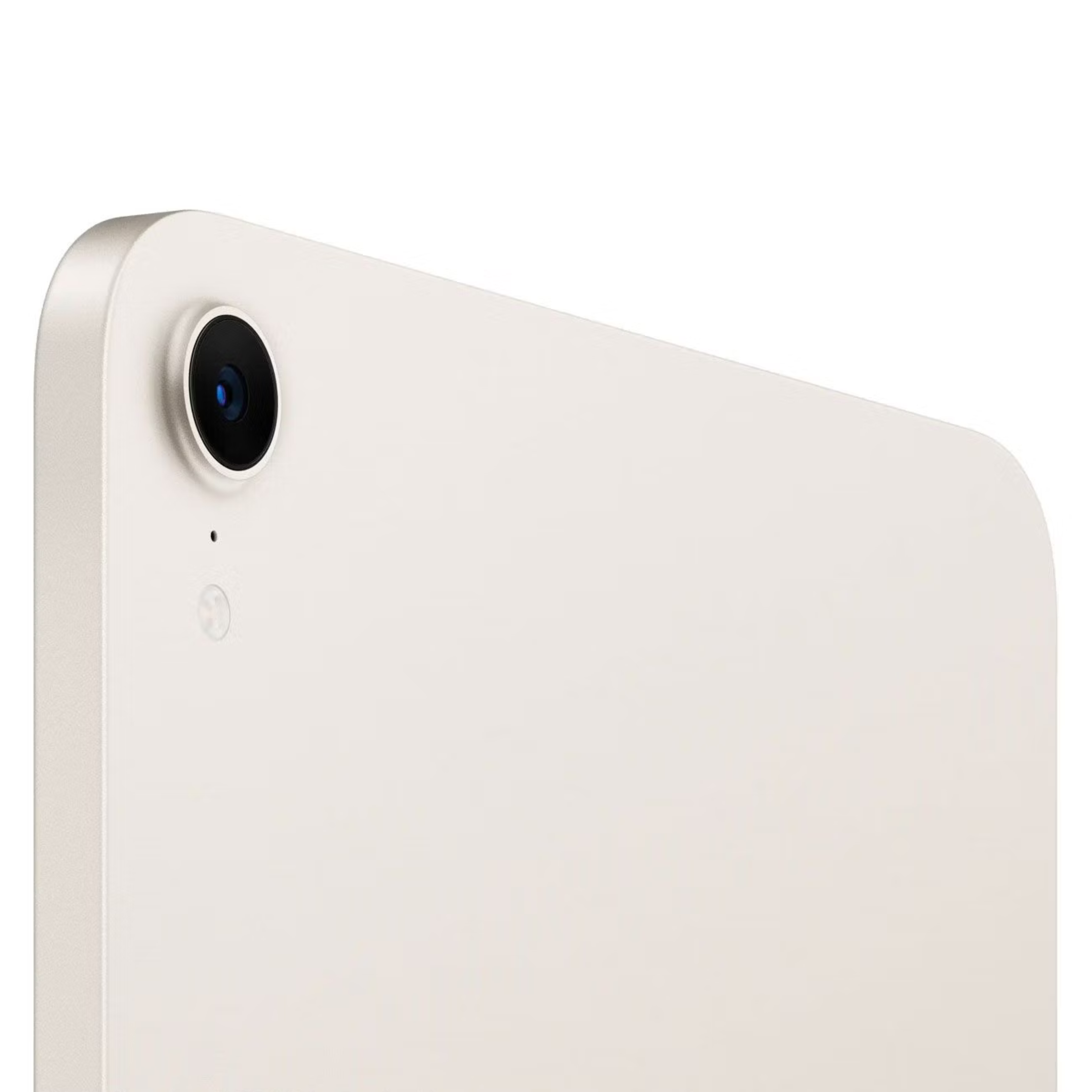
Apple iPad mini (A17 Pro) Wi-Fi 128GB Space Gray
Apple
It depends — Its 293 g Wi-Fi body suits carrying between classes, but its approximately 116 mm portrait screen width limits visible writing space.
Choose it for compact handwritten notes alongside a laptop. The 8.3-inch display leaves less room for dense PDFs and lengthy equations.Available at Amazon(paid link) — opens Amazon in a new tab. Price and availability shown there.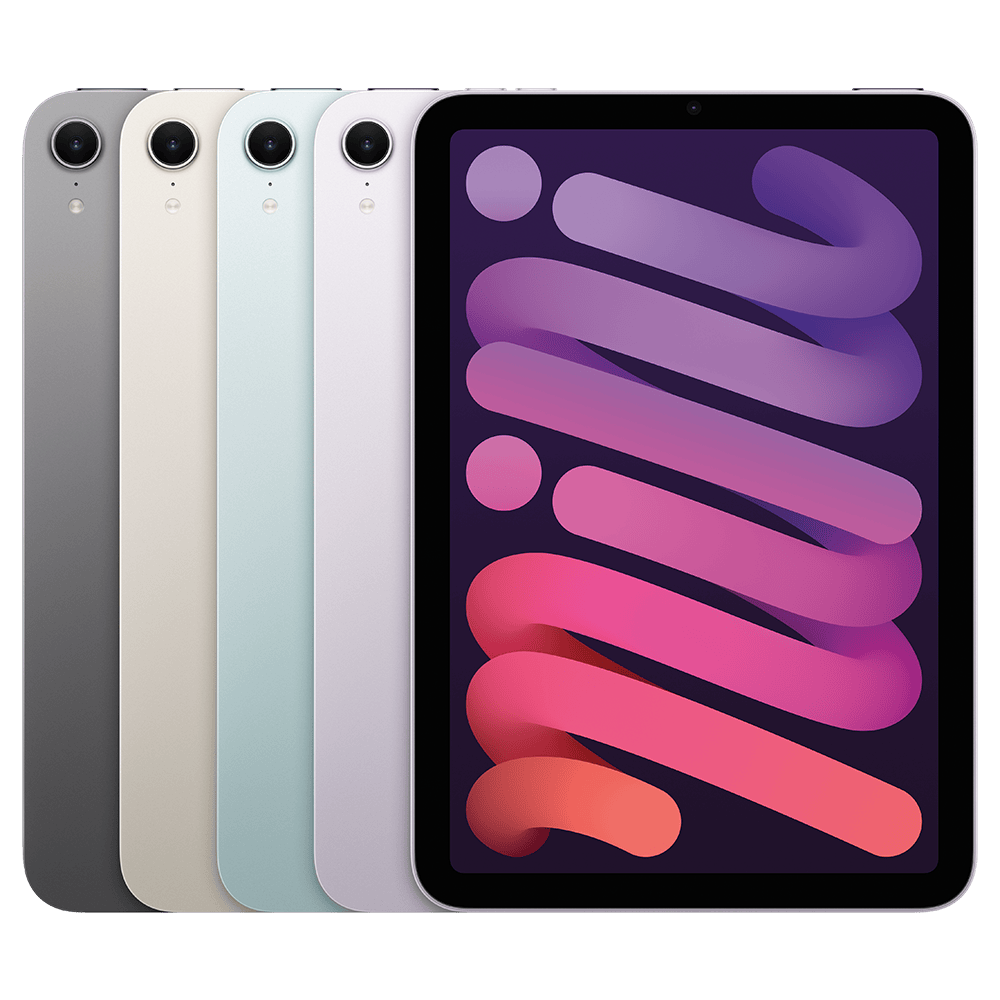
Apple iPad (A16) Wi-Fi 128GB Silver
Apple
Buy — Its 1640-pixel portrait width at 264 ppi provides approximately 158 mm of screen width, about 36% more than the mini.
The default choice for a main college notebook, with more space for annotations and worked problems. Its 477 g body is heavier than the mini.Available at Amazon(paid link) — opens Amazon in a new tab. Price and availability shown there.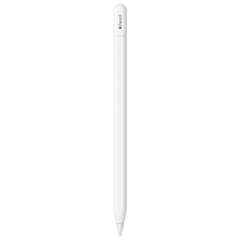
Apple Pencil (USB-C)
Apple Pencil
Buy — Apple lists compatibility with both the A17 Pro mini and A16 iPad, with palm rejection and tilt support for writing and annotation.
Suitable for lecture handwriting on either recommended iPad. It lacks pressure sensitivity and needs a cable for charging.Available at Amazon(paid link) — opens Amazon in a new tab. Price and availability shown there.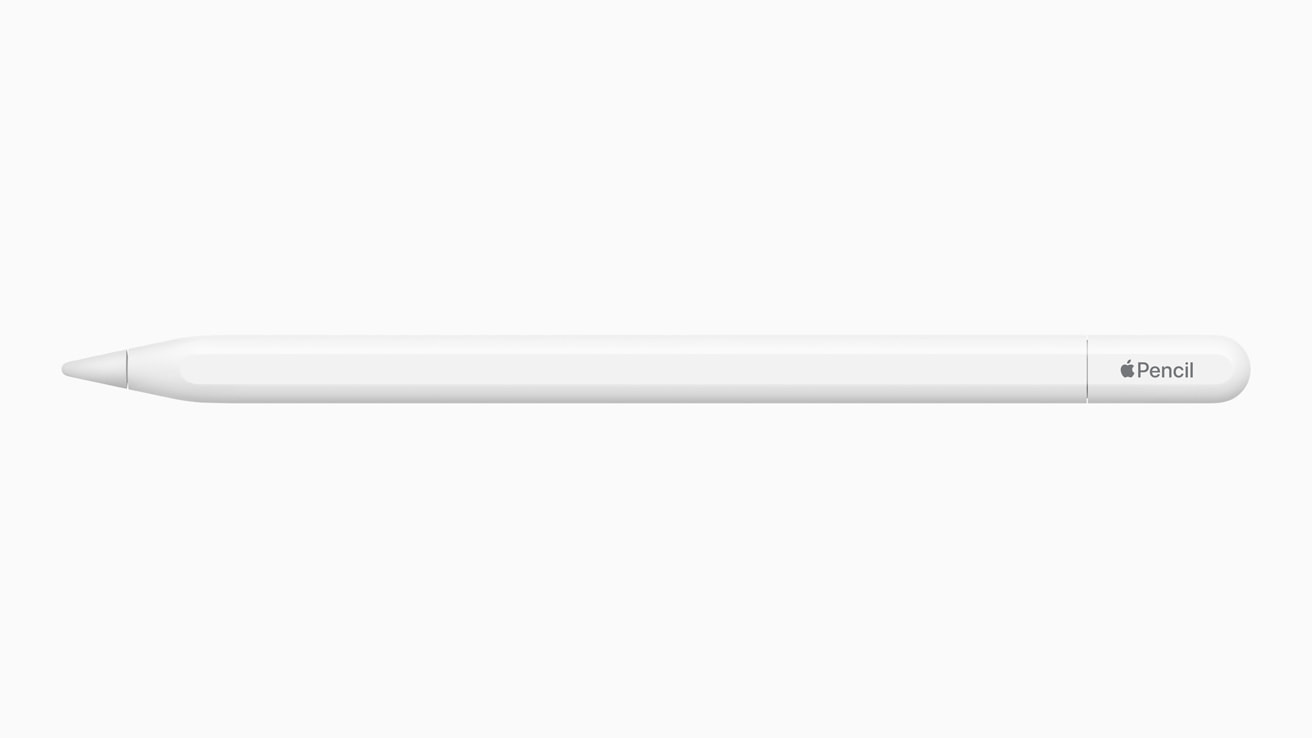
Apple Pencil (2nd Generation)
Apple Pencil
Skip — Apple’s compatibility list supports the iPad mini 6 but excludes the iPad mini (A17 Pro).
Skip it when buying an A17 Pro mini, even if older mini recommendations suggest it. It remains compatible with the mini 6.Available at Amazon(paid link) — opens Amazon in a new tab. Price and availability shown there.
Sources
Pages consulted while researching this article. None of these are affiliate links.
- iPad mini (A17 Pro) — Technical Specifications — support.apple.com
- iPad 11-inch (A16) — Technical Specifications — apple.com
- Apple Pencil compatibility — support.apple.com
- Apple Pencil — Features and Comparison — apple.com
- Notebookcheck: Apple iPad mini 7 (2024) review — notebookcheck.net