1st-Gen Apple Pencil Won't Pair on iPad A16: The Fix
The questionWhere do these come from?
Ipad (A16) Doesn’t show anything when I plug the first gen pencil in
I recently bought an Ipad (A16) and today i got the 1st gen Apple pencil.
The iPad (A16) has no Lightning port, so a 1st-gen Apple Pencil pairs only through Apple's USB-C to Apple Pencil Adapter plus a data-capable USB-C cable.
The 1st-generation Apple Pencil cannot be plugged straight into an iPad (A16), because it has a Lightning connector and the tablet has only USB-C. It pairs and charges through Apple’s USB-C to Apple Pencil Adapter, plus a USB-C cable that carries data. If pairing fails, the cause is almost always a missing adapter, a charge-only cable, or a third-party adapter.
What the adapter does and what it is missing
Apple’s Pencil compatibility page lists the iPad (A16) and the iPad (10th generation) as compatible with the 1st-generation Pencil, each with an asterisk. The asterisk means you need the USB-C to Apple Pencil Adapter to pair and charge. The adapter has a Lightning socket on one end and a USB-C socket on the other. It is not a cable. You need a separate USB-C cable running from the adapter to the iPad.
Chain, in order:
- Pencil, with its cap off, into the adapter’s Lightning socket.
- USB-C cable from the adapter’s USB-C socket to the iPad’s USB-C port.
- Tap Pair when the prompt appears on the iPad.
Retailer listings for the current 1st-generation Pencil say the adapter is included in the box. A Pencil bought used or older, from the Lightning-iPad era, may not have it. In that case the adapter is the missing part.
If the Pair prompt never appears
Work through these in order.
Just want the recommendation?
Skip to the picks- Cable type. Swap to a cable you know carries data, such as one that syncs a phone to a computer. A charge-only lead powers the Pencil but may stop the iPad from detecting it. This is the leading explanation in an Apple Support Community thread about a 1st-generation Pencil not connecting to an iPad A16. That thread is user discussion, not Apple documentation, so treat it as a lead rather than a confirmed spec.
- Adapter origin. The same thread reports a generic adapter that charged the Pencil but blocked pairing, with the commenter’s explanation that Apple’s adapter passes the data signal the iPad needs. That is anecdotal, not an official statement. If you are using a generic adapter, try Apple’s before concluding the Pencil is faulty.
- Seating. Push the Pencil fully into the adapter and the cable fully into the iPad. One user in another community thread reported the Pencil would not seat until a metal ring stuck on the end of the Pencil, left over from the cap, was removed.
- Dead Pencil. If the Pencil has been unused for months, leave it connected for several minutes so it can wake, then try again.
- Wrong Pencil. The adapter is for the 1st-generation Pencil only. The Apple Pencil (USB-C) has no Lightning plug and does not use it.
- Restart and retry. Restart the iPad, then reconnect. Check Settings > Bluetooth for a stale Pencil entry and choose Forget This Device before pairing again.
Once the Pencil is paired, it stays paired over Bluetooth until the iPad restarts, Bluetooth is turned off, or the Pencil pairs with another iPad, according to a user quoting the iPad guide in that second thread. You need the adapter again to recharge or re-pair.
If none of this works with a known-good Apple adapter and a known-good data cable, the fault is in the Pencil or the iPad, and only Apple Support or a repair can settle it. No independent lab has published measurements on this; the answer rests on Apple’s documentation and owner reports.
Which route to take
| Needs adapter | Fits iPad (A16) | Verdict | |
|---|---|---|---|
| 1st-gen Pencil + Apple adapter | Yes, plus a data USB-C cable | Yes | Buy the adapter if you own the Pencil |
| 1st-gen Pencil + generic adapter | Unclear | Unreliable | Avoid until Apple’s version fails too |
| Apple Pencil (USB-C) | No | Yes | Consider if buying a Pencil from scratch |
| Apple Pencil Pro | No | Not on Apple’s list | Skip |
Skip the Pencil Pro for this tablet
Skip the Apple Pencil Pro if the tablet is an iPad (A16): Apple’s compatibility page limits it to certain iPad Pro, iPad Air and iPad mini (A17 Pro) models, and the iPad (A16) is not among them, so it will not pair. Skipping it also means you are not paying for features the tablet cannot use.
Should you buy the adapter or switch Pencils
If you already own a 1st-generation Pencil, the Apple adapter is the cheapest fix and the one Apple documents, so buy it. If you are starting from nothing, the Apple Pencil (USB-C) avoids the adapter and cable chain, but it gives up the pressure sensitivity of the 1st-gen model. For note-taking that rarely matters; for drawing it can.
The related question of what an adapter can and cannot fix is covered in Can an Adapter Fix the Wrong Apple Pencil?.
One more disambiguation
The A16 chip is also in the iPhone 15 and iPhone 15 Plus. Those do not support Apple Pencil at all, so no adapter will help there.
The bottom line
Two parts fix this, depending on which failed:
Top pick
Buy this
TechMatte Charging Adapter Compatible with Apple Pencil 1st Generation | Lightning to USB-C Charger Connector, Supports Pairing with iPad 10th/11th A16 2025 Gen
TechMatte
Apple's compatibility page marks the iPad (A16) and iPad (10th generation) with an asterisk meaning the adapter is needed to pair and charge the 1st-generation Pencil.
The part this whole problem turns on: it is the only documented route for pairing and charging a 1st-generation Pencil with an iPad (A16). Drawback: it is a female-to-female adapter, so it does nothing without a USB-C cable.Available at Amazon(paid link) — opens Amazon in a new tab. Price and availability shown there.The alternative
It depends
Apple 60W USB-C to USB-C Woven Charge Cable (1 m): Fast and Convenient Charging
Apple
Only needed if you do not already own a data-capable USB-C cable; a charge-only cable can stop the iPad detecting the Pencil.
A complement the adapter needs: the adapter’s USB-C side takes a cable running to the iPad. Use a full data-and-charge cable, not a charge-only lead.Available at Amazon(paid link) — opens Amazon in a new tab. Price and availability shown there.
Recommended products
Ordered by how well each one fits the situations above. Each link below is a paid link.
TechMatte Charging Adapter Compatible with Apple Pencil 1st Generation | Lightning to USB-C Charger Connector, Supports Pairing with iPad 10th/11th A16 2025 Gen
TechMatte
Buy — Apple's compatibility page marks the iPad (A16) and iPad (10th generation) with an asterisk meaning the adapter is needed to pair and charge the 1st-generation Pencil.
The part this whole problem turns on: it is the only documented route for pairing and charging a 1st-generation Pencil with an iPad (A16). Drawback: it is a female-to-female adapter, so it does nothing without a USB-C cable.Available at Amazon(paid link) — opens Amazon in a new tab. Price and availability shown there.
Apple 60W USB-C to USB-C Woven Charge Cable (1 m): Fast and Convenient Charging
Apple
It depends — Only needed if you do not already own a data-capable USB-C cable; a charge-only cable can stop the iPad detecting the Pencil.
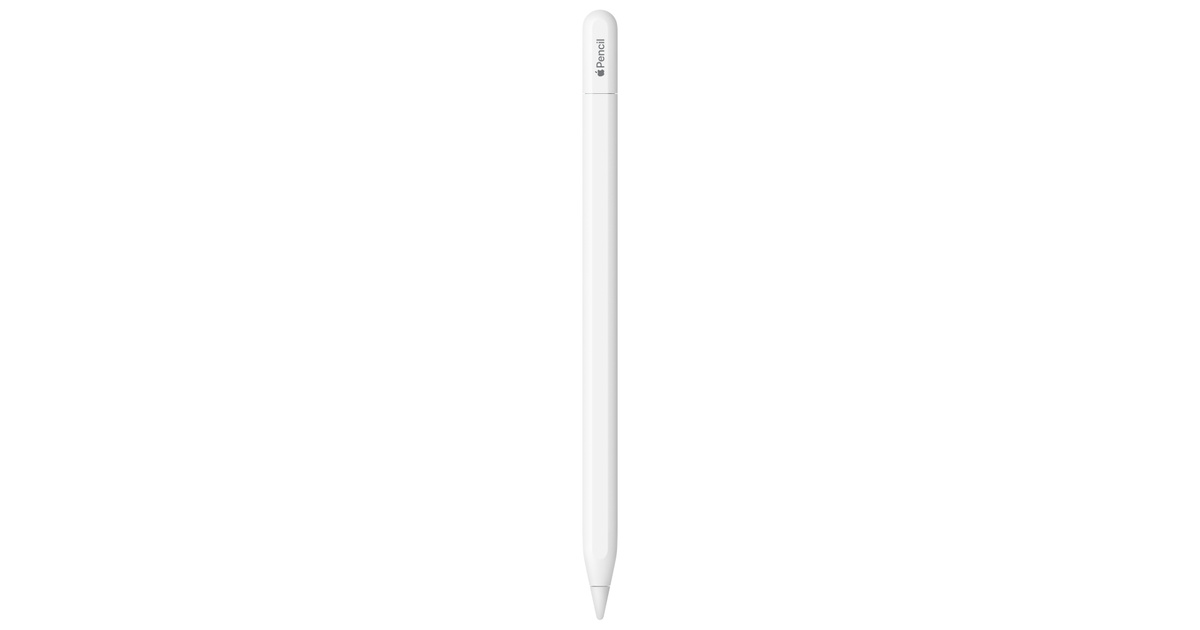
A complement the adapter needs: the adapter’s USB-C side takes a cable running to the iPad. Use a full data-and-charge cable, not a charge-only lead.Available at Amazon(paid link) — opens Amazon in a new tab. Price and availability shown there.Apple Pencil (USB-C): Device Compatibility Check Required | Pixel-Perfect Precision, Tilt Sensitivity, Perfect for Note-Taking, Drawing, & Signing Documents. Charges and Pairs w/ USB-C
Apple
It depends — It removes the adapter and cable step entirely, but it gives up pressure sensitivity, which matters for illustration.
The alternative if you do not own a 1st-gen Pencil yet: it works with the iPad (A16) directly with no adapter. Drawback: it lacks the pressure sensitivity of the 1st-gen model.Available at Amazon(paid link) — opens Amazon in a new tab. Price and availability shown there.Apple Pencil Pro: Latest Model - Device Compatibility Check Required | Pixel-Perfect Precision, Tilt & Pressure Sensitivity, Perfect for Note-Taking, Drawing, and Art. Charges & Pairs Magnetically
Apple
Skip — Apple's compatibility page does not list the iPad (A16) among Pencil Pro-supported models, so it will not pair.
A rival people consider when the 1st-gen Pencil causes trouble. It is the wrong buy for this tablet.Available at Amazon(paid link) — opens Amazon in a new tab. Price and availability shown there.

Sources
Pages consulted while researching this article. None of these are affiliate links.
- Apple Pencil compatibility – Apple Support — support.apple.com
- Apple Pencil (1st generation) not connecting to iPad A16 – Apple Support Community — discussions.apple.com
- Apple Pencil 1st generation pairing steps and adapter fit – Apple Support Community — discussions.apple.com