iPad 9th Gen and iPadOS 18: Yes, With One Real Catch
The questionWhere do these come from?
Best budget iPad option for (very) limited use
Hello all, My son (13) trains at a baseball facility which uses exclusively apps that are ios only.
The iPad 9th generation officially supports iPadOS 18, and it's still getting updates today — but Apple Intelligence is off-limits.
Yes. The iPad 9th generation is on Apple’s official compatibility list for iPadOS 18, and it isn’t a close call — the same hardware is still being updated well past that release. Apple’s minimum requirement for iPadOS 18 is “iPad (7th generation and later),” and as of today the 9th generation (model A2602 for the Wi-Fi version) is confirmed for iPadOS 26 and already listed as supported for the next release, iPadOS 27, too.
One naming mix-up worth clearing up first: iPads haven’t run “iOS” since 2019. The operating system has been called iPadOS since iPadOS 13, and iPadOS 18 is the release that shipped alongside iPhone’s iOS 18 in September 2024. When someone searches “iPad 9th generation support iOS 18,” they mean iPadOS 18 — same annual update cycle, different name on the box.
Is the iPad 9th generation actually on Apple’s iPadOS 18 list?
Yes, by name. Apple’s guide to iPad models compatible with iPadOS 18 lists “iPad (7th, 8th, 9th, and 10th generation, and A16)” alongside the iPad Pro, iPad Air, and iPad mini lines. You can confirm which iPad you actually own two ways: check Settings > General > About, or look up the model number printed on the back — Apple’s model-number lookup shows A2602 as the Wi-Fi-only 9th generation, with A2603, A2604, and A2605 covering the cellular variants. The 9th generation runs the A13 Bionic chip, which happens to be the oldest processor Apple still supports across its entire current software lineup — it’s the floor, not comfortably above it.
How to actually install it
On the iPad: Settings > General > Software Update. If the tablet is running anything from iPadOS 15 through iPadOS 17, that screen offers the update as a free download — practically speaking, it will now offer whatever the current release is, since Apple doesn’t let you install an old intermediate version once a newer one exists. You can also turn on automatic updates from the same screen, which installs new iPadOS versions overnight while the iPad is charging and on Wi-Fi. Apple’s own update instructions recommend backing up to iCloud or a computer first — worth doing anyway if you’re about to set this iPad up fresh for a child, since you’ll also want to configure Screen Time and App Store restrictions before handing it over.
What iPadOS 18 does not unlock on this iPad
Software compatibility and feature compatibility aren’t the same thing. iPadOS 18 installs cleanly on the 9th generation, but Apple Intelligence does not run on it. Apple’s own Apple Intelligence page states plainly that “the latest iPad Pro, iPad Air, and iPad mini models are built for Apple Intelligence” — the standard iPad line, including the 9th generation, the 10th generation, and even the newer 2025 A16 model, is absent from that list. In practice this only matters if you were hoping for the Writing Tools, Genmoji, or on-device Siri upgrades; none of it affects whether standard App Store apps, including single-purpose facility or coaching apps, install and run.
Just want the recommendation?
Skip to the picksIs the 9th generation still the right cheap iPad to buy, or should you spend more?
This is the question that usually sits behind the search. Apple discontinued the 9th generation in May 2024 when it dropped the 10th generation’s price, so it’s no longer sold new through Apple — you’ll be buying it used, refurbished, or from third-party retailers with remaining stock. All three current budget iPads run the same iPadOS 18-and-later software, so the decision comes down to hardware, not compatibility:
| Model | Chip | Charging port | Starting storage |
|---|---|---|---|
| iPad (9th generation, 2021) | A13 Bionic | Lightning | 64GB |
| iPad (10th generation, 2022) | A14 Bionic | USB-C | 64GB |
| iPad (A16, 2025) | A16 | USB-C | 128GB |
For a child using one or two specific iOS-only apps — a swing-tracking or facility booking app rather than heavy multitasking or gaming — the 9th generation’s ceiling is fine for most single-app use, and 64GB is enough when the device isn’t also a photo and video library. The real trade-off is the Lightning port: it’s the last iPad Apple sold with one, so you’re buying into a cable and charger standard the rest of the current Apple lineup has abandoned. If the household already has USB-C cables everywhere and none with a Lightning end, that’s a real daily-use cost, not just a spec footnote. The same kind of narrow-use trade-off — buying the cheaper, older device because the task genuinely doesn’t need more — comes up in other contexts too, including Should You Take an iPad Mini 7 to College?, which walks through a similar one-task-only calculation for a different iPad.
If the app itself turns out to need more headroom than the A13 chip offers, stepping up doesn’t mean going all the way to a Pro model. Buying older or used Apple hardware for a narrowly defined task is a workable strategy generally, not just for entry-level iPads — see Used M1 iPad Pro 12.9 for Drawing for how that trade-off plays out at the other end of the lineup.
Where this answer stops being enough
Apple’s compatibility list only confirms that iPadOS 18 installs and runs on the 9th generation — it says nothing about whether a specific third-party facility app performs well on it. Before buying, open the app’s own listing on the App Store and check its “Compatibility” or “Requirements” section; some sports-analytics and video-tracking apps state a minimum chip generation or a recommended device separately from Apple’s own OS requirements, especially if the app does on-device video processing. If that section names a newer chip explicitly, that’s the one thing worth trusting over general iPad compatibility — and it’s not something Apple’s own documentation, or this article, can verify on the app developer’s behalf.
Buying used also comes with its own checklist that has nothing to do with iPadOS: battery health (visible under Settings > Battery on iPadOS 16 and later, once the device is running), screen and Home button condition, and confirmation the iPad isn’t Activation Locked to a previous Apple ID before money changes hands.
The bottom line
Both fit — your exact model decides:
Top pick
It depends
Apple iPad 9th Generation 64GB Wi-Fi
Apple
The A13 chip and 64GB storage are sufficient for one or two specific apps, provided those apps do not require a newer chip and the Lightning port suits the household.
This is the exact configuration that still updates through iPadOS 18 and beyond, and the cheapest current entry point into supported iPadOS software since Apple discontinued it in May 2024 — meaning you’ll be buying used or refurbished, so verify battery health and Activation Lock status before paying.Available at Amazon(paid link) — opens Amazon in a new tab. Price and availability shown there.The alternative
Buy this
Rugged protective case for iPad 9th generation 10.2-inch with kickstand
Apple
The blurb recommends corner bumpers and a built-in stand for a child's tablet used around a dugout, bag, or turf field, while noting added bulk.
A dugout, bag, or turf field is a rough environment for a screen and an exposed Lightning port; a case with corner bumpers and a built-in stand is worth it for a kid’s tablet, though the added bulk makes the iPad noticeably harder to hold one-handed.Available at Amazon(paid link) — opens Amazon in a new tab. Price and availability shown there.
Recommended products
Ordered by how well each one fits the situations above. Each link below is a paid link.
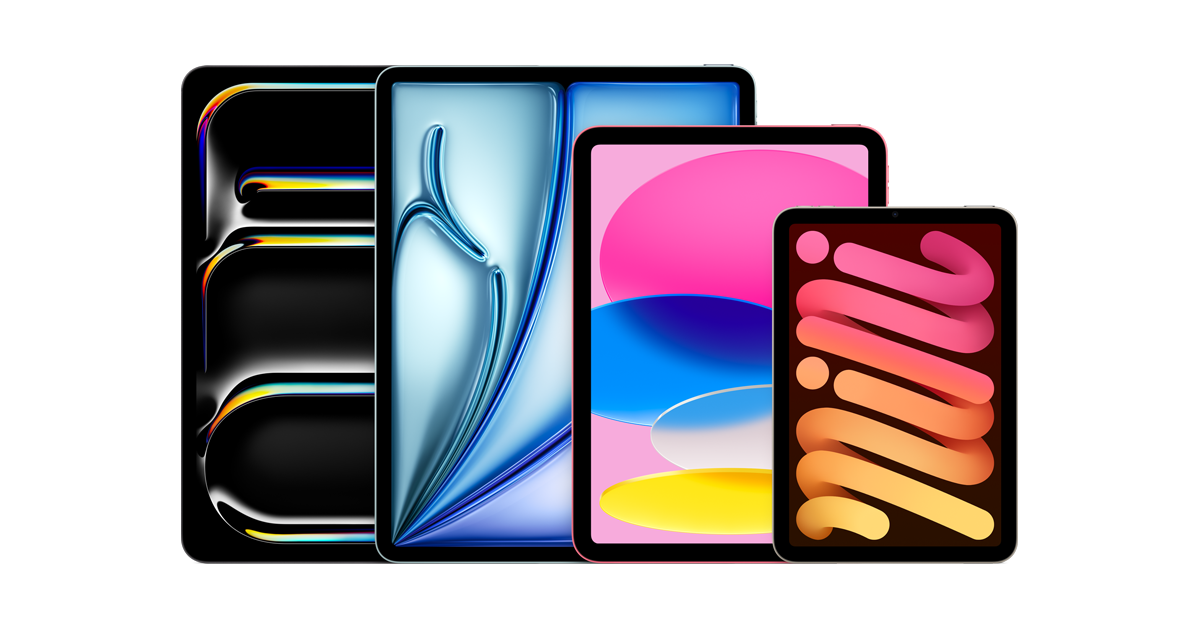
Apple iPad 9th Generation 64GB Wi-Fi
Apple
It depends — The A13 chip and 64GB storage are sufficient for one or two specific apps, provided those apps do not require a newer chip and the Lightning port suits the household.
This is the exact configuration that still updates through iPadOS 18 and beyond, and the cheapest current entry point into supported iPadOS software since Apple discontinued it in May 2024 — meaning you’ll be buying used or refurbished, so verify battery health and Activation Lock status before paying.Available at Amazon(paid link) — opens Amazon in a new tab. Price and availability shown there.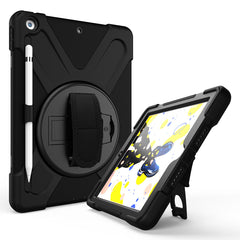
Rugged protective case for iPad 9th generation 10.2-inch with kickstand
Apple
Buy — The blurb recommends corner bumpers and a built-in stand for a child's tablet used around a dugout, bag, or turf field, while noting added bulk.
A dugout, bag, or turf field is a rough environment for a screen and an exposed Lightning port; a case with corner bumpers and a built-in stand is worth it for a kid’s tablet, though the added bulk makes the iPad noticeably harder to hold one-handed.Available at Amazon(paid link) — opens Amazon in a new tab. Price and availability shown there.Apple 20W USB-C Power Adapter with USB-C to Lightning cable
Apple
Buy — The iPad 9th generation uses Lightning, and the blurb identifies this adapter and cable combination as the accessories Apple shipped with the 64GB Wi-Fi model.
Used and refurbished 9th-generation iPads are frequently sold without original accessories, and this is the charger and cable combination Apple shipped with the 64GB Wi-Fi model — a generic Lightning cable will still charge it, but often more slowly.Available at Amazon(paid link) — opens Amazon in a new tab. Price and availability shown there.

Sources
Pages consulted while researching this article. None of these are affiliate links.
- These are all the devices compatible with iOS 18 and iPadOS 18 — arstechnica.com
- The Best iPad to Buy (and Some to Avoid) in 2026 — wired.com
- 2021 Apple iPad 10.2 (9th Gen) review: Subtle improvements for the most affordable Apple tablet — notebookcheck.net
- iPad (2025) with A16 review: No Apple Intelligence, no problem — engadget.com
- Apple has tragically killed off its last device that still had a headphone jack — macworld.com
- iPad models compatible with iPadOS 18 - Apple Support — support.apple.com
- Identify your iPad model - Apple Support — support.apple.com
- iPad (9th generation) - Technical Specifications - Apple Support — support.apple.com
- How to update to iPadOS 18 - Apple Support — support.apple.com
- iPad (10th generation) - Technical Specifications - Apple Support — support.apple.com
- iPad 11-inch (A16) - Technical Specifications - Apple — apple.com
- iPad - Apple Intelligence on iPad - Apple — apple.com