HP Omen 280W Adapter: Why the UEFI Warning Appears
The questionWhere do these come from?
AC Adapter short circuited and new one is throwing a warning in UEFI AC Adapter Test
I have an HP Omen 16-wf1025TX. It came with a 280W AC adapter. A faulty MCB caused it to short circuit and it stopped working.
A replacement Omen 280W adapter can match the wattage label and still trip the UEFI power warning if its center smart pin carries the wrong ID value.
If a replacement AC adapter on an HP Omen laptop is throwing a UEFI or Windows warning about reduced performance even though its label says 280W, the wattage almost certainly isn’t the problem — the center identification pin inside the barrel connector is. HP’s Omen line reads that pin to decide how much power the embedded controller will let the CPU and GPU draw, and the value it expects is specific to the Omen product line, not just to the 280W class. The fix in the overwhelming majority of documented cases is going back to the genuine, exact-match HP 280W Smart AC Adapter — part number M95376-001, also listed as A280A011P, M94073-001, M94073-002, TPN-CA26 or TPN-LA27 — rather than a generic “280W for HP Omen” replacement pulled from a parts bin built for a different HP line.
The center pin, not the wattage, is what gets checked
HP’s Smart AC Adapter barrel connector carries three contacts: the outer barrel is ground, the inner barrel carries the +20V supply, and a center pin (sometimes labeled AD_ID) feeds a resistor built into the adapter back to the laptop’s embedded controller. That resistor’s value — read as a resistance or, depending on the design, converted to a sense voltage — is what tells the EC which power class it’s dealing with, not the sticker on the brick. Component-level teardowns shared on a public hardware gist and discussed on the Badcaps electronics-repair forum show that HP does not use one resistor table across its whole lineup: a Pavilion or Victus adapter rated at 150W measures roughly 120kΩ at that pin, while an Omen adapter rated at the same 150W measures closer to 82–85kΩ. The 230W class shows similar spread, with genuine samples measured anywhere from about 75kΩ up to just under 100kΩ depending on adapter revision. HP hasn’t published an official value for the 280W part, but the pattern holds: the ID value is line-specific, and a generic replacement built to satisfy “closest common resistor for a labeled wattage” can land in a different HP product line’s range entirely, even while the voltage, current and 4.5mm × 3.0mm barrel size all check out.
What the warning is actually telling you
The messages reported across HP’s own support forum for this exact symptom are consistent: “The Smart AC Adapter’s rated output power is lower than the system requirements. The system is operating in a reduced performance mode,” or the shorter “Please connect a higher capacity Smart AC Adapter.” Both are generated by the same mechanism — the EC has classified the connected adapter as lower-wattage than the system needs, whether or not that’s true — and the practical effect on an Omen 16 is a hard power ceiling. One documented case involved an Omen 16 (Core i9-13900HX, RTX 4060) locked to roughly 40–50W of GPU power under load after a replacement adapter swap, with the warning persisting even though the adapter charged the battery normally and passed a basic connection check.
A passed diagnostic doesn’t rule out a pin mismatch
HP’s own hardware diagnostics include an AC Adapter test inside HP PC Hardware Diagnostics UEFI, and it’s worth knowing what that test does and doesn’t cover: it verifies that the adapter is delivering voltage and current within range, not that the ID resistor matches what the EC expects for full performance. Multiple owners have reported an adapter passing that diagnostic test cleanly while the reduced-performance warning and GPU power cap persisted — which is exactly the “may have a pin-ID issue” suspicion worth taking seriously rather than dismissing because the adapter “tested fine.”
Just want the recommendation?
Skip to the picksGenuine 280W, a compatible replacement, or the wrong wattage entirely
| Product | What the center pin reports | Result on a 280W-spec Omen |
|---|---|---|
| Genuine HP 280W Smart AC Adapter (M95376-001 / A280A011P) | Correct Omen-line ID value | Full CPU/GPU power, no warning |
| Generic “280W compatible” third-party replacement | Missing pin, or a resistor value borrowed from another HP line | UEFI/Windows reduced-performance warning, GPU capped well below rated power |
| Genuine HP 330W Smart AC Adapter (RTX 4080/4090 Omen configurations) | Correct ID value only for 330W-spec units | Same warning if used on a laptop whose original charger was actually 280W |
| Digital multimeter, used on the suspect adapter | Diagnostic tool, not a power source | Confirms whether the center pin reads in range before you spend money on a replacement |
A 230W-class adapter is a different failure mode worth ruling out separately: it can charge the laptop and even boot it, but under sustained CPU-plus-GPU load it simply can’t supply the current the system is drawing, which shows up as slow discharge or throttling rather than a pin-mismatch warning specifically.
Measuring the pin before buying anything
Because the ID value differs across HP’s own product lines, the fastest way to confirm a pin mismatch on a suspect adapter — before assuming it’s a lost cause or paying for another replacement — is measuring resistance between the center pin and the outer barrel with a multimeter set to resistance mode, adapter unplugged from the wall. An open circuit (no continuity at all) or a reading far outside the 75–100kΩ neighborhood reported for HP’s 230W/280W-class Omen and ZBook adapters is the signal, not an exact number, since genuine samples themselves show measurable variance by revision.
Matching the part number to the GPU tier, not just “280W”
Omen 16 configurations split their charger requirement by GPU: RTX 4060/4070 builds generally ship with the 280W adapter covered here, while RTX 4080/4090 configurations — the kind covered in HP Omen 16 Slim: Enough for CAD Work and Gaming? — ship with a 330W unit instead. Ordering by wattage number alone isn’t enough; the part number needs to match what your specific unit shipped with, because a 280W replacement on a 330W-spec laptop reproduces the identical warning even when the adapter is 100% genuine HP.
When a genuine adapter still trips the warning
If the exact-match genuine adapter still triggers the message, HP’s own troubleshooting guidance points at the connector itself before the electronics: check both the barrel port on the laptop and the plug end for oxidation, bent contacts or debris, and try a full power-cycle — adapter unplugged, battery disconnected if removable, power button held 15 seconds, then reconnected. A bent or receded center pin on an otherwise-genuine adapter produces the same symptom as a wrong resistor value, because the EC simply isn’t seeing a valid signal either way. Toggling off “Adapter Warnings” in the BIOS Power menu, which some threads suggest, only silences the on-screen message — it does not lift the power ceiling the EC has already applied, so it’s not a real fix. If a genuine, undamaged adapter with a clean connector still won’t clear the warning, that points at the embedded controller or a firmware issue on the laptop side, and it’s worth a BIOS update check and, failing that, an HP support case rather than continuing to swap chargers.
The bottom line
Two parts fix this, depending on which failed:
Top pick
Buy this
HP Omen 280W Slim Smart AC Adapter M95376-001
HP
Uses the correct Omen-specific smart-pin ID value, which is the single thing a same-wattage generic replacement most often gets wrong.
The exact-match genuine adapter for 280W-spec Omen and ZBook units — its center pin carries the Omen-line ID resistor the embedded controller expects, so it charges at full rate and lifts the GPU/CPU ceiling without a UEFI warning.Available at Amazon(paid link) — opens Amazon in a new tab. Price and availability shown there.The alternative
Skip this
280W 20V 14A Replacement AC Charger for HP Omen Gaming Laptop (third-party compatible)
Omen
Owners consistently report these ship with no ID pin or a resistor value copied from a different HP product line, which the embedded controller reads as an underpowered adapter.
The kind of generic ‘fits HP Omen 280W’ charger that matches voltage, current and barrel size but is the most commonly reported cause of this exact UEFI power-limit warning.Available at Amazon(paid link) — opens Amazon in a new tab. Price and availability shown there.
Recommended products
Ordered by how well each one fits the situations above. Each link below is a paid link.
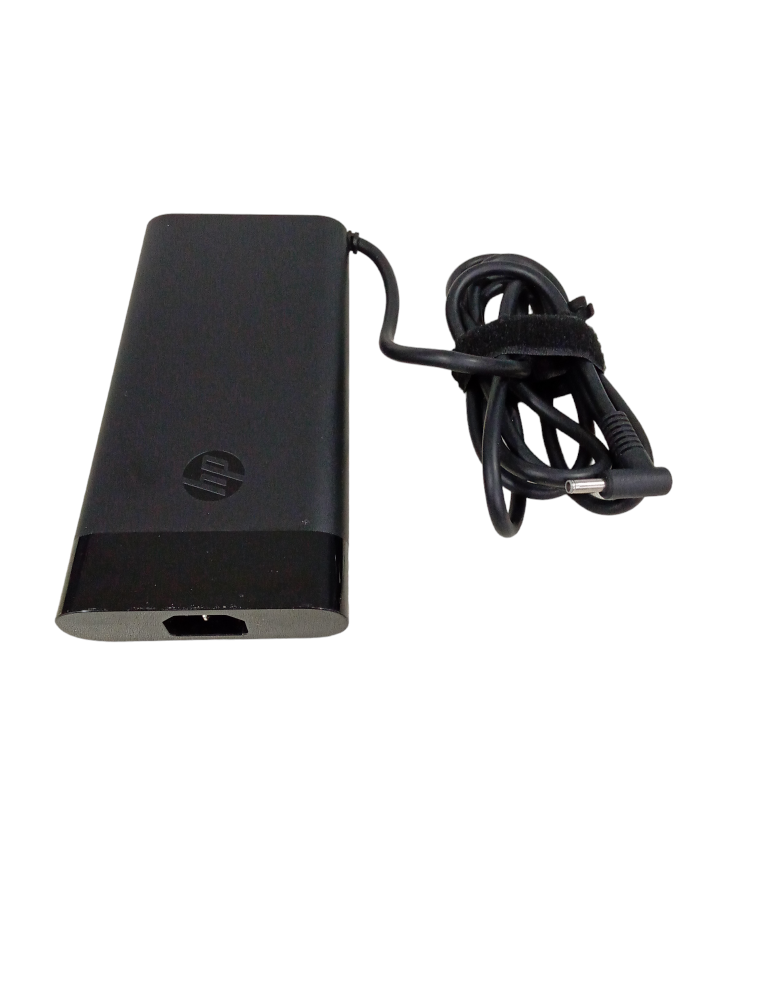
HP Omen 280W Slim Smart AC Adapter M95376-001
HP
Buy — Uses the correct Omen-specific smart-pin ID value, which is the single thing a same-wattage generic replacement most often gets wrong.
The exact-match genuine adapter for 280W-spec Omen and ZBook units — its center pin carries the Omen-line ID resistor the embedded controller expects, so it charges at full rate and lifts the GPU/CPU ceiling without a UEFI warning.Available at Amazon(paid link) — opens Amazon in a new tab. Price and availability shown there.
280W 20V 14A Replacement AC Charger for HP Omen Gaming Laptop (third-party compatible)
Omen
Skip — Owners consistently report these ship with no ID pin or a resistor value copied from a different HP product line, which the embedded controller reads as an underpowered adapter.
The kind of generic ‘fits HP Omen 280W’ charger that matches voltage, current and barrel size but is the most commonly reported cause of this exact UEFI power-limit warning.Available at Amazon(paid link) — opens Amazon in a new tab. Price and availability shown there.
HP 330W Smart AC Adapter for Omen 17 RTX 4090
Smart
It depends — Right only for the higher GPU tier; putting a 280W adapter on a 330W-spec unit reproduces the identical smart-pin warning even with genuine HP hardware.
The correct charger for Omen configurations built around RTX 4080/4090 GPUs — a rival to the 280W unit only if your laptop’s original charger was actually rated 330W.Available at Amazon(paid link) — opens Amazon in a new tab. Price and availability shown there.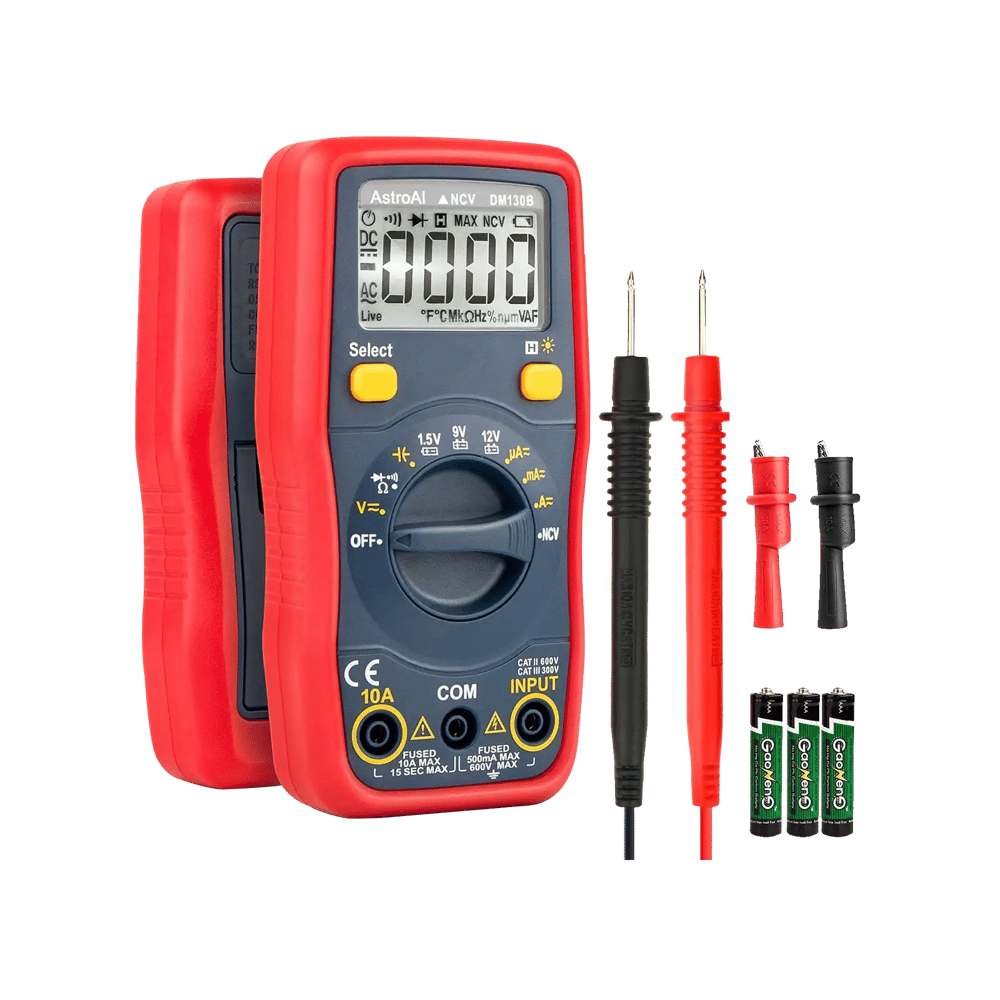
AstroAI Digital Multimeter
AstroAI Digital
It depends — Useful only as a diagnostic step — it doesn't power the laptop, it tells you which adapter to trust before you buy one.
A complement for confirming the fault before spending money: measuring the center pin’s resistance against the known-good range shows whether a suspect adapter or the laptop’s port is actually at fault.Available at Amazon(paid link) — opens Amazon in a new tab. Price and availability shown there.
Sources
Pages consulted while researching this article. None of these are affiliate links.
- For full performance, connect a higher capacity power adapter - HP Support Community — h30434.www3.hp.com
- Reduced performance mode when AC adapter plugged in - HP Support Community — h30434.www3.hp.com
- HP Omen 16 stuck in Limp Mode (40W GPU limit), "Smart AC Adapter" warning - HP Support Community — h30434.www3.hp.com
- Connect Higher Capacity Power Adapter Message - HP Support Community — h30434.www3.hp.com
- AC adapter not recognized when the system is running, BIOS updated - HP Support Community — h30434.www3.hp.com
- Using and troubleshooting the AC adapter - HP Support — support.hp.com
- HP Smart-pin power connector resistor values — gist.github.com
- HP AD_ID PIN understanding how it works - Badcaps — badcaps.net