Galaxy Tab S11 or iPad Air M4? Keep or Return?
The questionWhere do these come from?
iPad Air M4 (128GB) vs. Galaxy Tab S11 (256GB) – Stuck in the unboxing dilemma with an iPhone ecosystem
Hi everyone, I need some help deciding between the new iPad Air M4 (128GB) and the Samsung Galaxy Tab S11 (256GB).
Keep the Galaxy Tab S11 for media and handwritten notes; choose the iPad Air M4 for specific creative apps or Apple workflows.
Keep the unopened Samsung Galaxy Tab S11 if you mainly want streaming, browsing, handwritten notes and local media storage. Choose the iPad Air M4 instead when a specific iPad app or a frequently used Apple integration matters more than Samsung’s display and included pen.
Neither tablet deserves a blanket avoid recommendation. For media and note-taking buyers, however, the iPad Air M4’s compromise is clear: its 60Hz LCD and separately supplied Pencil give up advantages you will use regularly on the Tab S11.
The differences you will actually notice
This comparison uses the 11-inch iPad Air M4 against the standard 11-inch Galaxy Tab S11, not the S11 Ultra. If you mean the 13-inch Air, its larger working area changes the decision for sheet music, full-page documents and drawing.
| Deciding feature | Galaxy Tab S11 | iPad Air 11-inch M4 |
|---|---|---|
| Display | Dynamic AMOLED 2X, up to 120Hz | IPS LCD, 60Hz |
| Resolution | 2560 × 1600 | 2360 × 1640 |
| Pen supplied | S Pen included | Apple Pencil supplied separately |
| Memory-card expansion | microSD up to 2TB | No microSD slot |
| Wi-Fi model weight | 469g | 464g |
The hardware figures come from Samsung’s specifications and Apple’s specifications. Notebookcheck documents the Air M4’s 60Hz panel.
The weight difference is negligible for this decision. Screen shape matters more: calculated from their resolutions, Samsung’s display is 1.60:1, while Apple’s is approximately 1.44:1. That makes Samsung’s shape closer to widescreen video; Apple’s less elongated shape suits portrait documents. These are geometric advantages, not proof that either tablet is universally better for reading.
Keep the Samsung for viewing and ordinary handwritten notes
The Tab S11 is the stronger default when your routine consists of watching lectures, annotating material, browsing and watching films. Its higher refresh rate allows smoother scrolling, and the included S Pen means the basic handwriting setup is already complete. Those advantages do not require a demanding creative project to become useful.
Storage can strengthen that recommendation. If the unopened Samsung is 256GB and the alternative Air is 128GB, you would be halving nominal internal storage by switching. Check the actual configurations rather than assuming the two boxes are equivalent. Samsung’s memory-card slot also gives you an expansion route for files, although you should check whether each app permits its downloads to live there.
There is one meaningful exception to the OLED recommendation. Notebookcheck measured 480Hz display flicker on the Galaxy Tab S11, while its Air M4 review detected no PWM flicker. If you already know that flickering displays bother you, try the Samsung at your usual reading brightness before committing. The measurement identifies a difference; it cannot predict your individual comfort. See Notebookcheck’s Tab S11 display measurements and Air M4 measurements.
Switch for a required app, not the M4 badge alone
Procreate is a concrete reason to choose the iPad Air M4. Its developer offers Procreate for iPad; a Samsung tablet does not substitute for that platform when your course, brushes or established projects require the app. Check the exact software you intend to use before opening either device.
The M4’s processing advantage is also measurable. Notebookcheck recorded 3,735 versus 2,478 points for the Air M4 and Tab S11 respectively in its Geekbench single-core comparison. That supports choosing the Air for CPU-heavy work, but it does not establish the same advantage in every game or editing application. Nor does additional processor power remove the Air’s display refresh limit. Notebookcheck’s performance results
Just want the recommendation?
Skip to the picksFor drawing, check which Pencil is included in any proposed setup. The Air M4 supports Apple Pencil Pro and Apple Pencil USB-C, but those are not equivalent tools: Apple Pencil USB-C lacks pressure sensitivity, whereas Pencil Pro supports it. If varying brush strokes through pressure is part of your workflow, choose Pencil Pro. The USB-C model remains suitable for basic annotation; compatibility alone does not make it the right drawing accessory. Apple’s Pencil feature comparison
An iPhone matters when you use the connection
Owning an iPhone is a reason to examine the Air, not an automatic reason to return the Samsung. Identify the action you want to perform between devices.
For example, Universal Clipboard lets you copy content on an iPhone or Mac and paste it on an iPad. Apple requires nearby compatible devices using the same Apple Account, with Bluetooth, Wi-Fi and Handoff enabled. If that is part of your daily study or work routine, it is a concrete advantage the Tab S11 cannot provide through Apple’s Universal Clipboard. Apple’s setup requirements
If your tablet mainly opens documents from a shared cloud folder and streams independently, the phone brand deserves less weight. Before switching, check whether your essential app supports both platforms, whether its documents transfer cleanly, and whether the features you need are available on each. Sharing an app name does not guarantee identical functionality.
DeX helps, but the Air also has windows
Samsung DeX gives the Tab S11 an appealing desk setup. Samsung documents an Extended Mode spanning the tablet and an external monitor, plus up to four customized workspaces. That is useful when you want to organize reference material and active work across displays. Samsung’s DeX description
However, advice that treats the iPad as unable to manage windows is outdated. Apple documents a windowing system and expanded file-management features in iPadOS 26; the Air M4 also supports one external display up to 6K at 60Hz. Apple’s iPadOS 26 overview and display specifications
Choose between these workflows by checking your required applications. A desktop-style interface does not establish that a tablet can complete every desktop task. The related guide to using a Galaxy Tab as a laptop replacement explains the broader workflow checks, although its hardware discussion concerns the S10+.
Before breaking the seal
Check the seller’s return deadline and whether opening the packaging changes eligibility. An unopened box preserves options only under the applicable return terms; if those terms are unclear, ask the seller before opening it.
Then make three checks: confirm the Air’s screen size and storage, identify any indispensable app, and confirm the pen required for your work. Existing accessories should be checked by exact compatibility, not simply by brand.
Keep the Tab S11 when those checks reveal no specific reason to move. Return it for the Air M4 when you can name the iPad application, Apple workflow or display-comfort requirement that makes the change worthwhile.
The bottom line
Neither is wrong; the use case separates them:
Top pick
Buy this
Samsung Galaxy Tab S11 256GB Wi-Fi Gray
Samsung
Its up-to-120Hz AMOLED display, included S Pen and microSD support up to 2TB directly suit media and note-taking use.
The default choice for viewing, handwritten notes and local files, with an included S Pen and microSD expansion. It cannot run iPad-specific apps such as Procreate.Available at Amazon(paid link) — opens Amazon in a new tab. Price and availability shown there.The alternative
It depends
Apple iPad Air 11-inch M4 128GB Wi-Fi Space Gray
Apple
It supports Procreate and Apple Universal Clipboard, but its 60Hz LCD and separate Pencil make it a narrower recommendation for general viewing and handwritten notes.
Choose it for an essential iPad app or a daily Apple integration such as Universal Clipboard. Its display is limited to 60Hz, and Apple Pencil is supplied separately.Available at Amazon(paid link) — opens Amazon in a new tab. Price and availability shown there.
Recommended products
Ordered by how well each one fits the situations above. Each link below is a paid link.
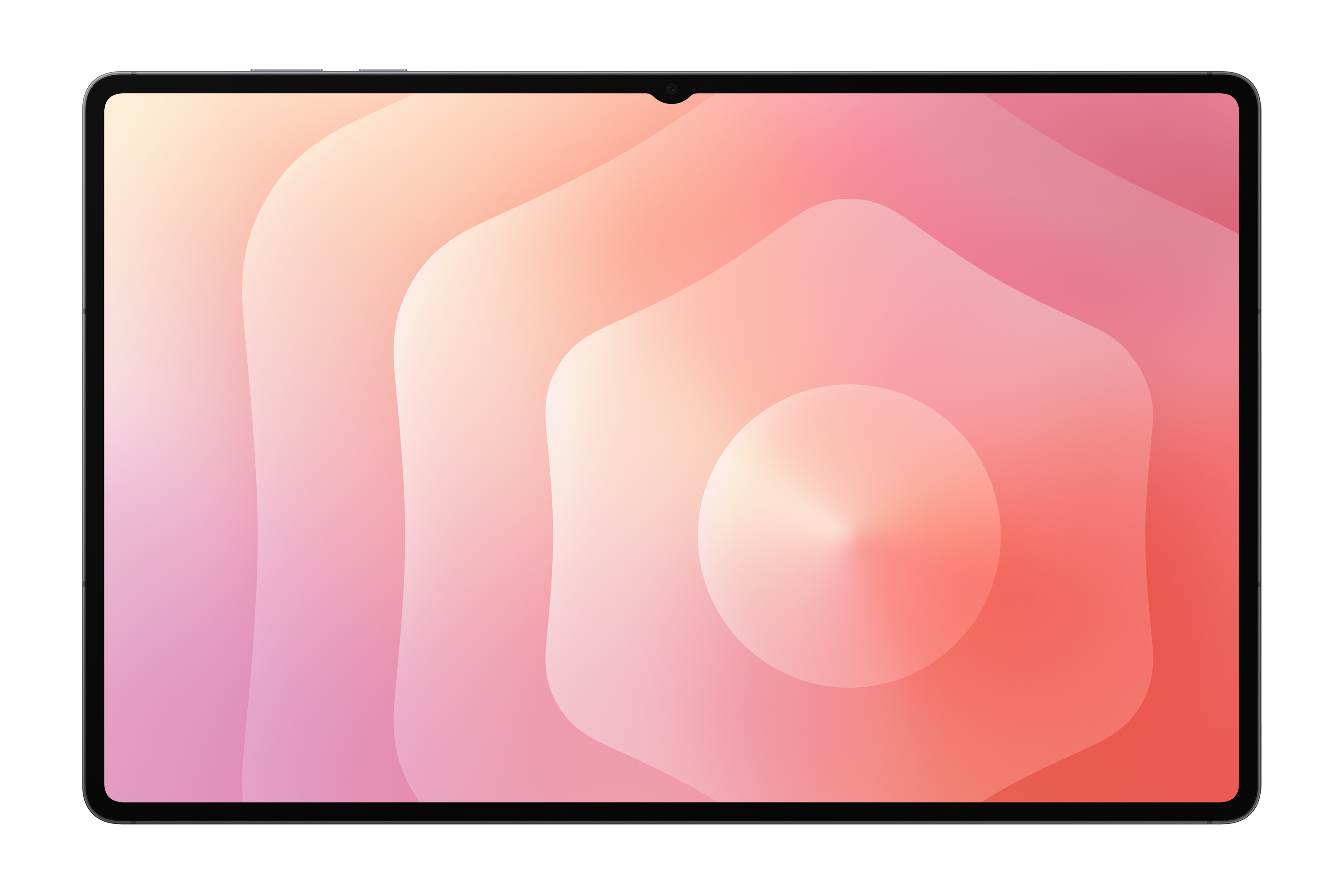
Samsung Galaxy Tab S11 256GB Wi-Fi Gray
Samsung
Buy — Its up-to-120Hz AMOLED display, included S Pen and microSD support up to 2TB directly suit media and note-taking use.
The default choice for viewing, handwritten notes and local files, with an included S Pen and microSD expansion. It cannot run iPad-specific apps such as Procreate.Available at Amazon(paid link) — opens Amazon in a new tab. Price and availability shown there.Apple iPad Air 11-inch M4 128GB Wi-Fi Space Gray
Apple
It depends — It supports Procreate and Apple Universal Clipboard, but its 60Hz LCD and separate Pencil make it a narrower recommendation for general viewing and handwritten notes.
Choose it for an essential iPad app or a daily Apple integration such as Universal Clipboard. Its display is limited to 60Hz, and Apple Pencil is supplied separately.Available at Amazon(paid link) — opens Amazon in a new tab. Price and availability shown there.
Sources
Pages consulted while researching this article. None of these are affiliate links.
- Samsung Galaxy Tab S11 Wi-Fi specifications — samsung.com
- Apple iPad Air technical specifications — apple.com
- Notebookcheck: Apple iPad Air 11 M4 review — notebookcheck.net
- Notebookcheck: Samsung Galaxy Tab S11 review — notebookcheck.net
- Procreate for iPad — procreate.com
- Apple Pencil compatibility and feature comparison — apple.com
- Apple: Use Universal Clipboard between devices — support.apple.com
- Samsung Galaxy Tab S11 series and DeX Extended Mode — news.samsung.com