Can the Galaxy Tab A9+ Kids Run Roblox?
The questionWhere do these come from?
Airport lost our iPad. Is the Samsung Tab A11+ the perfect replacement for a 7yo?
Hey everyone, We are in a bit of a dilemma and could use some honest, real-world feedback. Last week, we unfortunately lost my 7-year-old’s iPad at the airport.
Yes, Roblox should install and run on the Galaxy Tab A9+ Kids Edition, but heavy experiences may lag compared with an iPad.
Yes, the Samsung Galaxy Tab A9+ Kids Edition should run Roblox: Roblox requires Android 8.0 or higher and OpenGL ES 3.0 support, while Samsung sells the A9+ Kids Edition as a current Android Galaxy tablet with the Samsung Kids app preloaded. The honest catch is performance: it is a kid-focused midrange tablet, not a gaming iPad replacement, so simple Roblox experiences are the right expectation and demanding worlds may stutter.
The Kids Edition is best understood as a Galaxy Tab A9+ bundle for children. Samsung’s U.S. announcement says the Kids Edition has 64GB of storage, microSD support, an 11-inch Galaxy Tab A9+ screen, a Puffy Cover, Crayo-Pen styluses, and Samsung Kids parental controls. Samsung’s Galaxy Tab A9+ page also lists an 11-inch display, adaptive refresh rate up to 90Hz, up to 128GB storage on the regular A9+ line, microSD support up to 1TB, and Samsung Kids preloaded on Galaxy Tab A9+. Samsung’s Kids Edition announcement Samsung Galaxy Tab A9+ page
Roblox should install and run
Roblox’s official Android requirement is Android OS 8.0 or higher, and Android devices must support at least OpenGL ES 3.0. That is the compatibility bar. The Galaxy Tab A9+ Kids Edition should clear that bar, so the normal route is: open the Google Play Store, search for Roblox, install it, sign in, then set Roblox’s own parental controls before handing it over. Roblox mobile system requirements
Do not read “compatible” as “everything on Roblox will feel smooth.” Roblox is not one game with one fixed graphics load. A simple obby, tycoon, or private-server game can run very differently from a crowded, visually heavy experience with many players and effects. Roblox itself warns that some Android devices may run experiences poorly even when they meet the listed minimums. If the tablet shows a warning that the device may not be powerful enough, that is not necessarily a broken tablet; it means Roblox expects some lag.
For a parent replacing a lost iPad, the practical answer is this: Android is workable for Roblox, but it is not a perfect iPad-to-Android swap if the child expects the same smoothness in every game. Choose the Galaxy Tab A9+ Kids Edition for child controls, screen size, accessories, and basic-to-moderate Roblox use. Choose a stronger tablet if Roblox is the main activity and the child mostly plays graphics-heavy experiences.
Missing from Samsung Kids does not mean incompatible
Samsung Kids is a child-friendly zone, not the same thing as the full Android home screen. Samsung says parents can manage app access, set screen time, set bedtime, and control allowed content from Samsung Kids. The path Samsung gives is: open Samsung Kids, tap the three-dot More options menu, choose Parental controls, enter the PIN, then use Allowed content or Add and edit apps to add apps to the Samsung Kids home screen. Samsung Kids support
If Roblox is already installed but the child cannot see it, check Samsung Kids first:
- Exit to the adult profile or enter the Samsung Kids PIN.
- Open Samsung Kids.
- Tap More options.
- Tap Parental controls.
- Enter the PIN.
- Open Add and edit apps or Allowed content.
- Add Roblox to the child’s Samsung Kids screen.
If Roblox is not installed yet, install it from Google Play outside Samsung Kids, then return to Samsung Kids and allow it. If the Play Store says the app is incompatible, check Android version at Settings > About tablet > Software information. Roblox’s own Android support page says the minimum is Android 8.0 and OpenGL ES 3.0; if a tablet cannot meet that, Roblox experiences may be blocked rather than merely slow.
Three control layers cover the parental-control gaps
Use three layers, because no single control system covers everything.
First, use Samsung Kids for the tablet environment. It can create child profiles, set screen time, set bedtime, and decide which apps appear inside the child space. Samsung says Samsung Kids supports up to 6 child profiles, which matters if siblings share the tablet.
Second, use Google Family Link for Android-level limits. Google’s Family Link app can set app limits on Android 7.0 and newer devices, including a daily limit for a specific app such as Roblox. The useful path is: Family Link > child profile > Screen time > Time limits > App limits > Roblox > Set limit. Google Family Link app limits
Just want the recommendation?
Skip to the picksThird, use Roblox parental controls for Roblox-specific risk. Roblox says parents can manage content maturity, chat and connections, screen time, and spending after linking a parent account to the child’s account. In Roblox, start at Settings > Parental Controls, link the parent account, then set Content restrictions, Communication, Spending restrictions, and screen time. Roblox parental controls Roblox parental controls overview
This matters because Samsung Kids can block or allow the Roblox app, but it does not decide which Roblox experiences are age-appropriate inside Roblox. Roblox controls are where content maturity, chat, blocked games, allowed games, and spending belong.
Roblox fits, but storage can tighten quickly
The Kids Edition Samsung announced for the U.S. has 64GB of storage and microSD support. Samsung notes that part of storage is occupied by existing content, so the usable amount will be lower than 64GB. That matters for Roblox because the app, cached data, screenshots, videos, and other games can add up over time.
A microSD card is still useful, but do not buy the tablet assuming every app can live on the card. Samsung’s A9+ page says microSD support goes up to 1TB, but app behavior depends on Android and the individual app. Treat microSD as overflow for photos, videos, downloads, and media. Keep Roblox and other frequently used apps on internal storage when possible.
Before deciding 64GB is enough, ask what else will be installed. Roblox plus streaming apps, YouTube Kids, Minecraft, drawing apps, school apps, and offline video downloads can fill a child’s tablet faster than expected. If buying the regular Galaxy Tab A9+ instead of the Kids Edition bundle, Samsung lists A9+ configurations up to 128GB; that larger internal storage is the cleaner choice for app-heavy use.
Battery lasts, but the 15W charger is extra
Samsung describes the Galaxy Tab A9+ Kids Edition as having a long-lasting battery and fast charging, and says the Kids Edition requires at least a 15W wall charger sold separately. Samsung also says battery life varies by network environment, usage patterns, and other factors. That is the right way to think about Roblox battery life: Roblox is a screen-on, network-heavy, processor-heavy activity, so it will drain faster than reading, drawing, or watching downloaded video.
For fewer complaints, set expectations around sessions rather than full-day gaming. Keep brightness on auto or below maximum, use Wi-Fi instead of cellular where possible, close unused apps, and set a Roblox app limit in Family Link or Samsung Kids. If charging seems slow, use a Samsung-approved USB-C charger and cable, and avoid worn or damaged cables. The Kids Edition announcement specifically warns to use compatible Samsung-approved charging gear.
The Kids Edition adds protection, not gaming power
The Kids Edition is stronger as a child bundle than as a gaming upgrade. Samsung says it includes a Puffy Cover made from flexible, lightweight, shockproof materials, with camera protection, a built-in hands-free stand, three Crayo-Pen styluses, and two pen tethers. Samsung’s Kids Edition support page also says the cover is intended to safeguard the tablet against accidental drops and falls. Samsung Kids Edition setup guide
That does not make the tablet indestructible. A case helps with ordinary drops, but a large glass screen can still crack, a USB-C port can still wear out, and a child can still lose the stylus. For a kid replacing an iPad that was lost, the more important durability feature may be account setup: enable Find My Device through the child’s Google account, keep the Samsung account and Google account recovery details current, and avoid sharing the parent PIN.
Four faults that justify a return or exchange
Return or exchange is reasonable if Roblox cannot install from Google Play, the tablet gives an unskippable Roblox compatibility error, Wi-Fi is stable but Roblox crashes across many experiences, or the child’s must-play games are consistently too laggy even at lower in-game graphics settings.
Do these checks first:
- Update the tablet at Settings > Software update > Download and install.
- Update Roblox from Google Play.
- Confirm Roblox is allowed in Samsung Kids under Parental controls > Allowed content or Add and edit apps.
- Test two light Roblox experiences and one of the child’s usual games.
- Test on strong Wi-Fi; Roblox says it needs a 4-8 Mb/s internet connection and recommends Wi-Fi over mobile networks for stability.
- Free internal storage by deleting unused apps and offline downloads.
- Restart the tablet, then test Roblox again before judging performance.
The bottom line: the Galaxy Tab A9+ Kids Edition is a practical Android Roblox tablet for younger kids when parental controls, a protective case, storage expansion, and a big screen matter. It is not the safest answer for a child who mainly wants high-performance Roblox across the most demanding experiences. In that case, the limit is hardware class, not a setting hidden in Samsung Kids.
The bottom line
Two that fit, depending on the model you have:
Top pick
It depends
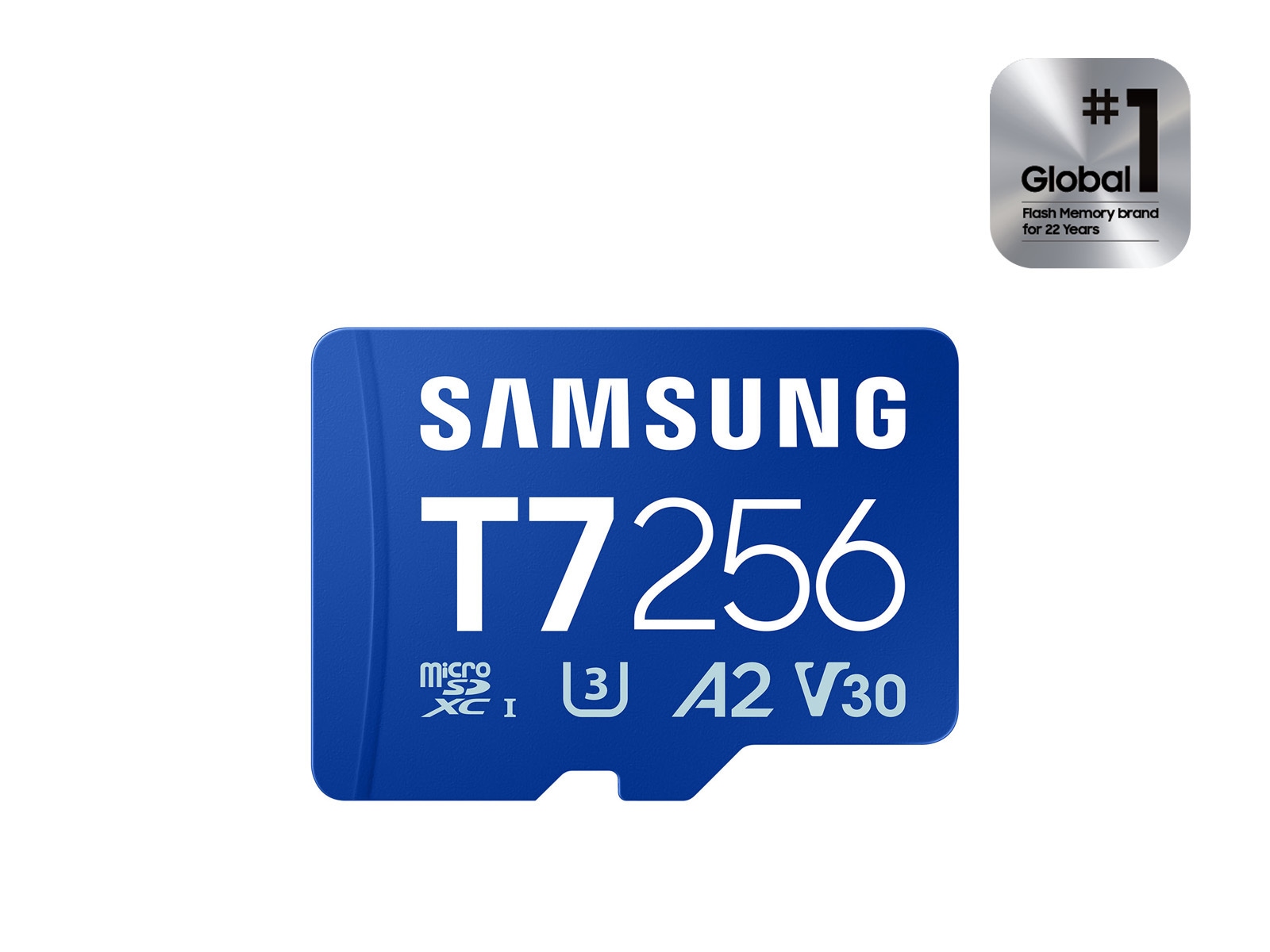
Samsung microSDXC T7 256GB, Transfer Speeds Up to 170 MB/s
Samsung
The article recommends microSD for photos, videos, downloads, and media overflow, but warns that apps and app data may still require internal storage.
Useful if the tablet will hold videos, photos, downloads, and multiple kid apps. The drawback is that microSD is best for media overflow; some apps and app data may still need internal storage.Available at Amazon(paid link) — opens Amazon in a new tab. Price and availability shown there.The alternative
Buy this
Samsung 15W Wall Charger Type C Only (Cable not Included), White
Samsung
Samsung says the Kids Edition requires at least a 15W wall charger, sold separately.
Matches Samsung’s Kids Edition note that fast charging requires at least a 15W wall charger. The drawback is that it is only helpful if the included or existing charger is missing, slow, or worn.Available at Amazon(paid link) — opens Amazon in a new tab. Price and availability shown there.
Recommended products
Ordered by how well each one fits the situations above. Each link below is a paid link.
Samsung microSDXC T7 256GB, Transfer Speeds Up to 170 MB/s
Samsung
It depends — The article recommends microSD for photos, videos, downloads, and media overflow, but warns that apps and app data may still require internal storage.
Useful if the tablet will hold videos, photos, downloads, and multiple kid apps. The drawback is that microSD is best for media overflow; some apps and app data may still need internal storage.Available at Amazon(paid link) — opens Amazon in a new tab. Price and availability shown there.Samsung 15W Wall Charger Type C Only (Cable not Included), White
Samsung
Buy — Samsung says the Kids Edition requires at least a 15W wall charger, sold separately.
Matches Samsung’s Kids Edition note that fast charging requires at least a 15W wall charger. The drawback is that it is only helpful if the included or existing charger is missing, slow, or worn.Available at Amazon(paid link) — opens Amazon in a new tab. Price and availability shown there.![Supershieldz (2 Pack) Designed for Samsung Galaxy Tab A11+ (A11 Plus) / A9+ (A9 Plus) 11-inch Screen Protector, [Tempered Glass] Anti Scratch, Bubble Free product image](https://cdn11.bigcommerce.com/s-y61mtolg/images/stencil/240x240/products/8775/93607/FIMmaZ1__33643.1705592981.jpg?c=2)
Supershieldz (2 Pack) Designed for Samsung Galaxy Tab A11+ (A11 Plus) / A9+ (A9 Plus) 11-inch Screen Protector, [Tempered Glass] Anti Scratch, Bubble Free
Supershieldz
Buy — The article notes that the tablet’s large glass screen can still crack despite the Kids Edition’s protective case.
Adds a sacrificial glass layer for a child’s tablet used with Roblox and travel. The drawback is installation quality matters; dust or misalignment can cause bubbles.Available at Amazon(paid link) — opens Amazon in a new tab. Price and availability shown there.

Sources
Pages consulted while researching this article. None of these are affiliate links.
- Samsung Announces New Galaxy Tab A9+ Kids Edition, Creating a Safe Environment for Kids Online — news.samsung.com
- Galaxy Tab A9+ | Samsung US — samsung.com
- Samsung Kids on your Galaxy phone or tablet — samsung.com
- Set up and use your Samsung Galaxy Kids Edition tablet — samsung.com
- Roblox Mobile System Requirements — en.help.roblox.com
- Parental Controls | Roblox — about.roblox.com
- Parental Controls Overview - Roblox Support — en.help.roblox.com
- Set app time limits on your child’s device - Google For Families Help — support.google.com