RAM / memory
6 articles on this topic.
RAM questions split into two very different kinds of decision. One is compatibility: a specific module, spotted online or already in hand, and the question of whether the memory controller, chipset, or manufacturer’s qualified-parts list will actually accept it — because a stick that fits the slot and matches the advertised speed can still fail if its capacity or chip layout is one the system was never built to address. The other is capacity: how much is actually enough for a particular workload, where the honest answer usually depends on what the software does under the hood, not on how much a budget allows for.
These questions start as one person describing one machine and one task — a laptop model, a workload, a part they’re about to buy. Settling them means going beyond that single post: checking manufacturer documentation against what other owners of the same hardware report, and against how the relevant software is known to behave, rather than trusting any one source’s word for it.
- Skipcompatibilityr/AMDLaptops
Will Timetec 8GB DDR3L Work With an i7-640M?
No: Timetec’s single 8GB DDR3L-1600 SO-DIMM exceeds the i7-640M controller’s supported chip density; use a 2x4GB DDR3-1066 kit.
- Buycompatibilityr/Dell
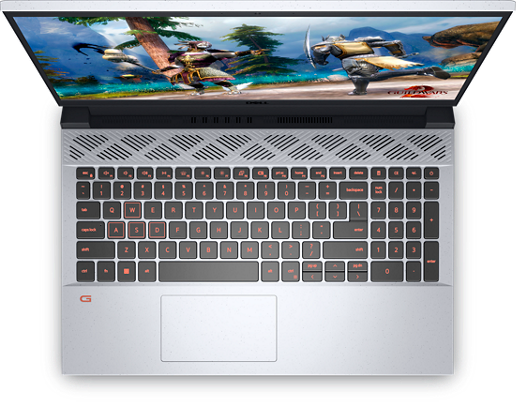
Dell G15 RAM: Must Crucial Match the Micron Stick?
A Dell G15 5510 does not require matching RAM brands for dual channel; capacity, compatible timings and module specifications matter.
- Buyrecommendation
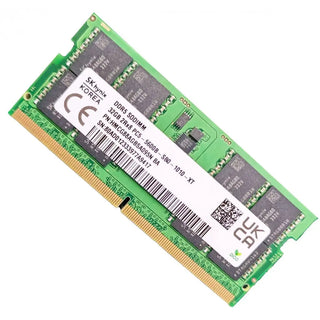
SK hynix 32GB DDR5-5600: Get the Right SO-DIMM
Look for HMCG88AGBSA092N or HMCG88AGBSA095N, then check your computer’s capacity limits and supported speed before buying.
- It dependsrecommendation
Coding With 24GB RAM: When You Actually Need It
Most coding does not need 24GB RAM: 16GB handles lighter work, while 24GB helps multitasking and 32GB suits heavier local development.
- It dependscomparisonr/macbookpro
16GB vs 24GB RAM for Lightroom Classic: Answered By Use Case
Choose 24GB for Lightroom Classic on an M5 MacBook Pro unless your budget is rigid and your edits stay small.
- Buytroubleshootingr/computer
Best PC Upgrade for Multitasking
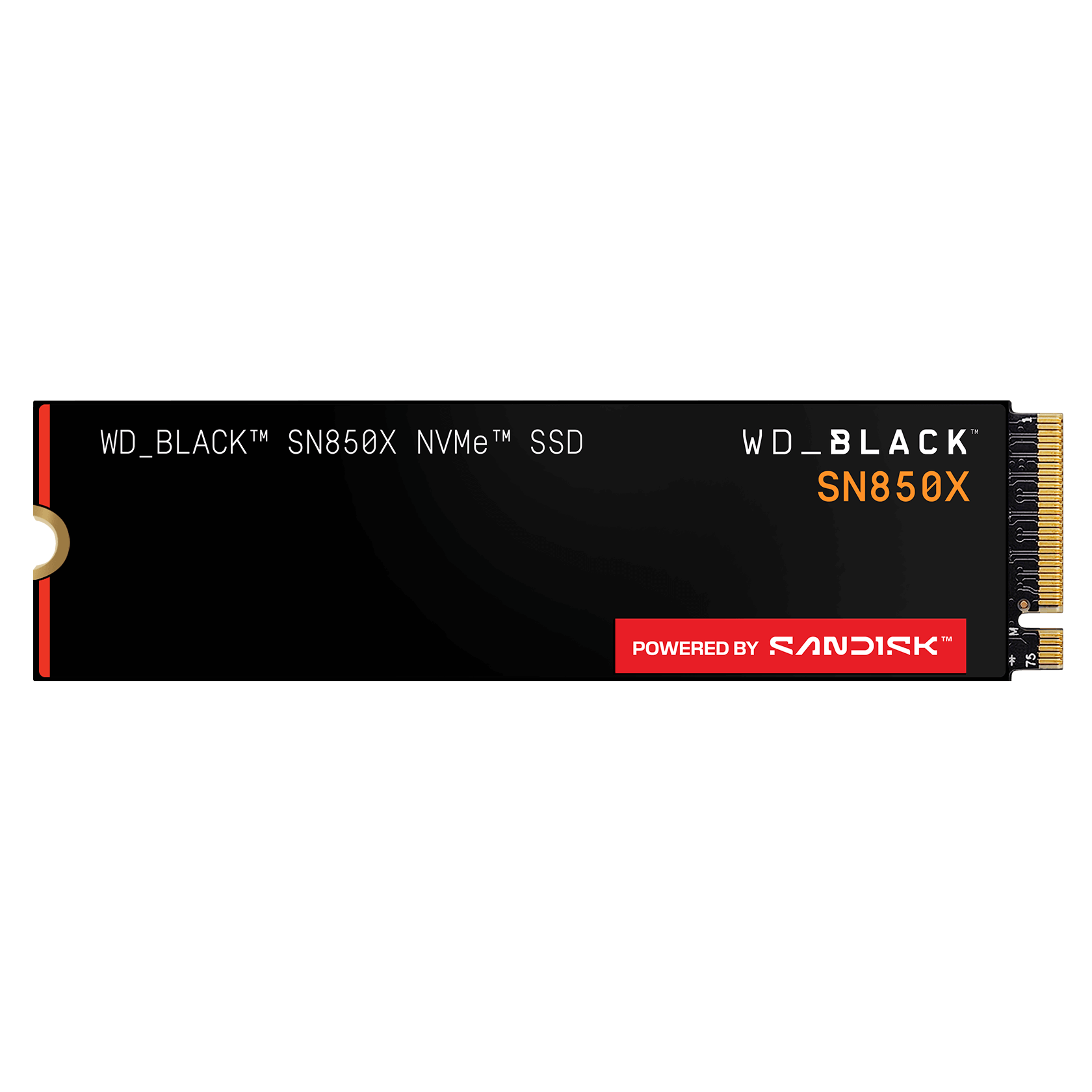
For Docker, WSL, browser automation and editing freezes, upgrade to NVMe storage and 64GB RAM before buying a full new PC.