Why No PBT Set Covers Razer's M1-M5 Macro Keys
The questionWhere do these come from?
YMDK 104 key PBT set — User bought Razer PBT keycap upgrade set but it doesn't include macro keys (M1-M5), wants shine-through PBT keycaps for those specific keys.
No 104-key PBT set, including YMDK's, ships with Razer M1-M5 macro keycaps — here's what actually fits those five keys instead.
No 104-key PBT set — YMDK’s included — ships with keycaps for Razer’s M1-M5 macro column, and neither does Razer’s own official PBT Keycap Upgrade Set. Razer’s support forum confirms it directly: staff responding to buyers of that exact set state plainly that “M1-M5 keycaps are not included with the PBT Keycap set.” A 104/108-key kit is cut to the ANSI or ISO standard layout, and a five-key macro column bolted to the left edge of a keyboard isn’t part of that standard, so no aftermarket vendor — YMDK, Razer, or anyone else selling a 104-count set — molds keys for it. The fix isn’t a different keycap set; it’s using what a 104-key kit already includes for a purpose it wasn’t labeled for.
Which Razer keyboards actually have this macro column
Before hunting for M1-M5 caps, confirm the keyboard actually has five dedicated physical macro keys. Razer’s device layout diagram for the BlackWidow Chroma V2 labels a column of five separate keycaps running down the far left edge of the board, next to the main key cluster — that’s the classic implementation, shared with the original BlackWidow Chroma and BlackWidow Ultimate. Later boards handle “macros” differently: the BlackWidow V3 Mini and V3 Pro print M1-M4 as a secondary, Fn-shifted legend on the existing F-row keys rather than adding extra keycaps, and the BlackWidow Elite has no dedicated macro keys at all — any key can be turned into a macro through Synapse, but there’s no fifth column to keycap. If your board falls into either of those two camps, a standard 104-key set already covers every physical key you have; the M1-M5 gap only exists on boards with the true five-key column.
The switches under M1-M5 aren’t the obstacle
On the boards that do have the column, each macro key sits on the same Razer Mechanical Switch used everywhere else on the board — Green, Orange, or Yellow — and those switches use a cross-shaped stem that’s dimensionally compatible with Cherry MX-style keycaps, confirmed on Razer’s own custom-keycap support thread for the BlackWidow line. That means any standard 1u keycap physically clips onto an M1-M5 switch without modification. The problem was never fit; it’s that nobody prints “M1” through “M5” on a keycap meant for a standard layout, so whatever you put there will be blank of that label.
One fit detail that does trip people up: older BlackWidow Chroma and Ultimate boards use a non-standard bottom row (1.5u Ctrl/Alt keys, 1u Windows/Fn/Menu keys, a 6u spacebar), while the newer BlackWidow Elite and Chroma V2 line moved to the standard bottom row that aftermarket 104 kits are built for (1.25u modifiers, 6.25u spacebar). Check which bottom row your board has before buying — a 104-key set sized for the modern standard won’t cover the modifier row on an older board, macro keys aside.
Just want the recommendation?
Skip to the picksFilling the M1-M5 slots from a 104-key kit’s own spares
A 104-count ANSI kit never uses every keycap molded for it — sets built around this layout typically throw in a handful of extra 1u and 1.25u blanks and novelty accent keys that don’t map to any position on a standard board, because the mold serves 61-, 87-, and 104-key layouts from the same run. Those unused spares are the practical source for M1-M5: pick five that match the row height of whichever main-cluster row each macro key sits beside, since Razer’s OEM profile (and the Cherry profile most YMDK kits use) steps down in height from R4 at the function row to R1 at the bottom letter row. Match height first, color second — legend won’t match regardless.
Do standard PBT keycaps glow through the legend?
This is where “shine-through” matters, and the two things sold under the YMDK 104-key name behave differently:
| Set type | How the legend is made | Light passes through the printed letter? | Ships with M1-M5 |
|---|---|---|---|
| Razer PBT Keycap Upgrade Set | Doubleshot cap, opaque body | Only bleeds around the cap edges | No |
| YMDK Carbon / laser-etched PBT (OEM profile, opaque) | Laser-etched or dye-sublimated onto solid PBT | No — the plastic is fully opaque | No |
| YMDK Cherry/OEM Profile PBT Double-Shot Shine-Through | Double-shot molding with a translucent lower layer under the legend | Yes — YMDK’s own listing describes the top print as built for both upper- and downward-facing LEDs | No |
If your board has per-key RGB and you want the legends themselves to light up, the double-shot shine-through line is the one to buy — a laser-etched or dye-sub PBT set will never do that, no matter how bright the switch LED is. But the shine-through line has the same gap as every other 104-key set: there’s no legended “M1” cap in it either. The realistic outcome is a blank shine-through cap sitting in the M1-M5 slot, glowing as a solid block of light with no printed character, rather than a lit “M1” — because nobody currently molds that specific legend outside Razer’s original, now-discontinued factory replacement caps.
What to actually buy
Skip Razer’s own PBT Keycap Upgrade Set if the M1-M5 gap is the reason you’re shopping — it’s confirmed by Razer’s own support staff to exclude those five keys, so it costs more than a third-party set while solving exactly nothing that a YMDK kit doesn’t already leave unsolved. Between the two YMDK variants, buy the double-shot shine-through set if the board’s per-key lighting is part of why you’re upgrading; the opaque dye-sub or laser-etched Carbon-style set is worth considering instead only if you don’t care whether the alpha legends light up, since it’s typically the thicker, more durable option of the two and costs less for equivalent coverage of the main 104 keys. Either way, pair it with a small blank-keycap spares pack in a matching profile and colorway — that’s the only way to physically fill all five macro positions with something that matches the rest of the board, accepting that none of them will say “M1” through “M5” once you’re done.
If matching legends on those five keys matters more than anything else here, the honest answer is that the only keycaps ever printed with the correct labels were the ones Razer shipped on the keyboard originally — and the sensible move for most owners is leaving those five stock caps in place and swapping the other 99 keys around them, a mismatch that’s rarely visible unless someone is looking for it.
The bottom line
Both fit — your exact model decides:
Top pick
Skip this
Razer PBT Keycap Upgrade Set
Razer PBT
Razer staff confirmed on its own Insider forum that M1-M5 keycaps are not included with this set, so it doesn't solve the gap it's most often bought for.
The obvious first stop for a Razer owner, but Razer’s own support forum confirms it excludes M1-M5 just like every third-party 104 kit does.Available at Amazon(paid link) — opens Amazon in a new tab. Price and availability shown there.The alternative
Buy this
YMDK Cherry Profile PBT Double Shot Shine Through Keycap Set
YMDK Cherry
Its double-shot construction uses a translucent lower layer built for the printed legend to transmit light, unlike dye-sub or laser-etched PBT.
Buy this if the board has per-key RGB and you want the legends themselves to glow, not just the underglow around the caps.Available at Amazon(paid link) — opens Amazon in a new tab. Price and availability shown there.
Recommended products
Ordered by how well each one fits the situations above. Each link below is a paid link.
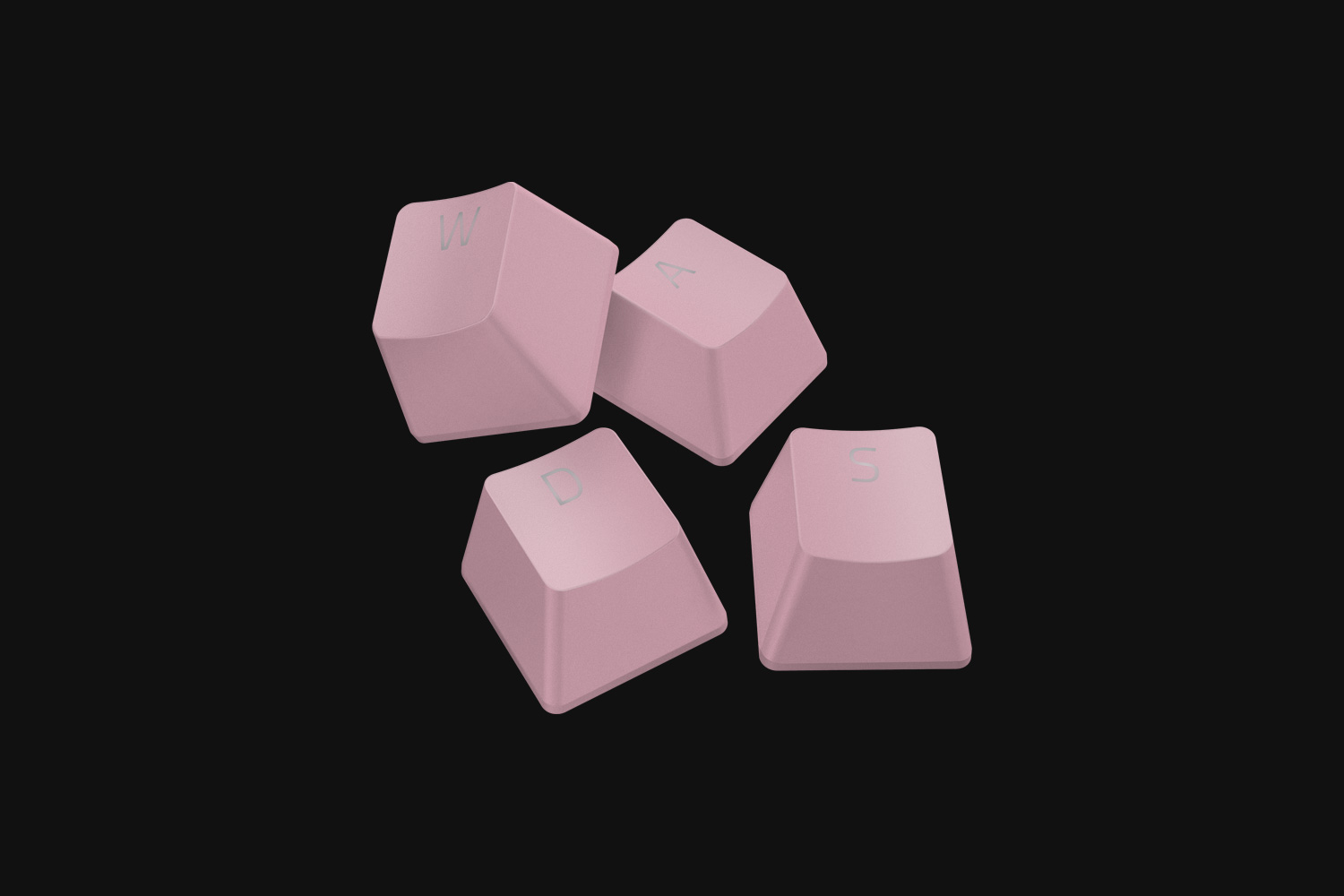
Razer PBT Keycap Upgrade Set
Razer PBT
Skip — Razer staff confirmed on its own Insider forum that M1-M5 keycaps are not included with this set, so it doesn't solve the gap it's most often bought for.
The obvious first stop for a Razer owner, but Razer’s own support forum confirms it excludes M1-M5 just like every third-party 104 kit does.Available at Amazon(paid link) — opens Amazon in a new tab. Price and availability shown there.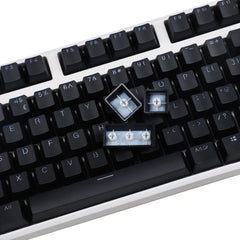
YMDK Cherry Profile PBT Double Shot Shine Through Keycap Set
YMDK Cherry
Buy — Its double-shot construction uses a translucent lower layer built for the printed legend to transmit light, unlike dye-sub or laser-etched PBT.
Buy this if the board has per-key RGB and you want the legends themselves to glow, not just the underglow around the caps.Available at Amazon(paid link) — opens Amazon in a new tab. Price and availability shown there.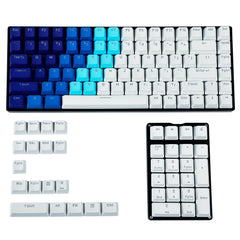
YMDK Carbon 104 Key PBT OEM Profile Keycap Set
YMDK
It depends — Legends are laser-etched or dye-sublimated onto solid PBT with no light path, so it's the wrong pick if shine-through legends are the point of the upgrade.
A thicker, typically more durable opaque PBT option for anyone who doesn’t care whether the alpha legends light up.Available at Amazon(paid link) — opens Amazon in a new tab. Price and availability shown there.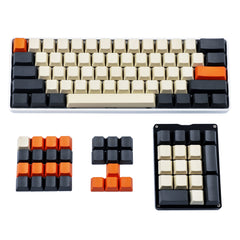
YMDK Carbon Blank Keycaps OEM Profile
YMDK
It depends — Neither Razer nor YMDK sells a replacement printed M1-M5 keycap, so a row-matched blank is the only way to physically fill those slots without a mismatched stock cap left in place.
The actual fix for the five empty macro slots — a same-profile blank in matching height and colorway, since no vendor molds a legended M1-M5 cap.Available at Amazon(paid link) — opens Amazon in a new tab. Price and availability shown there.
Sources
Pages consulted while researching this article. None of these are affiliate links.
- Razer Insider: BlackWidow Chroma V2 PBT M1-M5 Caps (confirms macro keys excluded from Razer's PBT kit) — insider.razer.com
- Razer Insider: BlackWidow Elite Custom Keycaps Support (stem type and bottom-row sizing) — insider.razer.com
- Razer Insider: What Keycap Size and Profile Does the BlackWidow Have — insider.razer.com
- Razer BlackWidow Chroma V2 Master Guide (official spec sheet and device layout) — dl.razerzone.com
- YMDK Black/White Cherry Profile PBT Double-Shot Shine-Through Keycap Set — ymdkey.com
- YMDK 104 Laser-Etched Carbon Keycaps, OEM Profile — ymdkey.com
- YMDK Carbon Blank Keycaps, OEM Profile — ymdkey.com