Pro XG 10 PoE Noise: Quiet Enough for Your Room?
The question this answersWhere do these come from?
Is the UniFi Pro XG 10 PoE switch quiet enough to put next to my bed?
The Pro XG 10 PoE has no published official dBA rating; fan noise and reported PSU whine make it a risky choice beside a bed.
The Ubiquiti UniFi Pro XG 10 PoE (USW-Pro-XG-10-PoE) has no noise rating in its published technical specifications, and the independent reviews checked do not establish an idle-to-load dBA range. Skip the Pro XG 10 PoE if you require silence beside a bed: its four cooling fans and documented owner reports of PSU whine make it an unsuitable purchase to treat as guaranteed inaudible. Ubiquiti specifications, ServeTheHome hardware inspection, owner noise report.
That is a conditional buying judgment, not evidence that every unit is loud. For a separate equipment room, the same uncertainty is much less consequential. For a quiet office, you need to distinguish ordinary airflow from a high-pitched electrical tone before deciding whether placement can solve the problem.
The decibel figure you cannot transfer from the smaller model
As of September 12, 2026, the sources checked provide no defensible numerical answer to “how many decibels does the Pro XG 10 PoE produce?” Ubiquiti’s specification page lists electrical and environmental limits but no acoustic rating. Giving this switch a precise noise figure would imply evidence that is missing.
There is independent testing of the exact model. ServeTheHome measured 21.6W at idle and 23.3W with one 10GBASE-T connection, but its published test section does not supply a corresponding sound measurement. Those are electrical measurements, not evidence of inaudibility. ServeTheHome’s Pro XG 10 PoE measurements.
The distinction matters because Ubiquiti’s 65W excluding PoE output is a maximum consumption specification, not idle consumption. Neither that maximum nor the measured idle draw tells you how audible the switch will be from your chair. Ubiquiti specifications.
A real acoustic measurement exists for the USW-Pro-XG-8-PoE. ServeTheHome’s Patrick Kennedy reported approximately 37 dBA in a studio with a 34 dBA noise floor, after startup and while running 100Gbps line-rate traffic. That result belongs to the eight-port model. It does not establish the ten-port model’s noise, and the passage does not establish a full-PoE-load acoustic result. ServeTheHome’s Pro XG 8 PoE noise test.
When assessing any future measurement, look for the exact model, microphone distance, background noise, connected PoE load, room temperature and firmware. A number without those conditions cannot reliably settle whether you will hear it at night.
Beside a bedroom, fan noise is only half the question
Owner accounts distinguish two sounds. One owner described the Pro XG 10 PoE as very quiet with four ports connected. Another found its fan noise acceptable but returned it because of a high-frequency sound attributed to the internal power supply. These are individual observations, not a controlled comparison or a failure-rate estimate. Pro XG 10 PoE owner discussion.
A separate, unusually specific report describes a tone appearing when a U7 Pro access point drew approximately 10W, while a roughly 2W SuperLink load did not produce the same symptom. The owner listed switch firmware 7.2.111. That identifies one historical configuration; it does not establish a universal power threshold or a defect affecting every switch. Light-load whine report.
Just want the recommendation?
Skip to the picksThe practical implication is narrower than “more PoE means more noise”: a lightly loaded Pro XG 10 PoE is not automatically an inaudible Pro XG 10 PoE. There is no verified model-specific fan-control curve in the cited material, so neither PoE percentage nor a displayed temperature gives you a dependable noise prediction.
For an installation under stairs or behind a bedroom wall, assess sound from the actual listening position with doors in their normal positions. A location that works during daytime activity may be unacceptable when the rest of the house is quiet. Do not assume that an enclosed cabinet will solve this; retain ventilation within Ubiquiti’s specified ambient operating range of −5 to 40°C. Environmental specifications.
When the Pro XG 8 PoE is worth considering
The smaller model has relevant independent acoustic evidence, but changing models also changes the power budget and port count.
| Specification | Pro XG 10 PoE | Pro XG 8 PoE |
|---|---|---|
| 10GbE RJ45 ports | 10 | 8 |
| 10G SFP+ ports | 2 | 2 |
| Total PoE budget | 400W | 155W |
| Maximum PSE output per port | 90W | 60W |
These are manufacturer specifications. Pro XG 10 PoE, Pro XG 8 PoE.
Consider the Pro XG 8 PoE for a quiet office when eight copper ports, a 155W total budget and its per-port limits cover your devices. Its measured acoustic result gives you more useful evidence than an unsupported promise that the larger model is quiet. However, the Pro XG 8 PoE also uses active cooling; it is not a fanless guarantee. StorageReview’s hardware inspection.
The Pro XG 8 PoE is the wrong substitute if you need the larger model’s additional copper ports or PoE capacity. Conversely, the Pro XG 10 PoE asks a silence-sensitive room to accommodate a four-fan rack device without a verified acoustic envelope. Neither tradeoff disappears because both products carry the Pro XG name.
If you are also considering a smaller desktop switch, the Pro XG 8 PoE versus Flex 10 GbE port comparison explains the connection limits to check before changing your network layout.
If you already own a noisy Pro XG 10 PoE
Use a repeatable observation sequence before buying replacement hardware. This is a suggested diagnostic process, not a tested repair:
- Record the configuration. Note firmware, connected devices, negotiated link speeds, reported PoE draw and where you hear the sound.
- Separate startup from settled operation. Record whether the objectionable sound remains after the switch has finished booting and conditions have stabilized.
- Compare PoE loads individually. During an acceptable interruption window, disconnect one powered device at a time. This interrupts that device, so avoid doing it during essential camera, access-control or network use.
- Describe the sound precisely. Note whether it is rushing air, a narrow whistle, rattling or a tone that changes immediately with a particular device’s connection.
- Repeat from your normal listening position. Keep placement and recording distance consistent so a change in microphone position does not masquerade as an improvement.
Do not buy replacement fans merely because the switch whistles: changing airflow hardware is not an established fix for a sound originating in its power circuitry. Likewise, the cited reports do not establish a firmware release that cures PSU whine.
If an intrusive tone or mechanical noise persists, send Ubiquiti support the recording and configuration details and ask whether the unit requires replacement. The available evidence cannot determine remotely whether your particular switch needs an RMA, or promise that another unit will be silent.
The bottom line
It splits on what you are actually asking:
Top pick
Skip this
Ubiquiti UniFi Switch Pro XG 10 PoE USW-Pro-XG-10-PoE
Ubiquiti UniFi
For installations requiring silence, the documented four-fan cooling system and owner reports of PSU whine make the USW-Pro-XG-10-PoE an unsuitable guaranteed-quiet choice.
Skip for a bedroom or another installation requiring inaudibility. Its capacity can justify placement in a separate equipment room, but four cooling fans and reported PSU whine undermine a silent-room purchase.Available at Amazon(paid link) — opens Amazon in a new tab. Price and availability shown there.The alternative
It depends
Ubiquiti UniFi Switch Pro XG 8 PoE USW-Pro-XG-8-PoE
Ubiquiti UniFi
The Pro XG 8 PoE has a published independent acoustic measurement, but its eight RJ45 ports, 155W budget and 60W per-port maximum limit its suitability as a replacement.
Consider for a quiet office when eight copper ports and a 155W PoE budget suffice. Independent testing recorded approximately 37 dBA against a 34 dBA background, but this actively cooled model does not guarantee silence.Available at Amazon(paid link) — opens Amazon in a new tab. Price and availability shown there.
Recommended products
Ordered by how well each one fits the situations above. Each link below is a paid link.
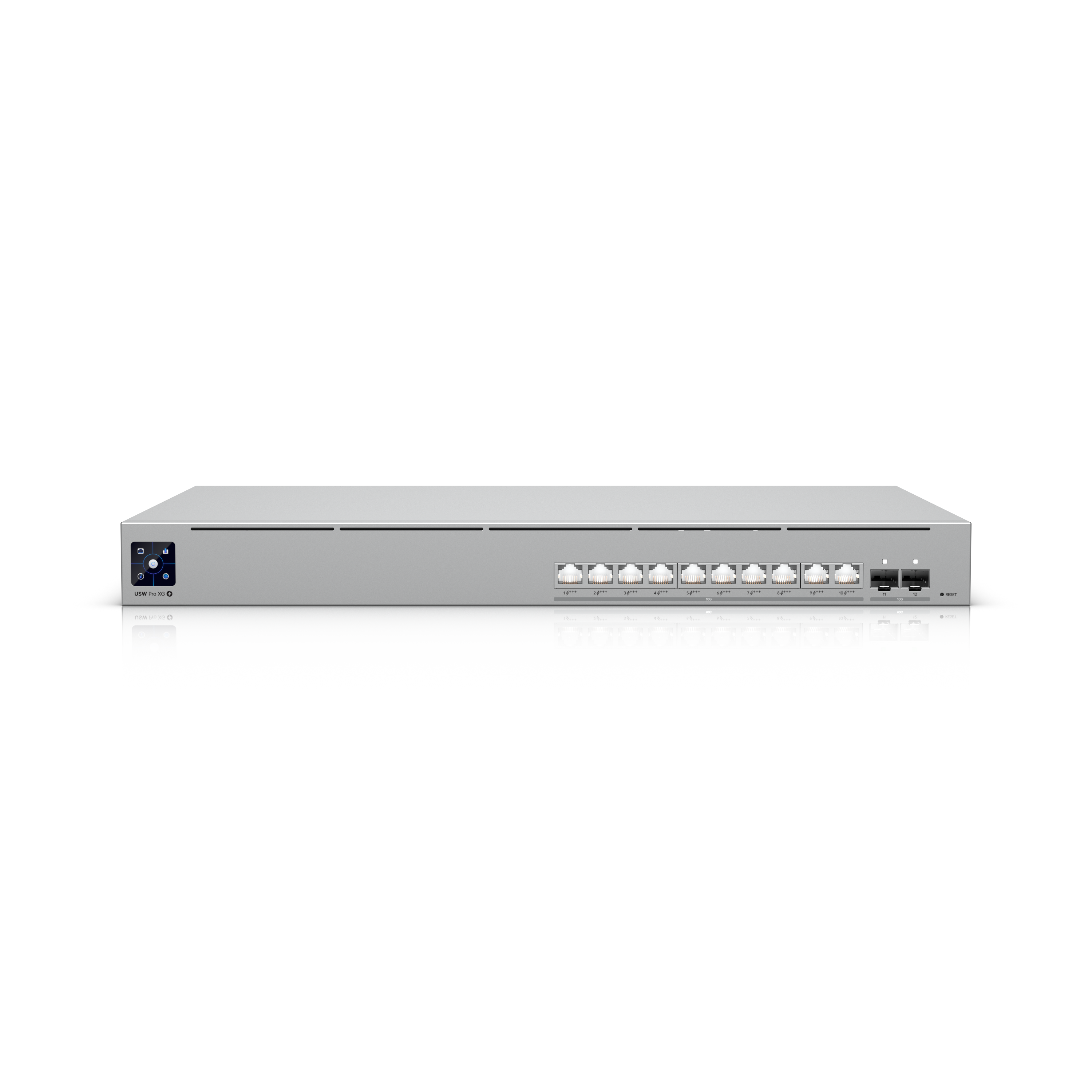
Ubiquiti UniFi Switch Pro XG 10 PoE USW-Pro-XG-10-PoE
Ubiquiti UniFi
Skip — For installations requiring silence, the documented four-fan cooling system and owner reports of PSU whine make the USW-Pro-XG-10-PoE an unsuitable guaranteed-quiet choice.
Skip for a bedroom or another installation requiring inaudibility. Its capacity can justify placement in a separate equipment room, but four cooling fans and reported PSU whine undermine a silent-room purchase.Available at Amazon(paid link) — opens Amazon in a new tab. Price and availability shown there.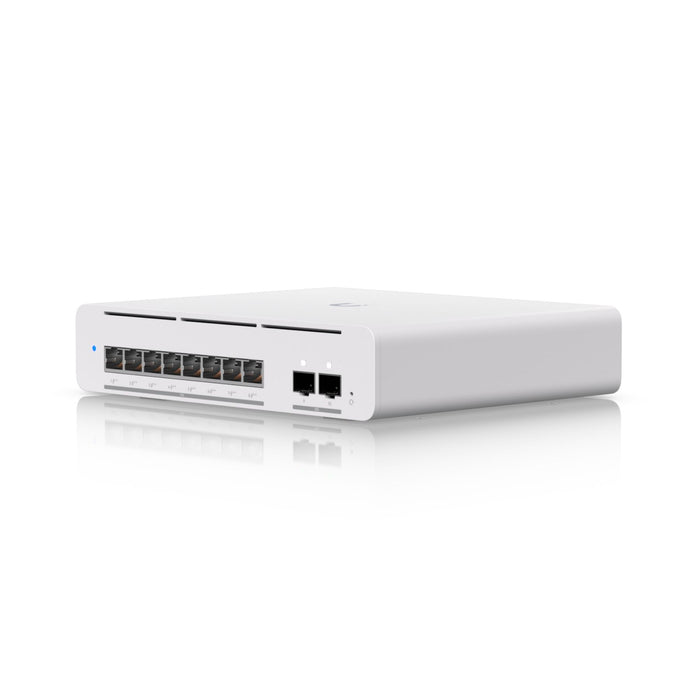
Ubiquiti UniFi Switch Pro XG 8 PoE USW-Pro-XG-8-PoE
Ubiquiti UniFi
It depends — The Pro XG 8 PoE has a published independent acoustic measurement, but its eight RJ45 ports, 155W budget and 60W per-port maximum limit its suitability as a replacement.
Consider for a quiet office when eight copper ports and a 155W PoE budget suffice. Independent testing recorded approximately 37 dBA against a 34 dBA background, but this actively cooled model does not guarantee silence.Available at Amazon(paid link) — opens Amazon in a new tab. Price and availability shown there.
Sources
Pages consulted while researching this article. None of these are affiliate links.
- Ubiquiti UniFi Pro XG 10 PoE technical specifications — techspecs.ui.com
- ServeTheHome: Pro XG 10 PoE hardware inspection — servethehome.com
- ServeTheHome: Pro XG 10 PoE power and performance measurements — servethehome.com
- Pro XG 10 PoE owner discussion of fan noise and PSU whine — reddit.com
- Pro XG 10 PoE owner report of whine at light PoE load — reddit.com
- ServeTheHome: Pro XG 8 PoE power consumption and noise measurements — servethehome.com
- Ubiquiti UniFi Pro XG 8 PoE technical specifications — techspecs.ui.com
- StorageReview: Pro XG 8 PoE and Pro XG 10 PoE hardware review — storagereview.com