TL-SG108E for pfSense: Segmenting IoT, Cameras, Guests
The questionWhere do these come from?
Help with the logic and flow of home net/lab from those who have.
So I'm building up for a home lab. I have a mini pc, think I'm scrubbing that for a full blown atx size server, a DAS, a few other pcs, 3d printer, and a dozen or so other IoT's.
The TL-SG108E's 802.1Q VLANs handle IoT, camera, guest, and server segmentation behind pfSense, but it supplies no PoE or inter-VLAN routing.
No — not for a pfSense design that must keep the switch login isolated from guest and IoT devices, even though the TL-SG108E can carry their data VLANs. It does 802.1Q tagging with up to 32 active VLANs, which is far more than a five-segment home design needs. What it won’t do is route between those VLANs, power a PoE camera, or isolate its management interface: TL-SG108E V6 testing shows that interface is exposed on every port/VLAN. That last limit makes it a skip for this topology.
Does this switch actually support VLANs, or just list it as a feature
TP-Link’s product specifications for the TL-SG108E list three VLAN modes: MTU (multi-tenant unit), port-based, and 802.1Q tag-based, with support for up to 32 VLANs simultaneously out of the 4,094 possible 802.1Q VLAN IDs. That’s not a number you have to take on faith from a spec sheet — TP-Link’s own 802.1Q configuration guide walks through both a single-switch setup and a multi-switch trunk using exactly the PVID and tagged/untagged mechanics a pfSense build needs, and SmallNetBuilder’s hands-on testing confirmed the tagging works in practice, not just on paper: a PC plugged into a port assigned to a secondary VLAN pulled an address from that VLAN’s own DHCP server.
The same review tested the switch’s loop-prevention feature by introducing a physical loop: with the feature enabled, pings kept working and one port’s LED slow-blinked to show a redundant link had been blocked; with it disabled, the loop dropped pings and set every port LED flickering. One version detail worth checking before buying: the unit SmallNetBuilder tested needed the Windows-only Easy Smart Configuration Utility because it shipped without a browser-based GUI. TP-Link added a web interface starting with hardware version 2; current retail stock is generally v3 or later, but if you’re buying used, check the hardware revision printed on the underside before assuming you’ll get a web UI.
A plain unmanaged switch will not do this, no matter how you configure pfSense
If part of the original question is “do I even need a managed switch,” Netgate’s own pfSense documentation settles it directly: VLANs cannot be used with an unmanaged switch. An unmanaged switch forwards every frame on every port into one broadcast domain — it has no concept of an 802.1Q tag, so pfSense’s VLAN interfaces have nothing to attach to beyond the single cable running to pfSense. You need a switch that reads and adds VLAN tags, which is exactly what separates the TL-SG108E from its unmanaged sibling.
That sibling is worth naming, because the two are easy to confuse in a search results page: same 8-port desktop shell, same price bracket, one letter apart. TP-Link’s TL-SG108 has no 802.1Q tagging, no PVID controls, and no per-port VLAN membership — it’s a pure unmanaged switch. Plug IoT, camera, guest, and server gear into it and every device lands in the same broadcast domain regardless of how many VLAN interfaces you build in pfSense, silently defeating the entire segmentation plan.
Wiring the trunk: one port to pfSense, tagged for every VLAN
pfSense’s own switch configuration guide is specific about the port facing the firewall: the port connected to pfSense must be configured as a trunk port, tagging all possible VLANs on that interface. On the TL-SG108E’s 802.1Q VLAN table, that means the port running to pfSense gets added as a tagged member of every VLAN you create, while its PVID stays at 1 for untagged traffic.
Just want the recommendation?
Skip to the picksOn the pfSense side, each VLAN gets its own virtual interface under Interfaces > Assignments > VLANs: pick the parent physical interface, set a numeric tag from 1-4094, and pfSense names the result by combining the two — tag 10 on parent igc1 becomes igc1.10. Each virtual interface then gets its own subnet, its own DHCP scope, and its own firewall rules.
This is the answer to the “how do VLANs work” half of the original question: the switch only creates and enforces broadcast-domain boundaries — which frames are tagged, which port sees which VLAN. It has no firewall of its own. Whether IoT can reach the guest network, whether cameras can reach the internet, whether the trusted LAN can reach a NAS on the server VLAN — all of that is decided by firewall rules on pfSense’s VLAN interfaces, never by anything configured on the switch.
| Segment | Switch port role | PVID / tagging on that port |
|---|---|---|
| Trusted LAN (VLAN 1; not an isolated management VLAN) | Access port for wired trusted devices | Untagged, PVID 1 |
| Servers/NAS (e.g. VLAN 10) | Access port for the server | Untagged, PVID 10 |
| Cameras/NVR (e.g. VLAN 20) | Access port for camera or NVR uplink | Untagged, PVID 20 |
| IoT (e.g. VLAN 30) | Access port for IoT hub/bridge | Untagged, PVID 30 |
| Guest (e.g. VLAN 40) | Access port for a guest SSID’s AP uplink | Untagged, PVID 40 |
| Trunk to pfSense, or to an AP running multiple SSIDs | Uplink port | Tagged on every non-management VLAN above; VLAN 1 untagged, PVID 1 |
The management interface can’t be isolated — VLAN 1 membership does not protect it
A real troubleshooting thread on the Netgate forum restored access in one configuration by separating traffic labeled as management (VLAN 1, at 10.1.1.0/24) from IoT (VLAN 28, at 10.28.28.0/24), as described in that TL-SG108E troubleshooting discussion. That result does not show that the switch login was isolated from IoT. TL-SG108E V6 testing shows the management interface is exposed on every port/VLAN, and TP-Link acknowledges that this model lacks management-VLAN isolation. There is no setting for a dedicated management VLAN. Zit Seng’s independent review recommends being deliberate about VLAN 1 membership, but that is not sufficient protection on V6: removing VLAN 1 from guest or IoT ports does not prevent devices there from reaching the switch management interface. Do not treat VLAN 1 as an isolated management/trusted segment on this model; the port/VLAN layout can segment client traffic, but it cannot keep the switch login away from untrusted devices.
No PoE on this model — a real gap if the cameras need power from the switch
The TL-SG108E has no Power over Ethernet on any port. If the cameras in this design are PoE IP cameras that draw power over the same run as their data, this switch passes the video traffic fine but supplies zero watts — each camera needs power from somewhere else. TP-Link’s TL-SG108PE is the PoE version of the same Easy Smart line: the same 802.1Q engine with up to 32 VLANs, plus four PoE+ (802.3at) ports carrying a combined 64W budget, up to 30W per port. If most of the network is already built around the plain TL-SG108E and only one or two cameras need power, a single-port Gigabit PoE injector ahead of just those runs is the cheaper fix rather than swapping the whole switch.
| Buy / Skip | The thing that decides it | The catch | |
|---|---|---|---|
| TP-Link TL-SG108E | Skip | 802.1Q tagging, up to 32 VLANs, and PVID control segment client traffic, but V6 exposes management on every port/VLAN | No management-VLAN isolation, no PoE, and no inter-VLAN routing |
| TP-Link TL-SG108 (no suffix) | Skip | No 802.1Q tagging, no PVID, no per-port VLAN membership at all | Looks nearly identical to the SG108E in a search results page; using it silently merges every VLAN into one broadcast domain |
| TP-Link TL-SG108PE | Consider | Same VLAN engine as the SG108E plus 4 PoE+ ports (64W total, 30W/port) | Costs more and adds a PoE power budget to plan around; only worth it if most cameras need power from the switch itself |
| Single-port Gigabit PoE injector | Consider | Powers one camera run inline without replacing the switch | Doesn’t add VLAN capability of its own — the port it feeds still needs the right tag/PVID set on the switch |
Multi-switch and multi-SSID topologies work, but watch two specific failure modes
Eight ports run out fast in a five-segment design: a trunk to pfSense, a trunk to an access point carrying trusted, guest, and IoT SSIDs on three different tags, an uplink to a camera NVR, a server or NAS, and whatever’s left for wired clients. A real multi-switch example on TP-Link’s own community forum shows this scaling past one switch: a second TL-SG105E was added downstream, with port 1 on the SG105E tagged for every VLAN to receive the trunk, and its remaining ports set untagged per VLAN with matching PVIDs. The rule that thread’s answer stressed, worth repeating because it fails silently rather than throwing an error: never put two untagged VLANs on the same port. An access port needs exactly one untagged (PVID) VLAN, or VLAN membership becomes ambiguous for any client that hasn’t already picked up an IP — a problem confirmed independently on a similar pfSense-and-TP-Link build.
The second failure mode is structural rather than a typo: this switch has no Spanning Tree Protocol, only the proprietary loop-prevention feature SmallNetBuilder confirmed blocks a single redundant link. It isn’t RSTP-aware across multiple units, so don’t add a second physical link between switches expecting graceful automatic failover — with no STP negotiation between devices, that’s a second loop path the switch may not resolve as cleanly as the single-switch case that was actually tested.
What the switch will never decide for you
Nothing above — the trunk port, the PVIDs, the tagged VLANs — determines whether IoT devices can reach the cameras, whether guests can reach anything besides the internet, or whether cameras can reach the wider internet at all. Those outcomes come from pfSense firewall rules applied per VLAN interface, evaluated the same way as rules on any other interface. If a guest device on VLAN 40 can currently reach a printer on VLAN 1, that’s a missing block rule on the guest interface, not a switch misconfiguration — check the firewall rules on that pfSense interface before touching the switch’s VLAN table again. Those firewall rules do not isolate the TL-SG108E’s own management interface, which on V6 remains exposed on every switch port/VLAN.
The bottom line
Two options, and the revision you own picks one:
Top pick
Skip this
TP-Link TL-SG108E 8-Port Gigabit Easy Smart Managed Switch
TP-Link
V6 testing shows the management interface is exposed on every port/VLAN, and TP-Link acknowledges that this model lacks management-VLAN isolation.
Its 802.1Q tagging can separate client traffic, but TL-SG108E V6 exposes the management interface on every port/VLAN, so it is not a safe choice when guest or IoT devices must be kept away from the switch login.Available at Amazon(paid link) — opens Amazon in a new tab. Price and availability shown there.The alternative
Skip this
TP-Link TL-SG108 8-Port Gigabit Desktop Switch unmanaged
TP-Link
TP-Link's product page confirms it has no 802.1Q tagging, no PVID settings, and no per-port VLAN membership, so every device plugged into it shares one broadcast domain regardless of pfSense's VLAN interfaces.
The unmanaged sibling to the SG108E, sold in the same shell and price range, which makes it easy to grab by mistake when searching for a VLAN-capable switch.Available at Amazon(paid link) — opens Amazon in a new tab. Price and availability shown there.
Recommended products
Ordered by how well each one fits the situations above. Each link below is a paid link.
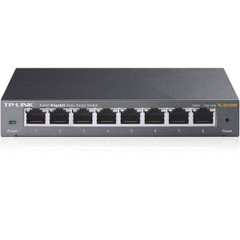
TP-Link TL-SG108E 8-Port Gigabit Easy Smart Managed Switch
TP-Link
Skip — V6 testing shows the management interface is exposed on every port/VLAN, and TP-Link acknowledges that this model lacks management-VLAN isolation.
Its 802.1Q tagging can separate client traffic, but TL-SG108E V6 exposes the management interface on every port/VLAN, so it is not a safe choice when guest or IoT devices must be kept away from the switch login.Available at Amazon(paid link) — opens Amazon in a new tab. Price and availability shown there.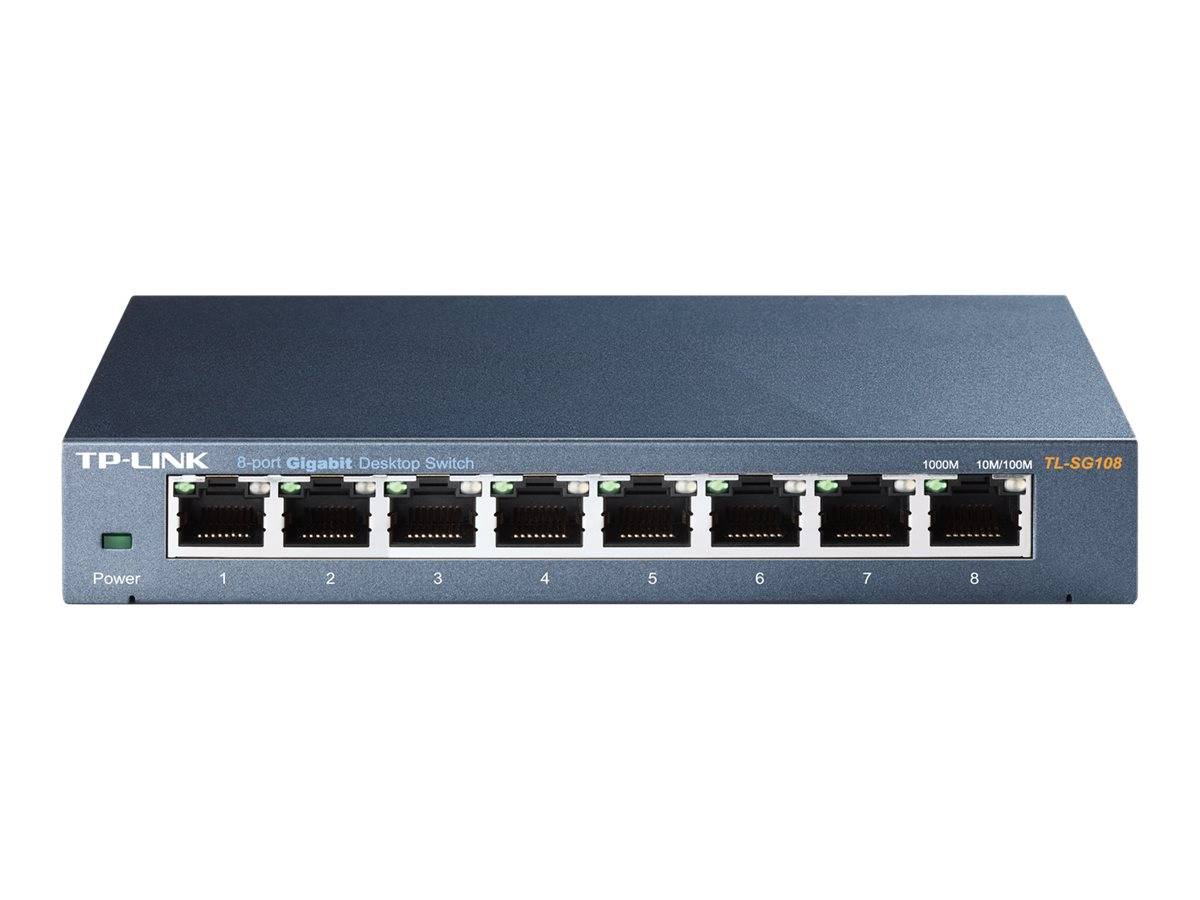
TP-Link TL-SG108 8-Port Gigabit Desktop Switch unmanaged
TP-Link
Skip — TP-Link's product page confirms it has no 802.1Q tagging, no PVID settings, and no per-port VLAN membership, so every device plugged into it shares one broadcast domain regardless of pfSense's VLAN interfaces.
The unmanaged sibling to the SG108E, sold in the same shell and price range, which makes it easy to grab by mistake when searching for a VLAN-capable switch.Available at Amazon(paid link) — opens Amazon in a new tab. Price and availability shown there.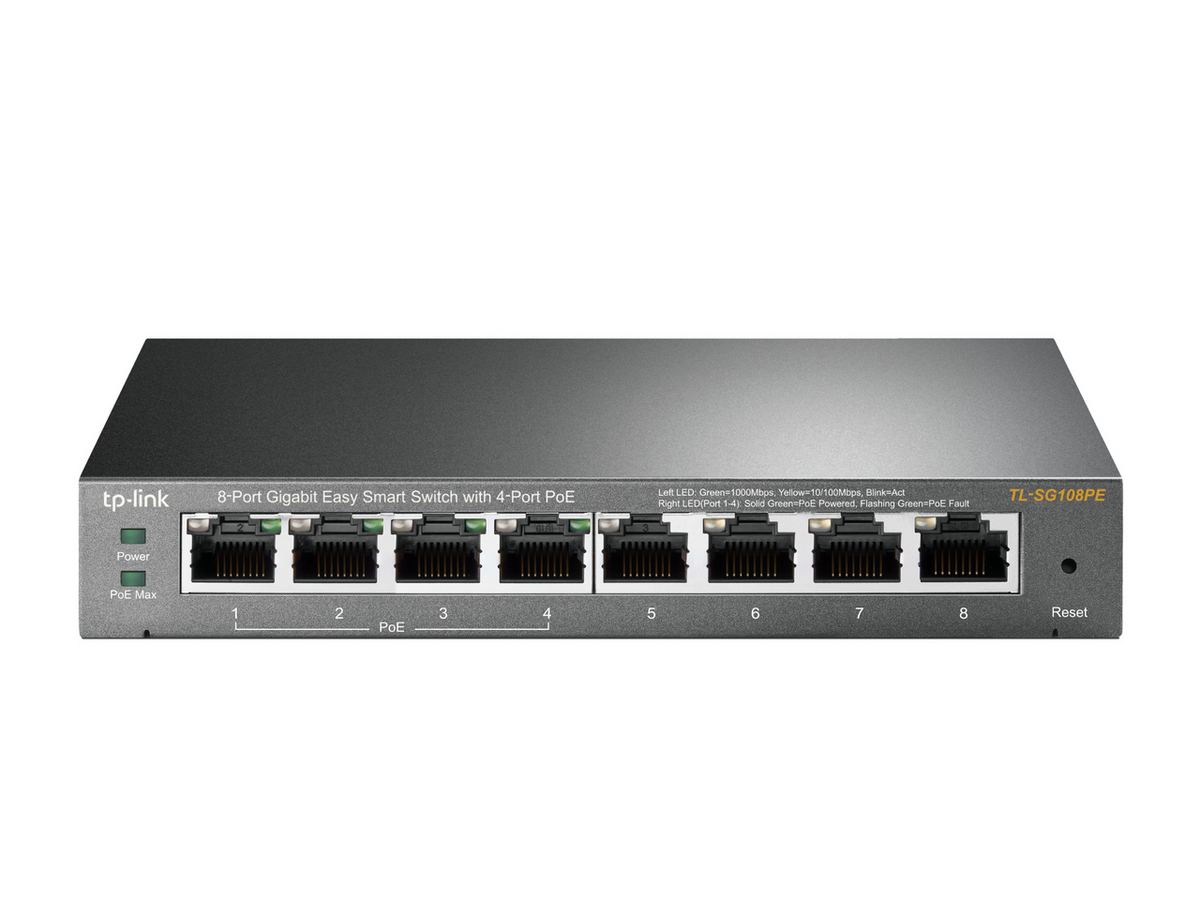
TP-Link TL-SG108PE 8-Port Gigabit Easy Smart Switch with PoE
TP-Link
It depends — It only pays for itself over the plain SG108E if most of the camera or AP gear on the network actually needs PoE; otherwise the extra ports and power budget go unused.
Same VLAN engine as the SG108E with four PoE+ ports and a 64W budget, for a build where the cameras need to draw power from the switch itself.Available at Amazon(paid link) — opens Amazon in a new tab. Price and availability shown there.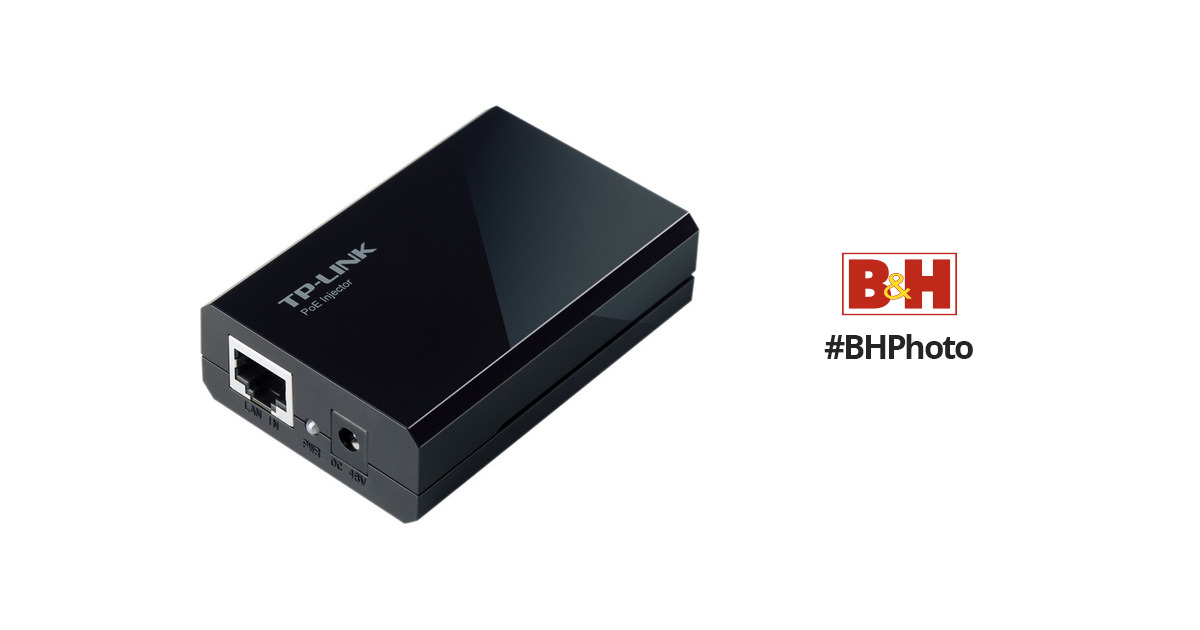
TP-Link TL-PoE150S Gigabit PoE Injector
TP-Link
It depends — It only solves power for the one run it's inline with and adds no VLAN capability of its own, so it only makes sense when a design otherwise built on the SG108E needs to power just one or two cameras.
Injects PoE onto a single Ethernet run ahead of one camera, letting the rest of the segmented network stay on the non-PoE SG108E.Available at Amazon(paid link) — opens Amazon in a new tab. Price and availability shown there.
Sources
Pages consulted while researching this article. None of these are affiliate links.
- TL-SG108E | 8-Port Gigabit Easy Smart Switch | TP-Link — tp-link.com
- How to configure 802.1Q VLAN on TP-Link Easy Smart/Unmanaged Pro Switches — support.omadanetworks.com
- TP-LINK TL-SG108E and TL-SG2008 8 Port Smart Switches Reviewed - SmallNetBuilder — smallnetbuilder.com
- TP-Link TL-SG108E Easy Smart Switch – Zit Seng's Blog — zitseng.com
- TP-LINK TL-SG108E VLAN configuration issue | Netgate Forum — forum.netgate.com
- Virtual LANs (VLANs) | pfSense Documentation — docs.netgate.com
- Configuring Switches with VLANs | pfSense Documentation — docs.netgate.com
- VLAN Configuration | pfSense Documentation — docs.netgate.com