OnePlus Pad 2 vs Pad 3: How Much Bigger Is It?
The question this answersWhere do these come from?
How much bigger is the OnePlus Pad 3 than the OnePlus Pad 2?
The OnePlus Pad 3 adds a 13.2-inch screen versus 12.1 inches, roughly 19% more display area and 91 g more weight, despite being thinner.
The OnePlus Pad 3 is larger than the Pad 2: its screen measures 13.2 inches versus 12.1 inches, and its body is 20.95 mm longer and 14.60 mm wider. It is also 91 g heavier, despite being 0.52 mm thinner. Dimensions come from OnePlus’s Pad 2 specifications and the OnePlus Pad 3 Quick Guide; Notebookcheck’s Pad 3 review lists its weight at 675 g.
| Size measurement | OnePlus Pad 2 | OnePlus Pad 3 |
|---|---|---|
| Screen diagonal | 12.1 inches | 13.2 inches |
| Body: long edge × short edge | 268.66 × 195.06 mm | 289.61 × 209.66 mm |
| Body thickness | 6.49 mm | 5.97 mm |
| Tablet weight | 584 g | 675 g |
| Screen aspect ratio | 7:5 | 7:5 |
Both are valid choices; neither deserves a blanket size-based warning. The Pad 2 suits carrying and handheld reading, while the Pad 3 gives you more room for documents and apps on a desk. The larger model’s thinner body does not make it the more compact tablet.
How much more screen do you actually get?
The diagonal increases by 1.1 inches, or about 9.1%. Because the screens have essentially the same shape, the Pad 3 provides approximately 19% more screen area. That is a geometric calculation from the advertised diagonals and shared aspect ratio, rather than a measurement of the panels’ rounded corners.
The useful distinction is between area and enlargement. A document page displayed at the same fit-to-screen setting can be roughly 9% larger in each direction on the Pad 3. Its text does not become 19% taller. Alternatively, you can use the extra space for more content, depending on the app’s layout and display scaling.
That makes the Pad 3’s size most useful when you read PDFs with fixed page layouts, annotate documents or keep reference material beside your notes. For a novel in an ebook app, you can already change the font size; the extra screen area is less decisive if doing so produces comfortable text on the Pad 2.
Neither tablet gains a different screen shape. A widescreen film still leaves unused space above and below the picture when shown without cropping. The Pad 3 enlarges the picture, but it does not eliminate those bars.
Screen size also does not establish readability under every lighting condition. Notebookcheck measured an average brightness of 640.7 nits on the Pad 3 using an X-Rite i1Pro 3, providing an independent measurement beyond the diagonal specification. That result describes its test conditions, not a guarantee of comfortable reading in direct sunlight. Notebookcheck’s display measurements
Which size is easier to carry and hold?
In inches, the Pad 2’s body is approximately 10.58 × 7.68 × 0.26, compared with 11.40 × 8.25 × 0.24 for the Pad 3. These are conversions of the published metric dimensions, rounded to two decimal places.
Just want the recommendation?
Skip to the picksMultiplying the long and short edges gives the Pad 3 approximately 15.9% more rectangular footprint. Its weight rises by approximately 15.6%. Those calculations explain the tradeoff more clearly than “larger but slimmer”: you gain screen space while carrying a broader, heavier object.
For handheld reading, the Pad 3 gets the portability tradeoff wrong if your priority is reducing the weight your hands support: it adds 91 g before either tablet has a case. The Pad 2 is the better size choice under that condition. This is a judgment based on dimensions and mass, not a claim that either model has been tested here for comfort.
For desk use, the balance reverses. A stand or tabletop supports the tablet’s weight, leaving the extra display area as the more relevant difference. The Pad 2’s disadvantage for full-page documents is its smaller physical canvas, especially when you want to read small print without zooming.
You can preview the footprint without owning either device. Mark two rectangles on paper or cardboard using the table’s long and short edges. Place them where the tablet will sit: beside your keyboard, on a small table or inside a bag compartment. This checks available space; it cannot reproduce grip comfort or weight distribution.
Will the same case, sleeve or holder fit?
A fitted OnePlus Pad 2 case is not a suitable case for the Pad 3. The larger body cannot fit a shell molded around the Pad 2’s dimensions. A Pad 2 screen protector also cannot provide matching coverage for the larger display.
OnePlus identifies its Pad 3 Folio Case as specifically for the Pad 3 in the official Folio Case user guide. Buy fitted accessories by the exact tablet model, rather than assuming that consecutive generations share an enclosure.
A loose sleeve is different: an existing sleeve may accommodate both tablets. Compare its usable internal dimensions with the body measurements, then allow additional room for your case, padding and the opening. A sleeve advertised only for a particular screen diagonal does not establish fit, because screen diagonal tells you neither the body width nor the sleeve’s opening size.
For a clamp holder, check the edge it grips. In landscape orientation, a holder gripping the top and bottom must accommodate the tablet’s short edge; rotate the tablet and the required opening may change to its long edge. Include any case thickness and check the holder’s stated load limit.
If your Pad 2 already fits tightly into a compartment or holder, measure before switching. The Pad 3’s reduced thickness cannot compensate for its additional length and width.
The bottom line
Neither is wrong; the use case separates them:
Top pick
Buy this
OnePlus Pad 2 12GB RAM 256GB Nimbus Gray
OnePlus
The Pad 2 weighs 584 g and measures 268.66 × 195.06 mm, making it smaller and 91 g lighter than the Pad 3.
Choose the Pad 2 when smaller dimensions and less handheld weight matter most. Its 12.1-inch screen gives you less room for full-page documents.Available at Amazon(paid link) — opens Amazon in a new tab. Price and availability shown there.The alternative
Buy this
OnePlus Pad 3 12GB RAM 256GB Storm Blue
OnePlus
The 13.2-inch display provides approximately 19% more screen area than the Pad 2’s 12.1-inch display at essentially the same aspect ratio.
Choose the Pad 3 for more document and app space, especially on a stand or desk. Its larger body weighs 675 g and requires fitted accessories made for the Pad 3.Available at Amazon(paid link) — opens Amazon in a new tab. Price and availability shown there.
Recommended products
Ordered by how well each one fits the situations above. Each link below is a paid link.
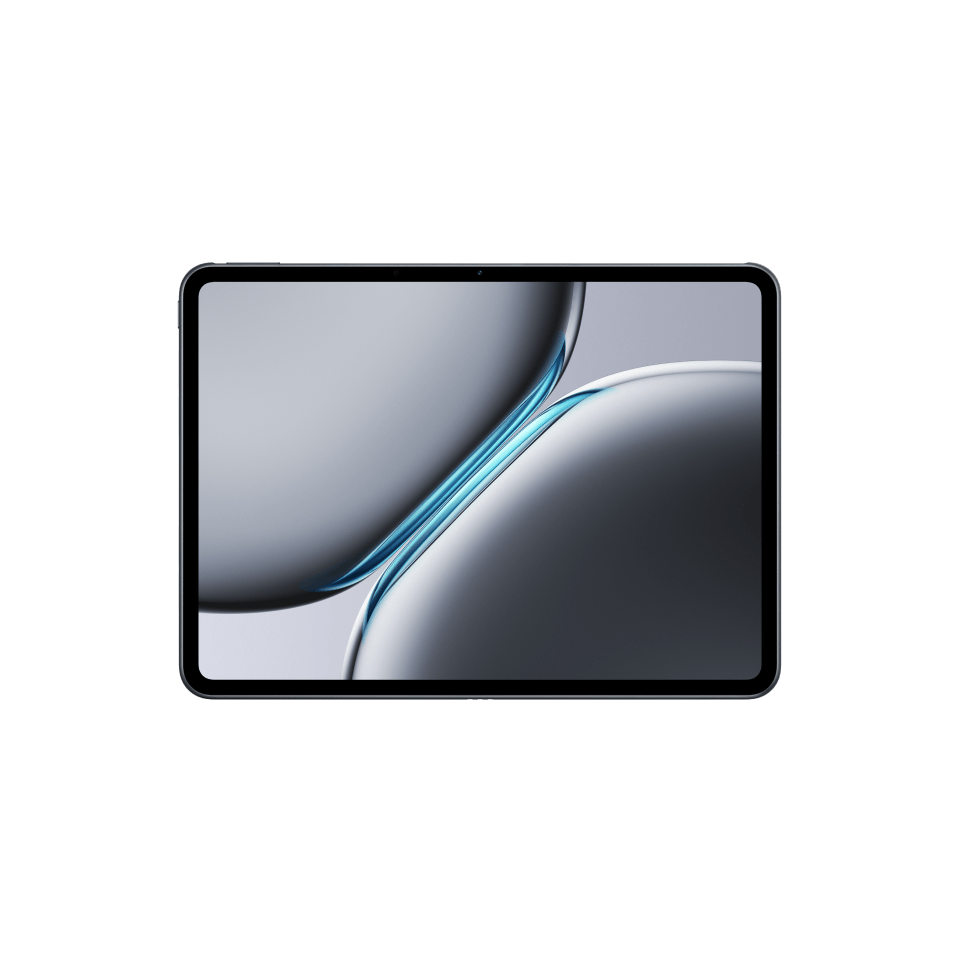
OnePlus Pad 2 12GB RAM 256GB Nimbus Gray
OnePlus
Buy — The Pad 2 weighs 584 g and measures 268.66 × 195.06 mm, making it smaller and 91 g lighter than the Pad 3.
Choose the Pad 2 when smaller dimensions and less handheld weight matter most. Its 12.1-inch screen gives you less room for full-page documents.Available at Amazon(paid link) — opens Amazon in a new tab. Price and availability shown there.
OnePlus Pad 3 12GB RAM 256GB Storm Blue
OnePlus
Buy — The 13.2-inch display provides approximately 19% more screen area than the Pad 2’s 12.1-inch display at essentially the same aspect ratio.
Choose the Pad 3 for more document and app space, especially on a stand or desk. Its larger body weighs 675 g and requires fitted accessories made for the Pad 3.Available at Amazon(paid link) — opens Amazon in a new tab. Price and availability shown there.
Sources
Pages consulted while researching this article. None of these are affiliate links.
- OnePlus Pad 2 Specifications — oneplus.com
- OnePlus Pad 3 Quick Guide — OPD2415 — device.report
- Notebookcheck: OnePlus Pad 3 Tablet Review — notebookcheck.net
- OnePlus Pad 3 Folio Case User Guide — oneplus.com