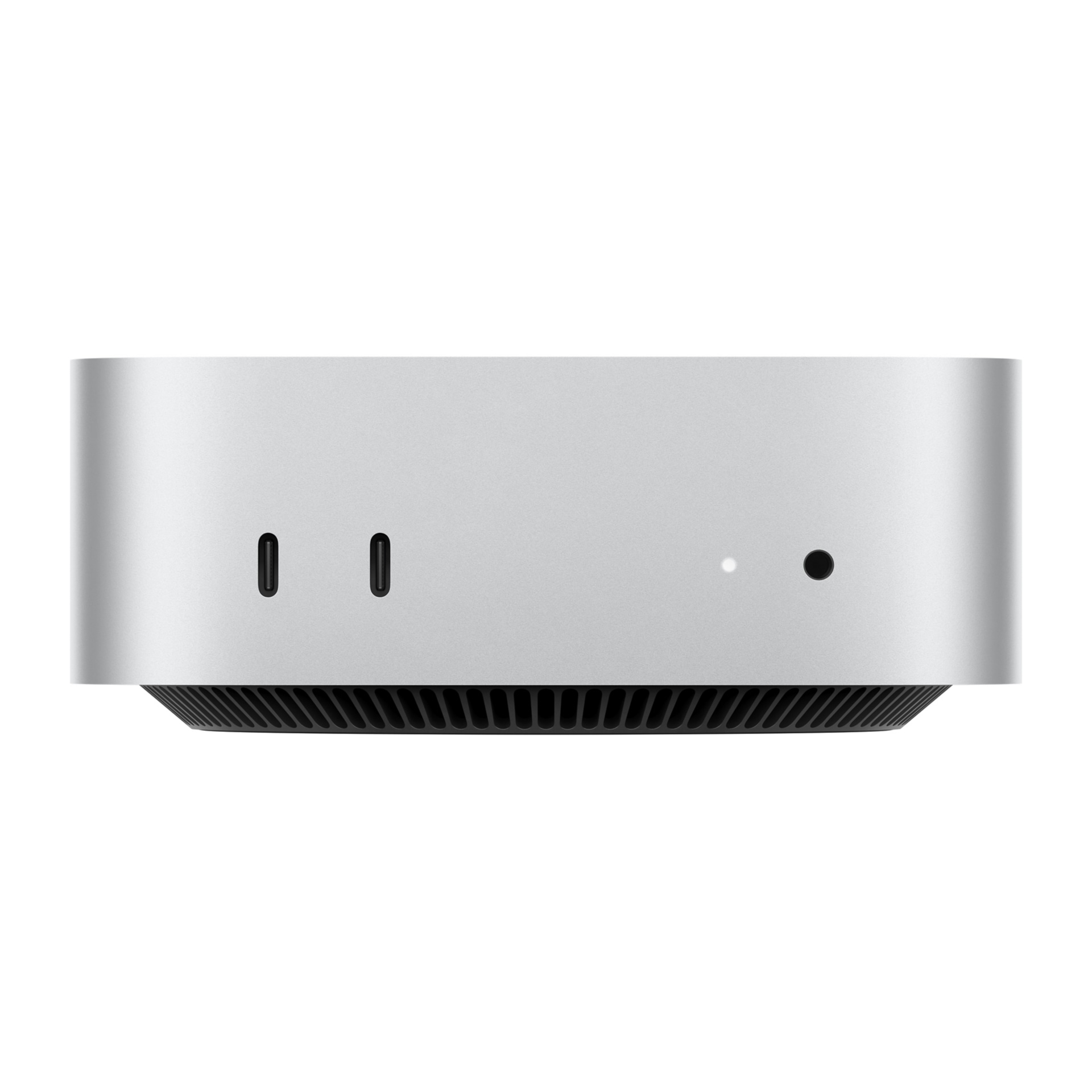
Mac desktop
4 articles on this topic.
This hub covers decisions people make about Mac desktops — Mac minis and iMacs — when a spec sheet alone doesn’t settle the question. Some are choosing between two configurations that cost noticeably different amounts and want to know whether the cheaper one still covers what they actually do. Others already own the machine and want to know how far it goes: whether it can still run a current operating system, whether a base configuration can handle video editing or gaming, or what extra gear turns it into a real workstation.
These questions started as posts from people describing their own purchase, their own budget, and their own uncertainty about a configuration choice. Answering them means reading through published reviews, what owners report after living with these machines day to day, and Apple’s own documentation, then reconciling the three where they don’t agree.
- It dependscomparisonr/macmini
Mac Mini M4 Pro: When 20 GPU Cores Matter
The 16-core M4 Pro is enough for local LLMs and most development; choose 20 cores for sustained GPU work or parallel CPU jobs.
- Buycompatibility
iMac 21.5" Late 2015: Monterey Is the macOS Ceiling
The MK452LL/A iMac (Retina 4K, 21.5-inch, Late 2015) officially tops out at macOS Monterey 12; Ventura and later require an unsupported patcher.
- Buyhow tor/macmini
Build the Right Mac Mini M4 Video Editing Setup
Pair the 16GB/512GB M4 Mac mini with a 2TB external SSD and two directly wired displays for capable 4K editing and OBS within clear limits.
- It dependsvalidationr/macmini
Mac Mini M4 for Gaming: What Actually Works
A Mac mini M4 with 24GB RAM is fine for Mac-native and lighter gaming, but it is not a clean Windows gaming PC replacement.