iMac 21.5" Late 2015: Monterey Is the macOS Ceiling
The question this answersWhere do these come from?
What's the newest macOS version my 21.5-inch Late 2015 iMac (MK452LL/A) can run?
The MK452LL/A iMac (Retina 4K, 21.5-inch, Late 2015) officially tops out at macOS Monterey 12; Ventura and later require an unsupported patcher.
The Apple iMac Retina 4K 21.5-inch, Late 2015 — sold under order number MK452LL/A, internal model identifier iMac16,2 — officially supports up to macOS Monterey (12) and nothing newer. Apple’s own compatibility list for macOS Ventura (13) starts at the 2017 21.5-inch iMac, two years newer than this machine, and this model isn’t on it. If you’re seeing “this Mac cannot be upgraded” messaging past Monterey, that’s not a bug or a setting to fix — it’s where Apple drew the line for this hardware.
What this iMac shipped with, and how to get it to its real ceiling
This model originally shipped with OS X El Capitan 10.11 (build 15A2301), per Apple’s own technical specifications page for the machine. A “Renewed” unit can legitimately arrive with anything from El Capitan through Monterey installed, depending on what the refurbisher last put on it — check before assuming. Click the Apple menu → About This Mac and confirm both the macOS version and, under System Report, that the Model Identifier reads iMac16,2.
To get to the actual ceiling:
- If it’s running Big Sur or later, go to System Preferences (or System Settings) → Software Update and let it offer Monterey directly.
- If it’s on something older like El Capitan or Sierra, Software Update may need to walk through an intermediate version first, or you can download the Monterey installer app from the App Store and run it directly.
- A clean install is available too: restart holding Cmd+Option+R for the latest macOS your Mac supports (Monterey, here), or Option+Cmd+R for the version it shipped closest to.
Why Ventura, Sonoma, Sequoia, and Tahoe are all off the table officially
| macOS Version | Released | Officially Supported on iMac16,2 | What Happens If You Try |
|---|---|---|---|
| Monterey 12 | 2021 | Yes — last version on Apple’s list | Installs and updates normally through Software Update |
| Ventura 13 | 2022 | No | App Store won’t offer it; the installer rejects the hardware |
| Sonoma 14 | 2023 | No | Same rejection; only reachable via a third-party patcher |
| Sequoia 15 | 2024 | No | Same; third-party patcher support exists with more caveats |
| Tahoe 26 | 2025 | No | Not applicable — Tahoe is Apple’s last Intel-Mac release, and even it requires a 2019–2020 iMac |
The i5-5675R quad-core chip in this iMac is plenty fast enough to run newer software — Apple’s cutoff isn’t a performance test, it’s a firmware/Board-ID allow-list baked into each installer. Every Mac model that isn’t on that list gets refused regardless of how capable its CPU still is.
If you want something newer than Monterey anyway
The only route past Monterey on this hardware is OpenCore Legacy Patcher, an open-source, community-maintained project (not an Apple product) that patches the macOS installer and boot process to run on Macs Apple has dropped. Its own supported-models list includes iMac16,1 and iMac16,2 without additional caveats, and the project documents installs running as recent as Sequoia on 2015-era Macs like this one.
Just want the recommendation?
Skip to the picksBefore going that route, understand what you’re trading:
- It replaces Apple’s normal boot process with a patched OpenCore bootloader — every startup depends on that patch continuing to work.
- Security updates aren’t automatic the way they are on supported Macs; you’re dependent on the project shipping and you applying its own patched builds, not Apple’s App Store notifications.
- Apple Intelligence and other Neural Engine–dependent features won’t appear no matter what OS version you get running, because the underlying Broadwell chip has no Neural Engine.
- AppleCare and Apple’s own support channels won’t troubleshoot a patched install — you’re on your own or relying on the OCLP community for help.
Features you still don’t get even on the officially supported Monterey
Updating fully to macOS Monterey doesn’t unlock everything Monterey introduced. Apple’s continuity requirements page lists Universal Control (single keyboard and mouse across Mac and iPad) as needing an iMac from 2016 or later, carving out only the 27-inch Retina 5K Late 2015 model as an exception — the 21.5-inch Late 2015 models, Retina or not, aren’t on that exception list. AirPlay to Mac is gated even further, requiring an iMac Pro or any iMac from 2018 or later. Neither of these is something a settings toggle or software update will fix on this machine; they’re excluded at the hardware level regardless of macOS version.
What being capped at Monterey means for security
Apple’s last security update for this branch was macOS Monterey 12.7.6, released July 29, 2024, per Apple’s own security content notes. Apple has since moved through Sonoma, Sequoia, and Tahoe 26, and does not backport fixes to Monterey. Vulnerabilities patched in those newer releases stay unpatched on a stock Monterey install on this iMac. Practically: keep whichever browser you use current for as long as that browser’s vendor still ships builds for Monterey, avoid entering sensitive credentials once your browser itself stops updating, and treat a Monterey-capped Mac like this as a secondary machine rather than one holding financial accounts or passwords, unless you’ve moved it to an OpenCore Legacy Patcher build that’s still receiving current patches.
What to check before assuming a “Renewed” unit is defective
If a refurbished MK452LL/A won’t offer Ventura in the App Store, can’t do Universal Control, or won’t do AirPlay to Mac, none of that is a fault with the specific unit — it’s the documented ceiling for iMac16,2. What’s worth checking on a renewed unit instead: that About This Mac and system_profiler SPHardwareDataType in Terminal both report Model Identifier iMac16,2 (not a different, lower-spec Late 2015 config misrepresented as this one), that Software Update can actually reach and install 12.7.6 without errors, and that the internal drive is still the original 1TB 5400 RPM configuration this base model shipped with rather than a swapped-in smaller drive. If the identifier doesn’t match or it can’t reach 12.7.6, that’s a legitimate case for support or return — the Monterey ceiling by itself is not.
Given the internal drive is a 5400 RPM mechanical disk even in its fastest supported state, the most noticeable upgrade left within Apple’s supported path is storage speed, not OS version — booting from an external SSD over the iMac’s USB 3.0 ports will do more for day-to-day responsiveness on Monterey than chasing a newer macOS this model was never approved for.
The bottom line
Two that fit, depending on the model you have:
Top pick
Buy this
Samsung T7 Portable SSD 1TB
Samsung
Booting Monterey from an external SSD over USB 3.0 improves responsiveness compared with the iMac’s internal 5400 RPM mechanical drive.
With the internal drive still a 5400 RPM spinning disk even in its fastest supported state, booting Monterey from this instead is the biggest real speed gain left on hardware Apple won’t take past macOS 12; connect it over the iMac’s USB-A 3.0 port since this model has no USB-C or Thunderbolt 3, so you won’t get Thunderbolt speeds.Available at Amazon(paid link) — opens Amazon in a new tab. Price and availability shown there.The alternative
Buy this
SanDisk Extreme Pro USB 3.1 32GB Flash Drive
Sandisk
It provides bootable media for a Monterey reinstaller or OpenCore Legacy Patcher installation without changing the iMac’s official Monterey support ceiling.
What you need to build a bootable macOS Monterey reinstaller or an OpenCore Legacy Patcher USB if you decide to try an unsupported newer macOS; it doesn’t make Apple support Ventura or Sonoma on this machine, it just gets the installer onto media the iMac can boot from.Available at Amazon(paid link) — opens Amazon in a new tab. Price and availability shown there.
Recommended products
Ordered by how well each one fits the situations above. Each link below is a paid link.
Samsung T7 Portable SSD 1TB
Samsung
Buy — Booting Monterey from an external SSD over USB 3.0 improves responsiveness compared with the iMac’s internal 5400 RPM mechanical drive.
With the internal drive still a 5400 RPM spinning disk even in its fastest supported state, booting Monterey from this instead is the biggest real speed gain left on hardware Apple won’t take past macOS 12; connect it over the iMac’s USB-A 3.0 port since this model has no USB-C or Thunderbolt 3, so you won’t get Thunderbolt speeds.Available at Amazon(paid link) — opens Amazon in a new tab. Price and availability shown there.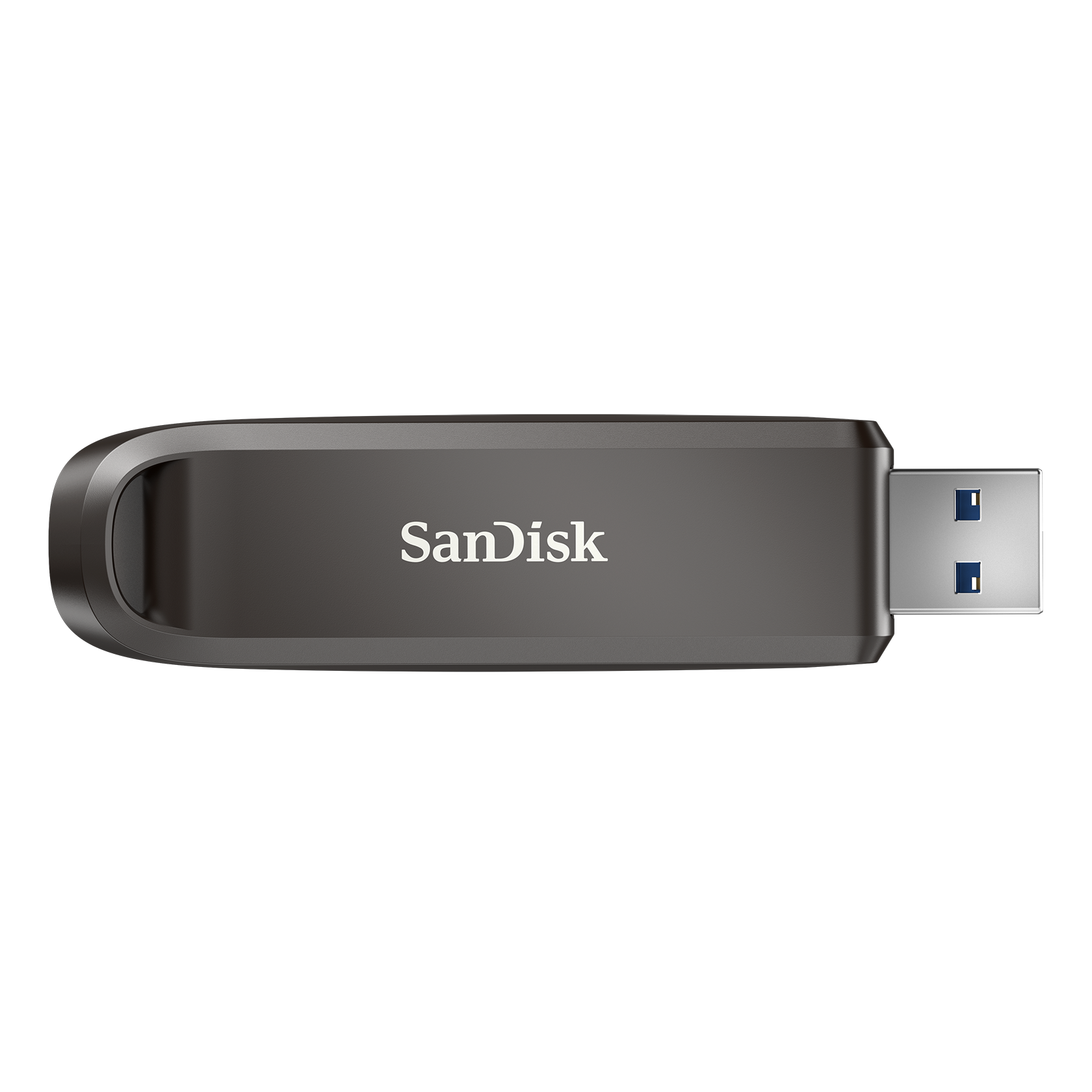
SanDisk Extreme Pro USB 3.1 32GB Flash Drive
Sandisk
Buy — It provides bootable media for a Monterey reinstaller or OpenCore Legacy Patcher installation without changing the iMac’s official Monterey support ceiling.
What you need to build a bootable macOS Monterey reinstaller or an OpenCore Legacy Patcher USB if you decide to try an unsupported newer macOS; it doesn’t make Apple support Ventura or Sonoma on this machine, it just gets the installer onto media the iMac can boot from.Available at Amazon(paid link) — opens Amazon in a new tab. Price and availability shown there.

Sources
Pages consulted while researching this article. None of these are affiliate links.
- macOS 13 Ventura: The Ars Technica review — arstechnica.com
- Intel Core i5-5675R Processor specifications — intel.com
- iMac Intel 21.5-inch Retina 4K Display Teardown — ifixit.com
- Apple iMac review (21.5-inch, 2015): 4K is optional, faster hard drives shouldn't be — engadget.com
- Critical Vulnerabilities in Apple Mobile & Smart Devices Operating Systems — ncsc.gov.ie
- macOS Monterey is compatible with these computers – Apple Support — support.apple.com
- macOS Ventura is compatible with these computers – Apple Support — support.apple.com
- iMac (Retina 4K, 21.5-inch, Late 2015) - Technical Specifications — support.apple.com
- Continuity features and requirements for Apple devices – Apple Support — support.apple.com
- About the security content of macOS Monterey 12.7.6 – Apple Support — support.apple.com
- macOS Tahoe 26 is compatible with these computers – Apple Support — support.apple.com
- OpenCore Legacy Patcher — dortania.github.io
- Supported Models – OpenCore Legacy Patcher — dortania.github.io