Sony A6400 for Beginners: Easy, With Caveats
The questionWhere do these come from?
Can you please help me choose which cameras to buy?
Budget: Around $1,500–2,500 USD total, including lenses and accessories if possible. I'm flexible if there's a strong reason to spend more. Country: United States (but I may also buy gear in Japan in the future).
Yes—the Sony A6400 is beginner-friendly for travel and photography, but its unstabilized body and video limits require care.
Yes. The Sony A6400 is beginner-friendly for still photography, travel, and learning manual controls. Its automatic mode and dependable subject tracking reduce the difficulty at the beginning, while RAW capture, manual exposure modes, interchangeable lenses, and extensive customization provide room to grow.
The main qualification is video: the body has no in-body image stabilization, its 4K recording stops at 30p in NTSC regions or 25p in PAL regions, and it has no headphone output. Those are permanent model limitations, not settings that a beginner can unlock later.
A strong first camera with room to grow
The A6400 is a strong first-camera body because you do not have to learn exposure immediately. Set the mode dial to Auto, then select MENU > Camera Settings 1 > Auto Mode > Intelligent Auto. In this mode, the camera recognizes the scene and controls most settings automatically. Sony notes that the tradeoff is reduced access to manual adjustments while Intelligent Auto is active. Sony’s A6400 Intelligent Auto guide documents the exact procedure.
That simple starting point does not make the camera disposable once your skills improve. The mode dial includes Program Auto (P), Aperture Priority (A), Shutter Priority (S), and Manual Exposure (M). A sensible progression is:
- Use Intelligent Auto while learning composition and focus.
- Move to
Amode and start atf/5.6for general daylight travel photographs. - Use
Smode at approximately1/500 secfor children, pets, or street action; increase to1/1000 secif movement is still blurred. - Learn
Mmode when you need consistent exposure across several photographs in unchanged light.
The camera provides a 24.2-megapixel APS-C sensor, 425 phase-detection points, 425 contrast-detection points, and continuous shooting at up to 11 fps. The body weighs approximately 403 g with its battery and memory card. Those specifications make it compact enough for travel without stripping away the controls needed for more advanced photography. Sony’s complete A6400 specifications confirm those figures.
For moving subjects, select MENU > Camera Settings 1 > Focus Mode > Continuous AF, followed by Focus Area > Tracking: Wide. Continuous AF keeps adjusting focus while the shutter is held halfway down, whereas Single-shot AF locks after acquiring a stationary subject. Sony explains each focus mode here.
Lens choice determines travel friendliness
Lens choice affects beginner-friendliness more than another accessory or a more complicated camera body. A lens that suits the trip prevents constant swapping and makes it easier to concentrate on photographs.
| Lens | 35mm-equivalent range | Maximum aperture | Weight |
|---|---|---|---|
| Sony E PZ 16–50mm F3.5–5.6 OSS II | 24–75mm | F3.5–5.6 | 107 g |
| Sony E 18–135mm F3.5–5.6 OSS | 27–202.5mm | F3.5–5.6 | 325 g |
| Sigma 18–50mm F2.8 DC DN Contemporary | 27–75mm | F2.8 | 290 g |
The values come from the manufacturers’ specifications for the Sony 16–50mm OSS II, Sony 18–135mm OSS, and Sigma 18–50mm F2.8.
Choose the 16–50mm OSS II when minimum size is the priority. It covers landscapes, everyday scenes, and environmental portraits, retracts when powered off, and includes optical stabilization. Its limitations are modest telephoto reach and an aperture that becomes smaller as you zoom.
Just want the recommendation?
Skip to the picksChoose the 18–135mm OSS for a one-lens travel kit. Its reach covers wide scenes, portraits, architectural details, and distant subjects without changing lenses. It is substantially larger than the 16–50mm and still has an F3.5–5.6 variable aperture, so it is less suited to dim interiors than a constant-F2.8 zoom.
Choose the Sigma 18–50mm F2.8 when indoor photography, portraits, and background separation matter more than telephoto reach. Its constant F2.8 aperture admits more light than either Sony zoom at their long ends. Sigma’s specification does not list optical stabilization, however, and the A6400 body cannot compensate because Sony specifies that stabilization is supported through compatible lenses rather than by the body. Use faster shutter speeds, a tripod, or another support when necessary.
Photo and deliberate video remain approachable
The A6400 remains approachable for tripod-based interviews, family clips, and deliberate travel video. It records XAVC S 4K at 3840×2160 up to 30p/24p in NTSC mode or 25p in PAL mode, records Full HD up to 120p/100p, and provides a 3.5 mm microphone input. Its screen tilts upward by approximately 180 degrees, which helps when filming yourself. Sony’s recording and connection specifications list the available formats and ports.
It is less beginner-friendly for handheld walk-and-talk video. There is no sensor-shift stabilization, so an OSS lens, stabilized support, or software stabilization becomes important. There is also no headphone terminal for monitoring recorded sound, and 4K60 is not one of the camera’s supported formats. A firmware update cannot add those missing hardware and recording capabilities.
If stabilized handheld video, 4K60, and a more modern hybrid workflow are central requirements, the A6400 is the wrong body rather than a camera you should expect to “grow into.” The newer alternative is covered in the Sony A6700 hybrid verdict and buyer guide.
Phone-like simplicity is not part of the deal
The A6400 can produce photographs in Auto mode, but an interchangeable-lens camera still asks more of its owner than a phone. You must charge and carry an NP-FW50 battery, select an appropriate lens, manage a memory card, and understand why motion or camera shake causes blur.
Sony rates the battery for approximately 410 still images using the LCD or 360 using the viewfinder under its stated CIPA test conditions. That is an estimate rather than a guaranteed number, and travel use involving video, wireless transfer, or frequent screen review can reduce it. Carrying a charged spare is sensible for a full day away from power. Sony publishes its battery test conditions here.
The menus are also extensive. This becomes an advantage after you learn the camera, but it can overwhelm someone who changes many settings before taking any photographs. Begin with a small, repeatable configuration instead of copying a long collection of advanced settings from a video tutorial.
What to set on the first day
Start with these settings and leave Picture Profiles, custom buttons, back-button focus, and manual video exposure for later:
- Insert an SD card and select
MENU > Setup > Format. Formatting permanently erases everything already on that card, including protected files, so confirm that it contains nothing important first. Sony’s formatting instructions explicitly warn that the operation is unrecoverable. - For normal photographs, set the dial to Auto and choose
Intelligent Auto. - Enable
MENU > Camera Settings 2 > Grid Line > Rule of 3rds Gridto make horizons and composition easier to judge. - When you begin editing photographs, select
MENU > Camera Settings 1 > File Format > RAW & JPEG. Stay with JPEG if you do not plan to edit; RAW files require processing before ordinary sharing. Sony’s file-format guide explains the three choices. - For portraits in
P,A,S, orM, openMENU > Camera Settings 1 > Face/Eye AF Set., turnFace/Eye Priority in AFon, and setSubject DetectiontoHuman. Change it toAnimalfor pets. - If a used camera does not show the documented Face/Eye AF options, check its system software. Sony states that this menu configuration requires firmware version 2.00 or later. Sony’s Face/Eye AF documentation gives the exact options and limitations.
- For 4K recording at 100 Mbps, use an SDHC or SDXC card rated U3. Slower cards are supported for less demanding formats, but Sony specifically requires U3 for its 100 Mbps XAVC S modes. Sony’s memory-card compatibility table lists each requirement.
The practical verdict is yes for a beginner whose priorities are travel, photography, occasional video, and learning over time. Choose another camera if effortless stabilized handheld video, 4K60, headphone monitoring, or an extremely simple interface is non-negotiable.
The bottom line
Two ways in, depending on how far you want to go:
Top pick
It depends
Sony Alpha a6400 Mirrorless Camera Body
Sony
The A6400 suits beginners learning still photography, but lacks in-body stabilization, 4K60 recording, and a headphone output for more demanding video use.
Beginner-friendly in the way that matters: automatic mode and dependable subject tracking lower the floor, while RAW, manual exposure and interchangeable lenses leave somewhere to grow. The caveats in this article are about video and battery, not about learning it.Available at Amazon(paid link) — opens Amazon in a new tab. Price and availability shown there.The alternative
It depends
Sigma 18-50mm F2.8 DC DN Contemporary Zoom Lens (for E Mount), Black
Sigma
The Sigma’s constant F2.8 aperture suits indoor photography and portraits, but its limited telephoto reach and lack of optical stabilization require compromises on the unstabilized A6400.
Choose this for indoor photography, portraits, and a constant F2.8 aperture in a compact standard zoom. It has less reach than the 18–135mm and no optical stabilization for the A6400’s unstabilized body.Available at Amazon(paid link) — opens Amazon in a new tab. Price and availability shown there.
Recommended products
Ordered by how well each one fits the situations above. Each link below is a paid link.

Sony Alpha a6400 Mirrorless Camera Body
Sony
It depends — The A6400 suits beginners learning still photography, but lacks in-body stabilization, 4K60 recording, and a headphone output for more demanding video use.
Beginner-friendly in the way that matters: automatic mode and dependable subject tracking lower the floor, while RAW, manual exposure and interchangeable lenses leave somewhere to grow. The caveats in this article are about video and battery, not about learning it.Available at Amazon(paid link) — opens Amazon in a new tab. Price and availability shown there.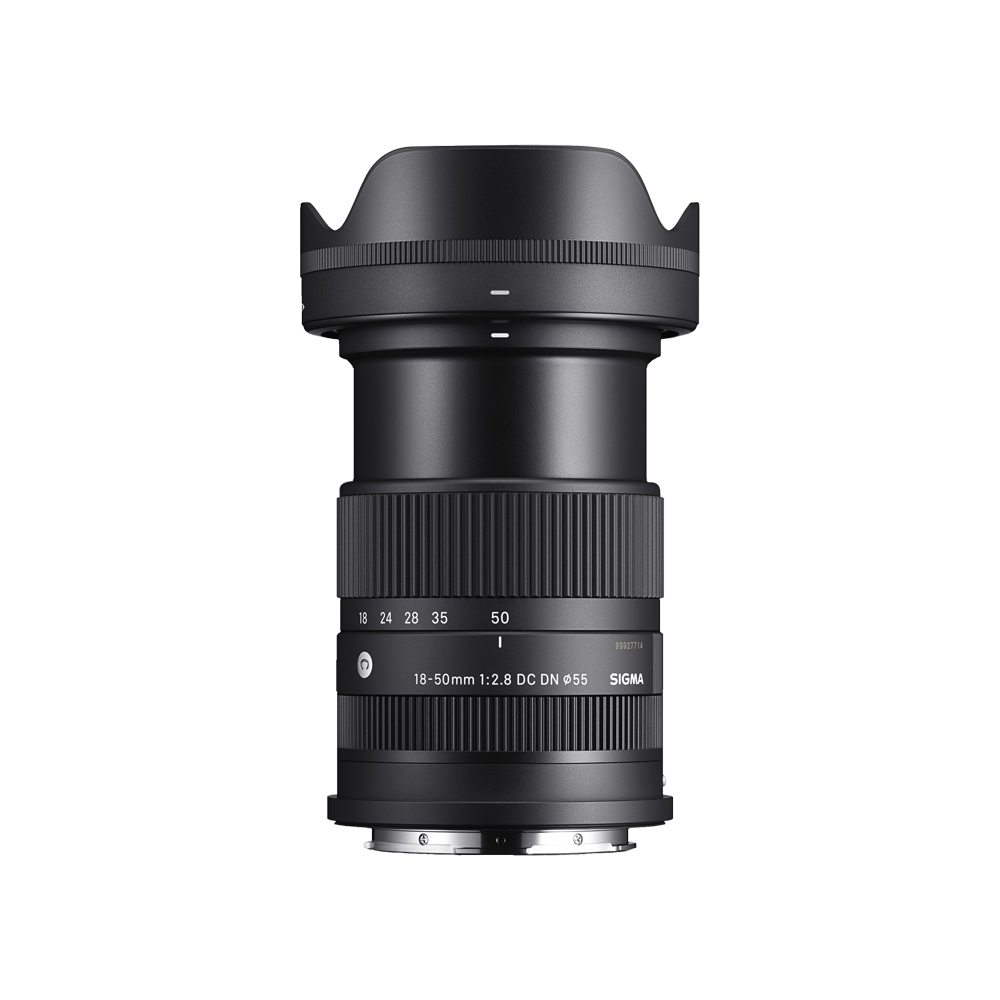
Sigma 18-50mm F2.8 DC DN Contemporary Zoom Lens (for E Mount), Black
Sigma
It depends — The Sigma’s constant F2.8 aperture suits indoor photography and portraits, but its limited telephoto reach and lack of optical stabilization require compromises on the unstabilized A6400.
Choose this for indoor photography, portraits, and a constant F2.8 aperture in a compact standard zoom. It has less reach than the 18–135mm and no optical stabilization for the A6400’s unstabilized body.Available at Amazon(paid link) — opens Amazon in a new tab. Price and availability shown there.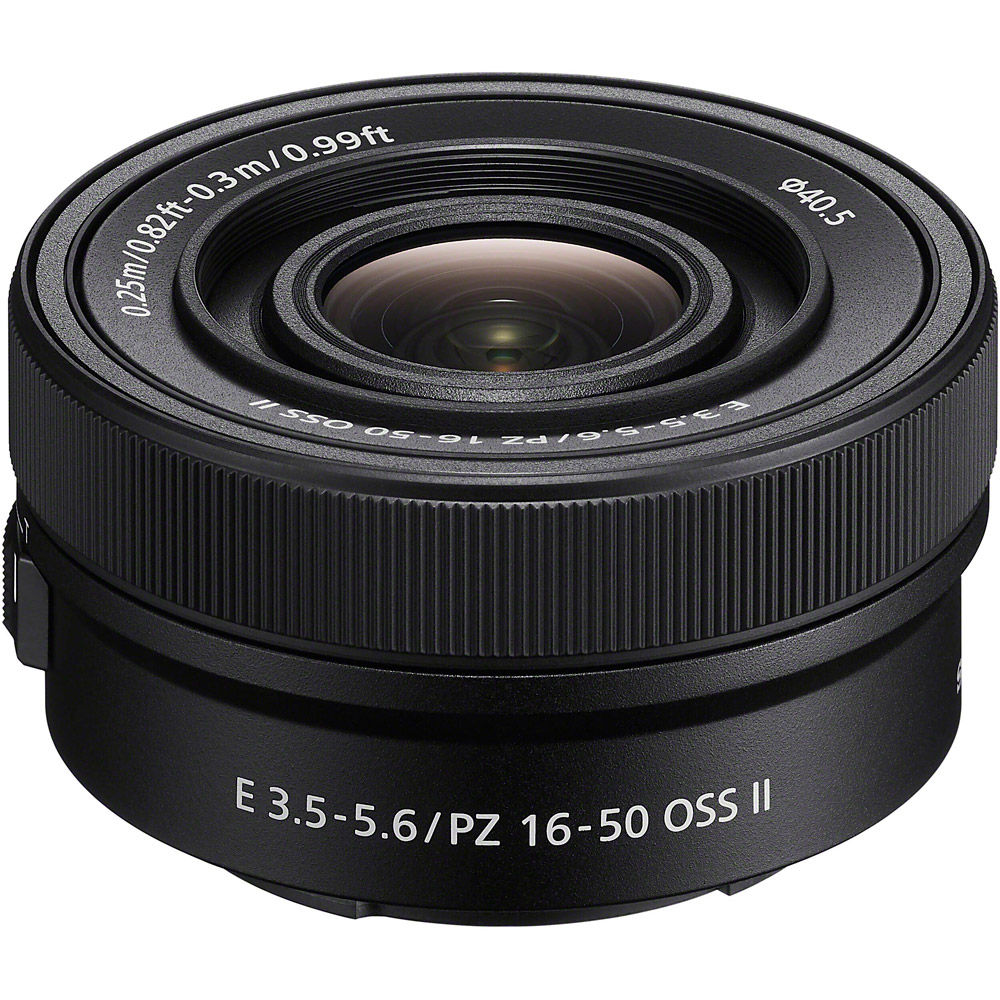
Sony E PZ 16-50mm F3.5-5.6 OSS II Compact APS-C Standard Power Zoom Lens (SELP16502) (Renewed)
Sony
It depends — The 107 g Sony zoom suits a kit where minimum size is the priority, but its 24–75mm equivalent range offers modest telephoto reach and its maximum aperture narrows as you zoom.
This keeps an A6400 travel kit exceptionally small while adding optical stabilization and powered zoom. Its limited telephoto reach and variable aperture are the compromises.Available at Amazon(paid link) — opens Amazon in a new tab. Price and availability shown there.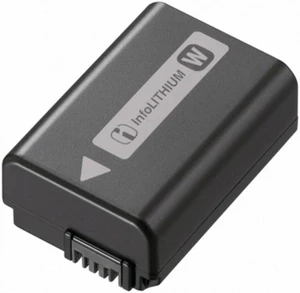
Sony NP-FW50 Lithium-Ion 1020mAh Rechargeable Battery
Sony
Buy — The article recommends carrying a charged spare NP-FW50 for a full day away from power because the A6400 is rated for approximately 410 still images using the LCD or 360 using the viewfinder.
A charged spare addresses the A6400’s modest CIPA battery rating during travel or video recording. It adds another battery to label, protect, and keep charged, without improving image quality.Available at Amazon(paid link) — opens Amazon in a new tab. Price and availability shown there.
Sources
Pages consulted while researching this article. None of these are affiliate links.
- Sony ILCE-6400A Full Specifications — sony.co.uk
- Sony A6400 Help Guide: Intelligent Auto — helpguide.sony.net
- Sony A6400 Help Guide: Focus Mode — helpguide.sony.net
- Sony E PZ 16–50mm F3.5–5.6 OSS II Specifications — sony.co.uk
- Sony E 18–135mm F3.5–5.6 OSS Specifications — sony.co.uk
- Sigma 18–50mm F2.8 DC DN Contemporary Specifications — sigma-global.com
- Sony A6400 Battery Life and Recordable Images — helpguide.sony.net
- Sony A6400 Help Guide: Formatting a Memory Card — helpguide.sony.net