RX 9070 Upgrade: Can You Keep Your PSU and CPU?
The questionWhere do these come from?
Is this rx9070 worth it if I plan to play must of the time in 1440p?
I’m planning in upgrade my rx6600, at first I was between the 9070XT and non XT versión but after seen some benchmarks, I don’t think is worth it to pay around $650 for The XT and also based in the videos I saw, the 9070 does en increíble Job in 4K ultra with upscale and frame generation, etc..
The RX 9070 can suit a 650W system, but the exact card matters; keep your CPU if it already delivers your target frame rate.
The RX 9070 is a worthwhile upgrade when your current graphics card limits performance, especially from an RX 6700 XT or older; a recent midrange card makes the decision less compelling. You can often keep your PSU and CPU, but check the exact graphics card’s power recommendation and whether your processor already delivers the frame rate you want.
AMD specifies 220W typical board power and a 650W minimum PSU recommendation for the RX 9070. That does not make every partner model a 650W recommendation: PowerColor lists 650W for the Reaper and 700W for the Hellhound. Both use two 8-pin PCIe power connectors. AMD RX 9070 specifications, PowerColor Reaper specifications, PowerColor Hellhound specifications.
A 650W PSU can stay—with the right RX 9070
Check the model suffix before ordering. These specifications apply to the non-XT PowerColor cards below.
| Specification | RX 9070 Reaper | RX 9070 Hellhound |
|---|---|---|
| Model number | RX9070 16G-A | RX9070 16G-L/OC |
| Minimum system PSU | 650W | 700W |
| GPU power sockets | Two 8-pin PCIe | Two 8-pin PCIe |
| Board dimensions, excluding bracket | 289 × 111 × 41mm | 327 × 128 × 41mm |
Figures come from PowerColor’s Reaper and Hellhound specification sheets.
For a build retaining a suitable 650W PSU, choose the Reaper over the Hellhound. The Hellhound gets the fit wrong for that constraint: its documented minimum is 700W, despite sharing the same GPU family and connector count. This does not prove it would fail on every 650W supply; it means such a combination falls outside PowerColor’s published recommendation.
The PSU’s wattage is only the first check. Identify its exact model, confirm its available PCIe cables, and account for the CPU’s configured power limits and the rest of the system. A label saying “650W” cannot establish the condition or suitability of an unidentified supply.
The 220W figure describes typical graphics-board consumption, not a whole-PC maximum or a guarantee that instantaneous demand never exceeds it. Do not subtract 220 from 650 and treat the remainder as a certified CPU allowance.
A 550W or 600W PSU falls below the documented recommendation for the Reaper. Some combinations may operate, but buying the card on that assumption needs a model-specific assessment. Undervolting should not be the condition that makes the purchase acceptable.
Replace the PSU only when a real requirement fails
If the existing PSU is unsuitable, the Corsair RM750e (2025), CP-9020295, is a replacement to consider for a conventional single-GPU build. Its 750W continuous rating exceeds both PowerColor recommendations, and Corsair specifies ATX 3.1 compliance. It remains necessary to check the complete system’s demand. Corsair RM750e specifications.
Its cable inventory deserves attention: Corsair lists one conventional PCIe 6+2-pin cable and an included 12V-2x6-to-dual-6+2-pin cable. Follow the supplied connection instructions; do not assume that every RM750e generation includes the same cables. The drawback is unnecessary replacement work if the existing PSU already meets the requirements.
For either PowerColor card, populate both GPU sockets with the correct PCIe connectors. Prefer separate PCIe cable runs where the PSU provides them, while following its manufacturer’s instructions for approved cable arrangements. A purpose-built cable supplied with the PSU is different from an unverified adapter.
Do not reuse old modular PSU cables merely because their plugs fit. Corsair explains that component-side connectors are standardized while PSU-side wiring can differ, including between product families from the same brand. Use the replacement unit’s included cables or explicitly confirmed compatible replacements. If identification is uncertain, contact the PSU manufacturer before connecting anything. Corsair’s modular-cable compatibility explanation.
Just want the recommendation?
Skip to the picksThe upgrade is clearer from an RX 6700 XT
TechSpot measured the RX 9070 delivering 96% higher average performance than the RX 6700 XT at 1440p across its seven-game medium-quality suite. That is close to doubling performance within that particular test. Its ultra-quality summary reported approximately 30% more performance than the RX 7800 XT and 25% more than the RX 7900 GRE. These are measured suite results, not guaranteed gains in every game. TechSpot’s six-generation Radeon test.
That supports three practical decisions:
- From an RX 6700 XT: the RX 9070 offers a substantial performance step if graphics performance is your current limit.
- From an RX 7800 XT or RX 7900 GRE: keep the existing card unless a specific game, setting, or display upgrade needs the extra performance.
- From another GPU: find results for your actual games and resolution before transferring those percentages to your system.
Choose a target before buying. A graphics upgrade that turns an unsatisfactory experience into the desired frame rate has a clear purpose. An upgrade that produces more frames than your display or preferences require has a weaker case.
For ray tracing or upscaling, check the specific game and feature combination. Conventional rendering averages cannot establish whether a demanding ray-tracing preset will meet your target.
Keep the CPU if it can reach your target frame rate
There is no universal CPU model that makes an RX 9070 “fully compatible” in performance terms. The useful question is whether your processor can run your games at the frame rate you want, with acceptable frame-time consistency.
Before buying, try this diagnostic on the current system:
- Choose a repeatable scene in a game that matters to you.
- Disable frame generation and temporarily remove frame caps and V-sync.
- Record frame rate, frame-time behavior, and GPU utilization.
- Lower resolution or render scale substantially, keeping CPU-sensitive settings such as crowd density unchanged.
- Repeat the same scene.
On a Radeon system, AMD Software provides performance metrics and logging; its default overlay shortcut is Ctrl + Shift + O. AMD performance-metrics instructions.
Treat the result as diagnostic evidence. If performance rises substantially, the current GPU was contributing to the limit. If it barely changes and GPU utilization drops, investigate the CPU, memory, game engine, or another limit before expecting an RX 9070 to solve it. Low overall CPU utilization does not rule out a heavily loaded individual thread.
This procedure estimates available CPU headroom; it cannot predict the RX 9070’s exact performance. A processor adequate for your preferred frame rate can stay even if a faster CPU would improve benchmark results. For an older AM4 example, the separate guide to RX 9070 XT upgrades with a Ryzen 5 3600 addresses that CPU-versus-GPU decision, though its XT power requirements should not be transferred here.
PowerColor anxiety should become a model check
Neither PowerColor model deserves a blanket avoid verdict on the evidence cited here. The meaningful differences are their documented PSU requirements, dimensions, and features; those specifications do not establish comparative failure rates.
The Reaper is the straightforward choice when retaining a suitable 650W supply or working with tighter clearance. Consider the Hellhound when the case and PSU accommodate it and its dual-BIOS feature matters to you. Do not infer quieter operation or better long-term reliability solely from the larger cooler or product name.
Before ordering, measure clearance with front fans or radiators installed, allow room for power cables beside the card, and confirm the warranty process in your country. Specifications cannot resolve an individual card’s persistent crashes or display corruption. If those continue after checking power connections, stock settings, and drivers, the next step is support diagnosis and, where warranted, an RMA.
The bottom line
Worth it either way — the difference is your budget:
Top pick
Buy this
PowerColor Reaper AMD Radeon RX 9070 16GB GDDR6 RX9070 16G-A
PowerColor
PowerColor specifies a 650W minimum system PSU and two 8-pin PCIe power connectors for RX9070 16G-A.
Choose this RX 9070 when retaining a suitable 650W PSU. Its board is 289mm long, so case clearance still needs checking.Available at Amazon(paid link) — opens Amazon in a new tab. Price and availability shown there.The alternative
It depends
PowerColor Hellhound AMD Radeon RX 9070 16GB GDDR6 RX9070 16G-L/OC
PowerColor
The Hellhound provides dual BIOS but requires a 700W minimum system PSU and has a 327mm-long board excluding the bracket.
Consider it when you want dual BIOS and have the required PSU and clearance. Its 700W recommendation and 327mm board make it less suitable for constrained upgrades.Available at Amazon(paid link) — opens Amazon in a new tab. Price and availability shown there.
Recommended products
Ordered by how well each one fits the situations above. Each link below is a paid link.
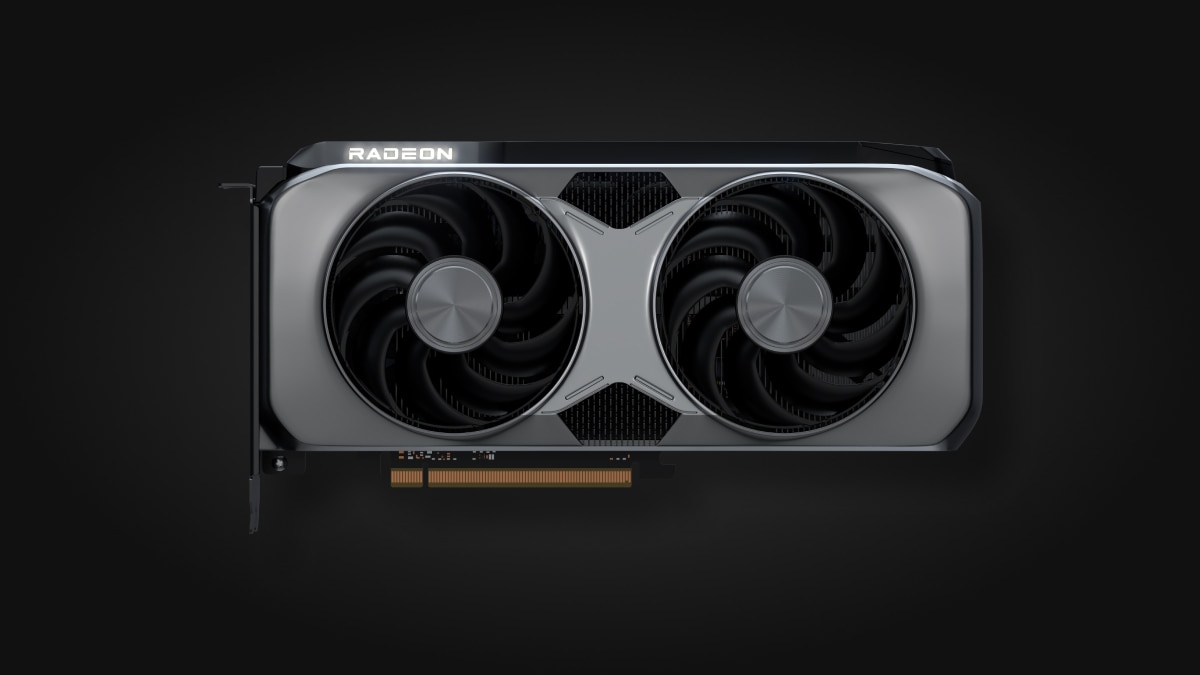
PowerColor Reaper AMD Radeon RX 9070 16GB GDDR6 RX9070 16G-A
PowerColor
Buy — PowerColor specifies a 650W minimum system PSU and two 8-pin PCIe power connectors for RX9070 16G-A.
Choose this RX 9070 when retaining a suitable 650W PSU. Its board is 289mm long, so case clearance still needs checking.Available at Amazon(paid link) — opens Amazon in a new tab. Price and availability shown there.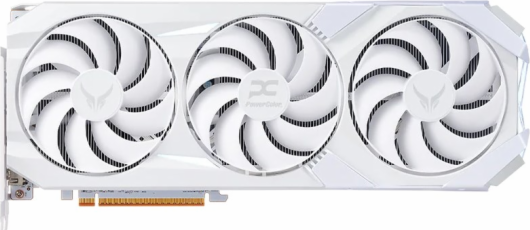
PowerColor Hellhound AMD Radeon RX 9070 16GB GDDR6 RX9070 16G-L/OC
PowerColor
It depends — The Hellhound provides dual BIOS but requires a 700W minimum system PSU and has a 327mm-long board excluding the bracket.
Consider it when you want dual BIOS and have the required PSU and clearance. Its 700W recommendation and 327mm board make it less suitable for constrained upgrades.Available at Amazon(paid link) — opens Amazon in a new tab. Price and availability shown there.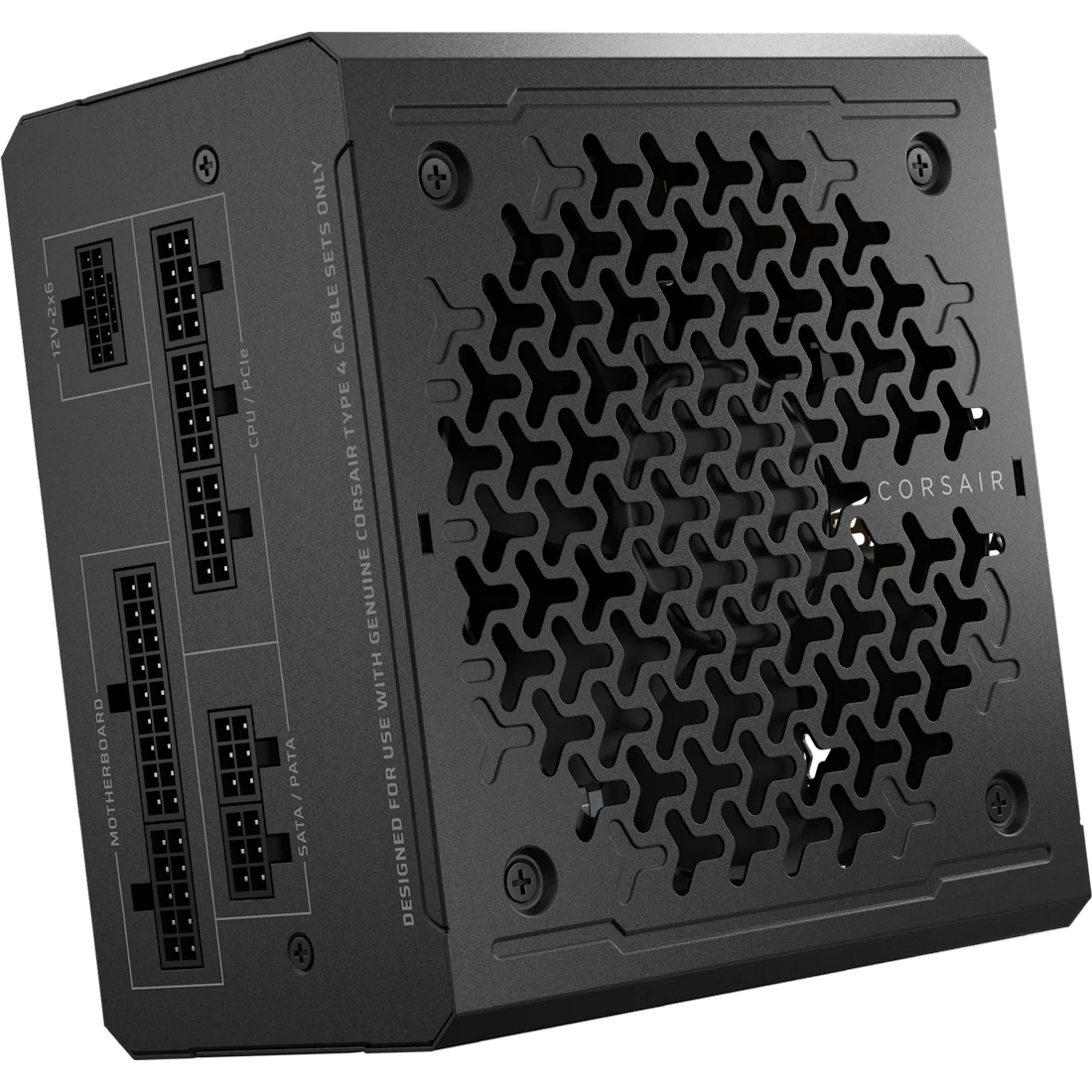
Corsair RM750e 2025 Fully Modular ATX 3.1 750W Power Supply CP-9020295
Corsair
It depends — Its 750W continuous rating exceeds both listed PowerColor PSU recommendations, and its included cable inventory supports two GPU-side 8-pin connections.
Consider this when the existing PSU cannot support the chosen card. It adds replacement and recabling work that a suitable existing supply does not require.Available at Amazon(paid link) — opens Amazon in a new tab. Price and availability shown there.
Sources
Pages consulted while researching this article. None of these are affiliate links.
- AMD Radeon RX 9070 specifications — amd.com
- PowerColor Reaper AMD Radeon RX 9070 16GB GDDR6 — powercolor.com
- PowerColor Hellhound AMD Radeon RX 9070 16GB GDDR6 — powercolor.com
- Corsair RM750e CP-9020295 specifications and cable inventory — corsair.com
- Corsair: Are PSU Cables Universal? — corsair.com
- TechSpot: 6 Years of Mid-Range Radeon GPUs Tested — techspot.com
- AMD: Monitor Performance Metrics with Adrenalin Edition — amd.com