RX 9070 XT With Ryzen 5 3600: Upgrade GPU or CPU?
The question this answersWhere do these come from?
Should I upgrade my GPU or CPU if I pair an RX 9070 XT with a Ryzen 5 3600?
The RX 9070 XT works with a Ryzen 5 3600, but high-refresh gaming can expose CPU limits; check your games before replacing AM4.
Yes, an RX 9070 XT can work with a Ryzen 5 3600, provided your motherboard, power supply and case meet the card’s requirements. Keeping the 3600 is a reasonable staged upgrade for demanding graphics settings, but buying the GPU alone is a weaker plan if your main goal is much higher frame rates in games already limited by the CPU.
There is no defensible single “bottleneck percentage” for this combination. The useful question is whether the Ryzen 5 3600 can deliver your target frame rate in the games and scenes you actually play.
Will it work in an existing Ryzen 3600 PC?
The processor’s age does not make the graphics card incompatible. AMD specifies PCIe 4.0 x16 connectivity for the Ryzen 5 3600, while the RX 9070 XT uses PCIe 5.0 x16. PCIe generations are backward compatible: the connection runs at the generation supported by both ends and the motherboard. A PCIe 5.0 motherboard is therefore unnecessary just to install this GPU. AMD Ryzen 5 3600 specifications, AMD RX 9070 XT specifications, Intel’s PCIe compatibility explanation.
The slot you choose can matter more than the version printed on the GPU box. On the MSI B450 TOMAHAWK MAX, for example, PCI_E1 provides PCIe 3.0 x16 with a Ryzen 3600. The other full-length slot, PCI_E4, provides only PCIe 2.0 x4, falling to x2 when certain other slots are occupied. Two slots that physically accept the card are not equivalent connections. Install the GPU in the primary graphics slot identified by your motherboard manual. MSI’s slot specifications.
Check the exact board model before ordering. The Sapphire PULSE AMD Radeon RX 9070 XT 16GB, SKU 11348-03-20G, specifies:
- A minimum 750W power supply and two 8-pin power connectors.
- Typical board power of 304W.
- Dimensions of 320 × 120.25 × 61.6mm and a three-slot form factor.
Those requirements belong to that specific card; other RX 9070 XT designs can differ. Measure clearance around front fans or radiators, and check space for the power leads as well as the cooler. The 304W figure describes the graphics board, not the entire PC. Sapphire PULSE specifications.
Connect your monitor to the RX 9070 XT’s outputs. The Ryzen 5 3600 requires discrete graphics, so the motherboard’s display connectors cannot supply video through that CPU. AMD Ryzen 5 3600 specifications.
At 1080p, 1440p and 4K, your frame-rate target decides
For 1080p competitive gaming, plan around the CPU first. When you reduce graphics settings to chase high refresh rates, the graphics card has less rendering work to do. If the 3600 already limits performance, a faster GPU cannot remove that limit. Buying a 9070 XT solely to raise those CPU-limited frame rates is unlikely to solve the problem.
At 1440p, keeping the 3600 can make sense as an intermediate step. The deciding condition is whether you want more detailed graphics at an already acceptable frame rate, or a substantial increase in frame rate itself. A stronger GPU helps the first goal when the existing card is the constraint. The second goal may require a CPU upgrade too.
At 4K, the case for upgrading the GPU first becomes stronger, but there is no exemption from CPU limits. More rendering work generally shifts the balance toward the GPU. It does not reduce the processor work needed for simulation, crowds or game logic. A demanding scene that misses your frame-rate target because of the CPU can still miss it at 4K.
These are workload-based recommendations, not measured frame-rate promises for this exact pairing. The cited testing does not establish an RX 9070 XT plus Ryzen 5 3600 result across these resolutions.
Just want the recommendation?
Skip to the picksThere is useful evidence for the processor upgrade, however. TechSpot measured roughly 50% higher gaming performance from the Ryzen 7 5700X3D than the Ryzen 5 3600 under CPU-limited conditions in its AM4 X3D comparison. That demonstrates substantial CPU headroom; it does not mean every game gains 50% after a swap. A GPU-limited game may gain little. TechSpot’s measured AM4 CPU comparison.
Already have the card? Check before replacing the CPU
Use a repeatable section of a game that performs poorly. A quiet corridor is a poor substitute for the crowded battle or city area that causes the slowdown.
- Temporarily disable frame generation, V-sync and frame-rate caps so they do not obscure the comparison.
- In AMD Software, search for Metrics and open Performance Metrics. Display frame rate, GPU utilization, clocks and temperatures. AMD documents Ctrl+Shift+O as the default overlay shortcut; available metrics and interface details can differ by software version. AMD’s performance-monitoring instructions.
- Run the same scene at your normal resolution, then repeat at a substantially lower resolution while retaining the other settings.
- Compare both frame rate and GPU activity, then restore your preferred settings.
If lowering resolution produces a clear frame-rate increase, graphics workload was constraining that scene. If performance barely changes while the GPU has unused capacity, investigate a CPU or another system limit before buying more graphics performance. TechSpot describes this resolution-and-load approach in its CPU testing methodology. TechSpot’s explanation.
Low GPU utilization alone is insufficient evidence. A frame cap, loading pause or game-engine restriction can also leave the GPU waiting. Likewise, moderate total CPU utilization does not prove the processor has spare capacity for the game’s critical thread. Check clocks, temperatures and repeatability before assigning the cause.
If the machine crashes or loses its display, treat that as a separate stability problem. CPU-limited frame rates do not, by themselves, explain a shutdown.
When the 5700X3D upgrade makes sense
For an existing AM4 system that proves CPU-limited, the Ryzen 7 5700X3D is a targeted upgrade worth considering. These are the relevant hardware differences:
| Specification | Ryzen 5 3600 | Ryzen 7 5700X3D |
|---|---|---|
| Cores / threads | 6 / 12 | 8 / 16 |
| L3 cache | 32MB | 96MB |
| Default TDP | 65W | 105W |
| Socket / memory type | AM4 / DDR4 | AM4 / DDR4 |
Specifications: AMD Ryzen 5 3600, AMD Ryzen 7 5700X3D.
Shared socket and memory type can let you retain your motherboard and RAM, but they do not guarantee support. Check the CPU support list for your exact motherboard model and revision, including the required BIOS. Follow its update instructions before removing the working processor. If an OEM motherboard has no clear support listing, ask the system manufacturer before ordering.
Also account for cooling: AMD lists no included cooler for the 5700X3D, and its specified TDP is higher than the 3600’s. Verify your existing cooler’s suitability rather than assuming the original Wraith Stealth is the right match. AMD Ryzen 7 5700X3D specifications.
Neither the Sapphire PULSE RX 9070 XT nor the Ryzen 7 5700X3D deserves a blanket skip: they address different limits. Consider the PULSE when graphics performance is holding you back and its physical requirements fit; consider the 5700X3D when CPU performance is holding you back and your board supports it. For differences between Sapphire’s card designs, the PULSE versus PURE comparison covers that narrower choice.
If your existing 3600 already delivers the frame rate you want, keep it through the GPU upgrade and reassess in the games you play. If it misses that target even after resolution is reduced, include a CPU upgrade in the plan.
The bottom line
Both fit — your exact model decides:
Top pick
It depends
Sapphire PULSE AMD Radeon RX 9070 XT 16GB 11348-03-20G
AMD
The PULSE provides 16GB of graphics memory but requires 320mm clearance, three slots, two 8-pin connectors and a manufacturer-recommended 750W PSU.
Consider this for a GPU-first upgrade when demanding graphics settings limit performance. Its 320mm length, three-slot cooler and 750W PSU requirement need checking, and it cannot fix CPU-limited frame rates.Available at Amazon(paid link) — opens Amazon in a new tab. Price and availability shown there.The alternative
It depends
AMD Ryzen 7 5700X3D 8-Core 16-Thread Desktop Processor
AMD
TechSpot measured roughly 50% higher CPU-limited gaming performance than the Ryzen 5 3600, while AMD specifies a 105W TDP and no included cooler.
Consider this when testing shows the Ryzen 3600 is limiting frame rates and your motherboard explicitly supports the upgrade. It can retain AM4 and DDR4, but BIOS compatibility and a suitable cooler must be confirmed.Available at Amazon(paid link) — opens Amazon in a new tab. Price and availability shown there.
Recommended products
Ordered by how well each one fits the situations above. Each link below is a paid link.

Sapphire PULSE AMD Radeon RX 9070 XT 16GB 11348-03-20G
AMD
It depends — The PULSE provides 16GB of graphics memory but requires 320mm clearance, three slots, two 8-pin connectors and a manufacturer-recommended 750W PSU.
Consider this for a GPU-first upgrade when demanding graphics settings limit performance. Its 320mm length, three-slot cooler and 750W PSU requirement need checking, and it cannot fix CPU-limited frame rates.Available at Amazon(paid link) — opens Amazon in a new tab. Price and availability shown there.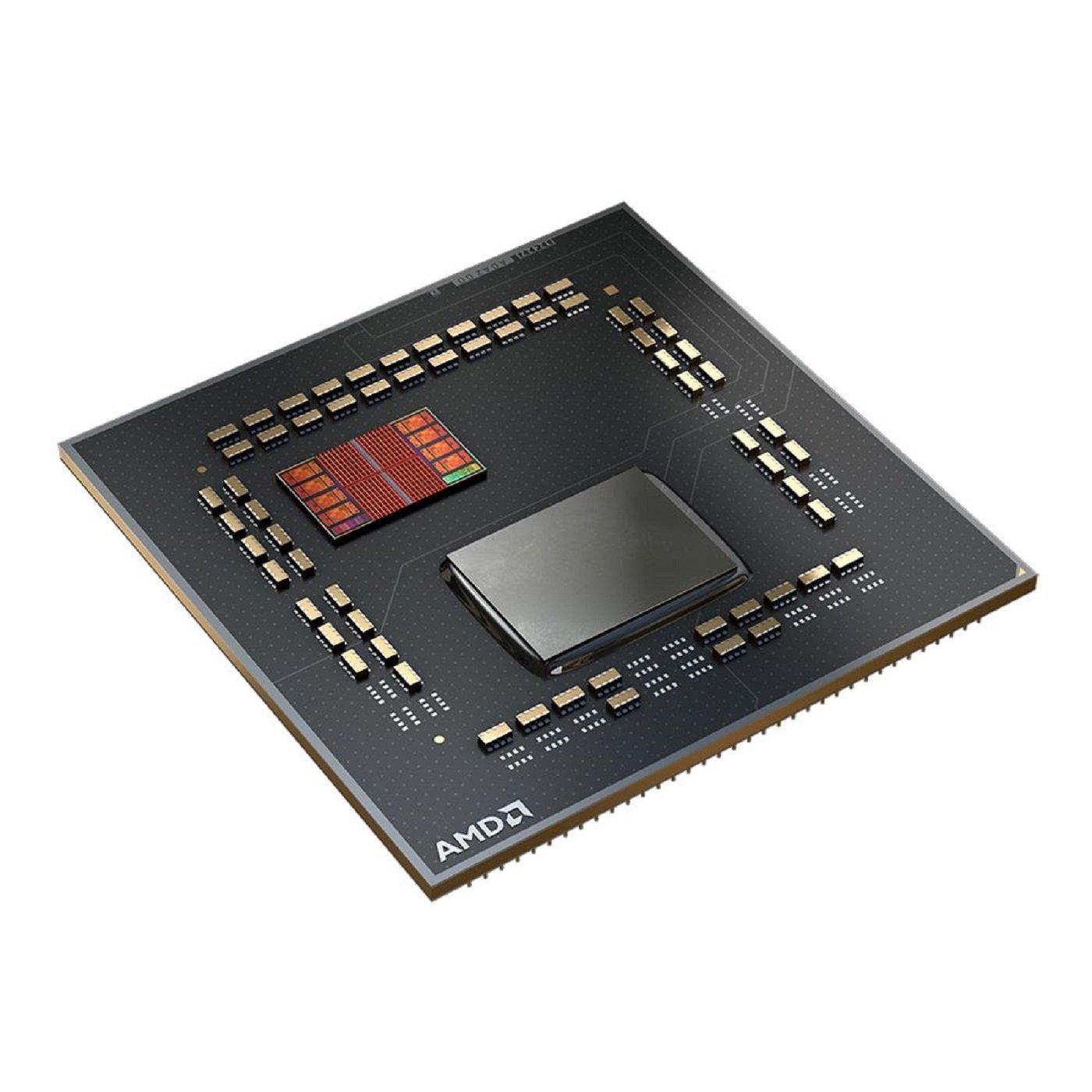
AMD Ryzen 7 5700X3D 8-Core 16-Thread Desktop Processor
AMD
It depends — TechSpot measured roughly 50% higher CPU-limited gaming performance than the Ryzen 5 3600, while AMD specifies a 105W TDP and no included cooler.
Consider this when testing shows the Ryzen 3600 is limiting frame rates and your motherboard explicitly supports the upgrade. It can retain AM4 and DDR4, but BIOS compatibility and a suitable cooler must be confirmed.Available at Amazon(paid link) — opens Amazon in a new tab. Price and availability shown there.
Sources
Pages consulted while researching this article. None of these are affiliate links.
- AMD Ryzen 5 3600 specifications — amd.com
- AMD Radeon RX 9070 XT specifications — amd.com
- Intel: What Are PCIe 4.0 and 5.0? — intel.com
- MSI B450 TOMAHAWK MAX specifications — msi.com
- Sapphire PULSE AMD Radeon RX 9070 XT specifications — sapphiretech.com
- TechSpot: AMD X3D CPU Versus—5800X3D, 5700X3D and 5600X3D — techspot.com
- AMD: Monitor Performance Metrics with Adrenalin Edition — amd.com
- AMD Ryzen 7 5700X3D specifications — amd.com