Simagic P500 Pedals Not Working: Cause by Cause
The questionWhere do these come from?
SR-P Lite + haptics worth it, or should I upgrade pedals instead?
I will only have a rig in about ~1 year or even later (lack of space), and right now I have a Moza R5 with SR-P Lite pedals.
Most Simagic P500 pedal failures come down to USB detection, SimPro calibration, cable routing, or haptic power confusion.
Most Simagic P500 pedal failures come down to USB detection, SimPro Manager calibration, cable routing, or haptic power confusion — not a dead pedal set. If Windows and SimPro Manager both detect the P500, the hardware is almost certainly fine; the fault is downstream, in a game binding or a cable, not the pedals themselves.
These are four separate conditions, not stages of one fault. A P500 that Windows never sees has nothing in common with one whose brake cable is pinched, and the fix for one does nothing for the other. Find the cause below, then jump to its section. Where the fix genuinely stops at software, that is stated plainly; where it does not — where the honest answer is support or a return — that is stated too, instead of stretching a guess into a fix.
The four causes, sorted
| Cause | Symptom | Still unresolved if |
|---|---|---|
| USB path — hub, port, or cable | Nothing appears in Windows, joy.cpl, or SimPro Manager |
Support or return: the PC isn’t enumerating the controller |
| Stale binding to an old pedal device | SimPro Manager sees the P500, the game shows no input | Almost never hardware — a profile, Steam Input, or duplicate-controller issue |
| Pinched or unseated brake cable | Brake is dead or stuck, throttle is fine | A damaged brake sensor, connector, load cell, or control-box input |
| Haptic reactor’s own port or power supply, not the pedal set | Pedals register input, haptic motor is silent | A fault in the haptic accessory, separate from the pedals |
| Missing floor or wall mounting, not electronics | Electronics are fine, but the brake is unusable because the set slides | A stability fix, not a warranty claim |
USB detection: if Windows or SimPro Manager does not see the pedals
Start with the connection path. The P500 can connect by USB to a PC or through a SIMAGIC wheelbase, and the pedal control box is included with the pedal set, according to SIMAGIC’s P500 product page. The official specs also list 12-bit resolution, throttle Hall angle sensing, brake Hall angle/load-cell sensing, and a 100 kg load-cell brake sensor, so there is enough electronics in the pedal set that a bad cable or bad control-box connection can make the whole set appear dead. Source: SIMAGIC P500 technical parameters.
Check in this order:
- Plug the P500 directly into the PC with the USB cable, not through a monitor hub, keyboard hub, front-panel USB port, or wheelbase.
- Open Windows
Settings > Bluetooth & devices > Devices, then check whether a SIMAGIC controller appears. - Open
joy.cplfrom the Windows Run box and check whether the throttle or brake axes move. - Open SimPro Manager and check whether the P500 appears as a device.
- Try another known-good USB-A to USB-B data cable. Avoid charge-only cables.
If the P500 appears in joy.cpl but not in SimPro Manager, reinstall the current SimPro Manager from SIMAGIC’s download center. As of the page read for this article, SIMAGIC lists SimPro Manager V3.1.2 as the latest software and says devices should be updated to the latest firmware for the best experience. It also warns not to disconnect devices, close the software, or power devices off during firmware updates. Source: SIMAGIC Download Center.
Still unresolved if: the pedals do not appear in Windows, joy.cpl, or SimPro Manager on two USB ports and with another data cable. At that point the practical answer is support or return — software advice is mostly noise, because the PC is not enumerating the pedal controller in the first place.
SimPro calibration: if SimPro sees the P500 but the pedals do nothing in-game
This is the common false alarm. A racing sim can ignore a working pedal set if the control profile is still mapped to Moza, Logitech, Thrustmaster, Fanatec, or an older USB device ID.
Fix it inside the game, not in Windows:
- Delete the old pedal bindings for throttle, brake, and clutch.
- Rebind each axis by pressing the actual P500 pedal.
- Check that the input is assigned as an axis, not a button.
- Invert the brake or throttle axis only if the game shows 100% input when untouched.
- Save the profile under a new name so the old profile does not overwrite it.
For iRacing, go to Options > Controls, run the calibration wizard, and press each P500 pedal through its full travel. For Assetto Corsa Competizione, use Options > Controls, bind Throttle, Brake, and Clutch, then check the live input bars. For Assetto Corsa Content Manager, check Settings > Assetto Corsa > Controls > Axis and make sure the old pedal set is not still assigned.
Resolved, not unresolved: if the P500 works in SimPro Manager but one game refuses to read it, this is not RMA territory. The failure is almost certainly a profile, Steam Input, duplicate controller, or axis inversion issue, and it resolves inside the game, not at SIMAGIC support.
Cable routing: if only the brake is not working
Treat a dead brake differently from a dead pedal set. The P500 brake can use Hall angle sensing and a load-cell sensor, while the throttle uses a Hall angle sensor. SIMAGIC’s official page lists the P500 brake as Hall angle sensor/load-cell sensor and lists adjustable brake force and adjustable linearity as supported. Source: SIMAGIC P500 pedal specs.
Open SimPro Manager and look at the raw brake input. If the raw input moves but the game does not, recalibrate and rebind. If the raw input is stuck at 0% or 100%, inspect the cable between the brake pedal and the control box.
The P500 quick guide is unusually important here. It shows the pedal cable routing through the base and includes a note to leave enough margin for the brake cable to prevent damage during extension. It also shows the sockets being plugged into corresponding colors during assembly. Source: SIMAGIC P500 Quick Guide PDF.
Just want the recommendation?
Skip to the picksA brake-only failure after assembly, spring changes, or moving the pedals on the floor should be checked physically:
- Flip the pedal set carefully and inspect the brake cable path.
- Look for pinched insulation, sharp bends, or a connector that is not fully seated.
- Confirm each pedal cable is plugged into the matching control-box socket.
- Undo recent brake spring or elastomer changes and retest with the previous setup.
- Recalibrate in SimPro Manager after any mechanical change.
Still unresolved if: the brake input is still dead in SimPro Manager after reseating cables. Stop repeatedly pressing the pedal at that point — a damaged brake sensor cable, connector, load cell, or control-box input is not something game settings can solve.
Haptic power: if the haptic motor does not work
Do not confuse pedal input with haptic feedback. The P500 pedals can work perfectly while a P-HPR or P-HPR Neo haptic reactor does nothing.
SIMAGIC lists the P-HPR Haptic Pedal Reactor and P-HPR Neo Rumble Haptic Pedal Reactor as optional P500 accessories, not required parts of the base pedal set. The product page also says SimPro Manager is used to adjust vibration and amplitude. Source: SIMAGIC P500 product page.
The P500 quick guide shows a separate power supply socket that is required for P-HPR and P-HPR Neo. It also notes that SimPro Manager is required to complete setup. Source: SIMAGIC P500 Quick Guide PDF.
If the pedals register input but the haptics are silent, check these before blaming the P500:
- The haptic motor is plugged into the correct port.
- The separate haptic power supply is connected.
- SimPro Manager sees the haptic accessory.
- Vibration is enabled for the pedal and effect you expect, such as ABS or traction control.
- The game supports the telemetry signal needed for that effect.
Judgment call: if haptics matter but there is no cockpit or wheel stand yet, the better purchase order is usually pedals first, haptics later. Haptics add useful feedback, but they do not fix a weak or sliding pedal platform. A load-cell brake also needs a stable mount; on a loose floor setup, you can end up paying for brake force you cannot comfortably use.
Not electrical: if the pedals slide around on the floor
This is “not working” in a different sense: the electronics are fine, but the brake cannot be used properly because the pedal set moves.
SIMAGIC says the P500 supports floor mounting and includes a wall support bracket, and the quick guide shows wall support bracket assembly. Sources: SIMAGIC P500 technical parameters and P500 Quick Guide.
If the pedals are on carpet or a slick floor under a desk, do not immediately add haptics. First make the pedal base stable. Use the included floor or wall support parts if they fit the room. If they do not, a wheel stand is the sensible middle step before a full rig. The P500 is a compact entry-level load-cell pedal set, but the brake still rewards a fixed platform.
Judgment call: for a buyer choosing between adding haptics to entry-level Moza pedals or upgrading pedals first, the clean decision is this: upgrade the pedals only if they can be mounted securely now, and delay haptics until the rig or stand exists. If the current pedals are still under warranty and the rig is months away, warranty support or a simple stability fix may be smarter than stacking accessories onto an unstable floor setup.
Still unresolved: what to check before returning the P500
Return or RMA makes sense when the fault follows the pedal set across cables, USB ports, and software installs. It does not make sense when only one game has stale bindings.
Before contacting the seller or SIMAGIC support, collect this evidence:
- A screenshot of Windows
joy.cplshowing whether the controller appears. - A screenshot of SimPro Manager showing whether the P500 is detected.
- A short note saying whether throttle and brake raw inputs move in SimPro.
- The connection path: direct USB to PC, USB hub, or SIMAGIC wheelbase.
- Whether any haptic reactor or separate power supply is connected.
- Photos of the pedal cable routing under the base.
This is where a written answer has to stop rather than guess further: if the control box is not enumerating on any PC, or one pedal axis is dead in SimPro Manager after cable reseating and recalibration, no amount of additional troubleshooting resolves it — support has to handle it. Firmware and game profiles cannot repair a broken connector, damaged cable, failed sensor, or bad control box. That is the genuine boundary of what any guide, or any forum thread, can settle on its own.
The bottom line
Two parts fix this, depending on which failed:
Top pick
Buy this
Amazon Basics USB 2.0 Cable, USB-A to USB-B, for Printer or External Hard Drive, Connect to Computer/Laptop/PC, 480 Mbps Transfer Speed, Gold-Plated Connectors, 6 Foot, Black
Amazon Basics
The article recommends trying another known-good USB-A to USB-B data cable to rule out cable failure before seeking support or a return.
Use this to rule out a bad or charge-only USB cable before returning the pedals. The drawback is that it will not help if the P500 control box itself is faulty.Available at Amazon(paid link) — opens Amazon in a new tab. Price and availability shown there.The alternative
It depends
SABRENT 4-Port USB 3.0 Hub with Individual Power Switches (HB-UM43)
SABRENT
The hub is only a later connection option, because the article says initial troubleshooting should use a direct PC connection without a hub.
Useful if the PC has unreliable front-panel ports or too many sim devices sharing one controller. The drawback is that first troubleshooting should still be done with the pedals plugged directly into the PC.Available at Amazon(paid link) — opens Amazon in a new tab. Price and availability shown there.
Recommended products
Ordered by how well each one fits the situations above. Each link below is a paid link.
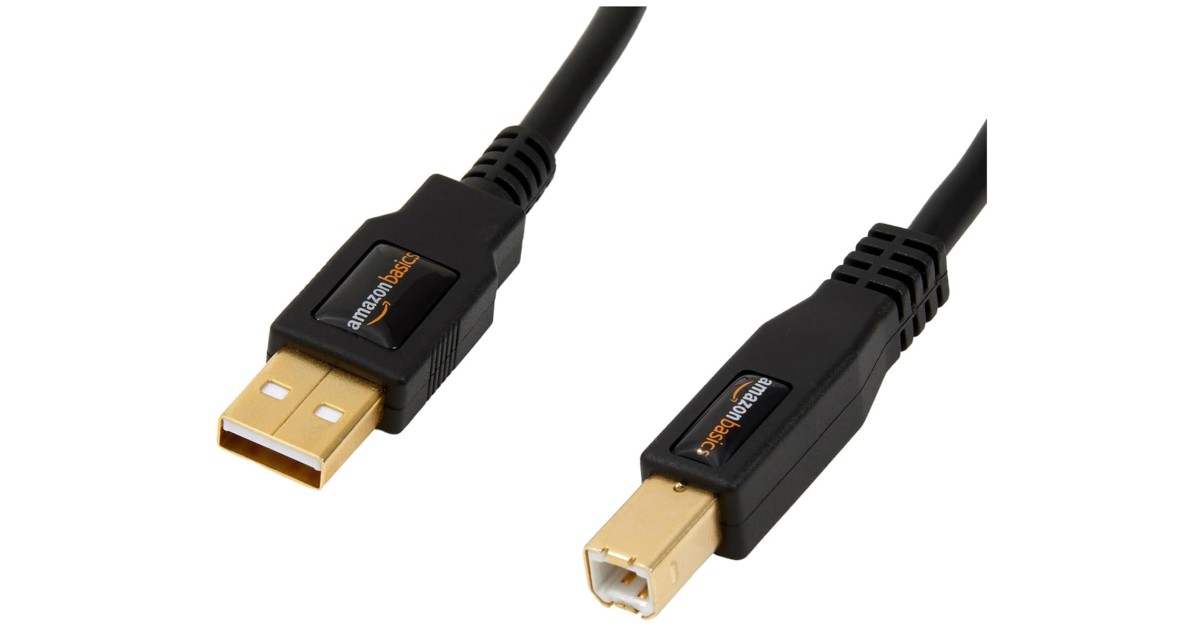
Amazon Basics USB 2.0 Cable, USB-A to USB-B, for Printer or External Hard Drive, Connect to Computer/Laptop/PC, 480 Mbps Transfer Speed, Gold-Plated Connectors, 6 Foot, Black
Amazon Basics
Buy — The article recommends trying another known-good USB-A to USB-B data cable to rule out cable failure before seeking support or a return.
Use this to rule out a bad or charge-only USB cable before returning the pedals. The drawback is that it will not help if the P500 control box itself is faulty.Available at Amazon(paid link) — opens Amazon in a new tab. Price and availability shown there.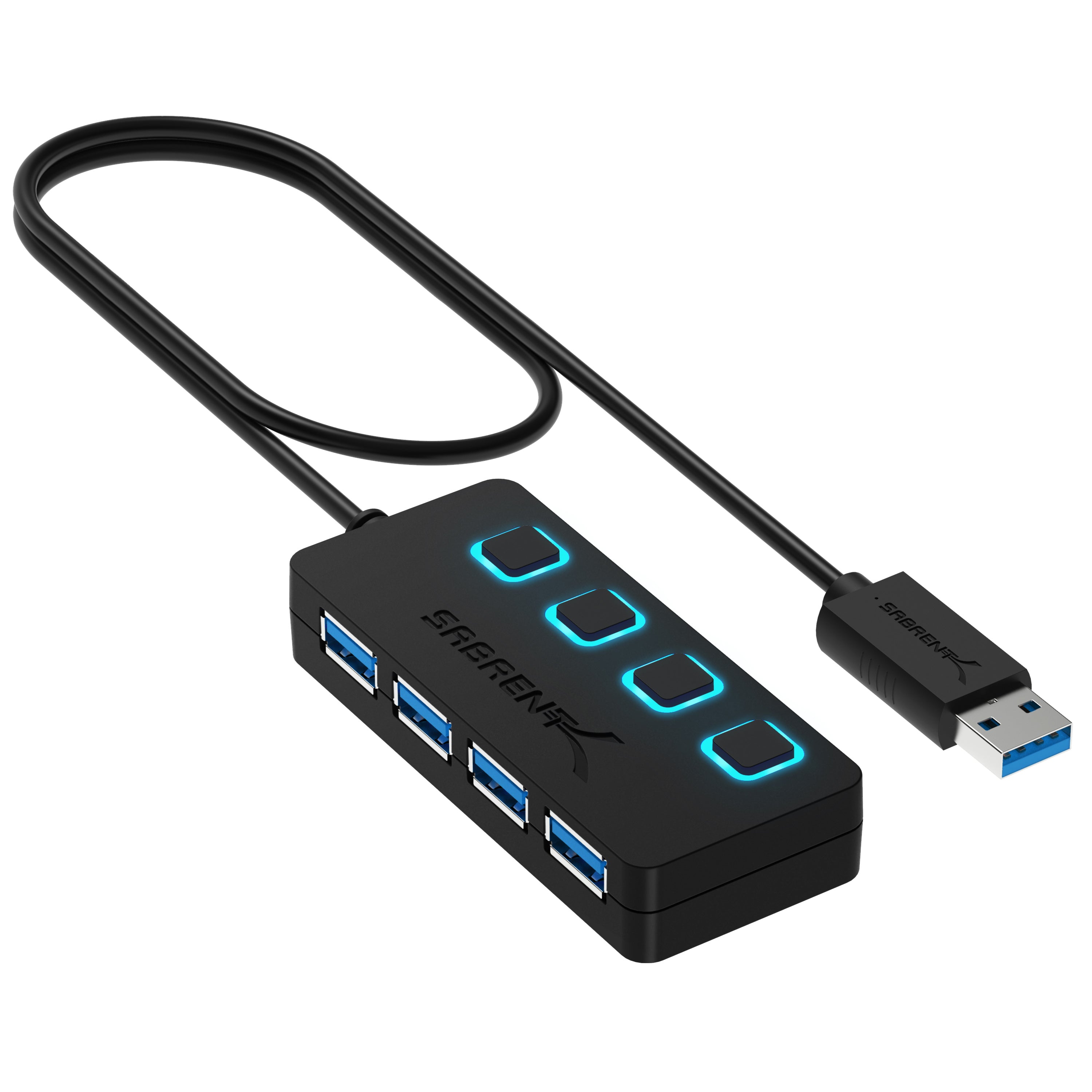
SABRENT 4-Port USB 3.0 Hub with Individual Power Switches (HB-UM43)
SABRENT
It depends — The hub is only a later connection option, because the article says initial troubleshooting should use a direct PC connection without a hub.
Useful if the PC has unreliable front-panel ports or too many sim devices sharing one controller. The drawback is that first troubleshooting should still be done with the pedals plugged directly into the PC.Available at Amazon(paid link) — opens Amazon in a new tab. Price and availability shown there.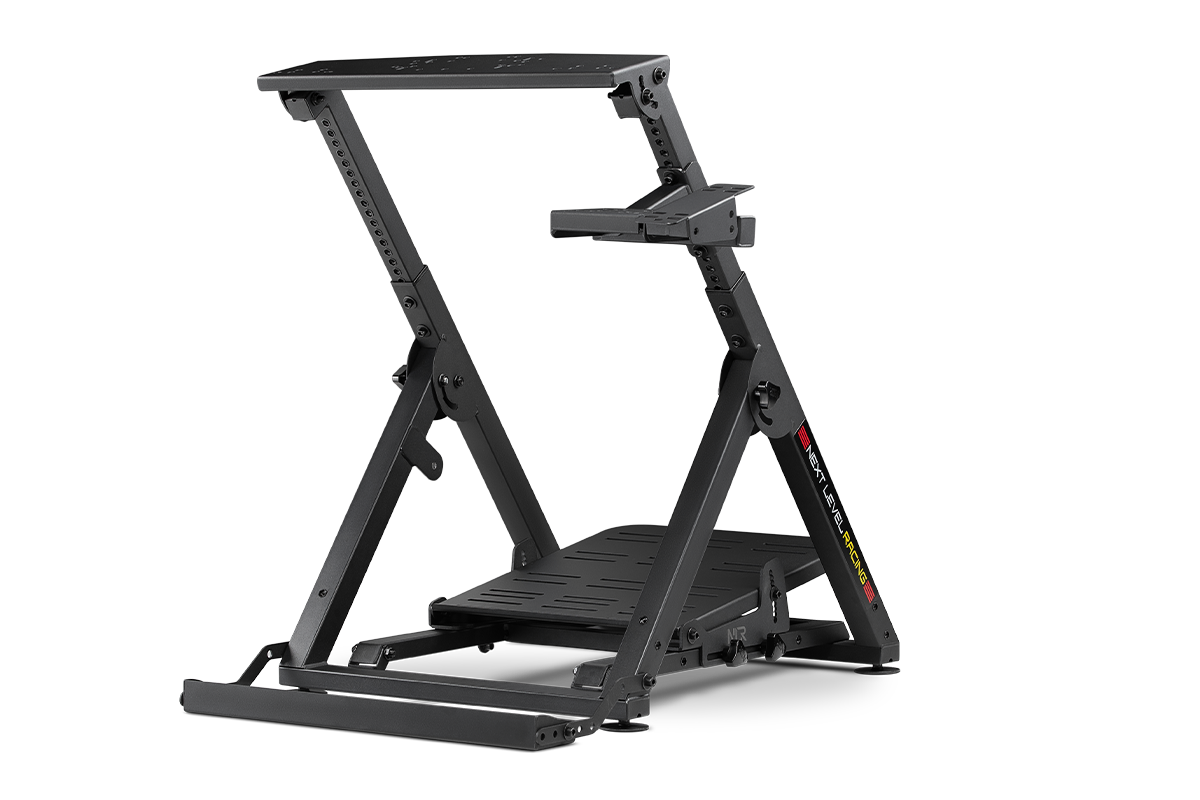
Next Level Racing Wheel Stand 2.0. Steering wheel stand for Thrustmaster, Fanatec, moza Racing on PC and video game consoles. Upgradeable to full cockpit with GTSeat add-on (not included)
Next Level Racing
Buy — The article says a load-cell brake needs a stable mount because a sliding pedal set prevents proper braking.
A stand is the practical upgrade when load-cell braking makes the pedals slide before a full rig is possible. The drawback is that it takes more room than a simple floor setup.Available at Amazon(paid link) — opens Amazon in a new tab. Price and availability shown there.
Sources
Pages consulted while researching this article. None of these are affiliate links.
- SIMAGIC P500 User Manual — image.simagic.com
- TEST of the Simagic P500: a good deal for under €200? — simrace-her.com
- iRacing Controller Setup and Calibration — support.iracing.com
- Steam Input Gamepad Emulation — Best Practices — partner.steamgames.com
- Which controllers and steering wheels is Assetto Corsa Competizione compatible with? — support.505games.com
- SIMAGIC P500 Pedal Set | Entry-Level Load Cell Pedals — simagic.com
- Download SimPro - Official SIMAGIC Website — simagic.com
- SIMAGIC P500 Quick Guide PDF — image.simagic.com