PC build / desktop
3 articles on this topic.
This hub covers the fit-and-compatibility questions that surface once a desktop build gets specific: whether a part swapped into an existing case will actually mount and power up, whether a cooler bought for one system will clear the space inside another, and how far from the screen someone needs to sit before a bigger monitor is a real upgrade rather than overkill. The common thread isn’t which brand wins — it’s whether two things, chosen separately, were ever meant to fit together.
These questions start as one person’s build, described in their own words in a forum post, usually because a swap or upgrade already went wrong or is about to. The answers come from checking that situation against manufacturer documentation, owner reports of the same swap, and published reviews of the parts involved, since no single source covers every generation or case-and-cooler combination a real build throws at it.
- Buycompatibilityr/SleepingOptiplex
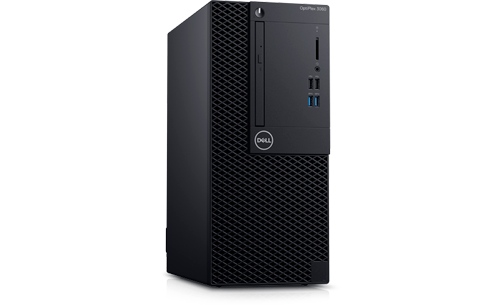
Swapping a Newer Motherboard Into an OptiPlex 3060 MT
A newer OptiPlex board is not a drop-in fit for a 3060 MT case — mounting holes, power pins, and BIOS tables all shift by generation.
- Buycompatibilityr/computer
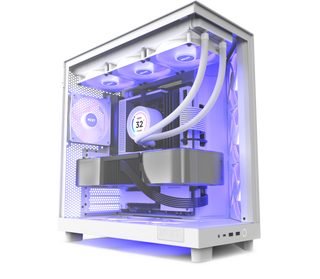
How to Check NZXT H6 Flow Water Cooling Compatibility
The H6 Flow fits top-mounted 240, 280, or 360 mm AIOs and a rear 120 mm radiator, but not front-right, bottom, or 420 mm radiators.
- Buyrecommendationr/buildapcmonitors
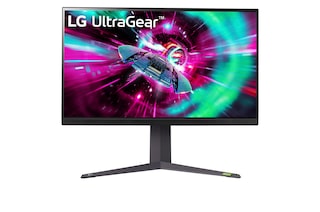
32-Inch 4K IPS Gaming Monitors: 5 Compared by Distance
Choose a 32-inch 4K IPS gaming monitor if you sit at least an arm's length away; pick 27 inches for closer desks.