Game controller
4 articles on this topic.
Most of what lands here starts the same way: a controller is misbehaving, and the real question is where the fault actually sits. Is it the controller, or the machine it’s plugged into — a specific game that won’t detect it, an operating system that never officially supported it, a cable versus a wireless connection, a worn stick versus a settings problem? The rest is about matching a controller to a situation a spec sheet doesn’t cover: playing one-handed, replacing a failing part instead of the whole unit, or picking a wired connection over Bluetooth when timing matters.
These questions start as one person describing their own setup in a forum post — a specific console, game, or symptom. Answering them well means going past that one report: checking what other owners of the same hardware run into, reading how manufacturers document supported connections and configurations, and testing the fault isolation the original question skipped.
- Buytroubleshootingr/macmini
8BitDo Pro 3 Lag: Controller or Mac Mini?
Keep the Mac mini: test the Pro 3 wired first, and buy a DualSense only if the fault follows the 8BitDo controller.
- It dependstroubleshooting
True Colors Controller Not Working? Start Here
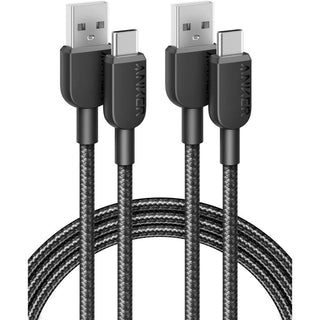
Test controller detection first, then check Steam Input; replace a USB cable only if testing points to a connection fault.
- It dependsrecommendation
One-Handed Xbox Joysticks: What Actually Works
The Xbox Adaptive Joystick suits handheld use; Logitech’s Extreme 3D Pro works through the XAC for a larger grip.
- Buyhow tor/PS5pro
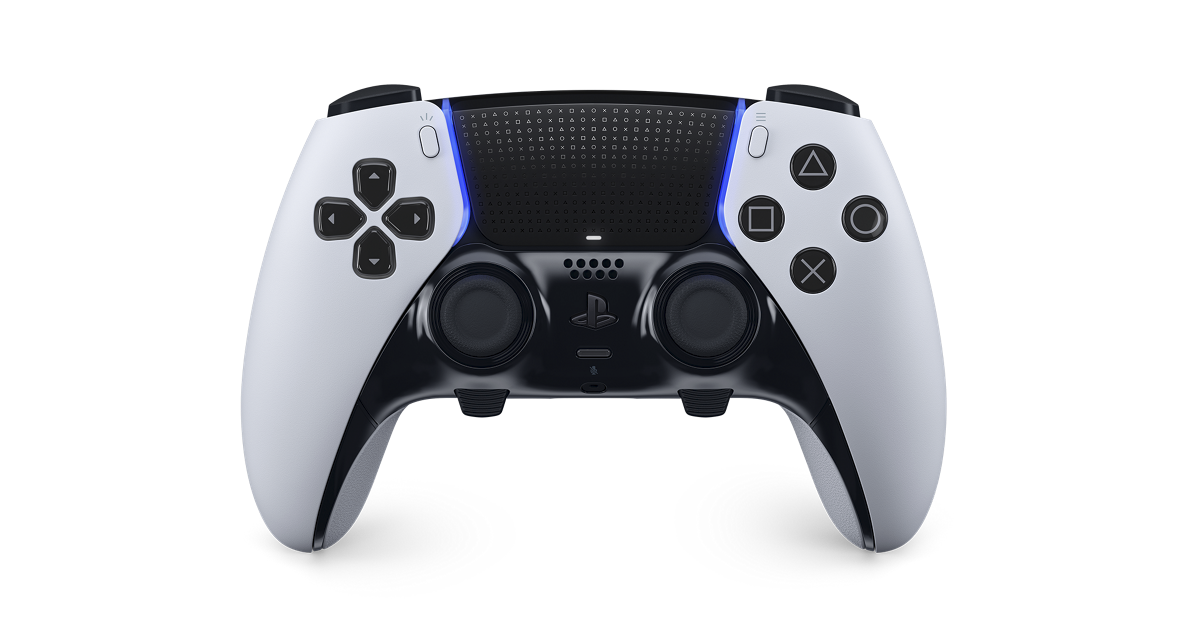
DualSense Edge Drift Test: When to Replace the Stick
Test your DualSense Edge with neutral settings, then swap its stick modules to check whether unwanted movement follows the hardware.