RTX 4060 Ti 16GB for a Creative Workstation?
The questionWhere do these come from?
PC FOR Animation and Compositing (1,700 CAD)
New build or upgrade? New build. Existing parts/monitors to reuse? (List with models/links) None — starting from scratch, need the full tower. I have the periferals.
The RTX 4060 Ti 16GB is worth keeping, but a new Canadian creative build should use the faster RTX 5060 Ti 16GB and 64GB of RAM.
Keep an RTX 4060 Ti 16GB if you already own it: it remains a capable budget GPU for Blender, animation, compositing, Photoshop, and After Effects. For a new Canadian workstation, choose an RTX 5060 Ti 16GB instead; Puget Systems measured it 11% faster in Blender and 28% faster in After Effects 3D workloads while retaining the same 16GB capacity.
The card choice at a glance
The important distinction is not simply 4060 Ti versus 5060 Ti. It is whether you are reusing a working 16GB card, buying a GPU for a new system, or being offered an 8GB substitute.
| Graphics card | Memory | Board power / recommended PSU | Creative-workload verdict |
|---|---|---|---|
| MSI RTX 5060 Ti Ventus 2X OC Plus | 16GB GDDR7, 128-bit | 180W / 600W | Buy for a new workstation; Puget measured +11% in Blender and +28% in After Effects 3D over the 4060 Ti |
| MSI RTX 4060 Ti Ventus 2X Black | 16GB GDDR6, 128-bit | 165W / 550W | Consider when reusing one; still suitable, but slower than the current model |
| MSI RTX 4060 Ti Ventus 2X Black 8G OC | 8GB GDDR6, 128-bit | 160W / 550W | Skip for a mixed Blender and compositing workstation |
The MSI RTX 5060 Ti 16G Ventus 2X OC Plus uses one eight-pin power connector and measures 227 × 126 × 41mm. MSI identifies the exact model as G506T-16V2CP, which is useful when giving a Canadian system builder a parts list: require that model number or another explicitly named 16GB RTX 5060 Ti, not an unspecified 5060 Ti. MSI’s specification lists 16GB GDDR7, 180W board power, and a 600W PSU recommendation.
The RTX 4060 Ti 16GB gets the new-build decision wrong for someone assembling entirely new parts: it preserves memory capacity but gives up measured Blender and After Effects 3D performance to the 5060 Ti. It remains reasonable when it is already owned, particularly because the MSI 16GB Ventus card is only 199mm long, consumes 165W, and calls for a 550W power supply. MSI documents those dimensions and electrical requirements.
Blender is where 16GB matters
For Cycles rendering, use Blender’s OptiX backend. Blender says OptiX uses the hardware ray-tracing acceleration in RTX cards; the path is Edit > Preferences > System > Cycles Render Devices > OptiX, followed by Render Properties > Device > GPU Compute for the scene. Blender’s GPU-rendering documentation also explains what happens when memory fills: Blender attempts to use system memory, but doing so reduces performance.
The 16GB designation is therefore about the largest scene that stays comfortably on the card, not a promise of twice the rendering speed. Tom’s Hardware found that the RTX 4060 Ti 16GB generally matched its 8GB counterpart in professional tests when memory capacity was not the constraint. Its clearest gain was 16.5% in one 3ds Max test, while the 8GB model was slightly faster in that publication’s Blender run. Those measurements show why unused VRAM does not accelerate a small scene.
Large texture sets reveal the other side of the decision. Blender’s manual gives illustrative memory figures of 256MB for one 8K texture, 64MB for 4K, 16MB for 2K, and 4MB for 1K. By that arithmetic, eight 8K textures account for roughly 2GB before geometry, acceleration structures, compositing buffers, the operating system, and other applications enter the picture. Blender itself recommends 8GB of VRAM and 32GB of system RAM, but those are general recommendations rather than a ceiling for production scenes. Blender publishes its current hardware requirements here.
Skip the MSI GeForce RTX 4060 Ti Ventus 2X Black 8G OC for this mixed creative workload: it has only 8GB of GDDR6, exactly half the capacity of the 16GB model, and Blender documents a performance penalty once a full frame buffer forces scene data into system memory. MSI’s Canadian datasheet confirms that the 8GB and 16GB versions are distinct products, so an assembler should not be allowed to substitute one for the other merely because both boxes say RTX 4060 Ti. The 8GB model’s Canadian specification lists 8GB GDDR6 and model-specific electrical details.
Just want the recommendation?
Skip to the picksAfter Effects needs CPU, RAM, and cache first
After Effects changes the recommendation because its traditional 2D compositing work is mainly CPU-bound. Puget Systems measured virtually identical 2D and tracking scores across the tested GPUs; the RTX 5060 Ti’s advantage came from native 3D work. Its overall score was 13% above the 4060 Ti, while its 3D score was 28% higher. Puget’s content-creation comparison separates those subscores rather than hiding them in one average.
That makes the 4060 Ti 16GB entirely adequate for conventional layers, masks, keying, motion graphics, and 2D compositions. The 5060 Ti becomes the stronger new-build choice when Advanced 3D Renderer, GPU effects, imported Blender assets, or other GPU-heavy work forms a meaningful part of the job.
Adobe’s current Windows recommendation for After Effects 26.5 is 8GB of GPU memory, 32GB or more of system RAM for 4K work, a fast internal SSD for the application and cache, and additional fast storage for media. Adobe’s September 2026 requirements provide that baseline. A workstation expected to keep After Effects, Photoshop, and Blender open together should start at 64GB of system RAM in a 2 × 32GB configuration. Puget likewise recommends at least 64GB for most After Effects users and 128GB for particularly demanding high-resolution work. Its hardware guidance explains the memory recommendation.
Photoshop should not drive the GPU purchase
Photoshop does not justify replacing a working RTX 4060 Ti 16GB. Adobe recommends only 4GB of GPU memory for 4K displays and asks for a separate internal scratch drive alongside the application SSD. Photoshop’s current technical requirements make both points explicit.
For large layered documents, CPU performance, system RAM, and scratch-disk speed will usually change responsiveness sooner than moving from the 4060 Ti to the 5060 Ti. Preserve room in the build for 64GB of memory and two SSDs instead of treating the graphics card as the solution to every application.
A balanced workstation around either 16GB card
A practical specification for this combination of applications is:
- CPU: Choose a current eight-core-or-better processor. An Intel Core Ultra 7 270K Plus suits primarily 2D After Effects animation, while a Ryzen 7 9700X is the more balanced starting point for Blender, Photoshop, tracking, and mixed 3D work. Puget’s current testing says the 270K Plus leads its 2D After Effects group, while AMD processors are preferable for users dividing their time between After Effects and Photoshop. The measured CPU split is documented in Puget’s 2026 review.
- Memory: Install 64GB as two matched 32GB DIMMs. Use a motherboard with four memory slots so 128GB remains possible without discarding the first kit.
- Storage: Use one NVMe SSD for Windows and applications and a second NVMe SSD for After Effects cache, Photoshop scratch space, and active projects. A 1TB system drive plus a 2TB working drive is a sensible baseline; archived footage still needs separate storage and backup.
- Power: Pair the RTX 5060 Ti model above with a reputable 650W power supply carrying the required PCIe eight-pin lead. The extra capacity clears MSI’s 600W recommendation without requiring an oversized unit.
- Case and motherboard: Require at least 240mm of unobstructed GPU clearance for the cited 5060 Ti, two M.2 slots, four DIMM slots, and front-to-back airflow. Confirm clearance with the exact case rather than the generic mid-tower label.
What to tell a Canadian build service
Put the component capacities and model numbers on the written build sheet. The finished system should show 16GB of dedicated GPU memory, 64GB of dual-channel system memory, both SSDs, and the agreed processor model. Ask for the current NVIDIA Studio Driver rather than the Game Ready branch; NVIDIA says Studio Drivers receive testing focused on creative applications and are intended for creators prioritizing workflow reliability. NVIDIA explains the two driver branches on its official driver page.
Before accepting the workstation, have the builder run Blender Benchmark with OptiX, open a representative After Effects project with Mercury GPU Acceleration enabled under File > Project Settings > Video Rendering and Effects, and check Help > GPU Compatibility in Photoshop. The tests should complete without driver resets, visual corruption, or memory errors.
The final decision is straightforward: retain a working RTX 4060 Ti 16GB and build the rest of the workstation properly around it. For an entirely new Canadian build, buy the RTX 5060 Ti 16GB; for this combination of animation, Blender, and compositing, do not accept the 8GB 4060 Ti as an equivalent substitute.
The bottom line
Two good answers to different versions of the question:
Top pick
Buy this
MSI Gaming GeForce RTX 5060 Ti 16G Ventus 2X OC Plus G506T-16V2CP
msi
Puget Systems measured the RTX 5060 Ti 11% faster in Blender and 28% faster in After Effects 3D than the RTX 4060 Ti, while MSI specifies 16GB of GDDR7.
This is the new-build choice for Blender and After Effects 3D because it keeps 16GB of VRAM while improving measured rendering performance. Its drawback is the higher 180W board power and 227mm length, so case and PSU compatibility still need checking.Available at Amazon(paid link) — opens Amazon in a new tab. Price and availability shown there.The alternative
It depends
MSI GeForce RTX 4060 Ti Ventus 2X Black 16G Graphics Card
msi
MSI specifies a compact 199mm card with 16GB of GDDR6 and 165W power consumption, but Puget measured the newer 5060 Ti 11% faster in Blender.
Consider this when reusing an existing card or fitting a compact 550W workstation; its 16GB frame buffer remains useful for Blender scenes. The drawback is lower measured rendering performance than the current 5060 Ti.Available at Amazon(paid link) — opens Amazon in a new tab. Price and availability shown there.
Recommended products
Ordered by how well each one fits the situations above. Each link below is a paid link.
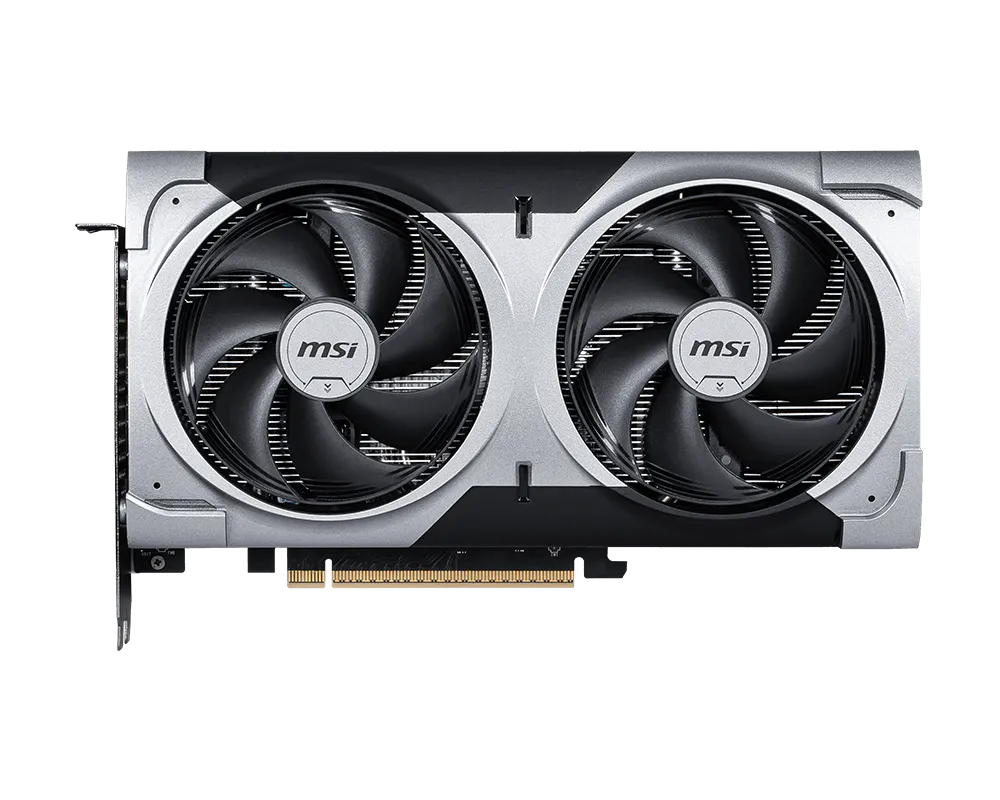
MSI Gaming GeForce RTX 5060 Ti 16G Ventus 2X OC Plus G506T-16V2CP
msi
Buy — Puget Systems measured the RTX 5060 Ti 11% faster in Blender and 28% faster in After Effects 3D than the RTX 4060 Ti, while MSI specifies 16GB of GDDR7.
This is the new-build choice for Blender and After Effects 3D because it keeps 16GB of VRAM while improving measured rendering performance. Its drawback is the higher 180W board power and 227mm length, so case and PSU compatibility still need checking.Available at Amazon(paid link) — opens Amazon in a new tab. Price and availability shown there.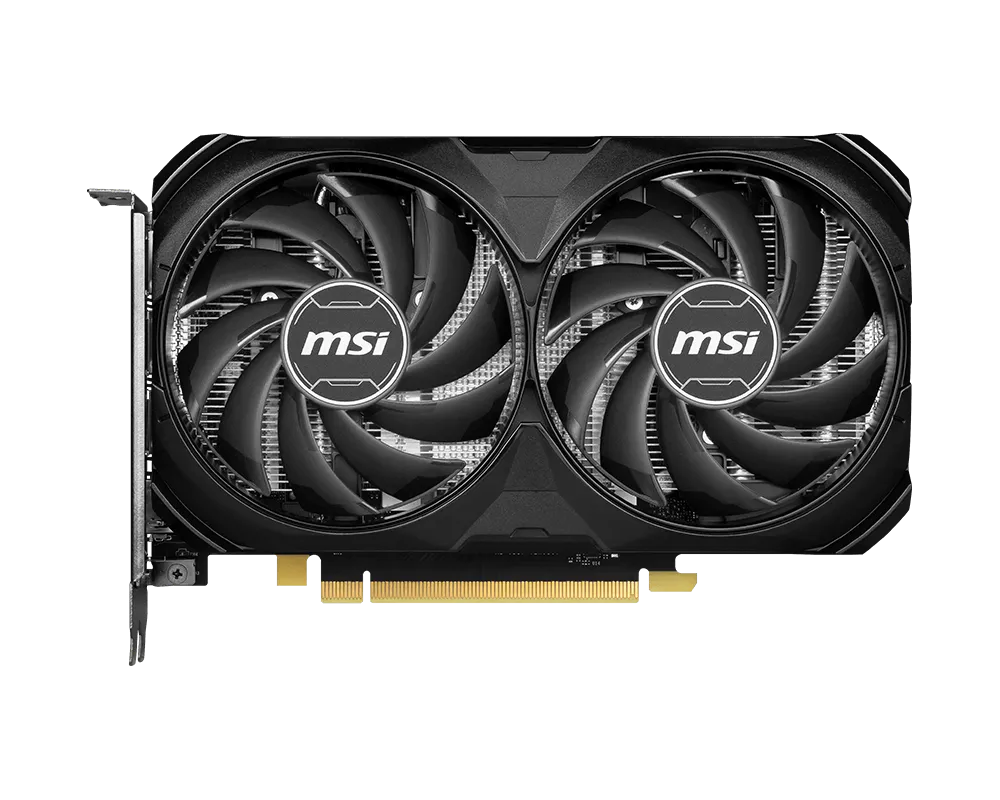
MSI GeForce RTX 4060 Ti Ventus 2X Black 16G Graphics Card
msi
It depends — MSI specifies a compact 199mm card with 16GB of GDDR6 and 165W power consumption, but Puget measured the newer 5060 Ti 11% faster in Blender.
Consider this when reusing an existing card or fitting a compact 550W workstation; its 16GB frame buffer remains useful for Blender scenes. The drawback is lower measured rendering performance than the current 5060 Ti.Available at Amazon(paid link) — opens Amazon in a new tab. Price and availability shown there.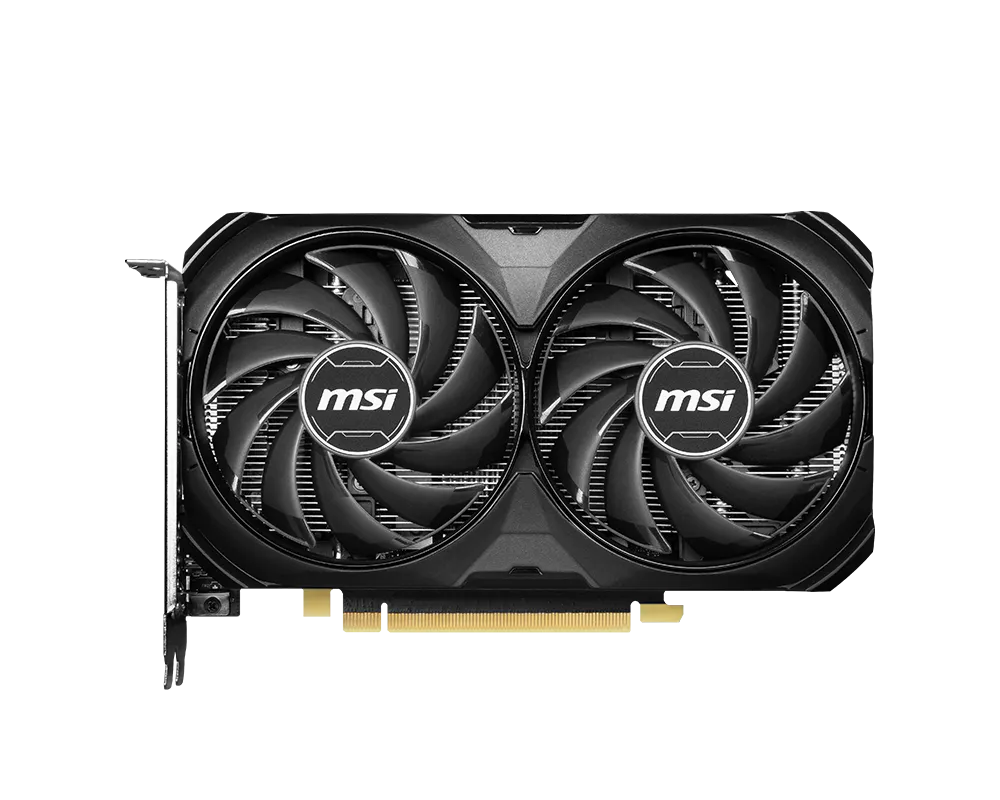
MSI GeForce RTX 4060 Ti Ventus 2X Black 8G OC Graphics Card
msi
Skip — MSI specifies only 8GB of GDDR6, and Blender documents a performance penalty when a full GPU frame buffer forces scene data into system memory.
Do not let a builder substitute this for the 16GB card in a Blender and compositing workstation. It has the same GPU name on the box but only half the video memory.Available at Amazon(paid link) — opens Amazon in a new tab. Price and availability shown there.
Sources
Pages consulted while researching this article. None of these are affiliate links.
- NVIDIA 5060 Ti vs. AMD 9060 XT for Content Creation | Puget Systems — pugetsystems.com
- GeForce RTX 5060 Ti 16G VENTUS 2X OC PLUS Specifications | MSI — msi.com
- GeForce RTX 4060 Ti VENTUS 2X BLACK 16G Specifications | MSI — msi.com
- GeForce RTX 4060 Ti VENTUS 2X BLACK 8G OC Canadian Datasheet | MSI — storage-asset.msi.com
- GeForce RTX 4060 Ti 16GB Professional Content Creation Performance | Tom's Hardware — tomshardware.com
- GPU Rendering | Blender 4.2 LTS Manual — docs.blender.org
- System Requirements for Blender — blender.org
- After Effects System Requirements | Adobe — helpx.adobe.com