Honor 400 Pro or Edge 60 Pro? Software Decides
The questionWhere do these come from?
Honor 400 pro vs Motorola edge 60 pro. Which one should I buy?
Hello everyone. I currently live in Bangladesh and I am planning to buy a new phone.
Choose Honor 400 Pro for locking existing apps, or Motorola Edge 60 Pro for per-app volume; verify call recording on the Bangladesh unit.
Choose the Honor 400 Pro if locking your existing apps is the priority, or the Motorola Edge 60 Pro if separate volume controls for individual apps matter more. For Bangladesh, neither phone should be bought on an unverified promise of built-in call recording: check the actual handset, software build and SIM before committing.
| Software requirement | Honor 400 Pro | Motorola Edge 60 Pro |
|---|---|---|
| Protect existing apps | App Lock, with PIN or linked biometrics | Secure Folder, with separate app setup |
| Individual app volume | Not confirmed in the reviewed MagicOS 9.0 guide | Multi-volume documented in the model’s Android 15 guide |
| Call recording | Documented for Chinese MagicOS 10.0; Bangladesh support unconfirmed | Country/carrier restrictions; recording announcement cannot be disabled in documented implementation |
These distinctions come from the Honor 400 Pro user guide, Motorola’s Edge 60 Pro guide, and the recording documentation discussed below. They describe documented software versions, rather than every subsequent regional update.
Honor wins when you want to lock apps already in use
Honor’s App Lock is the more direct match if you want to put authentication in front of an app you already use. Honor documents the route as Settings > Security & privacy > Device & data protection > App Lock > Enable. Set a password, select the apps, and link fingerprint or face authentication if offered. Honor’s App Lock instructions explain the available password and biometric options.
That suits someone who wants to keep their existing messaging or payment app arrangement while adding an access check. During a demonstration, open a protected app, leave it, lock the phone and reopen it. Check whether its relocking behaviour matches what you expect; having an App Lock menu alone does not answer that practical question.
Motorola Edge 60 Pro is the less suitable choice for people expecting Honor-style locking of existing apps: its documented Secure Folder requires separate app setup, and existing login information is not copied into it. Motorola also explains that the app outside the folder remains separately accessible unless removed. That is the buried limitation behind a seemingly simple “both have app protection” comparison. Motorola’s Secure Folder documentation makes the distinction explicit.
Secure Folder can still be the better arrangement if you want sensitive apps collected in a separate protected area. Both phones are valid purchases for different software priorities; there is no evidence-based reason to reject either model for everyone searching this comparison.
Motorola wins when separate app volume is essential
The Edge 60 Pro explicitly supports Settings > Sound & vibration > Multi-volume. Enable it, then use the volume controls to adjust apps with active audio. Motorola also documents an Auto-mute option that learns which apps you usually silence; you can turn that behaviour off. Motorola’s audio-control instructions describe both features.
This matters if your requirement is to quiet one app without treating every media app as a single volume source. The feature is also listed in the Edge 60 Pro’s own guide, so the recommendation does not rest solely on a generic Motorola support page.
Honor’s reviewed DNP-NX9, MagicOS 9.0_01 manual lists separate controls for ringtone, notifications, alarms, calls and the combined music/video/game category. Those categories do not establish support for individual app sliders. The manual does not confirm an equivalent to Multi-volume. Honor’s model-specific manual is the basis for that narrower finding.
Just want the recommendation?
Skip to the picksAbsence from this manual is not proof that every later Honor build lacks the feature. However, if per-app volume is compulsory, Motorola has the stronger documented case. Only count Honor as meeting that requirement after seeing separate sliders work on the unit you will receive.
For either phone, demonstrate your actual combination of apps. Start the audio sources, change one app’s level, and check the other. Separate volume sliders alone do not establish that every pair of apps will continue playing simultaneously.
Call recording needs a Bangladesh-unit check
Motorola’s Edge 60 Pro call guide states that recording is unavailable in some countries and on some carriers. Where its documented recording function is available, it announces that recording has started, and the announcement cannot be turned off. It also cannot start recording while the call is muted, held or part of a conference. Motorola’s call-recording instructions are more useful here than a specifications page saying “call recording: yes.”
Honor creates a different trap for buyers comparing regional information. Its Chinese support site explicitly documents manual and automatic call recording for the Honor 400 and 400 Pro running MagicOS 10.0. That establishes the feature for the documented Chinese software context; it does not establish availability on a Bangladesh handset or another imported variant. Honor’s Chinese recording documentation identifies both the models and software version.
Before buying, ask for a normal cellular-call demonstration with the intended Bangladesh SIM. With the other participant’s agreement, record a short conversation and play it back to confirm that both voices were captured. Check automatic recording separately if you need it. A recording icon, a voice-recorder app or a demonstration of screen recording does not answer those questions.
If the seller cannot demonstrate the feature, ask the manufacturer to confirm support for the exact model and build. Neither a video from another country nor a promise that a future update will add recording resolves that uncertainty.
Check the regional build before counting update promises
Record the model number, installed OS version, build number and security-patch date from the actual phone’s settings. Ask which sales region it belongs to and request the update commitment for that variant. Do not assume that a support period quoted for a European handset automatically covers a different regional unit sold in Bangladesh.
Honor has a Bangladesh product-support presence with local contact details. Use that channel to resolve the Honor unit’s update entitlement and recording support when the seller’s answer is unclear. For Motorola, request confirmation against the handset’s original sales region and software channel.
Independent measurements provide useful context, but cannot settle these software questions. Notebookcheck measured 20 hours 33 minutes of Wi-Fi browsing on its European Honor 400 Pro sample. That is a measured endurance result, not evidence that a Bangladesh unit has a particular dialler feature or update policy. Notebookcheck’s Honor 400 Pro review identifies the tested configuration.
Buy the Honor 400 Pro when straightforward app locking is your deciding requirement. Consider the Motorola Edge 60 Pro when Multi-volume matters more and Secure Folder fits how you want to organise private apps. If call recording is non-negotiable, make a successful demonstration on the intended regional unit a condition of purchase.
The bottom line
Both are defensible — the split is what you do with it:
Top pick
Buy this
HONOR 400 Pro 5G 12GB 512GB
HONOR
The Honor 400 Pro DNP-NX9 MagicOS 9.0 guide documents App Lock for selected apps, including linked fingerprint authentication.
Choose it when locking existing apps is the main software requirement. Per-app volume and Bangladesh call-recording availability remain unconfirmed for the intended unit.Available at Amazon(paid link) — opens Amazon in a new tab. Price and availability shown there.The alternative
It depends
Motorola Edge 60 Pro 12GB 512GB
Motorola
The Edge 60 Pro guide documents Multi-volume, but Secure Folder does not copy existing app login information.
Consider it when separate app volume controls take priority. Secure Folder requires separate app setup, and documented call recording has regional restrictions and an announcement.Available at Amazon(paid link) — opens Amazon in a new tab. Price and availability shown there.
Recommended products
Ordered by how well each one fits the situations above. Each link below is a paid link.

HONOR 400 Pro 5G 12GB 512GB
HONOR
Buy — The Honor 400 Pro DNP-NX9 MagicOS 9.0 guide documents App Lock for selected apps, including linked fingerprint authentication.
Choose it when locking existing apps is the main software requirement. Per-app volume and Bangladesh call-recording availability remain unconfirmed for the intended unit.Available at Amazon(paid link) — opens Amazon in a new tab. Price and availability shown there.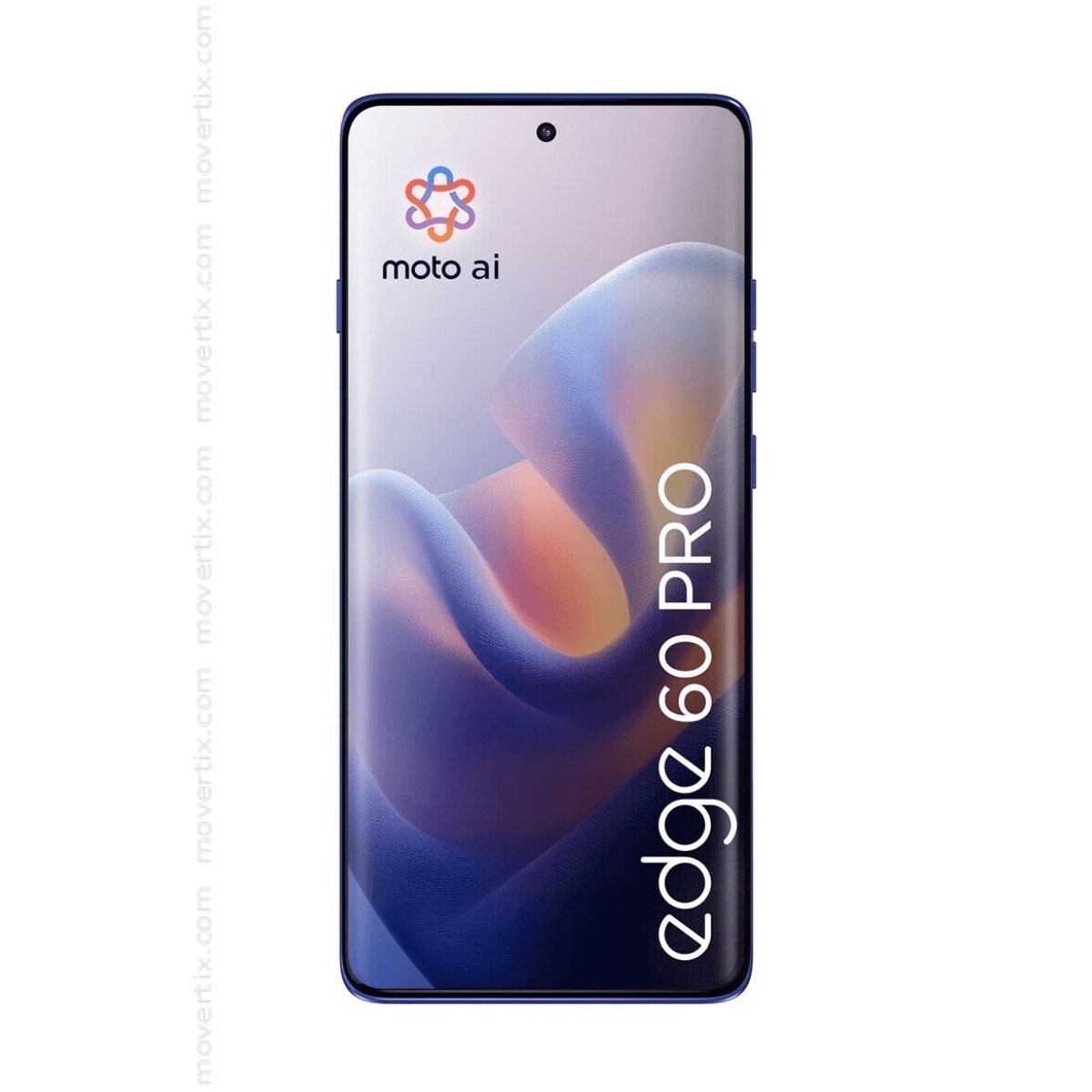
Motorola Edge 60 Pro 12GB 512GB
Motorola
It depends — The Edge 60 Pro guide documents Multi-volume, but Secure Folder does not copy existing app login information.
Consider it when separate app volume controls take priority. Secure Folder requires separate app setup, and documented call recording has regional restrictions and an announcement.Available at Amazon(paid link) — opens Amazon in a new tab. Price and availability shown there.
Sources
Pages consulted while researching this article. None of these are affiliate links.
- HONOR 400 Pro user guide — DNP-NX9, MagicOS 9.0_01 — device.report
- HONOR: Use App Lock to Protect Your Privacy — honor.com
- Motorola Edge 60 Pro Android 15 user guide — help.motorola.com
- Motorola: Adjusting audio alerts and Multi-volume — en-us.support.motorola.com
- Motorola Edge 60 Pro: During a call — help.motorola.com
- HONOR China: Call recording on Honor 400 series, MagicOS 10.0 — honor.com
- HONOR Bangladesh: Honor 400 Pro and local support contacts — honor.com
- Notebookcheck: Honor 400 Pro review and battery measurements — notebookcheck.net