Choose the iPhone 13 256GB Over 14 128GB
The questionWhere do these come from?
Looking to upgrade from IPhone SE
Hello!
For most SE upgraders, the iPhone 13 256GB is the better buy unless the iPhone 14 camera extras matter more than storage.
Choose the iPhone 13 256GB over the iPhone 14 128GB if the main problem is running out of storage on an iPhone SE. Choose the iPhone 14 128GB only if you can live inside 128GB and specifically want its newer camera processing, Action mode video, Crash Detection, satellite safety features, or U.S. eSIM-only setup.
| Spec that matters | iPhone 13 256GB | iPhone 14 128GB |
|---|---|---|
| Built-in storage | 256GB | 128GB |
| Display size | 6.1-inch OLED, 2532 by 1170, 460 ppi | 6.1-inch OLED, 2532 by 1170, 460 ppi |
| Chip | A15 Bionic, 4-core GPU | A15 Bionic, 5-core GPU |
| Main rear camera | 12MP, f/1.6 | 12MP, f/1.5, Photonic Engine |
| Apple video playback rating | Up to 19 hours | Up to 20 hours |
Apple lists both phones with the same 6.1-inch Super Retina XDR display size, the same 2532-by-1170 resolution, and the same 800-nit typical maximum brightness on their official specs pages for iPhone 13 and iPhone 14. The difference is not screen quality or pocket size. It is storage versus a modestly newer standard iPhone.
Storage makes the iPhone 13 the better SE upgrade
The iPhone 13 256GB is the cleaner answer. Moving from an SE to either phone gives you Face ID, a much larger 6.1-inch OLED display, 5G, a dual rear camera system, MagSafe, and a modern A15 Bionic chip. But only the 256GB iPhone 13 solves the storage issue without forcing a cleanup routine.
A 128GB phone can be enough for light use, but it is the tight choice if you keep years of photos, download music or video for travel, record 4K clips, save WhatsApp media, or install large games. Apple also notes that available space is lower than the labeled capacity because iOS, system data, and Apple apps use storage. That matters more on the 128GB iPhone 14 than on a 256GB iPhone 13.
Before switching, check the old SE at Settings > General > iPhone Storage. If the phone already uses more than 90GB, a 128GB iPhone 14 is likely to feel cramped again after migration. If it uses 50GB to 70GB and iCloud Photos is enabled at Settings > [your name] > iCloud > Photos > Optimize iPhone Storage, then 128GB is workable.
The iPhone 14 camera edge rarely outweighs storage
The iPhone 14 has the better standard camera package, but the gap is not large enough to override storage for most SE upgraders. Apple lists the iPhone 14 with a 12MP Main camera at f/1.5, Photonic Engine, a 12MP front camera at f/1.9 with autofocus, Cinematic mode up to 4K HDR at 30 fps, and Action mode up to 2.8K at 60 fps. The iPhone 13 has a 12MP Main camera at f/1.6, no Photonic Engine listed, a 12MP front camera at f/2.2, and Cinematic mode at 1080p at 30 fps.
That means the iPhone 14 is the better choice if selfie autofocus, low-light processing, smoother action video, or 4K Cinematic mode are the specific things you care about. If the goal is just “decent camera quality” after an SE, the iPhone 13 is already a major upgrade and still records 4K video at 24, 25, 30, or 60 fps with Dolby Vision HDR up to 4K at 60 fps.
For ordinary family photos, travel shots, documents, social posts, and quick video, the bigger storage on the iPhone 13 256GB is often more useful than the iPhone 14’s camera refinements. Camera upgrades lose their value fast if the phone is constantly warning that storage is full.
Size is effectively a tie
These two phones are nearly the same physical size. Apple lists both at 5.78 inches tall and 2.82 inches wide. The iPhone 13 is 0.30 inch deep and 6.14 ounces; the iPhone 14 is 0.31 inch deep and 6.07 ounces. In real buying terms, neither is meaningfully smaller than the other.
Just want the recommendation?
Skip to the picksComing from an iPhone SE, both will feel larger because the screen jumps to 6.1 inches and the phone uses Face ID gestures instead of a Home button. If one-handed use is critical, neither the iPhone 13 nor iPhone 14 is a true SE-style replacement. But between these two, do not pick the iPhone 14 expecting a size advantage. It does not have one.
The more practical check is case fit and hand comfort: iPhone 13 cases are not automatically iPhone 14 cases, because the depth and camera area differ. If you already own accessories for neither phone, this should not decide the purchase.
The battery gap is only one hour
On Apple’s official ratings, the iPhone 14 is only slightly ahead: up to 20 hours of video playback versus up to 19 hours for iPhone 13. That difference is smaller than the condition of the actual battery in a used or refurbished unit.
For any secondhand iPhone 13 256GB, check Settings > Battery > Battery Health & Charging > Maximum Capacity as soon as possible. A healthy 256GB iPhone 13 is a better fit than a 128GB iPhone 14 for storage-heavy use, but a badly worn battery changes the deal. If the iPhone 13 is otherwise right and the battery is weak, factor in the service path described in the iPhone 13 battery replacement guide instead of assuming the phone itself is the wrong model.
For gaming, battery, and thermals across older iPhones, the same storage logic still applies: games are large, game updates are large, and 256GB gives the phone more breathing room. That is also why the iPhone 13 256GB is a stronger fit than a 128GB phone for readers comparing older models for gaming and battery life.
Choose the iPhone 13 to keep a physical SIM in the U.S.
This is one of the clean reasons to choose the iPhone 13. Apple’s U.S. iPhone 13 specs list Dual SIM with nano-SIM and eSIM support. Apple’s U.S. iPhone 14 specs say iPhone 14 and iPhone 14 Plus use eSIM and are not compatible with physical SIM cards.
If your carrier supports eSIM well, that may not matter. If you travel with prepaid physical SIM cards, move SIMs between phones, or use a carrier that handles eSIM poorly, the U.S. iPhone 13 is the safer pick. Outside the U.S., iPhone 14 configurations can differ, so check the exact model and region before buying.
What to check before buying either one
For an iPhone 13 256GB, verify the actual capacity at Settings > General > About > Capacity; do not rely on a listing title. Check Settings > General > About > Carrier Lock; it should say No SIM restrictions if you need flexibility. Confirm battery health, Face ID, both rear cameras, speakers, microphones, MagSafe charging, Lightning charging, and that Find My iPhone is off before the seller hands it over.
For an iPhone 14 128GB, do the same checks, plus confirm your carrier can activate eSIM on that exact device if it is a U.S. model. If you cannot activate service, storage and camera specs do not matter.
The short answer stays simple: for an affordable SE upgrade with more storage, decent camera quality, and manageable size, iPhone 13 256GB is the better match. iPhone 14 128GB is the narrower choice for someone who values its camera and safety extras more than doubling the storage.
The bottom line
Both are defensible — the split is what you do with it:
Top pick
Buy this
Apple iPhone 13, 256GB, Midnight - Unlocked (Renewed)
Apple
Its 256GB capacity offers twice the storage of the iPhone 14 128GB, making it the article’s preferred upgrade for escaping SE storage pressure.
This is the model that best fits an SE upgrader who is specifically trying to escape storage pressure. The drawback is that camera features and safety features trail the iPhone 14.Available at Amazon(paid link) — opens Amazon in a new tab. Price and availability shown there.The alternative
It depends
Apple iPhone 14, 128GB, Midnight - Unlocked (Renewed)
Apple
Choose it only if 128GB is sufficient and features such as Action mode, Photonic Engine, or its safety extras matter more than doubling storage.
Useful if the buyer prioritizes Action mode, Photonic Engine, Crash Detection, and satellite safety features over extra local storage. The drawback is that 128GB can become tight after photos, apps, and 4K video accumulate.Available at Amazon(paid link) — opens Amazon in a new tab. Price and availability shown there.
Recommended products
Ordered by how well each one fits the situations above. Each link below is a paid link.
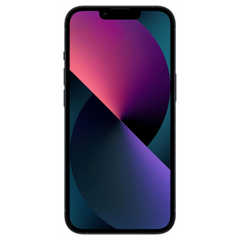
Apple iPhone 13, 256GB, Midnight - Unlocked (Renewed)
Apple
Buy — Its 256GB capacity offers twice the storage of the iPhone 14 128GB, making it the article’s preferred upgrade for escaping SE storage pressure.
This is the model that best fits an SE upgrader who is specifically trying to escape storage pressure. The drawback is that camera features and safety features trail the iPhone 14.Available at Amazon(paid link) — opens Amazon in a new tab. Price and availability shown there.Apple iPhone 14, 128GB, Midnight - Unlocked (Renewed)
Apple
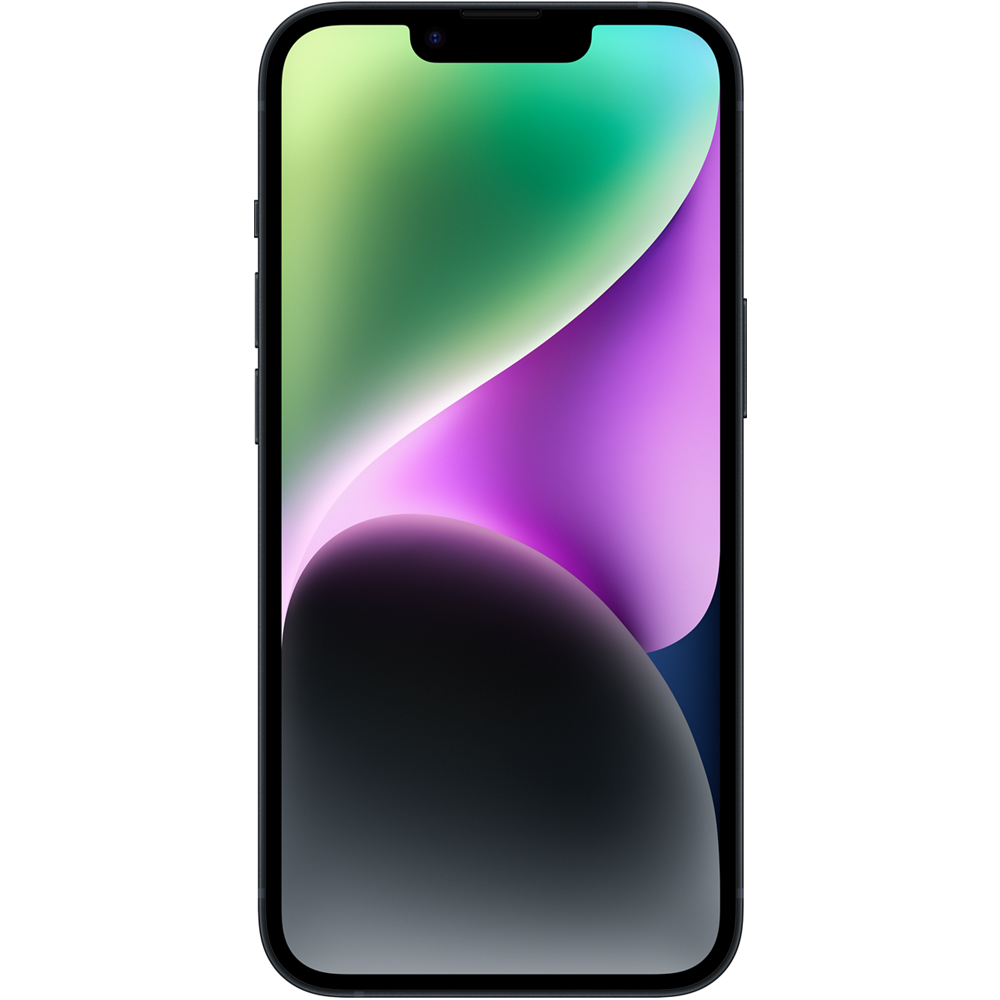
It depends — Choose it only if 128GB is sufficient and features such as Action mode, Photonic Engine, or its safety extras matter more than doubling storage.
Useful if the buyer prioritizes Action mode, Photonic Engine, Crash Detection, and satellite safety features over extra local storage. The drawback is that 128GB can become tight after photos, apps, and 4K video accumulate.Available at Amazon(paid link) — opens Amazon in a new tab. Price and availability shown there.Apple 20W USB-C Compact Power Adapter: Fast and Convenient Charging, Type C Wall Charger
Apple
It depends — Its 20W USB-C charging suits both phones, but the listed blurb says it adds no benefit if you already own a suitable USB-C charger.
Both phones fast-charge with a 20W or higher USB-C adapter, and neither includes a power adapter in the box. The drawback is that it does not add any benefit if the reader already owns a suitable USB-C charger.Available at Amazon(paid link) — opens Amazon in a new tab. Price and availability shown there.

Sources
Pages consulted while researching this article. None of these are affiliate links.
- Apple iPhone 14 smartphone review — Notebookcheck — notebookcheck.net
- How to check the storage on your iPhone and iPad — Apple Support — support.apple.com
- Set up and use iCloud Photos — Apple Support — support.apple.com
- Remove or switch the SIM card in your iPhone — Apple Support — support.apple.com
- About the battery and performance of iPhone 11 and later — Apple Support — support.apple.com
- iPhone 14 vs. iPhone 13: Which iPhone should you buy? — tomsguide.com
- Apple iPhone 14 Battery test — dxomark.com
- iPhone 14 review: A minor upgrade with some cool surprises — techradar.com
- iPhone 13 Battery Replacement — ifixit.com
- iPhone 13 - Tech Specs - Apple Support — support.apple.com
- iPhone 14 - Tech Specs - Apple Support — support.apple.com
- iPhone models compatible with iOS 26 - Apple Support — support.apple.com