Monitor arm / mount / stand
3 articles on this topic.
Questions in this category usually start with a screen already in hand — a monitor, a laptop, sometimes two of each — and a desk or a bag that doesn’t quite fit how it needs to sit. The decision is rarely “which brand” so much as whether a specific arm, mount, or stand can carry the weight involved, adjust the way a particular body or workspace needs it to, and hold up outside the showroom: folded into a bag for a commute, stacked with a second display, or left extended for an eight-hour day.
These questions come from people describing their own setup in public — their monitors, their desk depth, their neck pain, their next trip — and asking what actually works for it. The answers here come from reading published reviews, checking what owners report once a product has been in daily use for a while, and cross-referencing manufacturer specifications against each other, rather than repeating a single listing’s claims.
- Buycompatibilityr/bravia
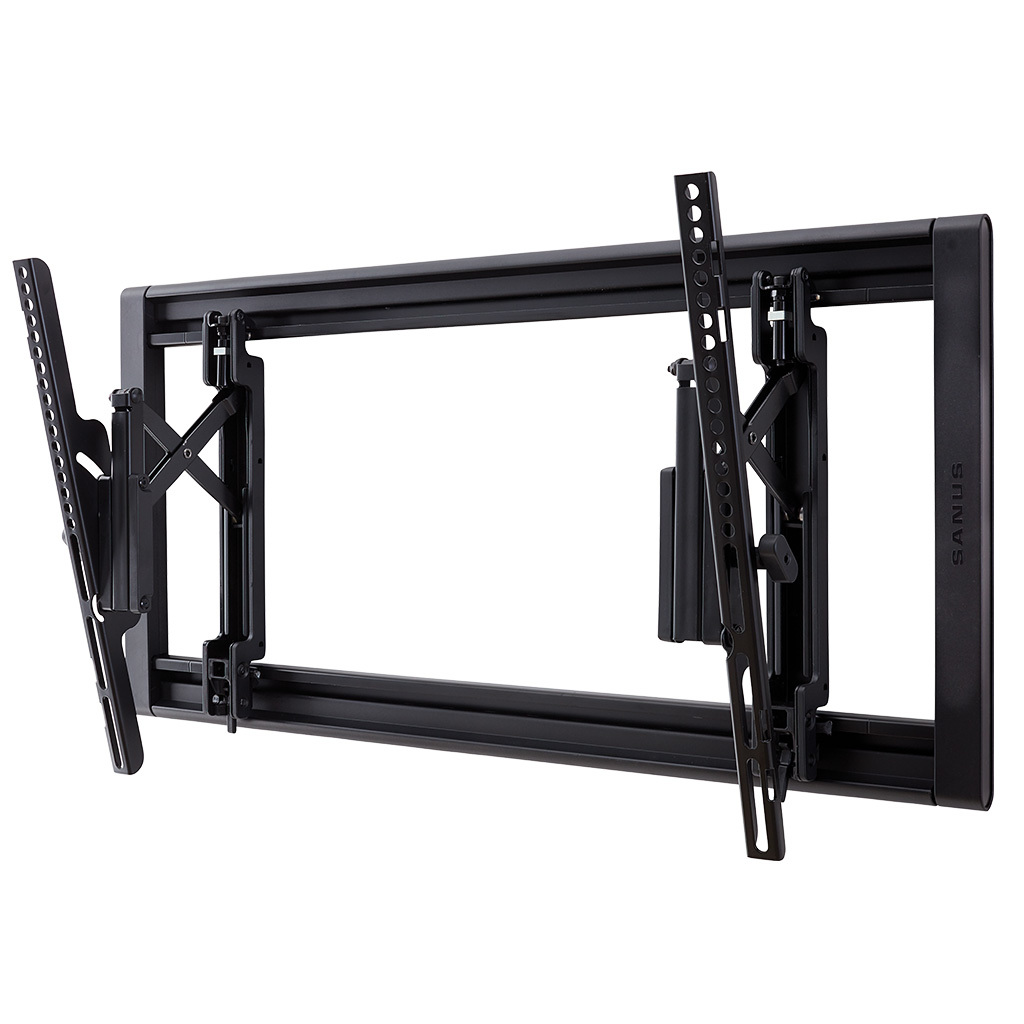
Sanus VLT7 on an 85-Inch Bravia 9 II: Setting the Height
The VLT7 fits the 85" Bravia 9 II's 400x400mm VESA and 106.2 lb weight easily; its post-install height slot is what actually solves the positioning problem.
- It dependsworth it
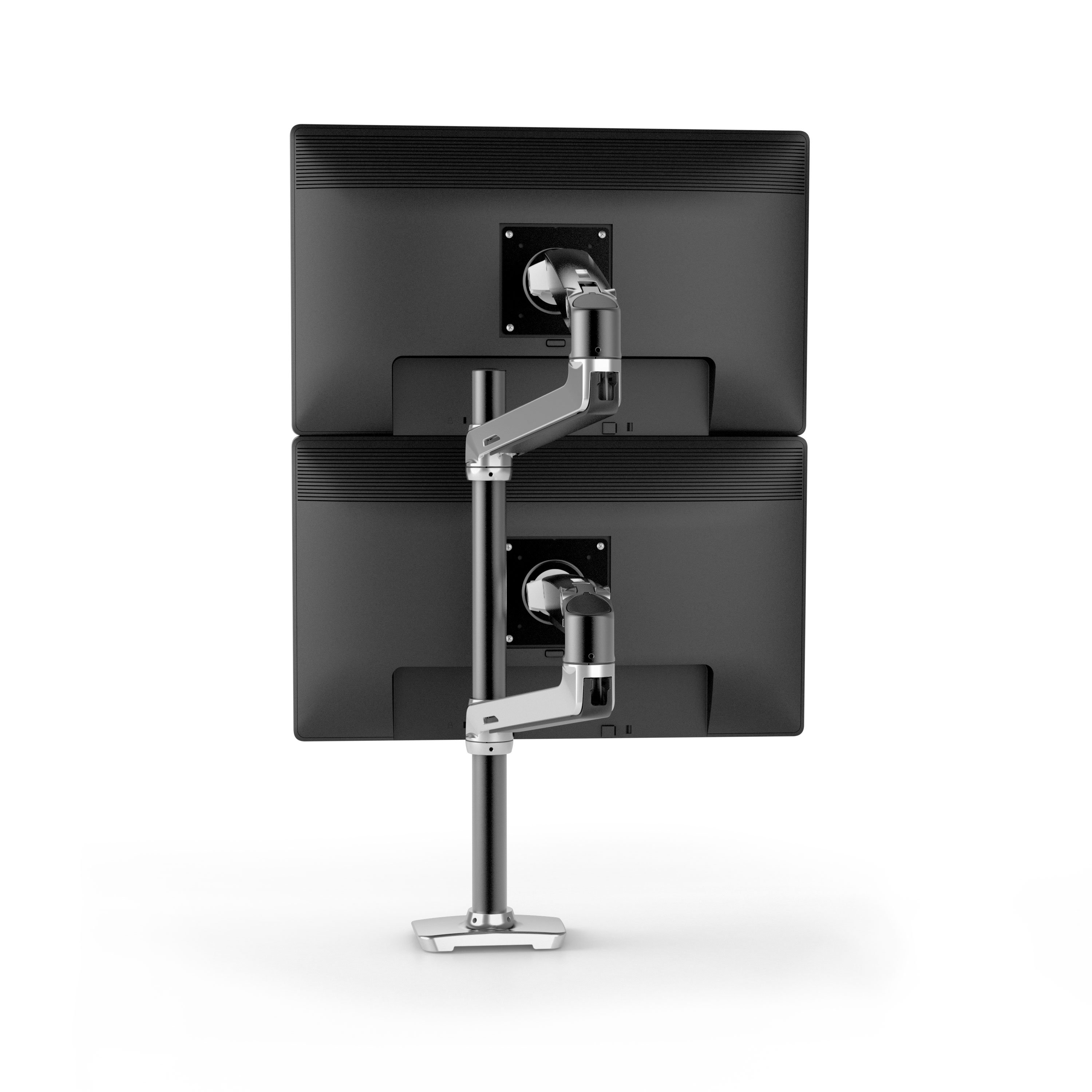
Ergotron LX Tall-Pole Dual Arm: Worth It?
The LX tall-pole arm is a strong pick for two large monitors, but weight, depth, VESA pattern and limited downward tilt decide the fit.
- Buyrecommendationr/Ergonomics
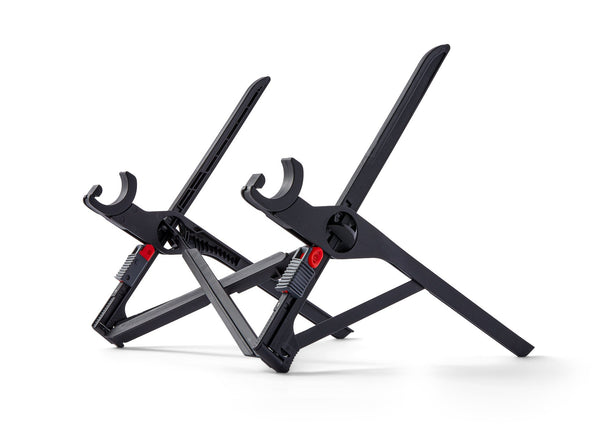
Portable Laptop Stand for Neck Pain
Choose the Roost V3 for cafe work with neck pain only if you also use a separate keyboard and mouse.