Reolink Battery Doorbell: No Subscription, Real Limits
The questionWhere do these come from?
Smart Doorbell No Subscription Expandable Memory Google Home
Pretty much the title. I'm looking for a smart doorbell that doesn't require a subscription, that I can just have videos stored on a memory card.
It hits local microSD storage and no subscription by default, but Google Home only gets voice alerts, not automatic live view.
The Reolink Video Doorbell Battery meets both of the two hard requirements out of the gate: it records to a microSD card inside the doorbell with no cloud account needed, and none of its core functions — live view, two-way audio, person/vehicle/package detection, or clip playback — sit behind a paid plan. Where it gets more complicated is Google Home, which works, but not the way most people assume, and battery alerts, which are configurable but easy to silently lose. Here’s what each part of that checklist actually looks like once you’re past the spec sheet.
Local Storage and No Subscription: What’s Actually Included
The original Video Doorbell Battery takes a microSD card up to 256GB. The Battery Video Doorbell 2nd Gen, the current model, raises that ceiling to 512GB. Both write in H.264 or H.265 at 2048×2048 (4 megapixels) and 15 frames per second — a square sensor crop built for the head-to-toe framing a doorbell needs, rather than a widescreen 2K feed. Reolink’s own review of the doorbell states plainly that “all core features including live view, two-way audio, AI motion detection alerts, and local storage are included with no monthly fee,” and that holds up: a Reolink Cloud plan exists, but it’s for off-site backup and extended rich notifications, not a gate in front of recording.
If one microSD slot isn’t enough, the doorbell also pairs with the Reolink Home Hub, which adds up to two more microSD cards at 1TB each and extends the doorbell’s runtime by roughly a month — from about 5 months to about 6 — because the Hub talks to the doorbell over a lower-power Sub-1GHz radio instead of Wi-Fi. That’s worth adding only if you’re already running multiple Reolink cameras or want redundant local storage; for a single doorbell, the built-in microSD slot does the job on its own.
Google Home: What Actually Works
Google Home support is real, but it’s narrower than “Works with Google Home” branding implies. Reolink’s own setup guide is direct about it: linking the doorbell to the Google Home app lets you configure voice notifications — a spoken alert on your Google speakers and displays — but “does not support receiving notifications or automatic live view functionality” through the Google Home app itself. There’s no live camera tile that pops up automatically when someone rings the bell. To see the feed, you say “Hey Google, show the front door,” or tap the camera on a Nest Hub or Chromecast-connected TV manually.
That means Google Home should be treated as a secondary, ask-for-it display layer, not the notification path. For anything you don’t want to miss — a doorbell press, a package drop, a person lingering — the Reolink app’s own push notifications are still the reliable channel; Google Home’s spoken alert is a nice-to-have on top of that, not a replacement for it.
Battery Alerts: The Numbers Behind Them
Reolink’s low-battery alert isn’t a vague warning — it fires at a documented threshold. According to Reolink’s support documentation, a push alert goes out “when the battery percentage of the battery-powered camera is lower than 10% (camera without smart detection) or 15% (camera with smart detection).” Since the doorbell runs smart detection by default, expect your warning around 15%, sent once per day rather than repeatedly, as long as push notifications are enabled in the app’s device settings.
Just want the recommendation?
Skip to the picksWhere these alerts actually fail is almost always on the phone side, not the doorbell: Reolink’s own troubleshooting guide lists disabled app notification permissions, Android battery optimization killing the app’s background connection, and weak Wi-Fi signal at the doorbell as the three most common causes of a missed low-battery push. Worth checking that list before assuming the alert itself is broken.
It’s also worth setting expectations against Reolink’s marketing numbers. Reolink advertises up to 5 months of battery life (based on 20 recordings of 8 seconds per day) for the original model and up to 300 days (based on 5-minute daily recording) for the 2nd Gen. Independent testing at Basic Tutorials measured real-world runtime at “just under 2 months” on a high-traffic install — well short of the marketing figure, and behind the roughly 210 days a competing TP-Link Tapo D235 managed in the same outlet’s testing. If your doorstep sees frequent motion, plan around the lower number and lean on the 10/15% push alert rather than a calendar reminder. Hardwiring the doorbell to an existing 8-24V AC or 24V DC chime transformer, which Reolink supports as an alternative to battery power, removes the battery question entirely.
Chime and Phone Notification Options
For an audible chime, the doorbell supports the plug-in Reolink Chime (or Chime Plus on the 2nd Gen), a wired mechanical chime through the existing transformer, an Alexa Echo Show, or a Google Assistant speaker announcement. For phone alerts, standard text-and-motion push notifications work over local network binding with no account required beyond the app itself. Image-attached “rich notifications” — a snapshot inside the push alert — run through a free Reolink Cloud tier capped at 25 images per day (App v4.52 or higher), after which further alerts that day drop back to text-only. That cap requires registering a free account, not a paid one, so it doesn’t violate a no-subscription requirement, but it’s worth knowing the image previews aren’t unlimited.
Original vs. 2nd Gen: Which Actually Fits the Checklist
| Spec | Video Doorbell (Battery) | Battery Video Doorbell (2nd Gen) |
|---|---|---|
| Max microSD card | 256GB | 512GB |
| Claimed battery life | Up to 5 months (20 events/day, 8s each) | Up to 300 days (5-min recording/day) |
| Resolution | 2048×2048 (4MP) @ 15fps | 2048×2048 (4MP) @ 15fps |
| Chime options | Reolink Chime, mechanical, Alexa Echo Show, Google Assistant | Reolink Chime Plus, mechanical, Home Hub, Alexa, Google Assistant |
For a straightforward no-subscription, local-storage setup, the 2nd Gen is the better buy on paper purely because of the doubled card ceiling — 512GB holds months more footage before it needs to be cleared or overwritten, which matters more than the battery-life claim given how far short both models tend to run in daily use.
Setting Up the microSD Card Without the Common Failure
Reolink’s device requirements are specific: microSD cards must be formatted FAT32, not exFAT, with Class 10 speed or higher, and V30 recommended for smoother writes at this doorbell’s resolution and frame rate. Most cards larger than 32GB ship pre-formatted as exFAT, which the doorbell won’t recognize until it’s reformatted inside the Reolink app or on a PC — this single mismatch is behind most “SD card not detected” reports for this doorbell.
If the no-subscription requirement is non-negotiable, skip Ring as the default fallback: Ring’s own subscription documentation confirms that recorded video and video history require an active Ring Protect plan, and the free tier only provides live view and real-time alerts with no saved clips. That fails the local-storage requirement at the center of this checklist outright, which the Reolink doorbell does not.
The bottom line
Two readings, two answers:
Top pick
Buy this
Reolink Battery Video Doorbell 2nd Gen
Reolink
512GB max local storage versus 256GB on the original gives months more footage before cards need clearing.
Doubles the microSD ceiling to 512GB over the original model and keeps every core feature — recording, two-way audio, and person/vehicle/package detection — free of any subscription.Available at Amazon(paid link) — opens Amazon in a new tab. Price and availability shown there.The alternative
It depends
SanDisk High Endurance 256GB microSDXC Card
Sandisk
Ships formatted exFAT, so it has to be reformatted to FAT32 inside the Reolink app before the doorbell will recognize it at all.
A Class 10, V30-rated card built for continuous write cycles, which is what a doorbell recording motion events all day puts a card through.Available at Amazon(paid link) — opens Amazon in a new tab. Price and availability shown there.
Recommended products
Ordered by how well each one fits the situations above. Each link below is a paid link.
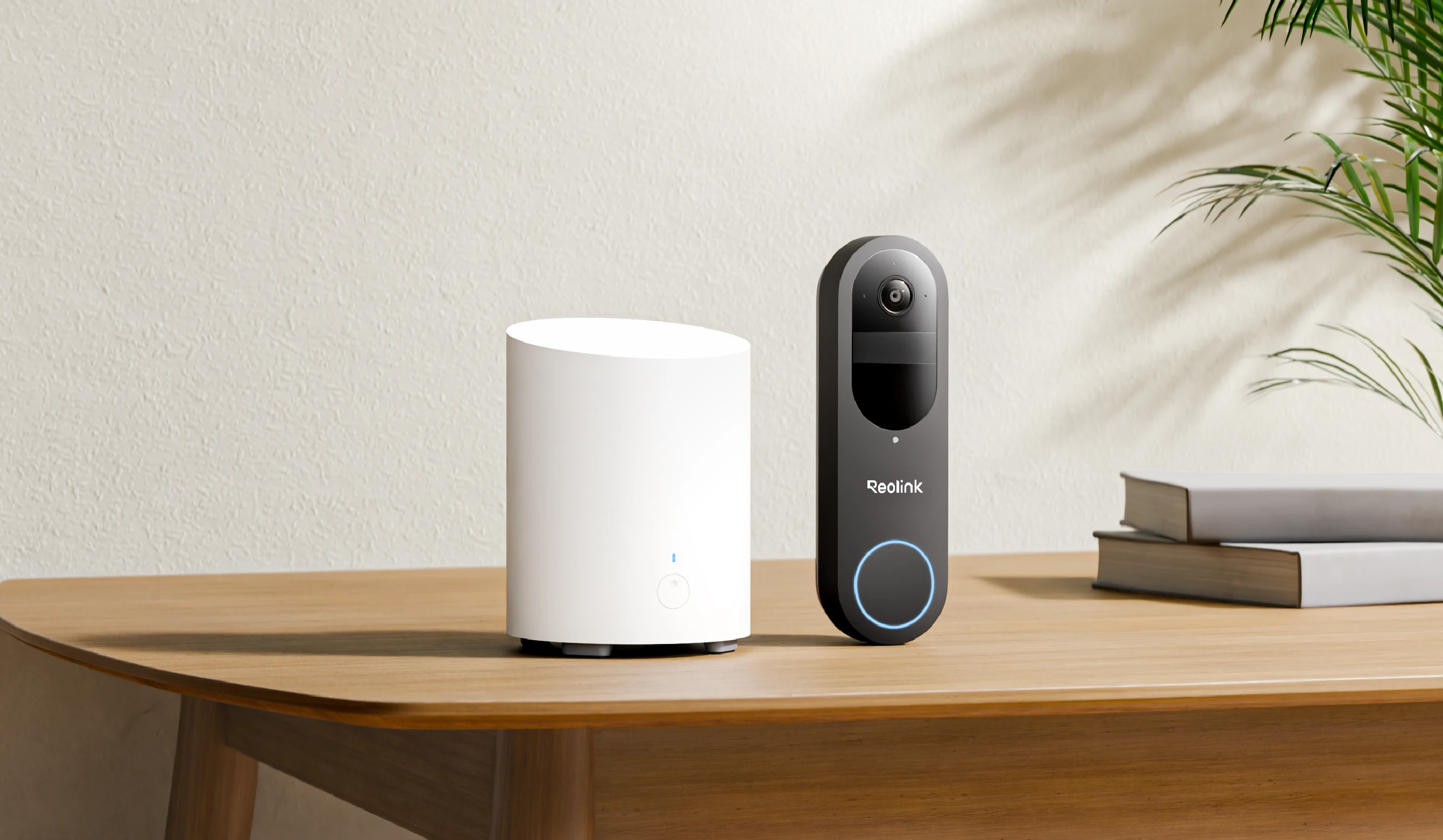
Reolink Battery Video Doorbell 2nd Gen
Reolink
Buy — 512GB max local storage versus 256GB on the original gives months more footage before cards need clearing.
Doubles the microSD ceiling to 512GB over the original model and keeps every core feature — recording, two-way audio, and person/vehicle/package detection — free of any subscription.Available at Amazon(paid link) — opens Amazon in a new tab. Price and availability shown there.
SanDisk High Endurance 256GB microSDXC Card
Sandisk
It depends — Ships formatted exFAT, so it has to be reformatted to FAT32 inside the Reolink app before the doorbell will recognize it at all.
A Class 10, V30-rated card built for continuous write cycles, which is what a doorbell recording motion events all day puts a card through.Available at Amazon(paid link) — opens Amazon in a new tab. Price and availability shown there.
Reolink Home Hub
Reolink
It depends — Only worth the extra device if you're storing footage from more than one Reolink camera; a single doorbell doesn't need the added capacity.
Adds up to two more 1TB microSD cards and stretches the doorbell’s charge interval by about a month via its lower-power Sub-1GHz radio link.Available at Amazon(paid link) — opens Amazon in a new tab. Price and availability shown there.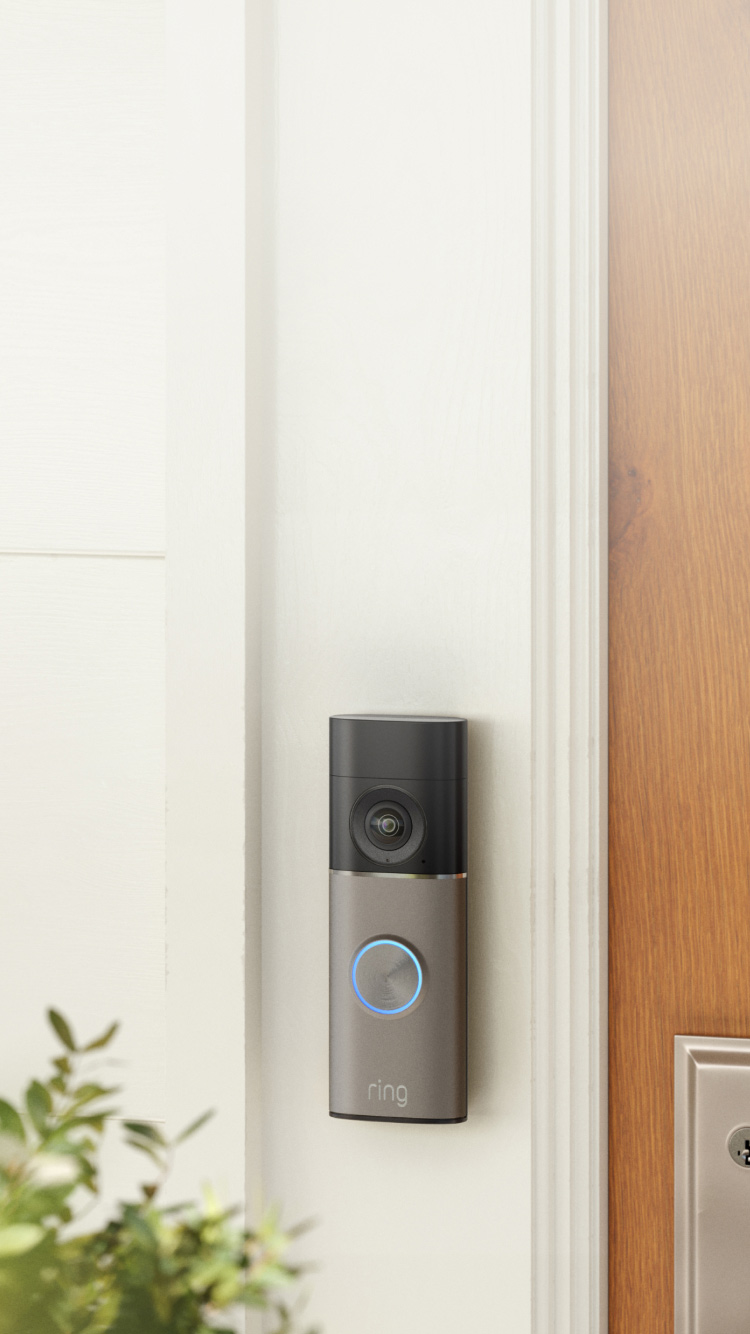
Ring Video Doorbell
Ring
Skip — Ring's own support documentation confirms recorded video and video history require an active Ring Protect subscription; the free tier gives live view and alerts only, with no saved clips.
The default most people land on first because it’s the most heavily marketed battery doorbell on the market.Available at Amazon(paid link) — opens Amazon in a new tab. Price and availability shown there.
Sources
Pages consulted while researching this article. None of these are affiliate links.
- Reolink Video Doorbell (Battery) Product Page — reolink.com
- Reolink Battery Video Doorbell (2nd Gen) Product Page — reolink.com
- Reolink Video Doorbell (Battery) with Home Hub Kit — reolink.com
- Reolink Battery Doorbell In-Depth Review & Analysis — reolink.com
- How to Receive Notification from Reolink Cameras on Google Home — support.reolink.com
- How to Get Low Battery Alert via Push on Reolink App — support.reolink.com
- Fail to Receive Push Notification of Low Battery — support.reolink.com
- Introduction to Reolink Rich Notification Function — support.reolink.com