Dell Inspiron 7506 2-in-1 Lid Assembly: Which Part You Need
The questionWhere do these come from?
Looking for hinge/lid repair parts - Dell Inspiron 15 7506 Black 2-in-1
The right hinge on my Dell Inspiron 15 7506 Black 2-in-1 seems to have failed inside the lid assembly and now flops up and down.
A cracked or stripped hinge mount inside the 7506 2-in-1's lid needs the full color-matched LCD back cover, not a new hinge kit or screws.
If the plastic around the hinge screws inside the lid is cracked, stripped, or spinning freely, the fix is the full LCD back cover — Dell’s “lid assembly” — not a new hinge, a longer screw, or glue. Dell sells the hinges themselves as a separate part, and they will not solve a mounting failure inside the cover.
Two different failures, two different parts
The Inspiron 15 7506 2-in-1 uses two hinges to let the screen fold 360 degrees, and each one bolts into a set of plastic bosses molded into the back cover — the “lid” itself. Those bosses are part of the cover casting, not part of the hinge. That single fact is why “hinge repair” on this laptop splits into two unrelated jobs:
- The hinge mechanism wears out — it goes loose, stiff, or starts grinding, but the screws still bite into solid plastic. This is a hinge-only fix.
- The mounting boss fails — the screws spin without tightening, the plastic around them is visibly cracked, or the cover flexes at the hinge line. New hinges have nothing to screw into here; you need the cover they mount to.
Dell’s own service manual treats the hinges and the back cover as separate removable items during a display teardown, which matches how the parts are actually sold: the back cover ships without hinges, and the hinge kit ships without a cover.
| Part | What it fixes | What it doesn’t cover |
|---|---|---|
| LCD back cover / lid assembly (color-matched) | Cracked, stripped, or spinning hinge-mounting bosses; a dented or split cover shell | Worn hinge barrels — ships without hinges installed |
| Hinge kit, left and right | A hinge that’s loose, stiff, or grinding while the surrounding plastic is intact | A cracked or stripped mounting boss in the cover |
| Precision screwdriver/spudger set | Removing the M2x3.5 and M2.5x5 hinge screws and the display bezel clips without stripping them | Nothing on its own — it’s a tool, not a repair part |
How to tell which one you have
Before ordering anything, open the lid partway and watch the screw line at each hinge while someone gently flexes the screen edge, or do it yourself with the laptop off. If a hinge screw turns without any resistance, or you can see a hairline crack radiating from the screw hole in the plastic, the boss has failed — order the back cover. If the screws are tight and the plastic around them looks intact, but the hinge itself binds, squeaks, or lets the screen flop open on its own, the hinge kit alone is enough.
A cover that has cracked at one hinge is a strong candidate to crack at the other soon after, since both bosses see the same twisting load every time the screen is opened past 180 degrees. Replacing one side and leaving a visibly stressed boss on the other is a common reason this repair has to be done twice.
Confirm the color and part before you order
The 7506 2-in-1 ships in Black and Silver, and the back cover is color-specific: the Black cover carries Dell part number HH35K (0HH35K), and the Silver cover is NMKVF (0NMKVF, cross-referenced under 460.0K303.0002). They are not interchangeable — the chassis underneath is the same, but the cover you order has to match the one on the machine, or the color mismatch is the least of it, since a repair shop or reseller listing under the wrong color code has occasionally mixed up other cosmetic details on the shell. Check the color against the unit itself, not against memory of what you ordered originally, since a warranty repair earlier in the laptop’s life can have swapped it.
Just want the recommendation?
Skip to the picksHinge kits are also color-paired in Dell’s own part numbering, separate from the cover: Black hinge sets are cataloged under VFV68, and Silver hinge sets under 6M58F (left) and 50HR1 (right). Every 7506 2-in-1 configuration uses the same 15.6-inch FHD touchscreen panel and the same P97F regulatory model regardless of color, so panel resolution and touch support are not a variable here — color of the cover is the only thing that changes which part you need.
What’s actually inside the lid assembly
The back cover you’re buying is the shell only. The touchscreen panel, the display cable, the webcam, and the WLAN antennas are separate components that get transferred or reconnected during the swap, not molded into the new cover. On this model that means a video/touch ribbon cable, a webcam cable, and — on units with the IR camera for Windows Hello — a separate infrared camera module, all routed and taped down inside the cover rather than supplied with it. If your current lid assembly failed from impact rather than hinge stress, inspect these before you close everything back up; a cracked cover is a common cause of a torn ribbon cable that won’t show up until after reassembly.
Removing the display assembly: the order that matters
Dell’s service manual for both the Black and Silver 7506 2-in-1 documents the same procedure. With the base cover, battery, and WLAN card already out, the display cable is secured to the system board with a lift-latch connector under a strip of tape; peel the tape, open the latch, and disconnect the cable before touching the hinges. The hinges themselves are held to the palm-rest and keyboard assembly with four M2x3.5 screws and two M2.5x5 screws. Once those six screws are out, the whole display assembly lifts away at an angle rather than pulling straight up — forcing it straight up is what typically finishes off a boss that was already cracked.
Reassembly reverses the order: route the display cable through the guides on the fan and palm-rest assembly before latching it, and open the hinges to a full 90 degrees before you set the display assembly down onto the base, or the hinge screws won’t line up with the bosses.
Why these hinges fail more than a clamshell’s
A standard laptop hinge only ever opens to around 135 degrees. The 7506 2-in-1’s hinges are built to fold flat to 360, which roughly doubles the range of motion the mounting bosses absorb over the life of the machine, and it’s the reason a hinge failure here more often takes the surrounding plastic with it rather than staying a clean mechanical wear item. Dell’s own community support forum has an active thread from an owner reporting the same hinge failing three times in twelve months across repeated official repairs, with over a dozen other owners confirming the same pattern on their own units — evidence this isn’t an isolated case of rough handling.
If a replacement lid assembly cracks at the hinge again within a few months of the repair, that pattern is worth raising directly with Dell support rather than ordering a third cover, since a hinge that keeps re-breaking in the same spot points at tension in the hinge itself or in how it’s torqued during assembly — something a parts swap alone won’t fix.
The bottom line
Two ways to do it, depending on the kit you already own:
Top pick
Buy this
Dell Inspiron 7506 2-in-1 Black LCD Back Cover Lid Assembly HH35K
Dell
It's the only part that replaces the hinge-mounting structure itself, since the screw bosses are molded into the cover rather than into the separately sold hinge kit.
The color-matched back cover that restores the hinge-mounting bosses when the plastic around the hinge screws is stripped, cracked, or spinning freely — not just when the hinges feel loose.Available at Amazon(paid link) — opens Amazon in a new tab. Price and availability shown there.The alternative
It depends
Dell Inspiron 7506 2-in-1 Silver LCD Back Cover Lid Assembly NMKVF
Dell
Right only for the Silver colorway; ordering it for a Black unit leaves a mismatched lid that still won't be the correct fit for that unit's other cosmetic parts.
The same repair as the Black cover above, but for the Silver-colored 7506 2-in-1 — the two shells are not interchangeable even though the chassis underneath is identical.Available at Amazon(paid link) — opens Amazon in a new tab. Price and availability shown there.
Recommended products
Ordered by how well each one fits the situations above. Each link below is a paid link.
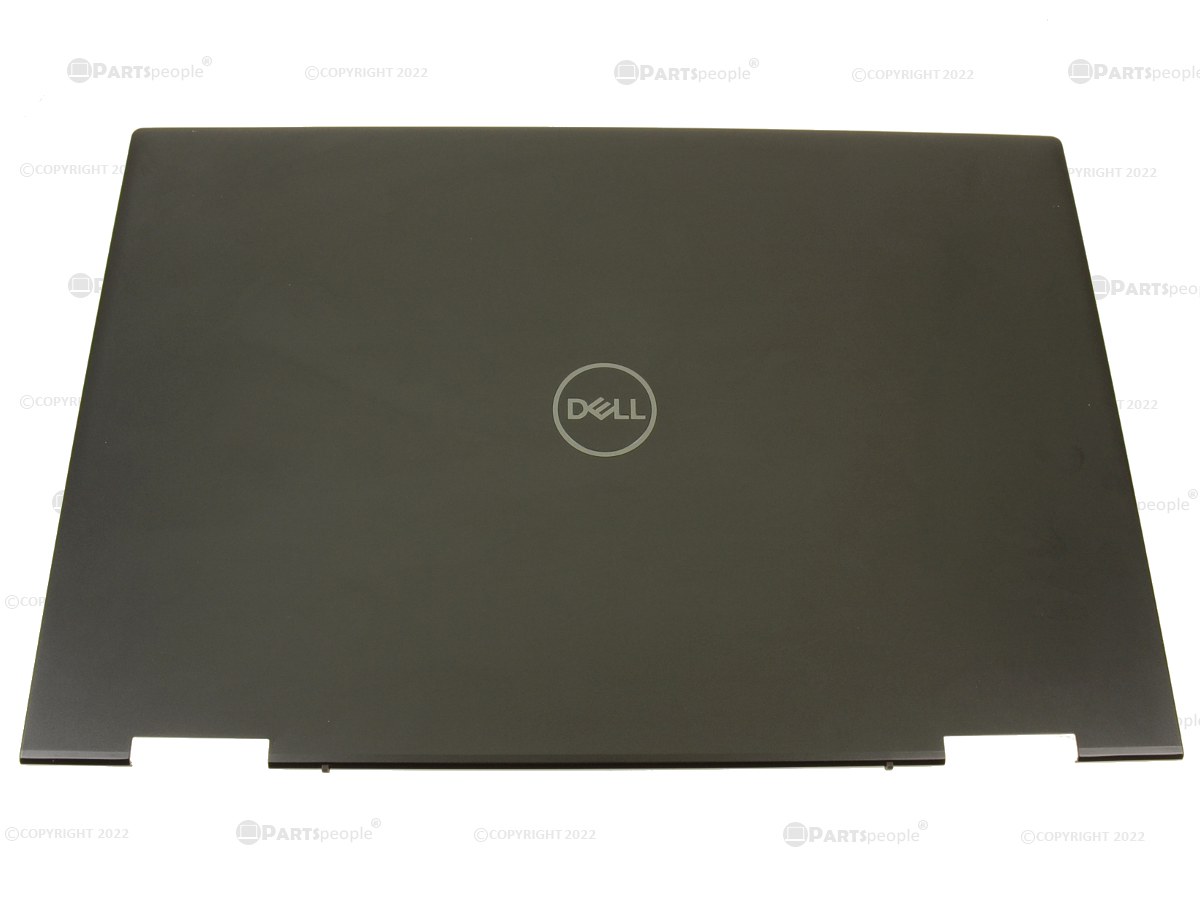
Dell Inspiron 7506 2-in-1 Black LCD Back Cover Lid Assembly HH35K
Dell
Buy — It's the only part that replaces the hinge-mounting structure itself, since the screw bosses are molded into the cover rather than into the separately sold hinge kit.
The color-matched back cover that restores the hinge-mounting bosses when the plastic around the hinge screws is stripped, cracked, or spinning freely — not just when the hinges feel loose.Available at Amazon(paid link) — opens Amazon in a new tab. Price and availability shown there.
Dell Inspiron 7506 2-in-1 Silver LCD Back Cover Lid Assembly NMKVF
Dell
It depends — Right only for the Silver colorway; ordering it for a Black unit leaves a mismatched lid that still won't be the correct fit for that unit's other cosmetic parts.
The same repair as the Black cover above, but for the Silver-colored 7506 2-in-1 — the two shells are not interchangeable even though the chassis underneath is identical.Available at Amazon(paid link) — opens Amazon in a new tab. Price and availability shown there.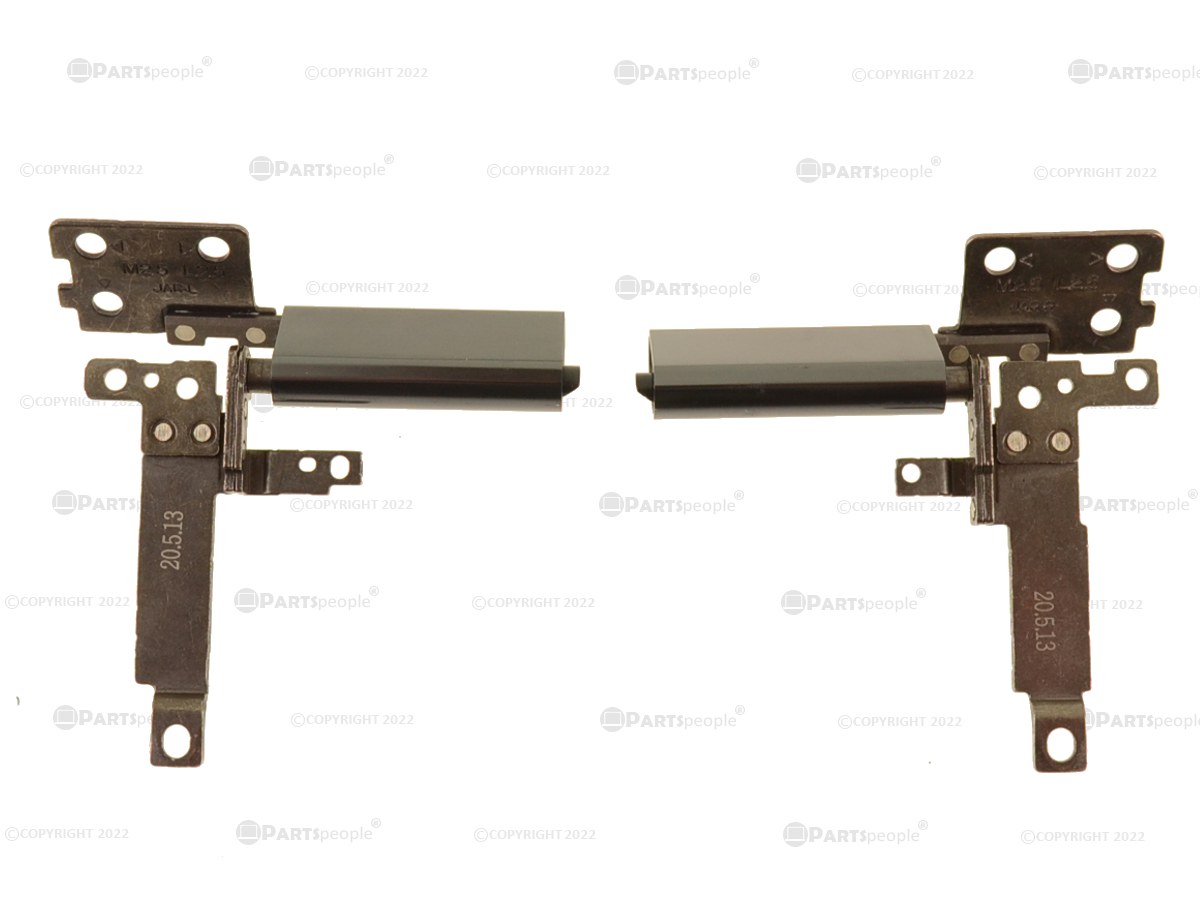
Dell Inspiron 7500 7506 2-in-1 Hinge Kit Left and Right VFV68
Dell
It depends — Only solves the problem when the surrounding plastic hasn't cracked or stripped; it can't restore a broken mounting boss.
A narrower fix than the full lid: order this instead when the mounting plastic is intact and the only problem is a hinge that’s gone loose, stiff, or started grinding.Available at Amazon(paid link) — opens Amazon in a new tab. Price and availability shown there.
iFixit Marlin 5 Precision Screwdriver Set
iFixit Marlin
It depends — Needed to actually perform the teardown; it doesn't fix the hinge or lid on its own.
A complement, not a substitute: the hinge screws are M2x3.5 and M2.5x5 and the bezel clips need a spudger, sizes a standard household screwdriver set usually doesn’t include without stripping them.Available at Amazon(paid link) — opens Amazon in a new tab. Price and availability shown there.
Sources
Pages consulted while researching this article. None of these are affiliate links.
- Inspiron 7506 2-in-1 Black Service Manual — Installing the Display Assembly — dell.com
- Inspiron 7506 2-in-1 Silver Service Manual — Removing the Display Assembly — dell.com
- Inspiron 7506 2-in-1 Silver Service Manual — Display Assembly — dell.com
- Inspiron 7506 2-in-1 Black Service Manual — Major Components — dell.com
- Inspiron 7506 2-in-1 Silver Setup and Specifications — Display — dell.com
- Recurring Hinge Break Issue – Need a Permanent Fix — Dell Community — dell.com