ASUS TUF A16 8940HS: Verify Before Buying
The questionWhere do these come from?
I need a laptop that lasts a while
So I I need a laptop for IB and university so a laptop that’s gonna last 8 years and I really cannot decide on any laptops. I really need someone’s help in this.
Skip an ASUS TUF A16 labeled Ryzen 9 8940HS until its model code is verified; the documented 7940HS A16 is the safer university choice.
Skip the ASUS TUF Gaming A16 (AMD Ryzen 9 8940HS) listing as written: neither ASUS’s A16 specifications nor AMD’s processor catalog documents that CPU-and-laptop combination, while the Ryzen 9 7940HS FA617 is a verified, long-lasting university option.
That distinction matters. “8940HS” is not merely an inconsequential typo when the similarly named alternatives have different power characteristics. ASUS documents the older A16 Advantage Edition with the Ryzen 9 7940HS, while its newer FA608 A16 can carry the much more power-hungry Ryzen 9 8940HX. AMD’s own 8040-series material identifies a Ryzen 9 8945HS, not an 8940HS. A seller title may therefore be blending two or three real model names.
The model number decides the recommendation
The Ryzen 9 7940HS A16 is the version to choose for a combination of university work, long unplugged use and occasional gaming. Do not assume that battery results for it apply to an A16 equipped with the Ryzen 9 8940HX.
| Model | Verdict | Deciding evidence | Main catch |
|---|---|---|---|
| TUF A16 labeled “Ryzen 9 8940HS” | Skip as written | No matching CPU configuration in the cited ASUS or AMD documentation | The actual processor and chassis generation are unclear |
| TUF A16 Advantage Edition FA617, Ryzen 9 7940HS | Buy | Notebookcheck measured 12h 25m of Wi-Fi browsing from its 90Wh battery | The laptop alone weighs 2.20 kg |
| TUF A14 FA401WV, Ryzen AI 9 HX 370 | Consider | It weighs 1.46 kg and supports 32GB memory plus two SSDs | Its RAM is onboard rather than replaceable |
The exact-name listing gets the most important thing wrong for a student who expects to keep the machine for several years: it does not establish what hardware is being purchased. If the box or full SKU identifies an FA617XS or FA617XT with a Ryzen 9 7940HS, the underlying laptop is a sound choice. If it identifies an FA608 with a Ryzen 9 8940HX, treat it as a performance-first gaming machine rather than the battery-tested university model discussed here.
ASUS’s A16 Advantage Edition specifications list the 7940HS alongside a 90Wh battery, two DDR5 SO-DIMM slots and two M.2 PCIe slots. Its 2025 A16 specifications instead list the 16-core Ryzen 9 8940HX. Meanwhile, AMD’s 8040-series processor guide names the 8945HS. Those are three different identifiers, not interchangeable spellings.
Why the 7940HS A16 works at university
Independent measurements make the documented FA617XS unusually credible for this use. Notebookcheck recorded 12 hours 25 minutes of Wi-Fi browsing and 12 hours 26 minutes of local video playback, both at approximately 150 nits, from the Ryzen 9 7940HS and Radeon RX 7600S configuration. Runtime under maximum load fell to 52 minutes, which is the necessary warning behind every gaming-laptop battery claim: lectures and browser work can last most of a day, but gaming, rendering or sustained compilation requires an outlet. The complete Notebookcheck FA617XS test also identifies expandable RAM, two M.2 slots, USB4 and USB-C Power Delivery.
RTINGS reached a similar conclusion with the Ryzen 7 version of the same FA617 family, describing it as good for school and measuring nearly 13 hours of light use. Its reviewers also found the build sturdy and the memory and storage replaceable. That RTINGS A16 review tested a different processor, so its runtime should be treated as corroboration for the chassis family—not as a measurement of every A16 configuration.
The practical weaknesses are portability, webcam quality and noise. ASUS specifies 2.20 kg before adding the large gaming charger. Notebookcheck found the keyboard feedback spongy, the webcam disappointing and the machine loud under load. Those shortcomings do not prevent it from being a good university computer, but they matter if the daily routine includes long walks, frequent video seminars or gaming in a shared room.
Just want the recommendation?
Skip to the picksMake 32GB and 1TB genuinely clear
A listing containing “32GB” and “1TB” is not enough when those are hard requirements. Obtain the complete ASUS model code, not just “TUF A16,” and confirm whether the memory is a factory 2-by-16GB configuration or a reseller upgrade. ASUS lists 32GB configurations for the FA617 family, along with two replaceable SO-DIMM slots and 1TB PCIe 4.0 SSD options.
After delivery, Windows should report 32GB under Settings → System → About → Installed RAM. Task Manager → Performance → Memory should show two populated slots for the usual dual-channel 2-by-16GB arrangement. Disk Management will show roughly 931GB of usable decimal capacity for a marketed 1TB drive; that difference is normal and does not mean storage is missing.
The second M.2 slot is more valuable for longevity than buying excessive storage immediately. It permits adding another drive without replacing the operating-system SSD. ASUS warns that only single-sided SSDs are supported in the relevant slot, so future upgrades should follow the service documentation instead of assuming every M.2 2280 module will fit.
Durability is useful evidence, not a guarantee
ASUS states that selected TUF machines undergo MIL-STD-810 laboratory testing, but its own disclaimer says that this does not establish fitness for military use and that damage from reproducing those conditions is not covered by the standard warranty. In other words, the designation supports the case for a robust chassis; it does not make the laptop drop-proof.
For a machine expected to last through a degree, replaceable RAM and storage are more consequential than the badge. The FA617 offers both, while its 90Wh battery, broad port selection and USB-C charging support reduce dependence on the original power brick during light work. Full gaming performance still requires the supplied high-wattage adapter; USB-C charging is for coursework and topping up, not sustained maximum CPU-and-GPU output.
Where the smaller TUF A14 makes more sense
The ASUS TUF Gaming A14 FA401WV is the portable alternative if the laptop will cross campus several times per day. ASUS specifies a 1.46 kg chassis, up to 32GB LPDDR5X memory and two M.2 2280 storage positions for the Ryzen AI 9 HX 370 model. Those details appear on the official TUF A14 page.
That saves 0.74 kg compared with the A16 before chargers are counted. The tradeoff is long-term flexibility: the A14’s memory is soldered, so the 32GB configuration must be purchased from the start. Notebookcheck measured 7 hours 1 minute of Wi-Fi browsing from its 73Wh battery—respectable, but substantially below the tested 7940HS A16 result. Its A14 FA401WV review also recorded loud Turbo-mode fans and warm core temperatures.
The A14 therefore gets long-term memory serviceability wrong for students who expect to expand beyond 32GB later. It remains the better narrow choice when daily carrying weight matters more than a 16-inch screen, replaceable RAM and the A16’s measured browsing endurance.
The final decision is straightforward: skip the ASUS TUF Gaming A16 “Ryzen 9 8940HS” listing unless its full model code resolves the naming error. Buy the documented Ryzen 9 7940HS FA617 with 32GB and 1TB when battery life, upgradeability and light gaming share equal priority. Choose the TUF A14 only when a much lighter backpack is worth accepting soldered memory and shorter measured Wi-Fi runtime.
The bottom line
Both work; your situation picks one:
Top pick
Skip this
ASUS TUF Gaming A16 AMD Ryzen 9 8940HS 32GB RAM 1TB SSD
ASUS
ASUS documents A16 models with the Ryzen 9 7940HS or 8940HX, while AMD’s 8040-series guide names the 8945HS rather than an 8940HS.
This is the subject listing, but skip it as written because its CPU name does not match ASUS’s documented A16 configurations. It may be a mislabeled 7940HS or 8940HX machine, which have materially different battery behavior.Available at Amazon(paid link) — opens Amazon in a new tab. Price and availability shown there.The alternative
Buy this
ASUS TUF Gaming A16 Advantage Edition Ryzen 9 7940HS 32GB RAM 1TB SSD
ASUS
Notebookcheck measured 12 hours 25 minutes of Wi-Fi browsing on the Ryzen 9 7940HS FA617XS, while ASUS specifies a 90Wh battery, two SO-DIMM slots and two M.2 slots.
This is the corrected alternative and the best fit for university work plus light gaming: it combines verified 32GB and 1TB options with replaceable memory and storage. Its drawback is the 2.20 kg chassis before the charger is added.Available at Amazon(paid link) — opens Amazon in a new tab. Price and availability shown there.
Recommended products
Ordered by how well each one fits the situations above. Each link below is a paid link.
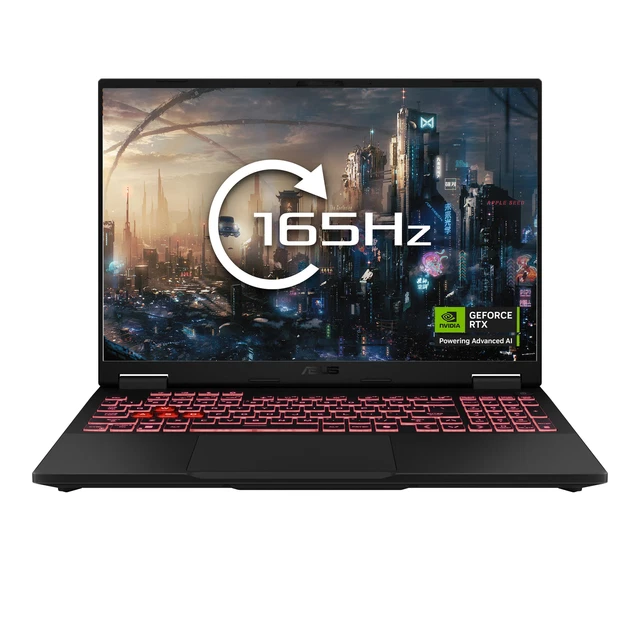
ASUS TUF Gaming A16 AMD Ryzen 9 8940HS 32GB RAM 1TB SSD
ASUS
Skip — ASUS documents A16 models with the Ryzen 9 7940HS or 8940HX, while AMD’s 8040-series guide names the 8945HS rather than an 8940HS.
This is the subject listing, but skip it as written because its CPU name does not match ASUS’s documented A16 configurations. It may be a mislabeled 7940HS or 8940HX machine, which have materially different battery behavior.Available at Amazon(paid link) — opens Amazon in a new tab. Price and availability shown there.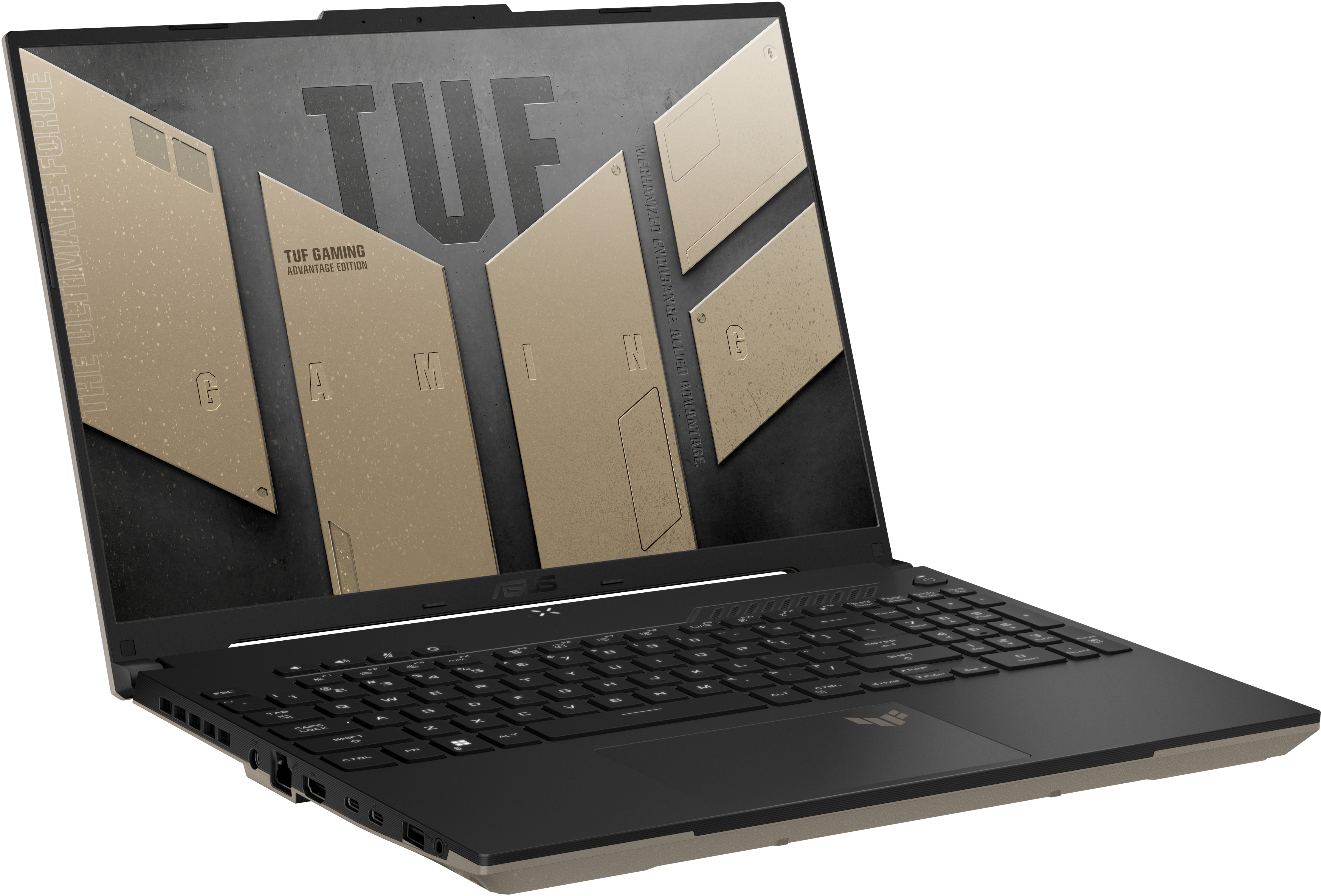
ASUS TUF Gaming A16 Advantage Edition Ryzen 9 7940HS 32GB RAM 1TB SSD
ASUS
Buy — Notebookcheck measured 12 hours 25 minutes of Wi-Fi browsing on the Ryzen 9 7940HS FA617XS, while ASUS specifies a 90Wh battery, two SO-DIMM slots and two M.2 slots.
This is the corrected alternative and the best fit for university work plus light gaming: it combines verified 32GB and 1TB options with replaceable memory and storage. Its drawback is the 2.20 kg chassis before the charger is added.Available at Amazon(paid link) — opens Amazon in a new tab. Price and availability shown there.ASUS TUF Gaming A14 FA401WV Ryzen AI 9 HX 370 32GB 1TB SSD RTX 4060
ASUS
It depends — ASUS specifies a 1.46 kg chassis and up to 32GB onboard memory, while Notebookcheck measured 7 hours 1 minute in its Wi-Fi battery test.
This is the portable alternative when the laptop will be carried around campus every day. It is much lighter than the A16, but its 32GB memory is soldered and cannot be expanded or replaced.Available at Amazon(paid link) — opens Amazon in a new tab. Price and availability shown there.
Sources
Pages consulted while researching this article. None of these are affiliate links.
- ASUS TUF Gaming A16 Advantage Edition (2023) Tech Specs — asus.com
- ASUS TUF Gaming A16 (2025) Tech Specs — asus.com
- AMD Ryzen 8040 Series Processor Guide — amd.com
- Notebookcheck ASUS TUF Gaming A16 FA617XS Review — notebookcheck.net
- RTINGS ASUS TUF Gaming A16 Advantage Edition Review — rtings.com
- ASUS TUF Gaming A14 (2024) — asus.com
- Notebookcheck ASUS TUF Gaming A14 FA401WV Review — notebookcheck.net