Perixx 34mm Ball for Logitech M575S: Worth Swapping?
The questionWhere do these come from?
Does swapping the Logitech M575s ball for a Perixx one improve precision?
I like setting my Logitech to max DPI through Logi Options+, and for almost everything it works great, since I don't have to move the ball much to get where I want.
A Perixx 34mm ball can change glide and grip on a Logitech M575S, but it won't fix high-DPI stutter caused by the sensor; clean first, then decide.
A Perixx 34mm replacement ball is a cheap, low-risk swap that can change how the Logitech Ergo M575S glides and grips, but it is unlikely to cure micro-stutter at high DPI by itself. The ball is only the surface; the sensor, the three support bearings and any dirt on them do the tracking. Treat the ball as the last cheap step, not the first.
What the M575S actually gives you to work with
Logitech lists the Ergo M575S with a nominal 400 DPI and a maximum of up to 2000 DPI, using its Advanced Optical Tracking sensor, and supports it in Logi Options+ on Windows and macOS (Logitech). Logitech’s page doesn’t give the ball diameter in the material found for this article. The 34mm figure comes from retailer listings for Perixx’s PERIPRO-303 family, which describe the balls as drop-in replacements for Logitech’s thumb trackballs.
That ceiling matters. At 2000 DPI the pointer moves a long way per tiny ball rotation, so any irregular friction, a speck on a bearing, or a slightly slick ball shows up as a jump rather than a smooth move. No independent lab has published measurements of Perixx balls against the stock M575S ball, so any claim that one reduces stutter rests on owner reports, not measurement.
Where a Perixx ball helps, and where it won’t
| Helps with | Won’t fix | Catch | |
|---|---|---|---|
| Perixx PERIPRO-303 (34mm) | Worn, scratched or too-slick stock ball; glide feel | Sensor jitter, wireless dropouts, dirty bearings | Listings disagree on M575 compatibility |
| Kensington Expert Mouse Wireless (55mm) | Fine control with a bigger, finger-spun ball | Anything about Logitech software | Different layout; mappings rebuilt |
| Logitech MX Ergo S | Switch to a unit with the same mapping software | Ball-surface preferences | Same thumb format |
Perixx’s finish options are described by one retailer as glossy for fast navigation and matte for precise pointing (Digitec). That is a marketing description, not a measurement, but it points at the real variable: surface texture changes friction against the bearings. If your complaint is that small corrections overshoot, a matte finish is the one to try.
Just want the recommendation?
Skip to the picksFix the cheap causes before buying anything
- Clean the ball well. Pop the ball out, wipe it and the three ruby or ceramic bearing points, and blow out the cup. Skin oil on the ball is the usual cause of grabby, stuttery movement.
- Switch the connection. Move between the USB receiver and Bluetooth LE. A receiver on a short extension, away from USB 3 ports, often removes pointer hitching that blames the ball unfairly.
- Lower the DPI one step. The nominal setting is 400 DPI. High DPI plus pointer-speed scaling in the OS magnifies every irregularity. Use Options+ DPI levels or the OS pointer speed to compare.
- Check for a worn ball. If the surface is visibly scuffed or shiny in patches, replacing it is justified.
Only then is the Perixx swap a sensible experiment. Custom and third-party balls are a known idea among M570-family owners; one maker documents building a custom ball for the M570 (typeblog), which shows the 34mm socket accepts alternatives but says nothing about precision gains.
Fit: check before you order
Retailer pages disagree. One lists the M575 as compatible, while others name only the M570 or MX Ergo. The M570, M575 family and MX Ergo are the 34mm thumb-ball group, so fit is probably fine, but this is an inference from listings, not Perixx documentation. Buy from a seller with returns.
When a larger finger-operated trackball is the real answer
If, after cleaning and a new ball, you still want finer control at high DPI without touching the sensor ceiling, the issue may be the format: a thumb moving a 34mm ball has less leverage than fingers on a 55mm ball. That is the case for something like the Kensington Expert Mouse, at the cost of leaving Logitech’s mapping software and rebuilding your button assignments. If your key requirement is keeping existing mappings, stay on Logitech hardware and try the ball first.
Verdict
None of these deserves a flat buy or skip: the Perixx ball is worth trying for a worn or slick stock ball and not worth expecting miracles from, and the larger trackball is for readers whose real limit is the thumb format. If your M575S stutters on a clean ball at modest DPI over a wired-like connection, that points at the unit itself, and the answer is Logitech support or a replacement, not a different ball.
The bottom line
Both justify the spend at different budgets:
Top pick
It depends
Perixx PERIPRO-303GBK Small Trackball, 34mm Replacement Ball for PERIMICE-517/520/717/720 and M570, Glossy Black
Perixx
It changes glide and grip on the 34mm-ball Logitech trackballs, but nothing cited shows it removes sensor-level stutter at high DPI.
This is the swap the query asks about: a drop-in 34mm ball in glossy or matte finishes. Buy it if your original ball is scratched, worn or slick and cleaning didn’t help; one listing names the M575 and others name only the M570 or MX Ergo, so confirm fit with the seller.Available at Amazon(paid link) — opens Amazon in a new tab. Price and availability shown there.The alternative
It depends
Kensington Expert Wireless Trackball Mouse (K72359WW) Black, 3.5" x 6.1" x 8"
Kensington
Its 55mm ball is finger-operated and larger, but it is a different ergonomic and button-software setup, not a like-for-like swap.
A larger-ball rival for readers who decide the 34mm thumb ball is the real limit. Drawback: you leave Logitech’s software and re-create your button mappings in KensingtonWorks.Available at Amazon(paid link) — opens Amazon in a new tab. Price and availability shown there.
Recommended products
Ordered by how well each one fits the situations above. Each link below is a paid link.
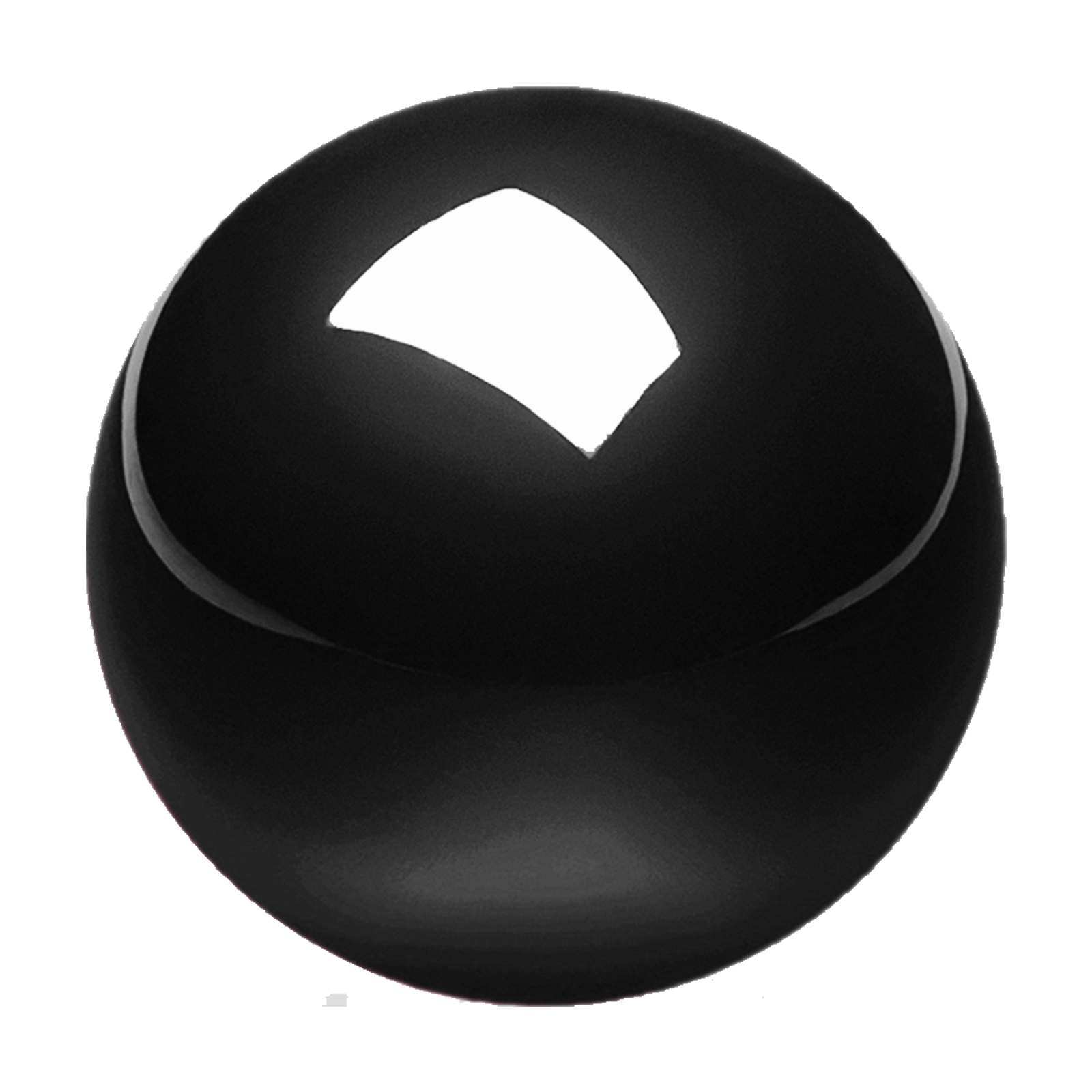
Perixx PERIPRO-303GBK Small Trackball, 34mm Replacement Ball for PERIMICE-517/520/717/720 and M570, Glossy Black
Perixx
It depends — It changes glide and grip on the 34mm-ball Logitech trackballs, but nothing cited shows it removes sensor-level stutter at high DPI.
This is the swap the query asks about: a drop-in 34mm ball in glossy or matte finishes. Buy it if your original ball is scratched, worn or slick and cleaning didn’t help; one listing names the M575 and others name only the M570 or MX Ergo, so confirm fit with the seller.Available at Amazon(paid link) — opens Amazon in a new tab. Price and availability shown there.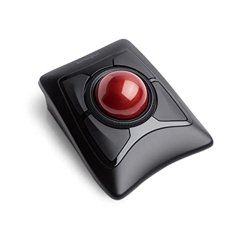
Kensington Expert Wireless Trackball Mouse (K72359WW) Black, 3.5" x 6.1" x 8"
Kensington
It depends — Its 55mm ball is finger-operated and larger, but it is a different ergonomic and button-software setup, not a like-for-like swap.
A larger-ball rival for readers who decide the 34mm thumb ball is the real limit. Drawback: you leave Logitech’s software and re-create your button mappings in KensingtonWorks.Available at Amazon(paid link) — opens Amazon in a new tab. Price and availability shown there.
Logitech MX Ergo S Advanced Wireless Trackball Mouse USB C - Graphite | Advanced ergonomic design, rechargeable battery, Bluetooth and encrypted dongle, 6 programmable buttons, PC/Mac compatible
Logitech
It depends — It keeps the same Logitech-style thumb-ball layout and mapping software, so it only helps if the M575S unit itself is the problem.
An alternative for readers who want to stay on Logitech’s mapping software and think the M575S sensor or switches are the limit. It is a bigger spend than a ball and keeps the thumb-operated format.Available at Amazon(paid link) — opens Amazon in a new tab. Price and availability shown there.
Sources
Pages consulted while researching this article. None of these are affiliate links.
- Logitech ERGO M575S product page — logitech.com
- Perixx PERIPRO-303GLG interchangeable trackball (Digitec listing, finish descriptions) — digitec.ch
- Making a Custom Ball for the Logitech M570 Trackball — en.typeblog.net