Corsair HS65 Sidetone: Real, With One Catch
The questionWhere do these come from?
[LFH] $50-150 Wired Mic Monitoring Headset
Hi guys, I can't stand it when I can't hear myself through my headset, and today my HyperX Cloud III came in saying they had mic monitoring; however, they in fact do NOT have them.
Yes—the Corsair HS65 Surround has adjustable, latency-free sidetone, but it works only through its USB adapter with iCUE on a Windows PC.
Yes—the Corsair HS65 Surround has adjustable, latency-free sidetone, but it works only through its USB adapter with iCUE on a Windows PC. It is a good wired choice when hearing your own voice is essential, but it is not a console or direct-3.5mm sidetone solution.
Corsair explicitly lists the HS65 Surround among its sidetone-compatible headsets and says the feature requires USB, a PC, and iCUE. An independent Reviewed test went further, describing the HS65’s monitoring as latency-free and useful for judging speaking volume rather than merely confirming that a software toggle exists.
| Headset | How mic monitoring works | Deciding limitation | Verdict |
|---|---|---|---|
| Corsair HS65 Surround | Adjustable iCUE sidetone through the included USB adapter | Windows PC only; unavailable through a direct 3.5mm connection or on consoles | Buy |
| SteelSeries Arctis Nova 3 | Sidetone is enabled out of the box and adjustable in SteelSeries Engine | Engine adjustment requires PC or Mac, and analog devices cannot be configured there | Consider |
| HyperX Cloud III Wired | Mic-monitoring toggle in Windows NGENUITY when connected through USB | Tom’s Hardware found the toggle nonfunctional on multiple PCs during testing | Skip |
Why the HS65 qualifies as real sidetone
Real sidetone feeds the microphone back into the headphones quickly enough that your voice does not arrive as a distracting echo. It is different from enabling Listen to this device in Windows, which sends the microphone through the operating system and can introduce noticeable delay.
The HS65 uses its included 3.5mm-to-USB adapter as the path into Corsair’s audio controls. Reviewed’s independent test specifically characterized the resulting sidetone as latency-free and found it useful when game audio became loud. That is stronger evidence than a specification page merely displaying the word “sidetone.” SoundGuys also confirmed that microphone volume and sidetone are separately adjustable in iCUE.
There is one limit to the evidence: neither Corsair nor the independent reviews publish a maximum sidetone level in decibels. The monitoring was usable to the Reviewed tester, but there is no checkable number proving it will satisfy someone who needs an unusually loud voice feed over loud game audio. Test the highest setting with normal speech while the headset is still returnable; there is no documented hidden gain control beyond the iCUE sliders.
Set up the monitoring path correctly
- Connect the HS65’s fixed 3.5mm plug to the bundled USB surround adapter, then connect that adapter to the Windows PC. Plugging the headset directly into an analog combo jack bypasses Corsair’s sidetone path.
- Install the current iCUE release and select HS65 Surround from the device screen. Corsair’s quick-start guide says the USB adapter must be connected for the software features to work.
- Set the HS65 as both the Windows input and output device. This prevents the microphone from being monitored through one device while game audio plays through another.
- Lower the microphone boom to unmute it. In the headset’s iCUE settings, raise the microphone input and Sidetone sliders. Corsair notes that the sidetone control cannot be adjusted while the microphone is muted.
- If the sidetone slider is greyed out, open Windows Settings → System → Sound → the HS65 output device → Spatial sound and switch Spatial sound off. Corsair identifies Windows Spatial Audio as a cause of the disabled control.
- Speak at normal volume while game or music audio is playing. Do not enable Windows Listen to this device as a second monitoring route; hearing two paths can create the echo that proper sidetone is meant to avoid.
If iCUE recognizes the USB adapter but the sidetone slider remains unavailable after Spatial sound is disabled, reconnect the adapter directly to another motherboard USB port and restart iCUE. If the headset records normally but never produces sidetone at maximum level on a second USB port, the remaining step is Corsair support or an exchange rather than another Windows feedback workaround.
The connection is the catch
The HS65 remains a functional analog headset when connected to a controller, console, phone, or ordinary 3.5mm jack, but its Corsair sidetone does not travel with it. Corsair says its sidetone is a PC software feature and specifically states that it is unsupported on PS5 and Xbox. There is no documented physical sidetone switch or onboard level control on this model.
That distinction matters if you alternate between PC and console. The same headset can provide monitoring at the PC desk and then lose it when moved to a controller, even though game audio and the microphone continue working. If console monitoring is the requirement, do not buy the HS65 because a listing says it is console-compatible; compatibility with chat is not compatibility with sidetone.
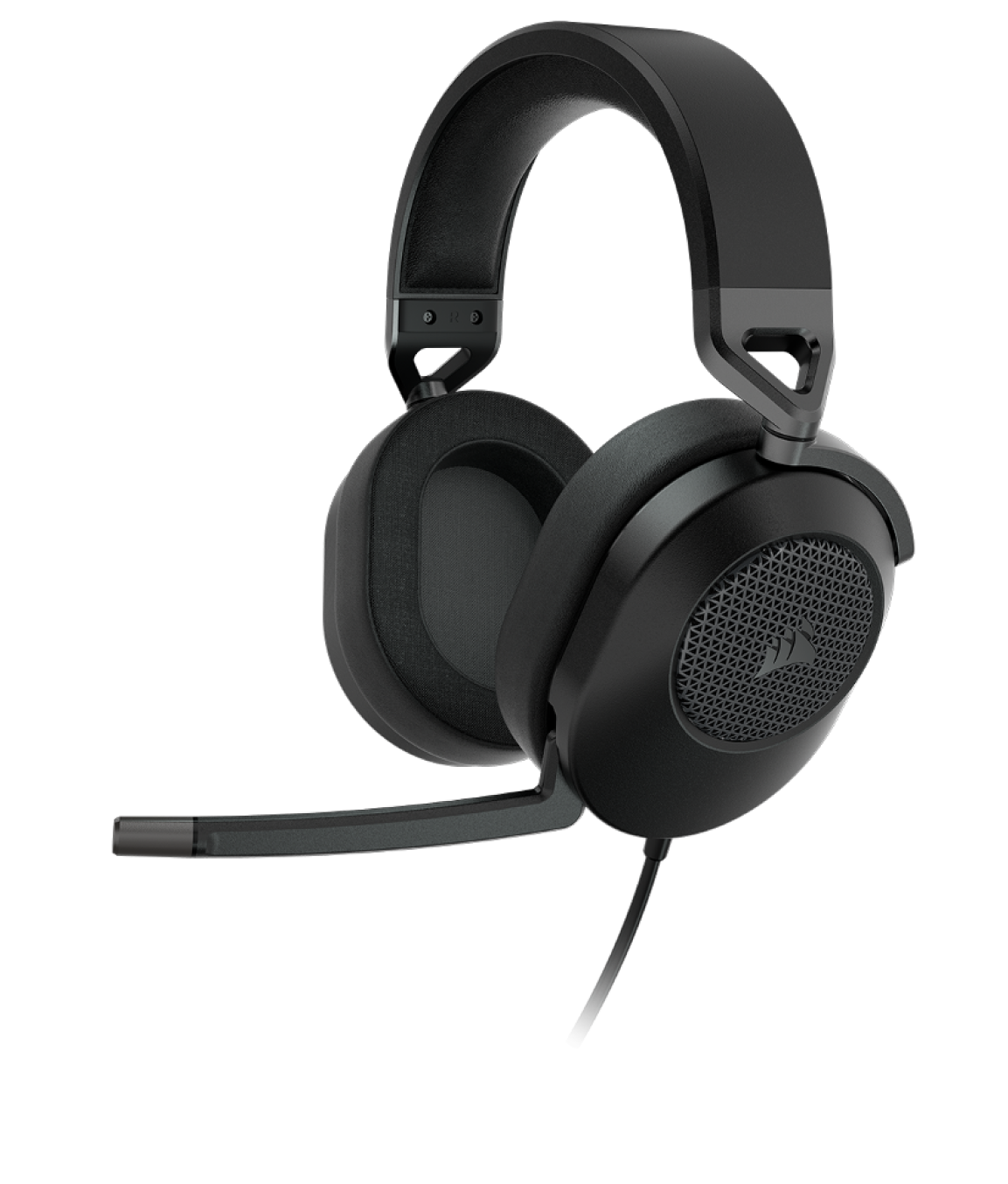
The physical design otherwise suits a restrained setup. Corsair specifies a 282-gram headset, 1.8-metre cable, 50mm drivers, and Carbon or white finishes. There is no RGB lighting, and raising the fixed boom mutes the microphone. The non-detachable mic is the tradeoff for that simple flip-to-mute action.
Just want the recommendation?
Skip to the picksWhat the independent audio tests found
Sidetone is the deciding feature here, but the rest of the headset still matters. SoundGuys’ isolation measurement found weak attenuation of lower-frequency environmental noise, with substantially more blocking only above roughly 2kHz. You will still hear speech, traffic, and other low-pitched room sounds. That can be useful for awareness, but the HS65 is not the right headset for shutting out a noisy room.
Both SoundGuys and Reviewed rated the microphone as a strength. The microphone kept voices clear in their tests, although its omnidirectional pickup can admit keyboard noise and nearby conversation. Sidetone also lets you hear some of that room pickup yourself, so a high setting may be distracting beside a loud mechanical keyboard.
The virtual surround feature is less persuasive. Reviewed found the surround presentation underwhelming, while the basic stereo output remained bright and clear. Buy the HS65 for its monitoring, microphone, light construction, and simple appearance—not because the word “Surround” guarantees unusually precise positional audio.
When the Arctis Nova 3 is the better fit
Consider the SteelSeries Arctis Nova 3 if you want sidetone active before installing software or need to adjust it from a Mac. SteelSeries says the primary sidetone setting can be set and saved in Engine, and SoundGuys found monitoring enabled out of the box. That is a useful distinction from the HS65’s PC-only iCUE dependency.
The Nova 3’s drawback is its default sound. SoundGuys’ frequency-response measurement showed subdued sub-bass and elevated upper treble, which can make electronic music thin and high percussion irritating until EQ is applied. Its illuminated earcups are also less visually restrained, although the lighting is configurable.
Do not treat its 3.5mm cable as a universal configuration path. SteelSeries says Engine cannot configure analog devices, so USB remains the safer connection when saved sidetone behavior is the reason for choosing it.
Why the Cloud III is the one to skip
Skip the HyperX Cloud III Wired if audible, dependable mic monitoring is non-negotiable: Tom’s Hardware found that its NGENUITY mic-monitoring toggle did not work across multiple PCs during testing. The reviewer also found that headset detection failed intermittently and that several other software controls appeared ineffective.
That does not mean every current Cloud III has no monitoring. SoundGuys later found a microphone-monitoring option in NGENUITY, and HyperX’s current software page lists the Cloud III as supported. It does mean the model has a mixed, version-dependent record for the exact feature this purchase is supposed to guarantee. The Cloud III remains comfortable and has a good microphone, but those strengths do not compensate when sidetone is the deal-breaker.
The buying decision
Buy the Corsair HS65 Surround when you play on a Windows PC, will use the included USB adapter, and want adjustable low-latency monitoring in a clean Carbon or white wired headset. Consider the SteelSeries Arctis Nova 3 when Mac adjustment, saved settings, or sidetone enabled out of the box matters more than its uneven default tuning. Skip the HyperX Cloud III Wired for a sidetone-first purchase because an independent multi-PC test found its monitoring control nonfunctional.
For PS5, Xbox, or a direct controller connection, the HS65 is not the answer: its audio and microphone work there, but the sidetone feature that justifies buying it does not.
The bottom line
Two good answers to different versions of the question:
Top pick
Buy this
Corsair HS65 SURROUND Wired Gaming Headset
Corsair
Corsair documents sidetone through USB and iCUE on PC, while Reviewed’s independent test described the monitoring as latency-free and useful for controlling voice level.
This is the wired PC pick when adjustable, low-latency sidetone is the deciding feature. Its monitoring requires the included USB adapter and iCUE, so it is not a sidetone solution through 3.5mm or on consoles.Available at Amazon(paid link) — opens Amazon in a new tab. Price and availability shown there.The alternative
It depends
SteelSeries Arctis Nova 3 Multi-Platform Wired Gaming Headset
SteelSeries
SteelSeries documents saved sidetone settings and SoundGuys found monitoring enabled by default, but its frequency-response test showed weak sub-bass and prominent upper treble.
Consider it when sidetone enabled out of the box, saved settings, or Mac adjustment matters. Its default response has subdued sub-bass and elevated treble, so it may need EQ.Available at Amazon(paid link) — opens Amazon in a new tab. Price and availability shown there.
Recommended products
Ordered by how well each one fits the situations above. Each link below is a paid link.
Corsair HS65 SURROUND Wired Gaming Headset
Corsair
Buy — Corsair documents sidetone through USB and iCUE on PC, while Reviewed’s independent test described the monitoring as latency-free and useful for controlling voice level.
This is the wired PC pick when adjustable, low-latency sidetone is the deciding feature. Its monitoring requires the included USB adapter and iCUE, so it is not a sidetone solution through 3.5mm or on consoles.Available at Amazon(paid link) — opens Amazon in a new tab. Price and availability shown there.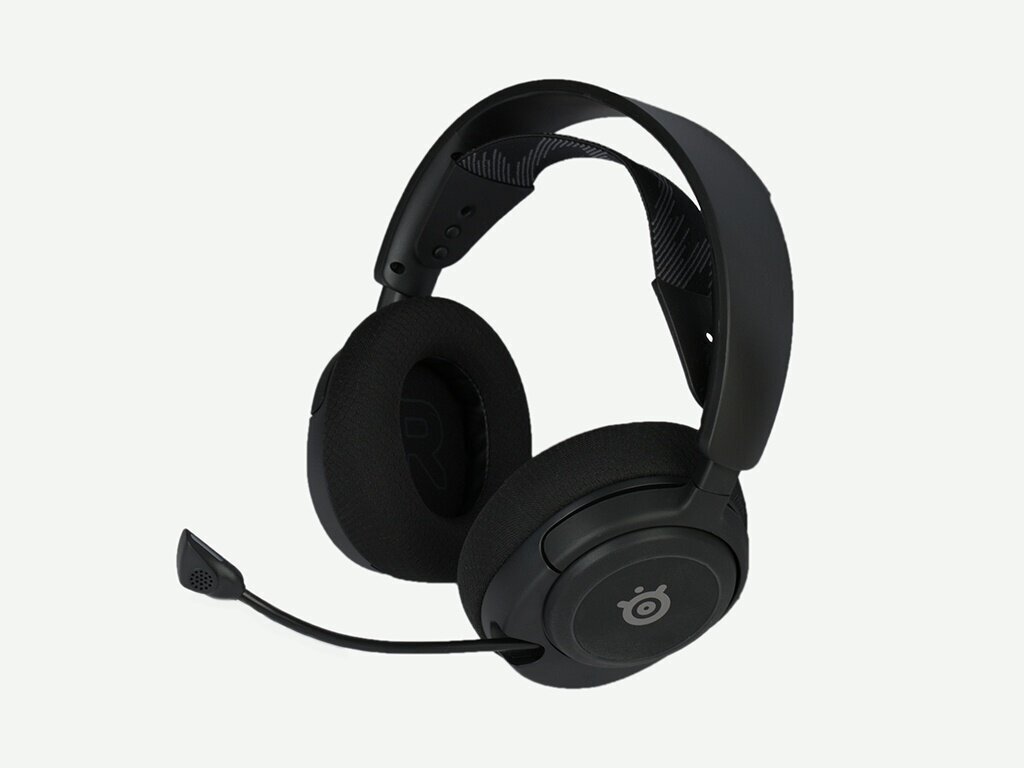
SteelSeries Arctis Nova 3 Multi-Platform Wired Gaming Headset
SteelSeries
It depends — SteelSeries documents saved sidetone settings and SoundGuys found monitoring enabled by default, but its frequency-response test showed weak sub-bass and prominent upper treble.
Consider it when sidetone enabled out of the box, saved settings, or Mac adjustment matters. Its default response has subdued sub-bass and elevated treble, so it may need EQ.Available at Amazon(paid link) — opens Amazon in a new tab. Price and availability shown there.HyperX Cloud III Wired Gaming Headset
HyperX Cloud
Skip — Tom’s Hardware found the NGENUITY mic-monitoring toggle nonfunctional across multiple PCs, making it an unsafe sidetone-first choice.
It is comfortable and has a capable microphone, but it is the wrong purchase when dependable mic monitoring is mandatory. Its NGENUITY implementation has produced conflicting independent results.Available at Amazon(paid link) — opens Amazon in a new tab. Price and availability shown there.

Sources
Pages consulted while researching this article. None of these are affiliate links.
- Which CORSAIR Headsets Have Sidetone? — corsair.com
- Corsair HS65 Surround Review — reviewed.com
- Corsair HS65 SURROUND Review — soundguys.com
- HS65 SURROUND Wired Gaming Headset — Carbon — corsair.com
- Corsair HS65 SURROUND Quick Start Guide — assets.corsair.com
- SteelSeries Arctis Nova 3 — steelseries.com
- SteelSeries Arctis Nova 3 Review — soundguys.com
- Does SteelSeries Engine Support Analog Devices? — support.steelseries.com